New Trade Zone
Trade Zone is now live
Use the new Trade Zone for auctions and instant-price trades so Pokemon and item offers are easy to find.

Eytan525
Registered User
-
Joined
-
Last visited
-
Thank you! I think this solves my problems. I need to incorporate a knock off or thief pokemon into my rotation. I just fought Urahara on hard and I guess Lucario used all of his extreme speed and ice punch before I was fully set up. I probably need to start doing more research on the starting pokemon of each boss, like you said.
-
Thanks for the quick response! I haven't been locking the boss pokemon into any moves so I am not sure what condition I am meeting. Maybe the answer for now is not to take so long to set up. If I memento, then use reflect or light screen (I currently only have 1 memento pokemon), then flash 6 times, then setup mega slowbro, that's 17 moves. I guess I should aim to keep it to 15 or less?
-
I find that when I try on hard mode the lead pokemon that I debuff often gets switched out. Any advice on how to handle that? When using momento I don't have a 2nd chance at debuffing.
-
Closed
-
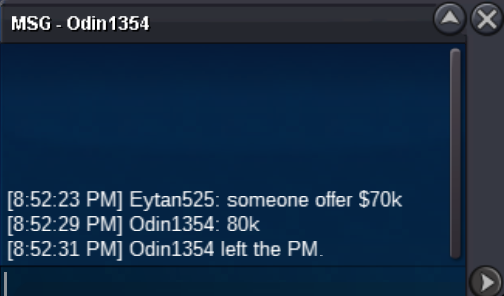
Current offer $60k by Odin 1354. About 23 hours left
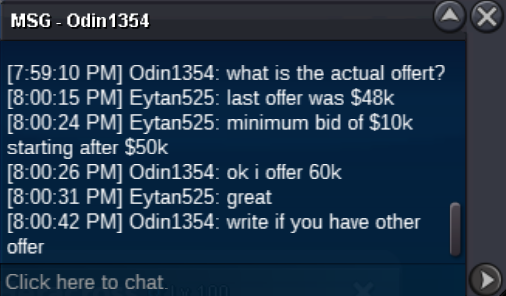 Starting offer: $48k Minimum bid: $10k (starting after $50k) Insta: $350k Auction ends in 24 hours at 7pm ET / 12am GMT. Auction started by Mastermicah