




Skip to content
View in the app

A better way to browse. Learn more.

Pokemon Revolution Online

A full-screen app on your home screen with push notifications, badges and more.

To install this app on iOS and iPadOS
  1. Tap the Share icon in Safari
  2. Scroll the menu and tap Add to Home Screen.
  3. Tap Add in the top-right corner.
To install this app on Android
  1. Tap the 3-dot menu (⋮) in the top-right corner of the browser.
  2. Tap Add to Home screen or Install app.
  3. Confirm by tapping Install.

Vansh1yt

Registered User
  • Joined

  • Last visited

  1. sir i got my lvl 100 blastoise thank you very much for your help
  2. sir its been 19 days but my lvl 100 blastoise didn't come in my pc when my pokemon will come back reply asap
  3. how much time will it take recover my poke
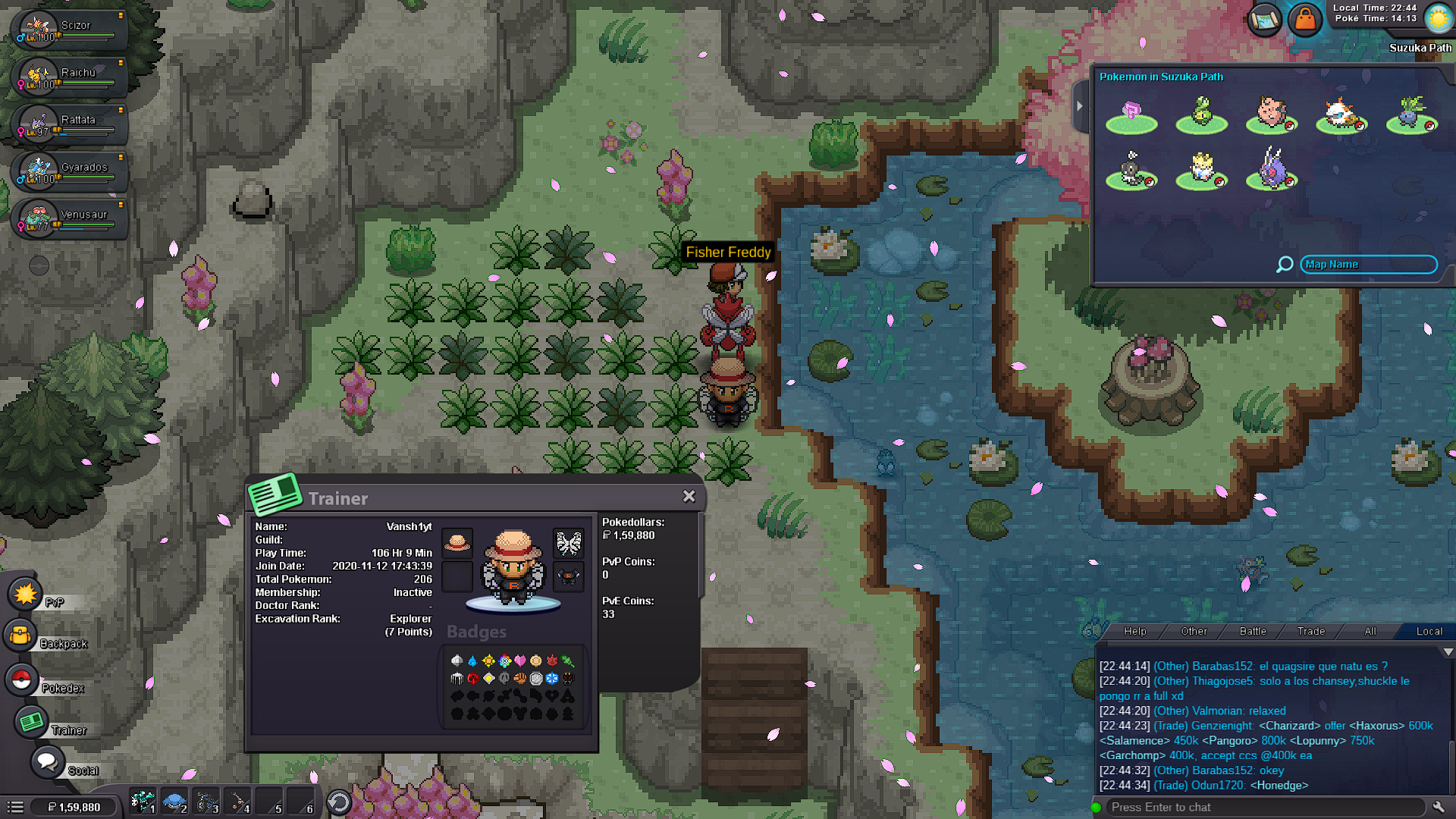
  4. hello sir i accidentally released my lvl 100 blastoise to fisher freddy in suzuka path today so it will be helpful if you recover my pokemon please reply asap
Account

Navigation

Search

Search

Configure browser push notifications

Chrome (Android)
  1. Tap the lock icon next to the address bar.
  2. Tap Permissions → Notifications.
  3. Adjust your preference.
Chrome (Desktop)
  1. Click the padlock icon in the address bar.
  2. Select Site settings.
  3. Find Notifications and adjust your preference.