




New Trade Zone
Trade Zone is now live
Use the new Trade Zone for auctions and instant-price trades so Pokemon and item offers are easy to find.


Lolop1
Registered User
-
Joined
-
Last visited
Everything posted by Lolop1
-
"You did well, Gojo Satoru. I won't forget you as long as I live"
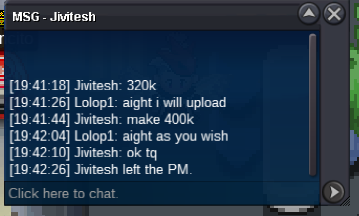 S.O=200K MIN BID=20K NO INSTA AUCTION WILL END 48HRS AFTER FIRST BID IS RECIEVED ACCEPTED PAYMENTS: 1.POKEDOLLARS 2.RARE CANDY (6K EACH) 3.COIN CAPSULE (380K EACH)
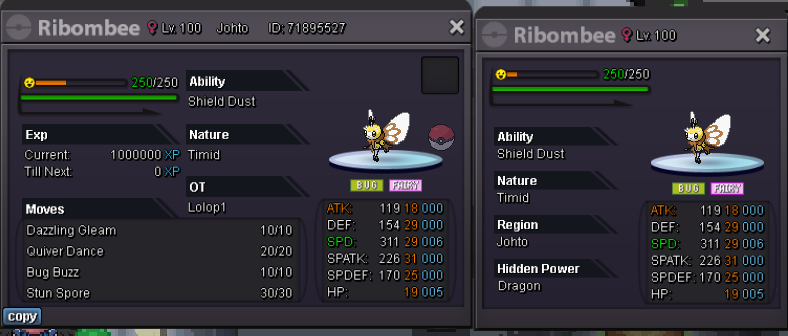 sold can be closed
 S.O=100K MIN BID=50K AUCTION ENDS= 24HRS AFTER FIRST BID INSTA=1m ACCEPTED PAYMENTS: 1.POKEDOLLARS 2.RARE CANDY [6K EACH]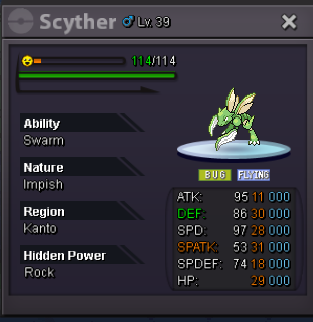
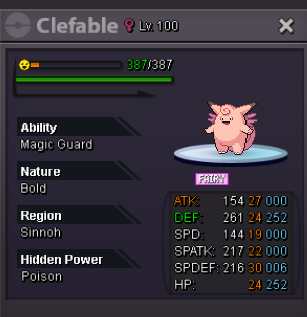
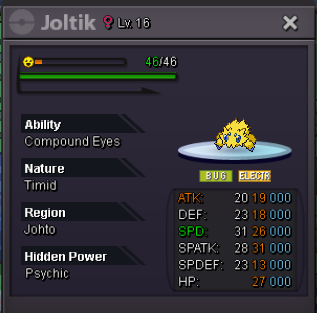
 sold can be closed
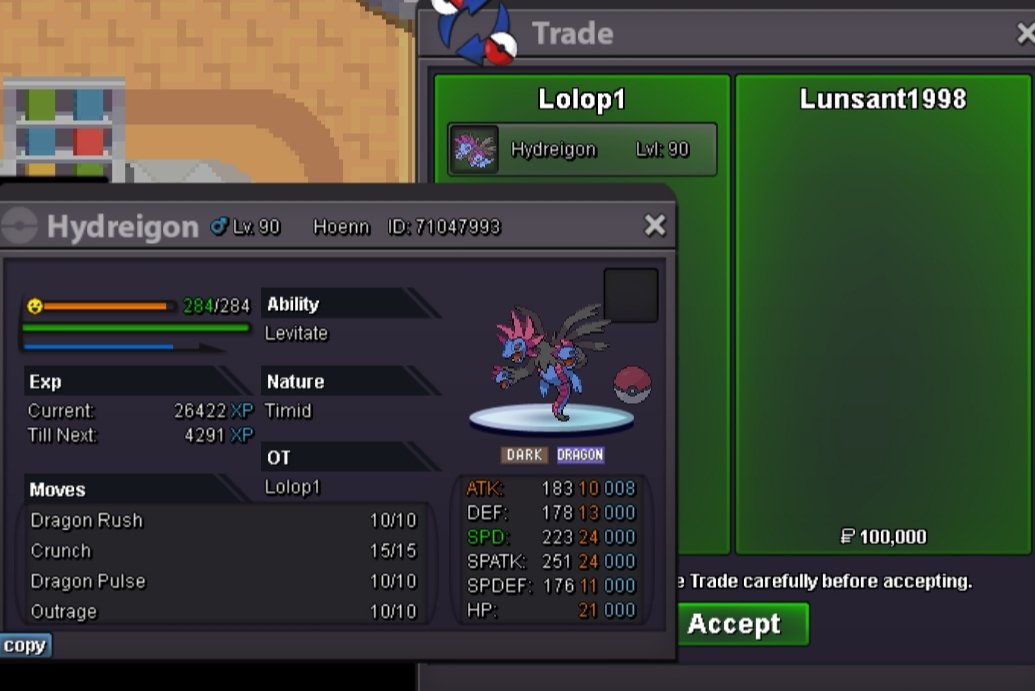 bumpS.O=100K MIN BID=10K DURATION= 24 HRS AFTER FIRST BID PAYMENTS: 1.POKEDOLLARS 2.RARE CANDY (6K EACH)
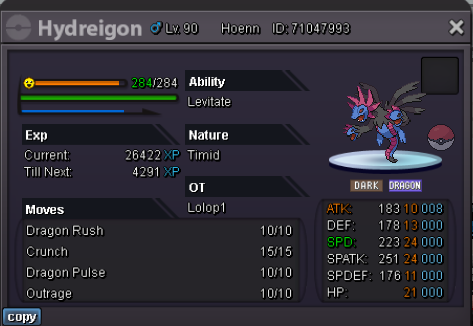 50052m1.8m1.6mstart metagrossSOLD CAN BE CLOSED
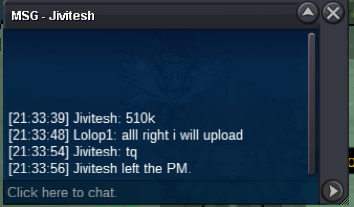
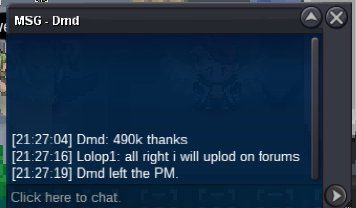
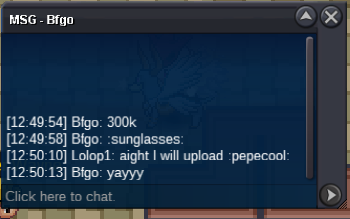
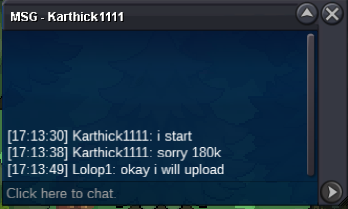
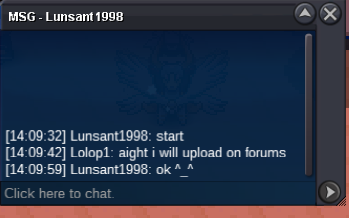
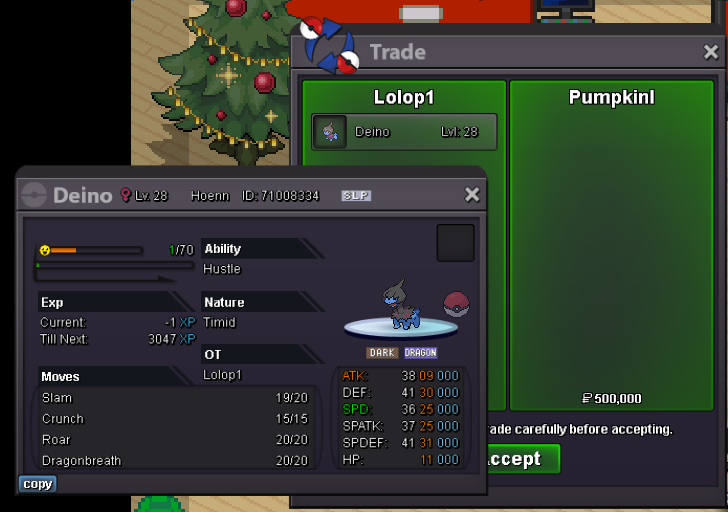 Auction has ended and the winner is @Pumpkinl Pm me in-game or on discord - lolop1+1









Account
Navigation
Search
Configure browser push notifications
Chrome (Android)
- Tap the lock icon next to the address bar.
- Tap Permissions → Notifications.
- Adjust your preference.
Chrome (Desktop)
- Click the padlock icon in the address bar.
- Select Site settings.
- Find Notifications and adjust your preference.
Safari (iOS 16.4+)
- Ensure the site is installed via Add to Home Screen.
- Open Settings App → Notifications.
- Find your app name and adjust your preference.
Safari (macOS)
- Go to Safari → Preferences.
- Click the Websites tab.
- Select Notifications in the sidebar.
- Find this website and adjust your preference.
Edge (Android)
- Tap the lock icon next to the address bar.
- Tap Permissions.
- Find Notifications and adjust your preference.
Edge (Desktop)
- Click the padlock icon in the address bar.
- Click Permissions for this site.
- Find Notifications and adjust your preference.
Firefox (Android)
- Go to Settings → Site permissions.
- Tap Notifications.
- Find this site in the list and adjust your preference.
Firefox (Desktop)
- Open Firefox Settings.
- Search for Notifications.
- Find this site in the list and adjust your preference.