Skip to content
View in the app

A better way to browse. Learn more.

Pokemon Revolution Online

A full-screen app on your home screen with push notifications, badges and more.

To install this app on iOS and iPadOS
  1. Tap the Share icon in Safari
  2. Scroll the menu and tap Add to Home Screen.
  3. Tap Add in the top-right corner.
To install this app on Android
  1. Tap the 3-dot menu (⋮) in the top-right corner of the browser.
  2. Tap Add to Home screen or Install app.
  3. Confirm by tapping Install.
New Trade Zone
Trade Zone is now live
Use the new Trade Zone for auctions and instant-price trades so Pokemon and item offers are easy to find.
Open Trade Zone

Ac7

Suspended
  • Joined

  • Last visited

Everything posted by Ac7

  1. @Laviteryou have been offline for 18-19 hours, please find a time so that we can trade , message me in discord in Susantlc when your online
  2. Seems I won, @Laviter. @Masskillerwill do the trade in my behalf, contact when available
  3. Ac7 replied to Hissokaa's topic in Selling Pokémon - Gold
    450k
  4. Ac7 replied to Aayash's topic in Selling Pokémon - Gold
    He did add this when auction started and has never edited this so idk , just saying let the mods decide

  5. Ac7 replied to Aayash's topic in Selling Pokémon - Gold
    He did mention that the auction ends at 7 am UTC in his thread so let's leave it for mods to decide now
  6. Ac7 replied to Aayash's topic in Selling Pokémon - Gold
    How much time left?
  7. Ac7 replied to Pasokoss's topic in Selling Pokémon - Gold
    1m
  8. Ac7 replied to Pasokoss's topic in Selling Pokémon - Gold
    1.2m
  9. Ac7 replied to Pasokoss's topic in Selling Pokémon - Gold
    1m
  10. @Ans02I am available in game let me know when
  11. 1.4m
  12. 2 cc + 610k
  13. 2cc + 510k (1.25m offer)
  14. 800k breloom
  15. Can be closed, ty
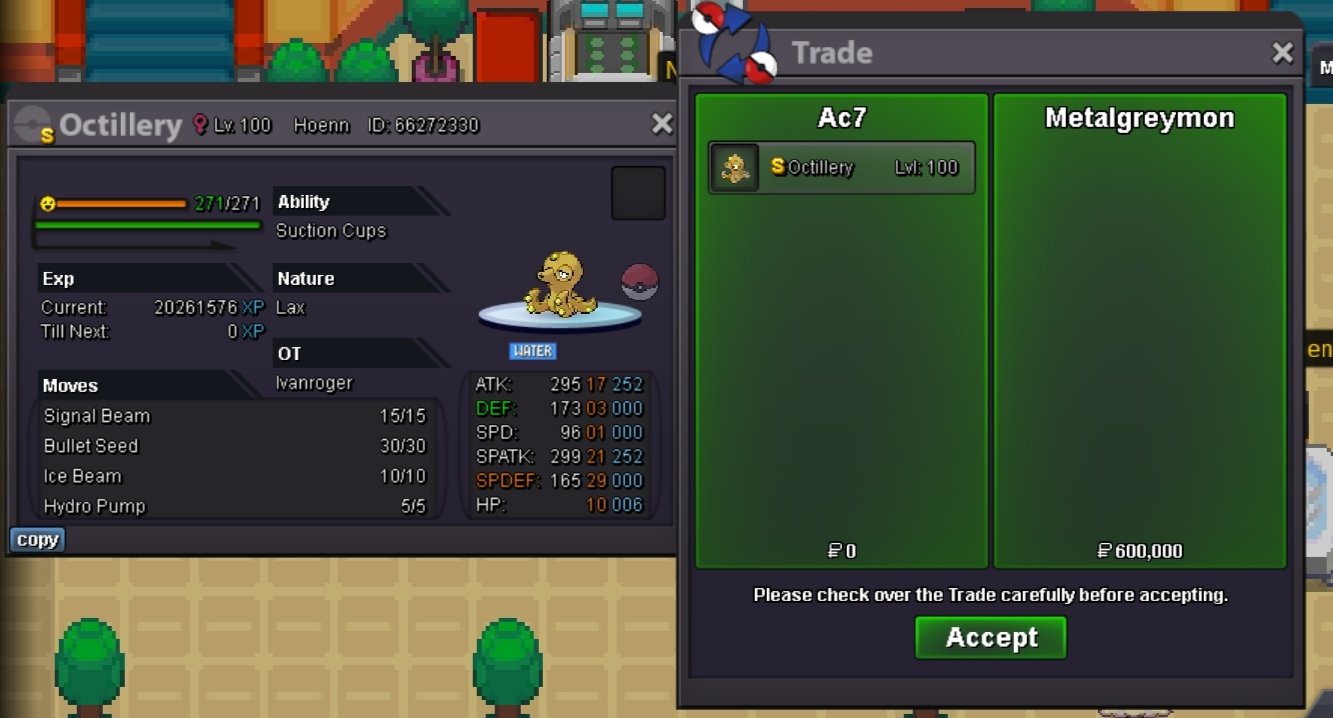
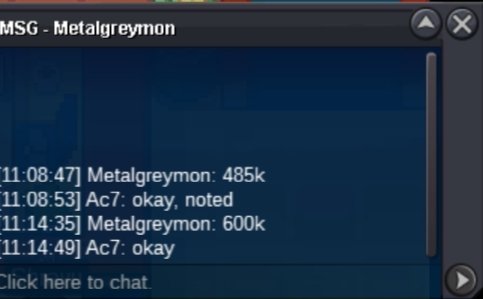
  16. Auction over , @Metalgreymon message me when your available
  17. c.o 600k, 15 minutes left

Account

Navigation

Search

Search

Configure browser push notifications

Chrome (Android)
  1. Tap the lock icon next to the address bar.
  2. Tap Permissions → Notifications.
  3. Adjust your preference.
Chrome (Desktop)
  1. Click the padlock icon in the address bar.
  2. Select Site settings.
  3. Find Notifications and adjust your preference.