New Trade Zone
Trade Zone is now live
Use the new Trade Zone for auctions and instant-price trades so Pokemon and item offers are easy to find.

Beelzebub19
Registered User
-
Joined
-
Last visited
-
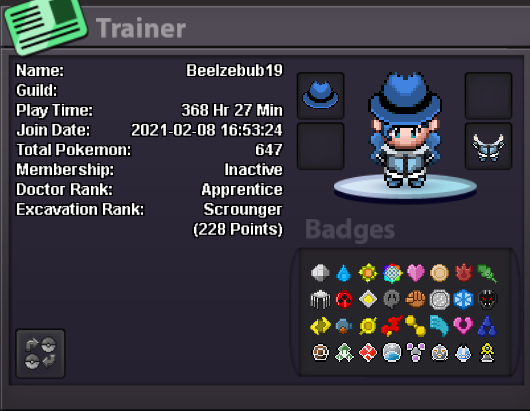
1. What is your in-game name (IGN)? Beelzebub19 2. How many hours have you logged in PRO? 380 3. Do you know any existing members? nope 4. What is your previous guild, if any? nope 5. What is your favorite Pokémon? Dragonite 6. Which event do you look forward to the most? Summer, and Halloween. 7. What are your main interests in PRO? ( PvE, Hunting, etc.) Hunting. 8. What is your highest PvP rating? 50 9. Do you have any dungeon experience? nope 10. Are you comfortable using voice chat in English for dungeon runs? Yes.
-
-
Age:22 From: Vietnam Fav thing: hunting Fav pokemon: dragonite Discord: ngcongdanh
-
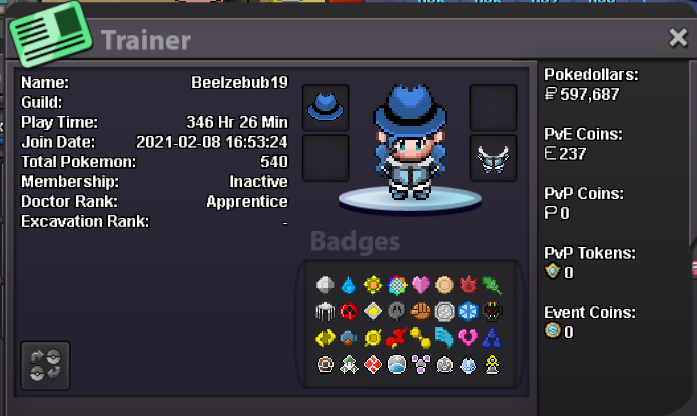
return after few years

-
What is your in game name? Beelzebub19 How old are you? 20 How many gameplay hours and badges do you have? 184hr , finnish hoenn Do you use discord? yes What is your ingame hobby(farming, selling, pvp, collecting etc)? hunting legend Why would you like to be in team magma? find a friendly community to play with