




New Trade Zone
Trade Zone is now live
Use the new Trade Zone for auctions and instant-price trades so Pokemon and item offers are easy to find.

Beverr
Registered User
-
Joined
-
Last visited
Everything posted by Beverr
-
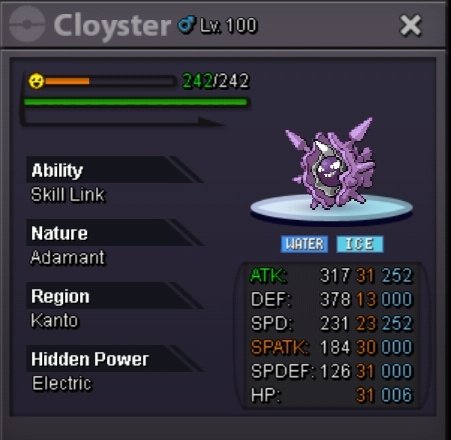
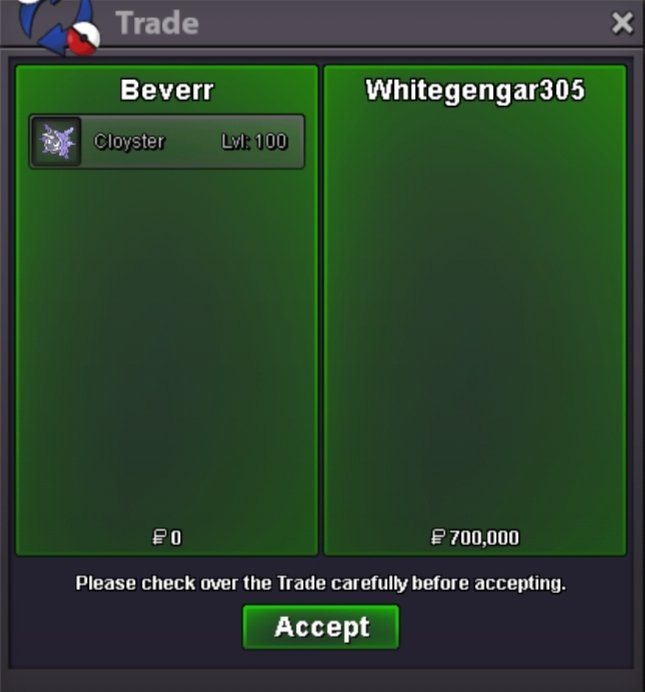
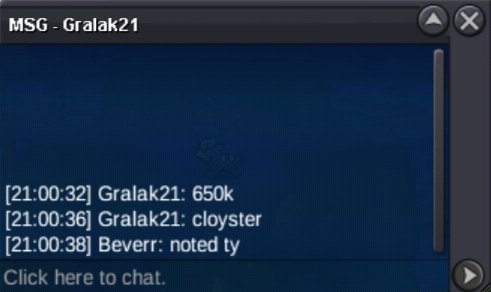
@Whitegengar305you won Msg me on discord or in-game when you are freeBumpBump 19 hrs leftStart offers 500k Min bid 50k Duration 48 hours after first bid 15 min rule apply C.O ~ 650k by Gralak21 Timer ~ https://www.tickcounter.com/countdown/10159554/my-countdown Accept cc + pokedollar Fake offer will be reported so think twice before bidding once bid can't take back. Ign : Beverr Discord : addisonbevere Shop :My Shop Guild :My Guild
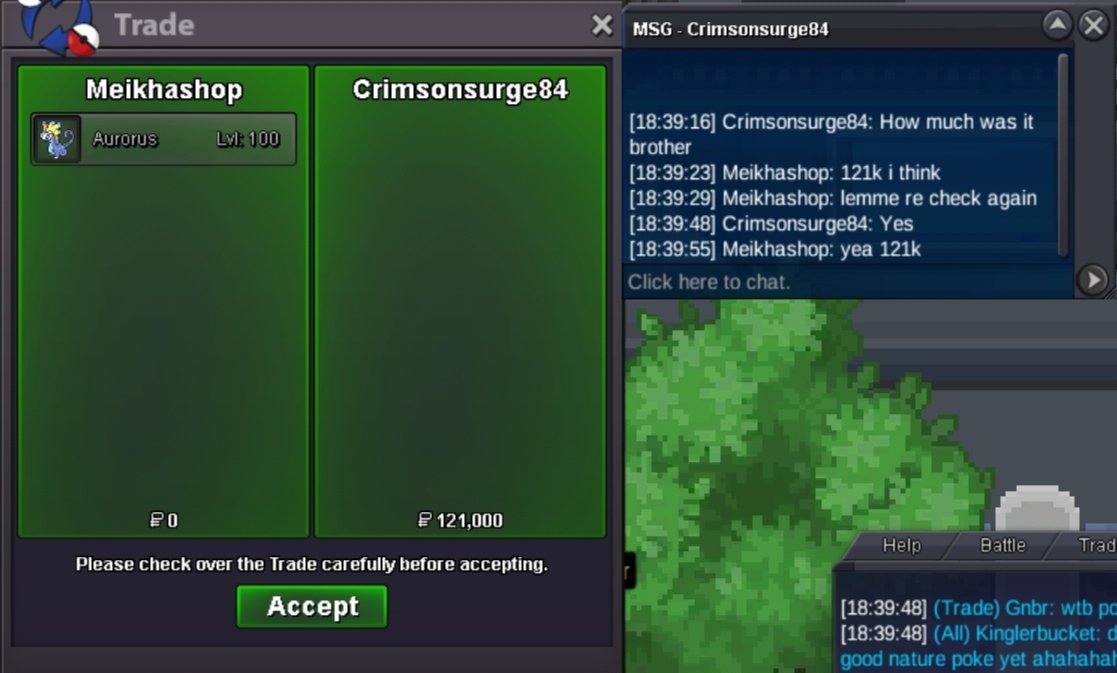
 Bumps 🐦⬛Thank you soo much @Tandemaus I try to prevent any error like this happening in the future.UpHii @Tandemaus i reply you from my main account I tell you in detail the player wants to buy elctabuzz for 75k maybe he didn't get any ideas that it is an aunction hen after explaining him that this an aunction, he said he buy for 100k then left the msg so went i ask you want to bid 100k he simply say ok My apologies for not sharing the full msg 😔 🙏60kStart Ign : beverr Alt : meikhashop Shop : My Shop Guild : CorviknightsFumpWe are chill friendly and active discord with good vibe our guild is Corviknights if you wish to join us msg me on discord: addisonbevereBumps 🐦⬛🧠Hii like godpriyangshu said we chilled guild and highly focused on pve we also pvp aswell but we focus more on pve if you love to join us msg me on discord Discord: addisonbevere Ign: Beverr Guild name : CorviknightsBump 🐦⬛Jumps 🦘Bumps!! ❤️Bumps!! ❤️Bumps 🐦⬛We Happy to recruit you we have active discord, giveaway, dungeon and pvp especially good people in our guild Guild name : Corviknights Here our guild forum Corviknights Msg me on discord: addisonbevereFree bump gl ballers

Account
Navigation
Search
Configure browser push notifications
Chrome (Android)
- Tap the lock icon next to the address bar.
- Tap Permissions → Notifications.
- Adjust your preference.
Chrome (Desktop)
- Click the padlock icon in the address bar.
- Select Site settings.
- Find Notifications and adjust your preference.
Safari (iOS 16.4+)
- Ensure the site is installed via Add to Home Screen.
- Open Settings App → Notifications.
- Find your app name and adjust your preference.
Safari (macOS)
- Go to Safari → Preferences.
- Click the Websites tab.
- Select Notifications in the sidebar.
- Find this website and adjust your preference.
Edge (Android)
- Tap the lock icon next to the address bar.
- Tap Permissions.
- Find Notifications and adjust your preference.
Edge (Desktop)
- Click the padlock icon in the address bar.
- Click Permissions for this site.
- Find Notifications and adjust your preference.
Firefox (Android)
- Go to Settings → Site permissions.
- Tap Notifications.
- Find this site in the list and adjust your preference.
Firefox (Desktop)
- Open Firefox Settings.
- Search for Notifications.
- Find this site in the list and adjust your preference.