




New Trade Zone
Trade Zone is now live
Use the new Trade Zone for auctions and instant-price trades so Pokemon and item offers are easy to find.


Xxxrosxxx
Registered User
-
Joined
-
Last visited
Everything posted by Xxxrosxxx
-
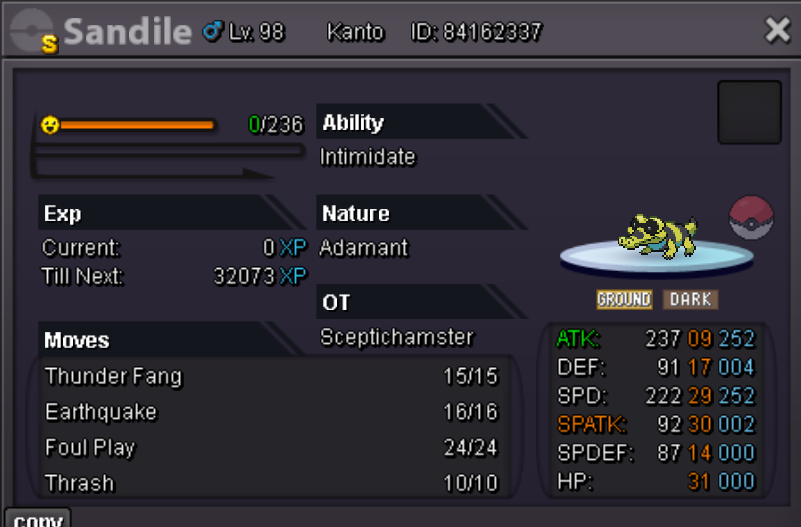
Auctioning for a guildie @Sceptichamster Auction will end 3 days after start/first bid S/o 5m Min raise 200k Poke cash and CC's (480k) only No insta Good luck all! Link to countdown: https://www.timeanddate.com/countdown/party?iso=20250823T2032&p0=2118&font=cursive
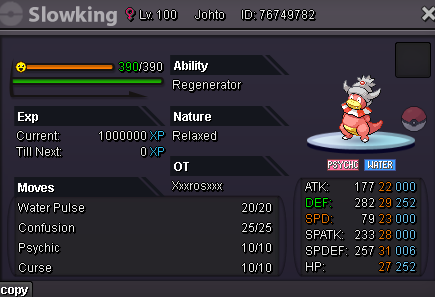
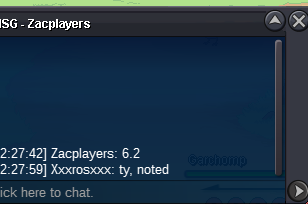
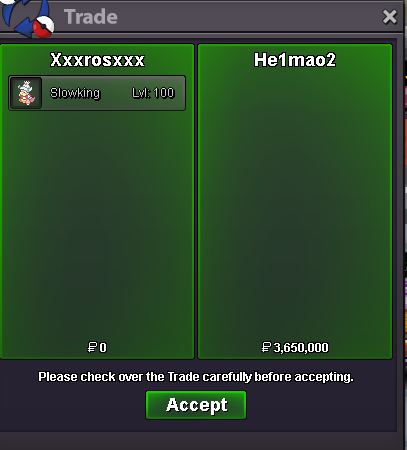
 @Lalnunfanaisorry for the late reply! If you message me in game xxxrosxxx, can send guild invite and get you into discord!hey @Lily5555do you have regions done as well? if so we'd be happy to have you!Sure! Feel free to message me in game, xxxrosxxx.Thanks shiny for the support!Ty for the support guys!Shop looks great! Stay busy my brother!Im there ^.^@He1mao2gz, il be on for like 30 mins, then il be back on tomorrow. Feel free to respond with a place youd like to meet ^.^Under 6 hours leftS/o 600k Min raise 50k No insta Ends 48 hours after first bid/offer is made Poke dollars only Good luck all!
 @Gnovah would love to have, feel free to message me in game, xxxrosxxx, can send guild invite and dc from there. ^.^If I could have a poke restored, ty!
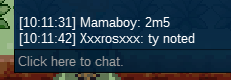
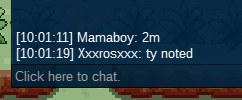
 The addition of a pinkan tab would be amazing! Other wise, nice way to track forms, i'll deff be using.hey @Goobasaur feel free to msg me in game when ur on for the invite, name is xxxrosxxx, can get u into dc after ^.^Hey @Liadhagaverwe've love to have ya. My ign is xxxrosxxx, feel free to msg me for invite and DC info!700k400k600kstart heracross2m


Account
Navigation
Search
Configure browser push notifications
Chrome (Android)
- Tap the lock icon next to the address bar.
- Tap Permissions → Notifications.
- Adjust your preference.
Chrome (Desktop)
- Click the padlock icon in the address bar.
- Select Site settings.
- Find Notifications and adjust your preference.
Safari (iOS 16.4+)
- Ensure the site is installed via Add to Home Screen.
- Open Settings App → Notifications.
- Find your app name and adjust your preference.
Safari (macOS)
- Go to Safari → Preferences.
- Click the Websites tab.
- Select Notifications in the sidebar.
- Find this website and adjust your preference.
Edge (Android)
- Tap the lock icon next to the address bar.
- Tap Permissions.
- Find Notifications and adjust your preference.
Edge (Desktop)
- Click the padlock icon in the address bar.
- Click Permissions for this site.
- Find Notifications and adjust your preference.
Firefox (Android)
- Go to Settings → Site permissions.
- Tap Notifications.
- Find this site in the list and adjust your preference.
Firefox (Desktop)
- Open Firefox Settings.
- Search for Notifications.
- Find this site in the list and adjust your preference.