




New Trade Zone
Trade Zone is now live
Use the new Trade Zone for auctions and instant-price trades so Pokemon and item offers are easy to find.


Karvelas
Registered User
-
Joined
-
Last visited
Everything posted by Karvelas
-
Hi i can't find my corviknight. Can you check if i released it? It is impish level 100 and the OT is Karvelas. I don't remember other informations. 1-2 days ago I released lot's of pokemon so i thinkyou can check for 1-2 days ago. I remember the stats ivs. attack 01, defense 25, speed 31, special attack 22, special defense 17, hp 30. Evs 252 defense, 252 HP and 6 special defense
-
hello. No the game works smoothly. That was 1 month ago. Thank you
-
i sent you pm
-
Hi i sell one
-
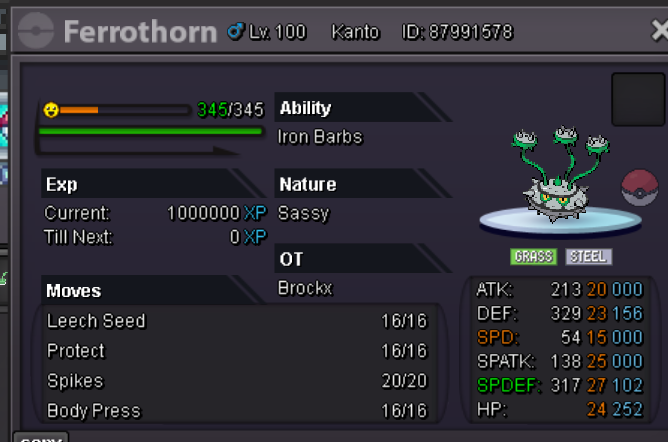
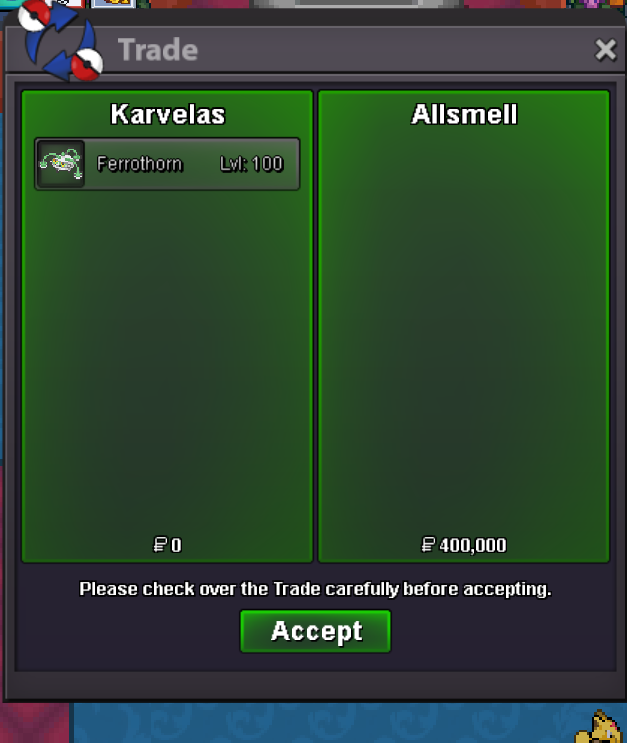
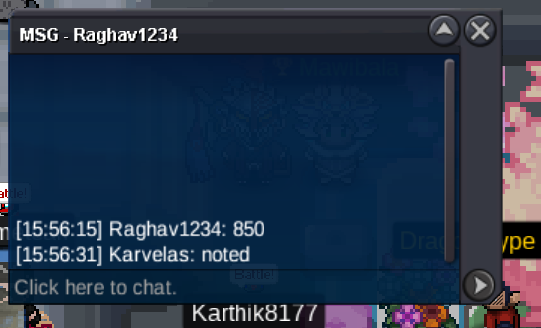
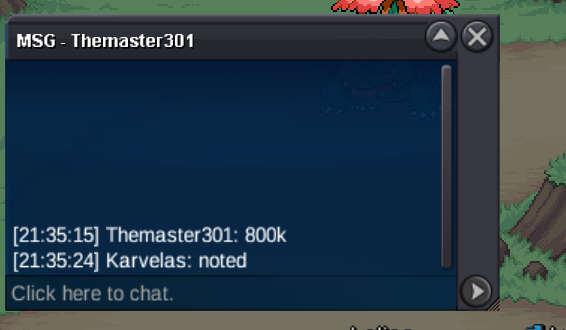
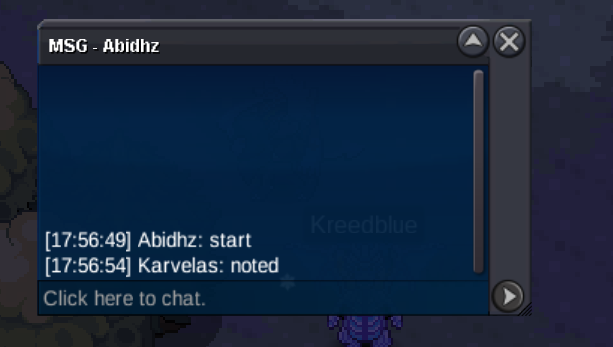
hello. The client or the server has a huge problem. Every minute disconnections5.6m5.3m5.1m4.7m4.5m4.1m3.9m2.9mend of auction the winner is @Allsmell for 400k. contact me ehenever you can to make the tradewts epic sassy ferrothorn s.o 200k min bid 20k auction ends 24 hrs after the 1st bid
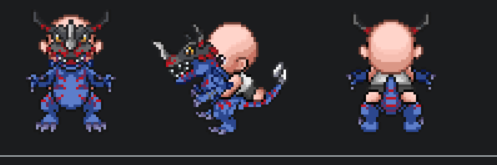
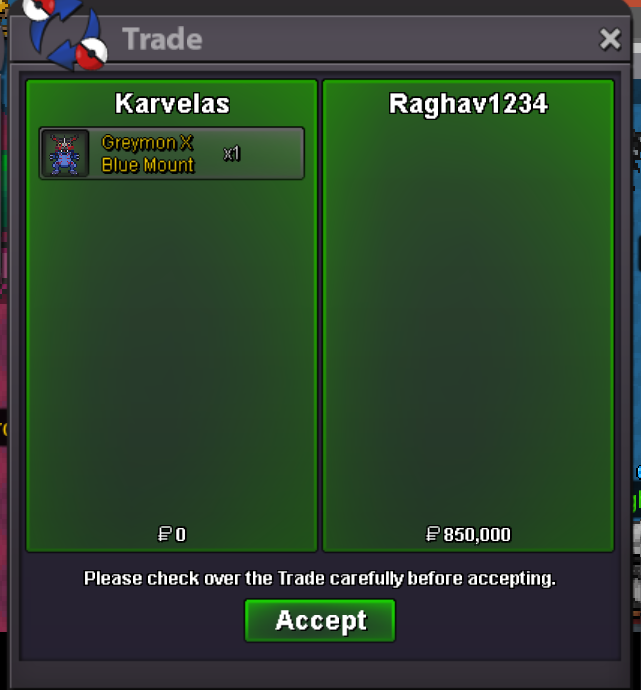
 end of auction. the winner is @Raghav1234 congrats!s.o 500k min bid 50k auction ends 24 hrs after the 1st bid
 wtb epic jolly 31 speed h.a sneasler Pay wellwtb epic jolly 31 speed h.a sneasler Pay well


Account
Navigation
Search
Configure browser push notifications
Chrome (Android)
- Tap the lock icon next to the address bar.
- Tap Permissions → Notifications.
- Adjust your preference.
Chrome (Desktop)
- Click the padlock icon in the address bar.
- Select Site settings.
- Find Notifications and adjust your preference.
Safari (iOS 16.4+)
- Ensure the site is installed via Add to Home Screen.
- Open Settings App → Notifications.
- Find your app name and adjust your preference.
Safari (macOS)
- Go to Safari → Preferences.
- Click the Websites tab.
- Select Notifications in the sidebar.
- Find this website and adjust your preference.
Edge (Android)
- Tap the lock icon next to the address bar.
- Tap Permissions.
- Find Notifications and adjust your preference.
Edge (Desktop)
- Click the padlock icon in the address bar.
- Click Permissions for this site.
- Find Notifications and adjust your preference.
Firefox (Android)
- Go to Settings → Site permissions.
- Tap Notifications.
- Find this site in the list and adjust your preference.
Firefox (Desktop)
- Open Firefox Settings.
- Search for Notifications.
- Find this site in the list and adjust your preference.