New Trade Zone
Trade Zone is now live
Use the new Trade Zone for auctions and instant-price trades so Pokemon and item offers are easy to find.

Onlyshiny
Registered User
-
Joined
-
Last visited
-
250k
-
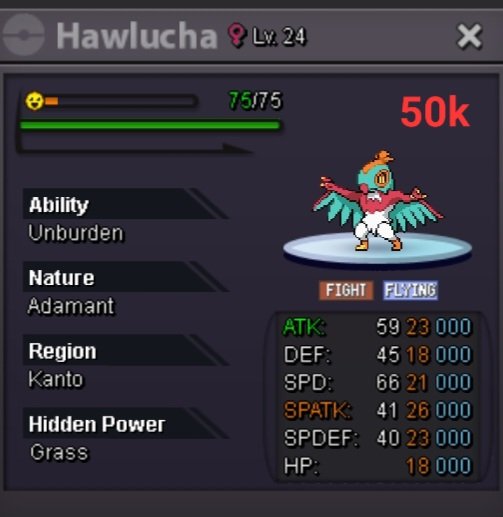
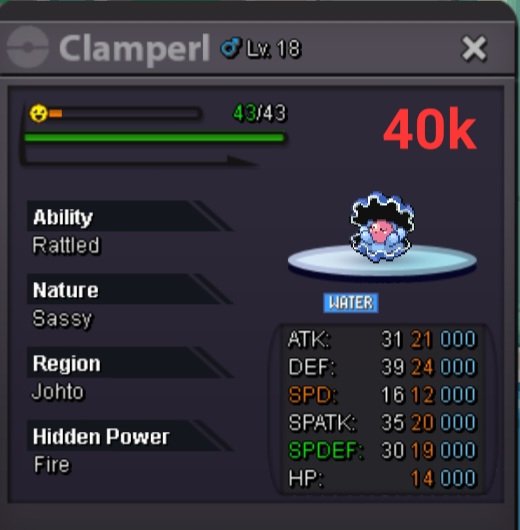
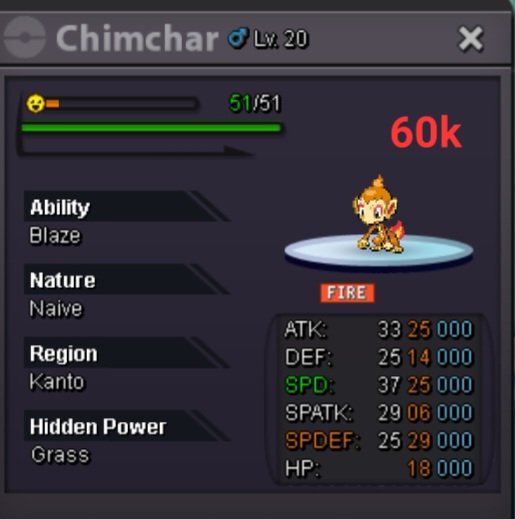
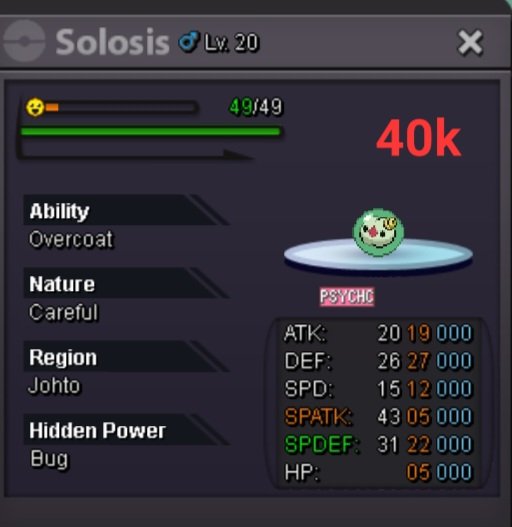
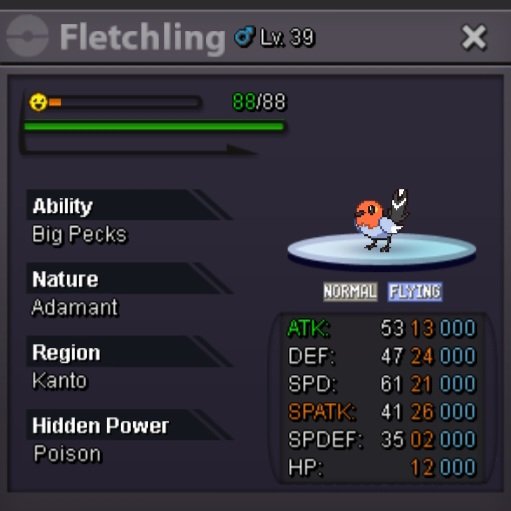
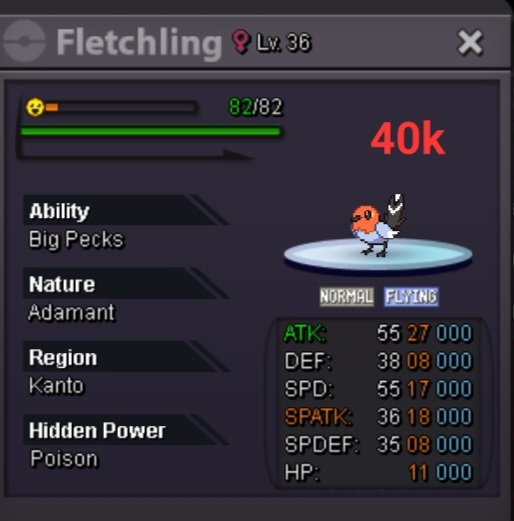
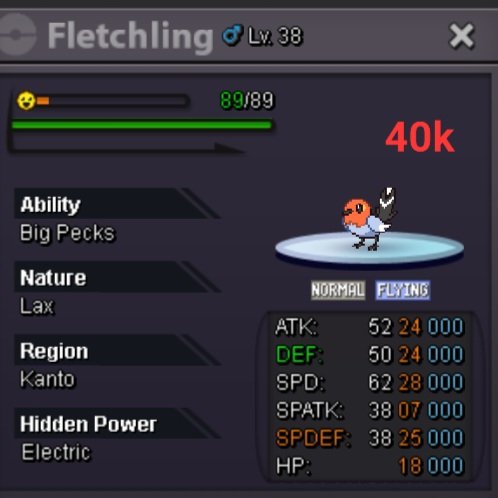
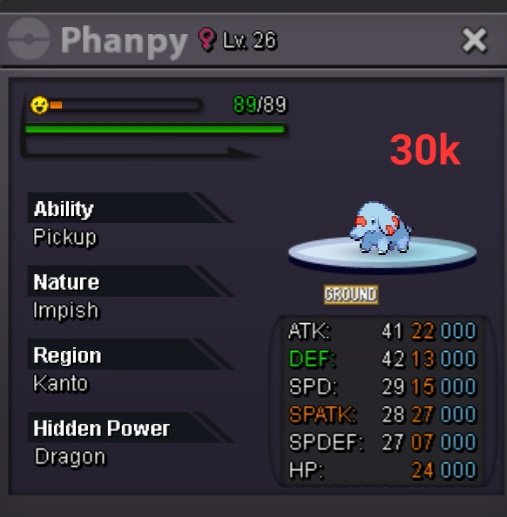
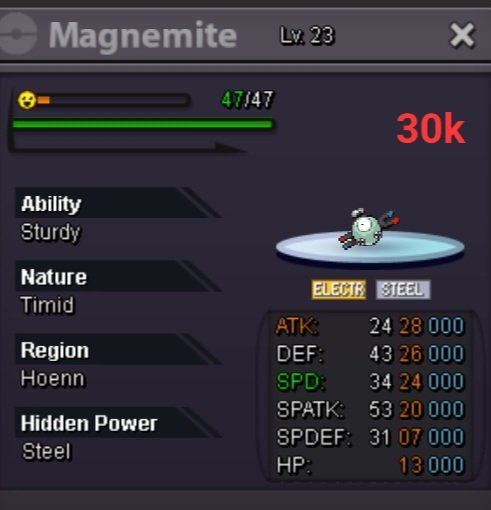
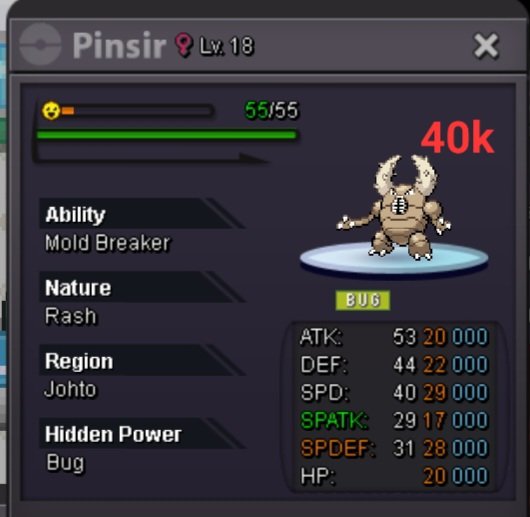
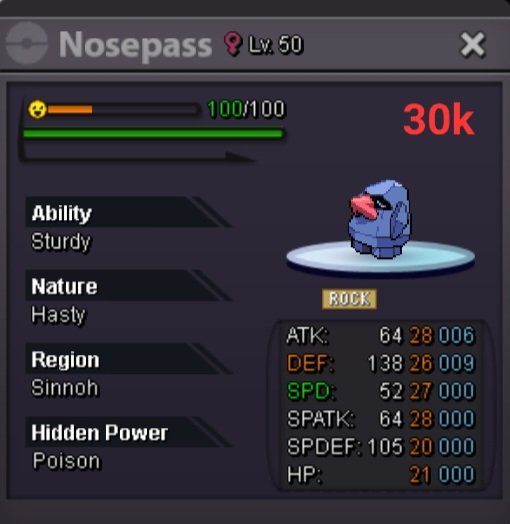
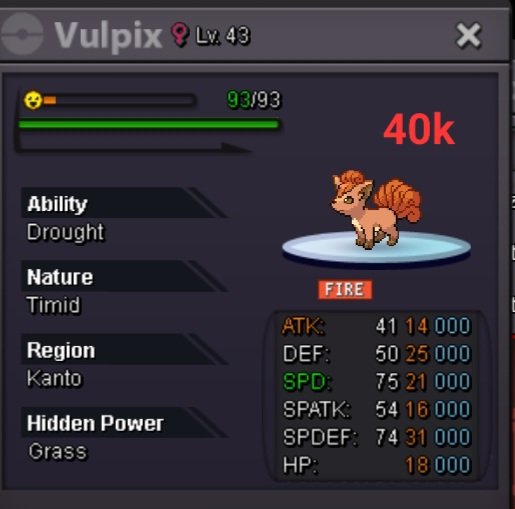
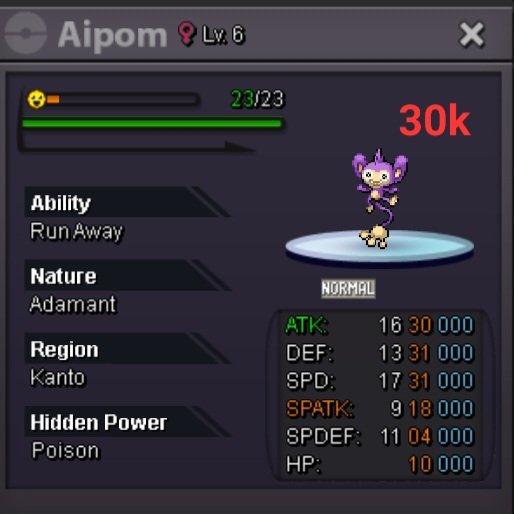
Hello Everyone welcome to my Shop Here you can find all the pokemon very cheap, so choose your favourite Pokemon and dm me please ❤️

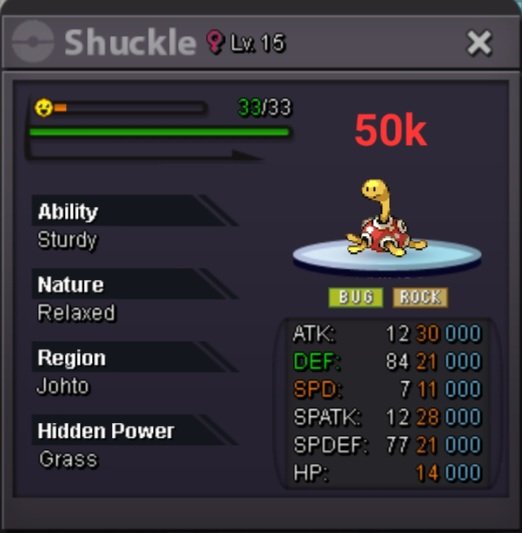


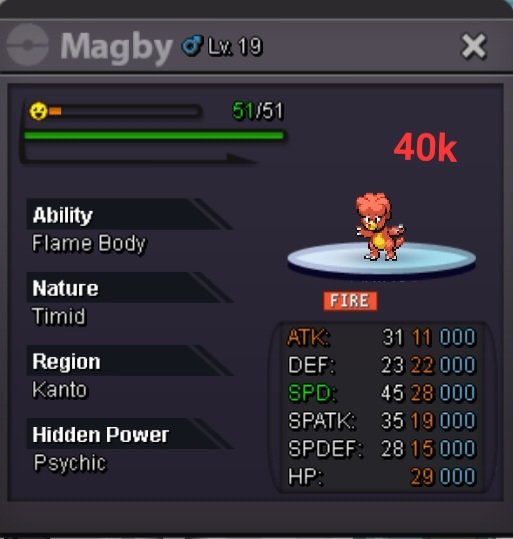
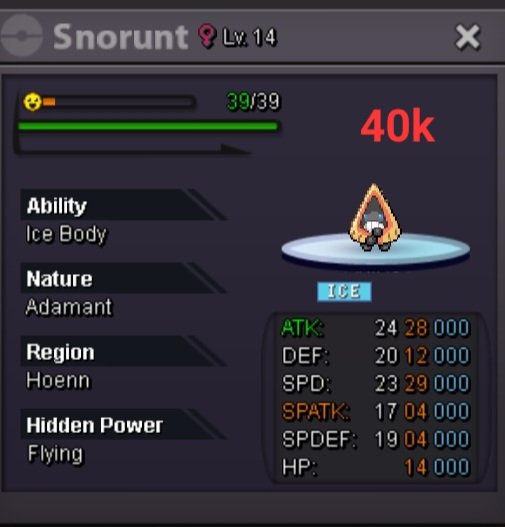
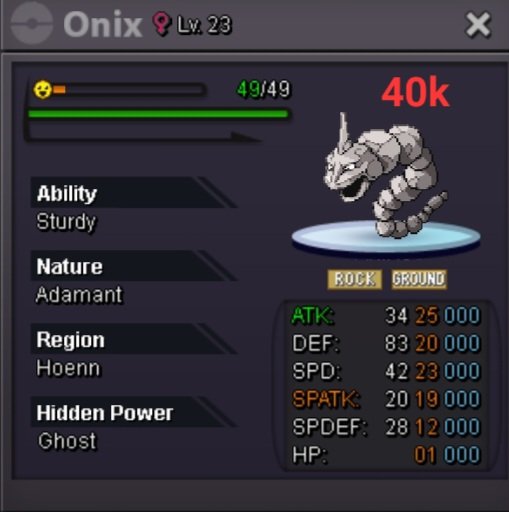
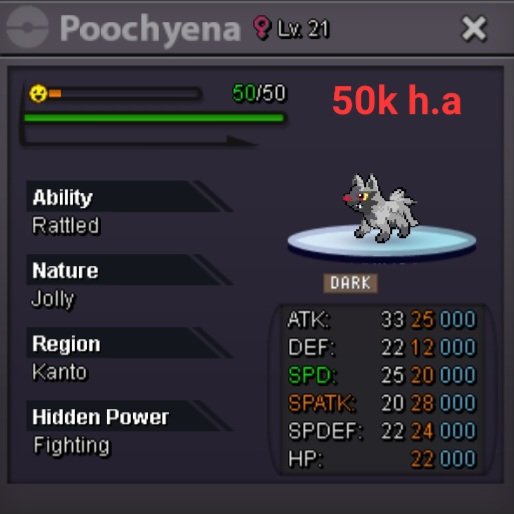
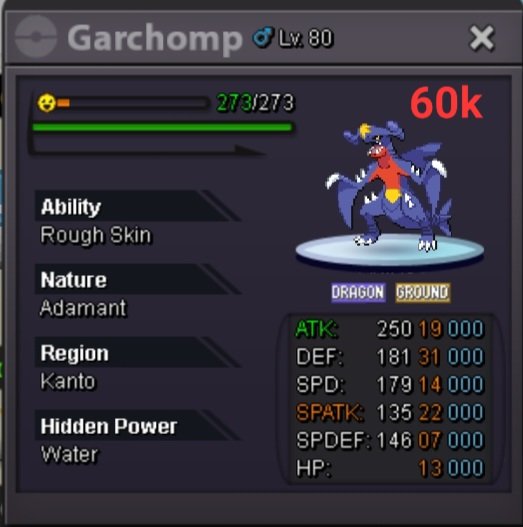


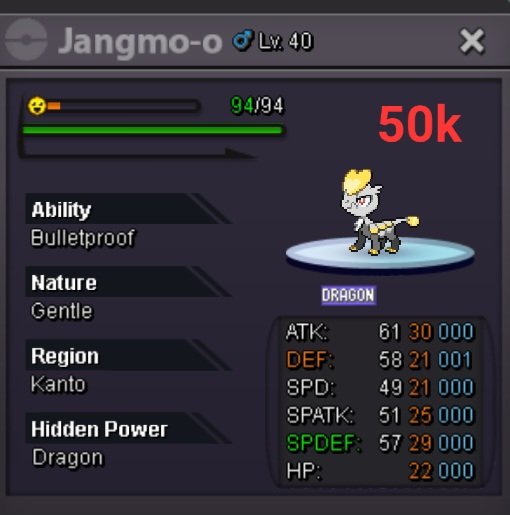


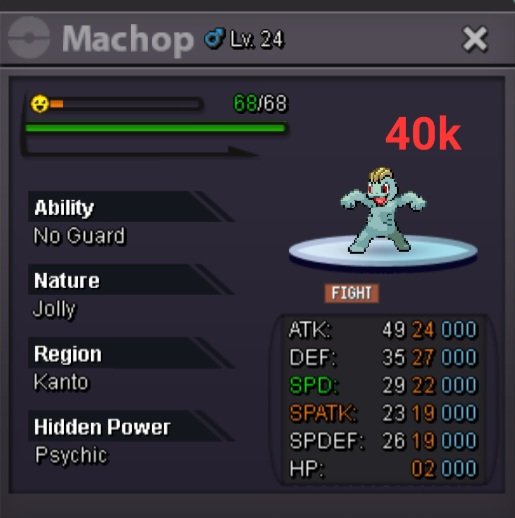
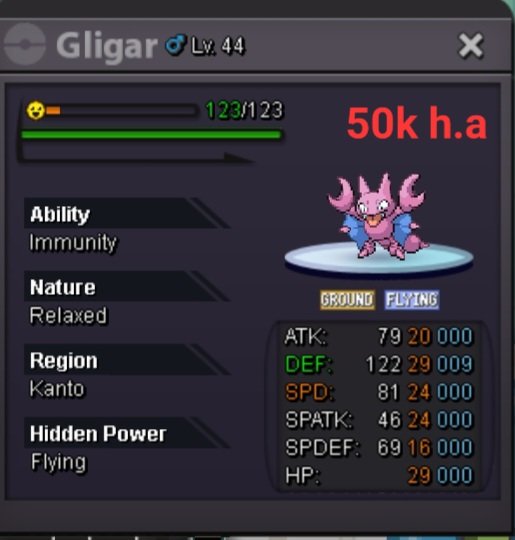
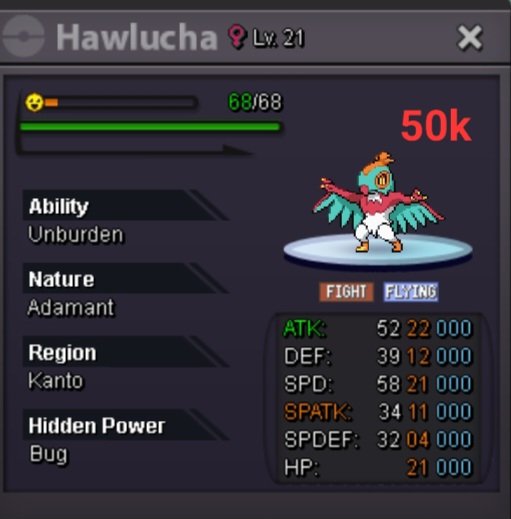
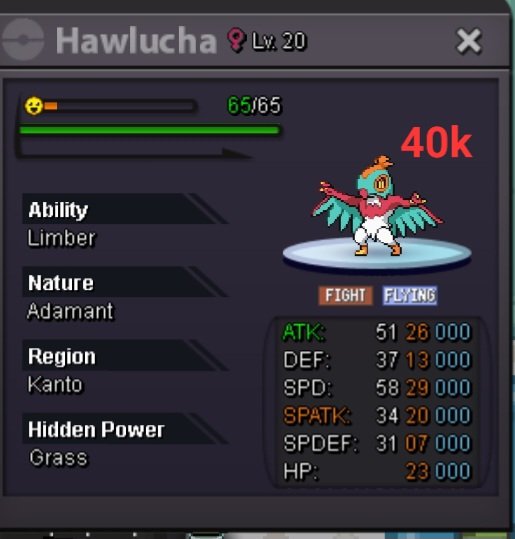


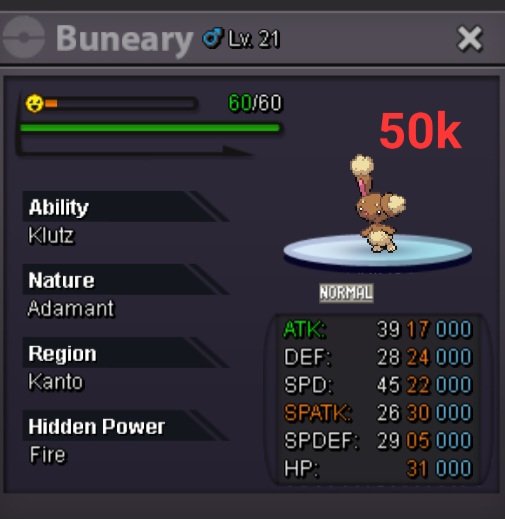

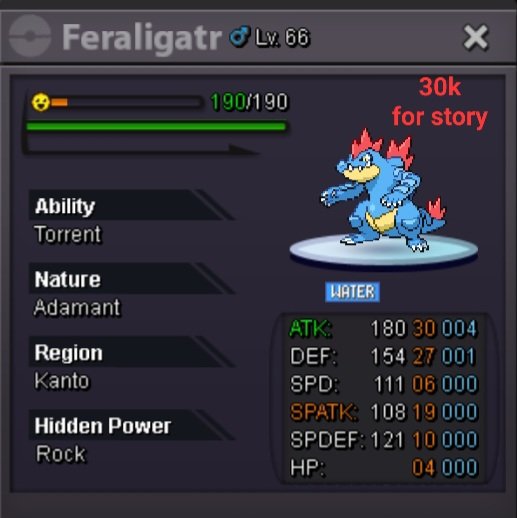


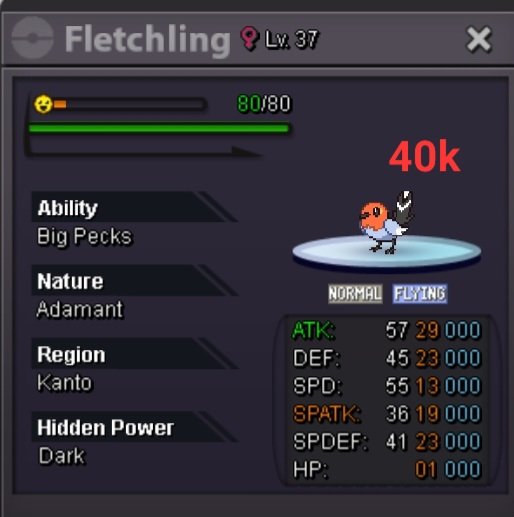
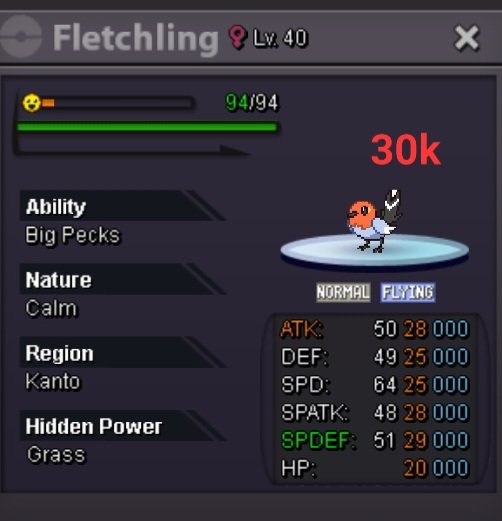






-
50,001
-
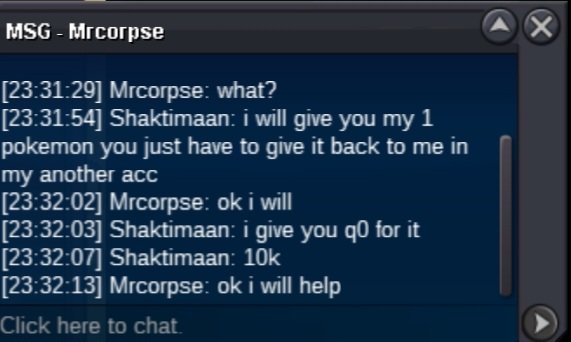
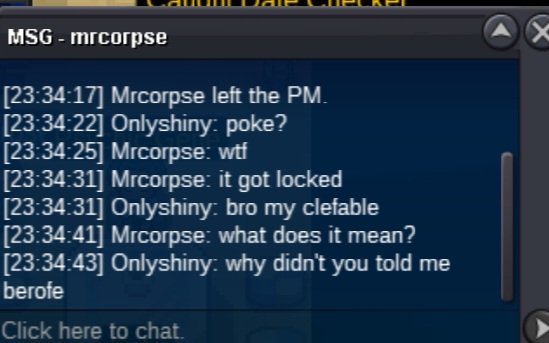
Yesterday i traded with a guy to whom i said i will give him my poke and he have to trade it to my another account because i don't have 2 devices by which i could trade with my account easily. When i gave him my pokemon i didn't knew that that poke wast region locked in his box he even didn't told me before. Please give my clefable back to me i request you
-
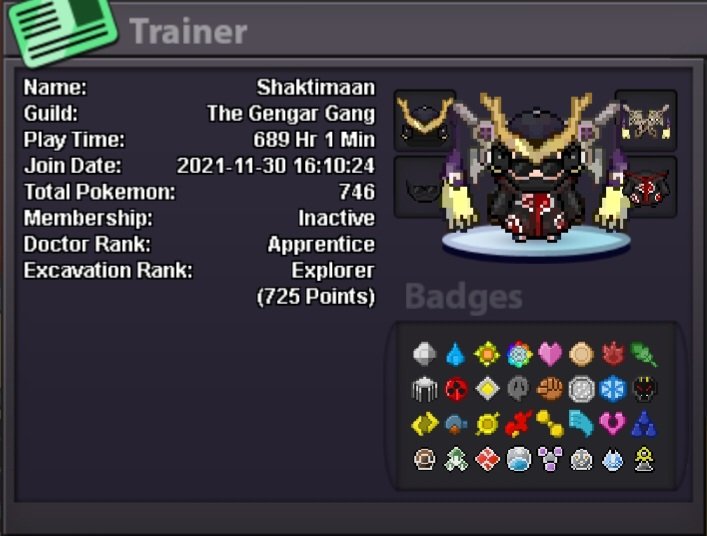
I'm sorry i didn't realised i wrote these things from my another acc please accept me in your guild i will be there from the same acc mentioned below ● What's your IGN? My IGN is Shaktimaan ● How old are you? I'm 19 years old. ● Where are you from? I'm from Nepal. ● What's your total playtime? My total playtime js 689 hours ● What do you enjoy doing in the game? I enjoy hunting rare pokemons and doing boss every week ● Would you like to offer some kind of service to the guild? (ex. Daycare service) (if not, it's totally alright!) Sorry, I can't And the most important question of them all: Which Bidoof Form do you like the most? -Suidoof, Endoof or Raidoof? Raidoof is really very cute for me. ⁹