




New Trade Zone
Trade Zone is now live
Use the new Trade Zone for auctions and instant-price trades so Pokemon and item offers are easy to find.


Lordofthetrades
Registered User
-
Joined
-
Last visited
Everything posted by Lordofthetrades
-
Ralts 770k and Gallade 320k
-
Closed ty
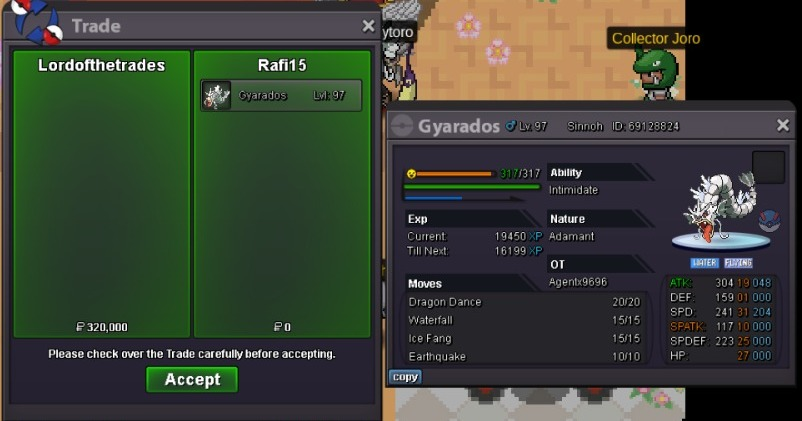
-
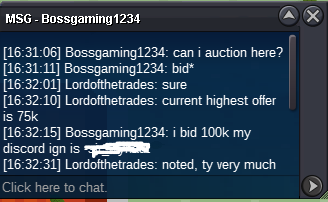
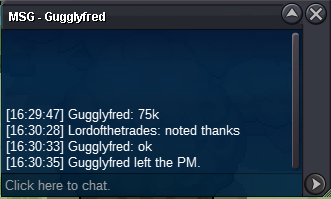
Auction was posted yesterday 3:47 (GMT-3) First bid was posted yesterday 3:58 (GMT-3) 3:58 today (GMT-3) my bid was the highest so I won. Where do we meet?
-
320k
-
1.3mstart jollyS.O: 250k Min bid: 10k Duration: 8 hours Auction starts with first bid 15 minutes rule applied
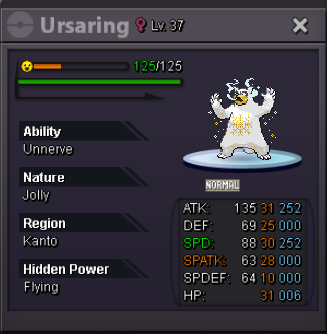 Auction closed
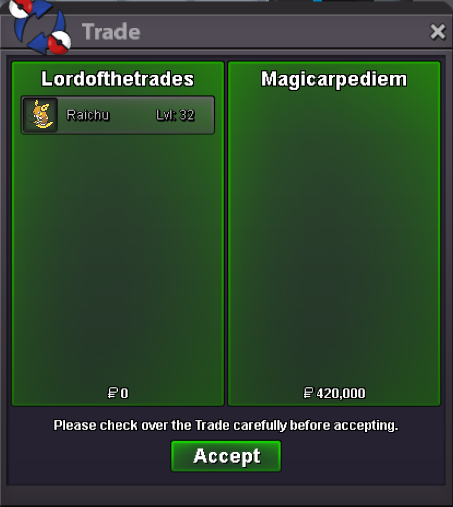 Congrats! Please pm me when you connectS.O: 50k Min bid: 10k Duration: 14 hours Auction starts with first bid 15 minutes rule applied
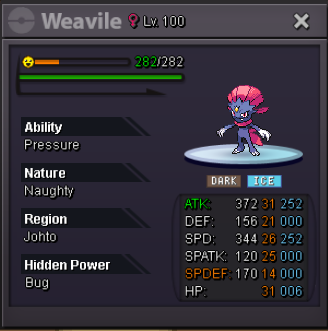 S.O: 50k Min bid: 10k Duration: 24 hours Auction starts with first bid 15 minutes rule applied
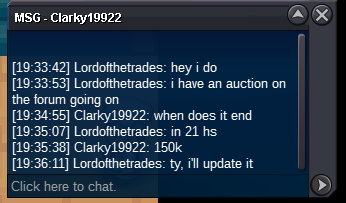
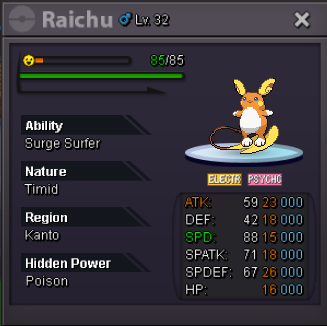 StartStartStart601kHi there! I texted Clarky19922 as you indicated me but it's been 4 days without reply, should I auction it again? Thanks in advance.
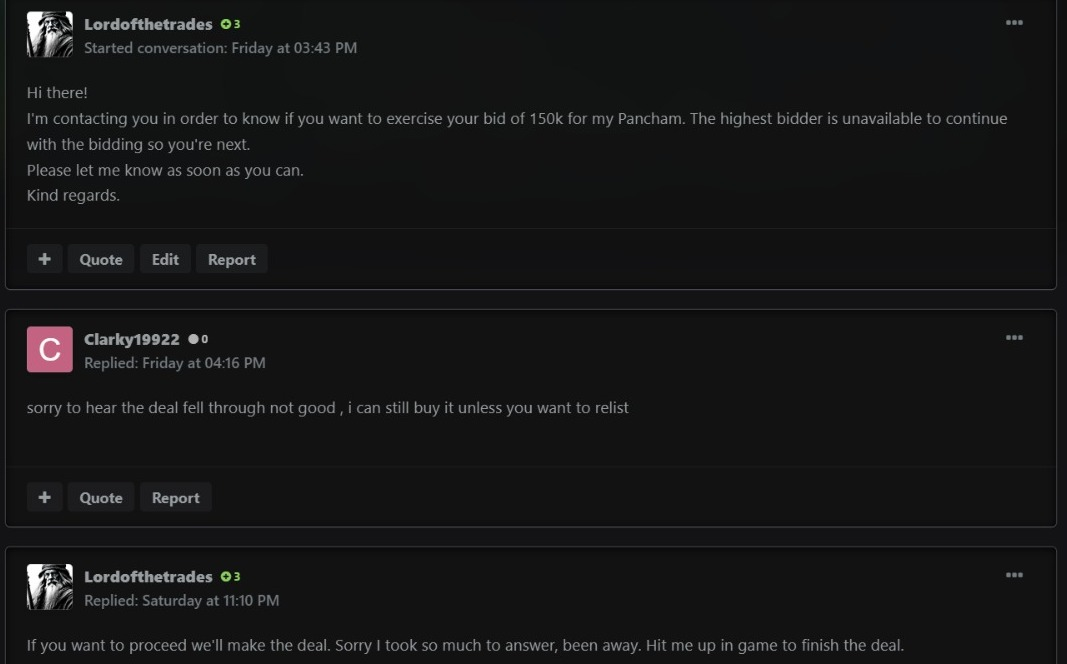 Ok, I'll proceed as you mention. I'll contact him and close the deal, thanks.Hi there! Mxp1 already reached me out and told me his situation, we have agreed to meet in gold server, as he has uploaded in the screenshot. If we have to take a different action course please let us know.S.O: 50k Min bid: 10k Duration: 24 hours Auction starts with first bid 15 minutes rule applied
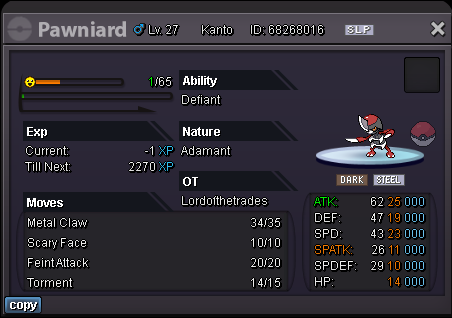 Congrats! You won, let's meet at Vermillion. Already sent you the friend request in game.



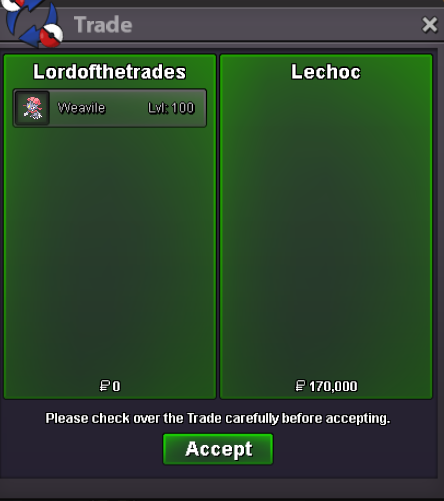
Account
Navigation
Search
Configure browser push notifications
Chrome (Android)
- Tap the lock icon next to the address bar.
- Tap Permissions → Notifications.
- Adjust your preference.
Chrome (Desktop)
- Click the padlock icon in the address bar.
- Select Site settings.
- Find Notifications and adjust your preference.
Safari (iOS 16.4+)
- Ensure the site is installed via Add to Home Screen.
- Open Settings App → Notifications.
- Find your app name and adjust your preference.
Safari (macOS)
- Go to Safari → Preferences.
- Click the Websites tab.
- Select Notifications in the sidebar.
- Find this website and adjust your preference.
Edge (Android)
- Tap the lock icon next to the address bar.
- Tap Permissions.
- Find Notifications and adjust your preference.
Edge (Desktop)
- Click the padlock icon in the address bar.
- Click Permissions for this site.
- Find Notifications and adjust your preference.
Firefox (Android)
- Go to Settings → Site permissions.
- Tap Notifications.
- Find this site in the list and adjust your preference.
Firefox (Desktop)
- Open Firefox Settings.
- Search for Notifications.
- Find this site in the list and adjust your preference.