New Trade Zone
Trade Zone is now live
Use the new Trade Zone for auctions and instant-price trades so Pokemon and item offers are easy to find.


Hollysummer
Registered User
-
Joined
-
Last visited
-
F
-
Im online now, Idk how to message if you’re not in my friends list lol!
-
I want ittt please! 🙏🏻 Will be buying off my alt Kill3rbunny though 😊
-
Is the 100k Mimikyu still available?
-
IGN is Hollysummer, Gold server. Currently on my iPhone haven’t access to desktop rn I’m afraid! Thank you!
-
I'm interested in a Meloetta, can I get a price please? Thanks HS
-
Actually ignore, I’m in silver server my bad ~
-
[SOLD]
-
My bad, I’ve revised it! Thank you for your help!
-
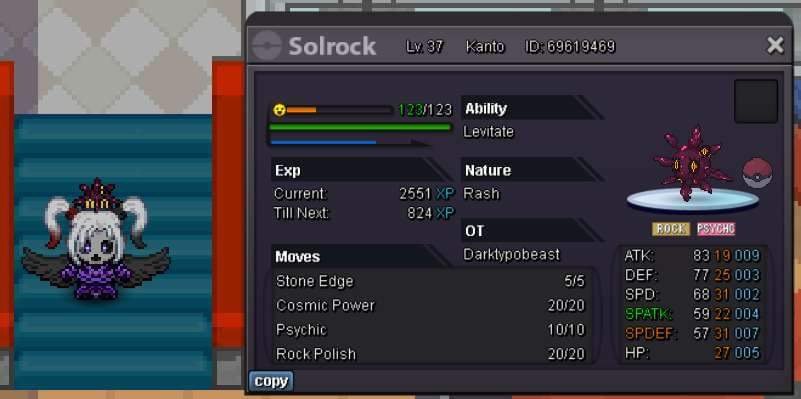
• Starting at 2m • Min Bid - 50k • Auction Ends - 24 hours after first bid! • Accepts payment only in Pokedollars
-
Hollysummer changed their profile photo
-
• Min bid - 5k • Auction ends 3 hours after start • Instant buy @ 250k • Accepts payment only in Pokedollars