New Trade Zone
Trade Zone is now live
Use the new Trade Zone for auctions and instant-price trades so Pokemon and item offers are easy to find.

Fosterjinkerson
Registered User
-
Joined
-
Last visited
Everything posted by Fosterjinkerson
-
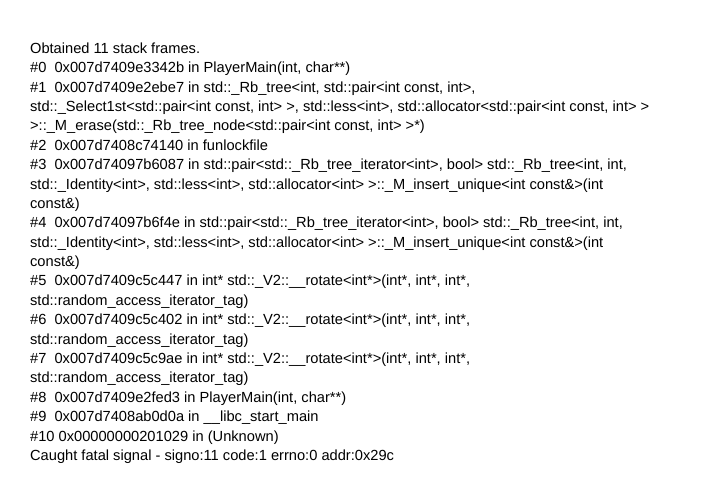
When I load the game up it works for a bit but then would suddenly crash, I use Chrome OS and when i open the terminal to see what's wrong I get an error message. This would keep constantly happening when I would reopen the game and makes it almost unplayable. When it does happen I also have to reenter my login information as it gives me the Incorrect Username/Password screen.

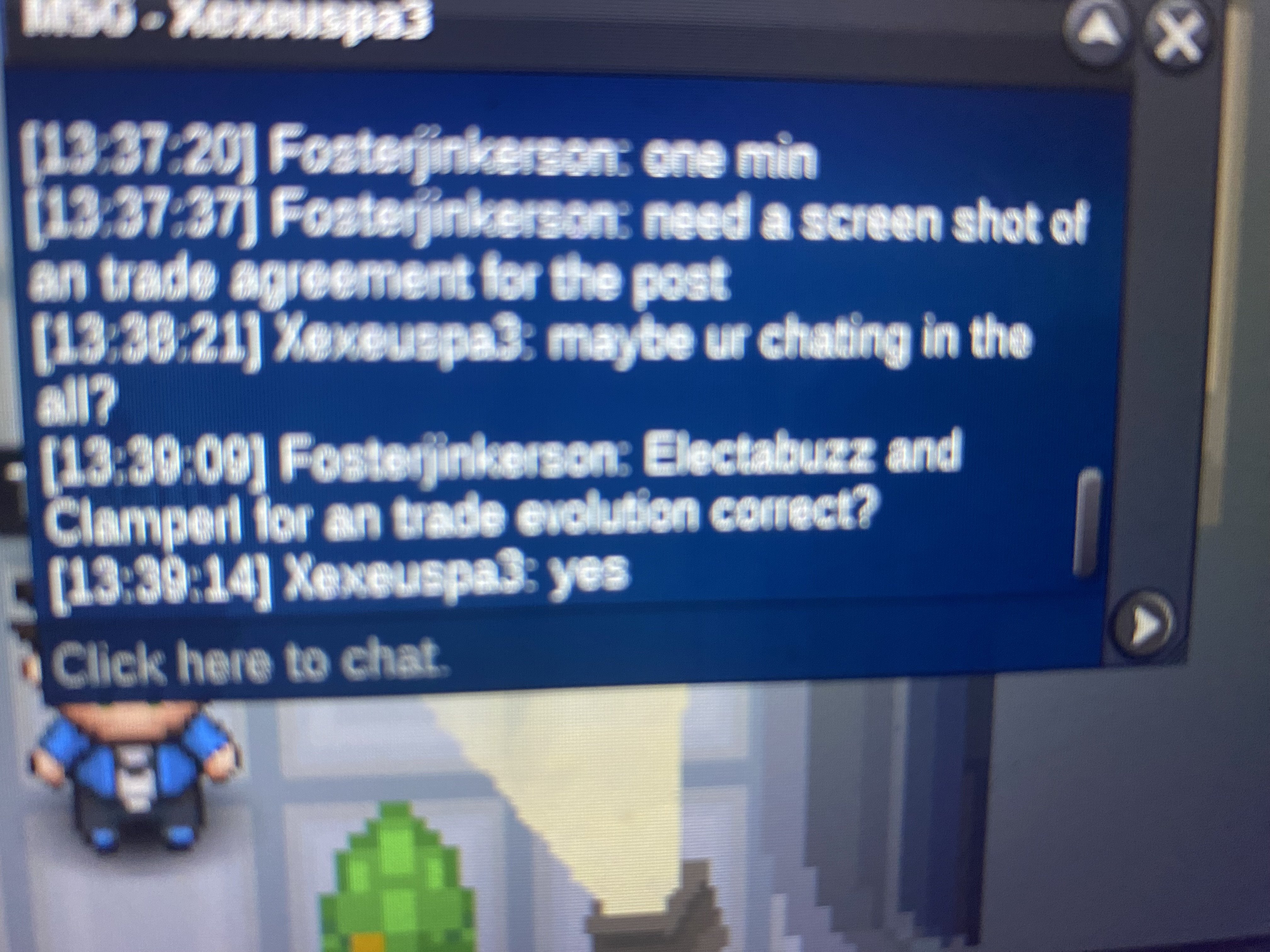
-
Sorry if it’s a bit blurry. But I was doing a trade evolution for someone and didn’t see the region lock message or anything and now they are stuck in my pc. The ID for the electabuzz is 62810993 and the ID for the Clamperl is 69619334. If it’s possible to have the Pokémon given back to the original Owner who is Xexeuspa3 would be appreciated! Forgot to mention but the server is Gold Zoruami: Recovered.