New Trade Zone
Trade Zone is now live
Use the new Trade Zone for auctions and instant-price trades so Pokemon and item offers are easy to find.


Paulpinak
Registered User
-
Joined
-
Last visited
Everything posted by Paulpinak
-
-
-
-
-
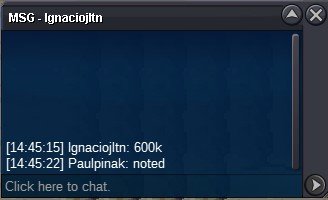
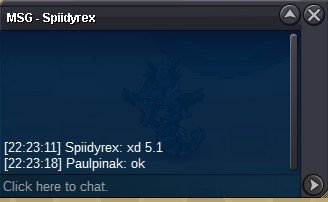
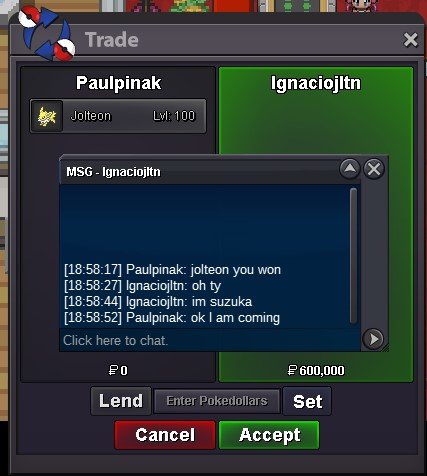
You are the auction winner. auction closed now, Please meet me at Cerulean city now.
-
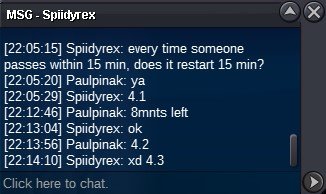
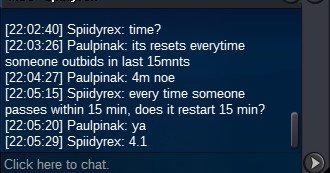
Duration: 24h after first bid Start offer: 300k Min Bid: 50k Insta: None Contact Ingame: Paulpinak Discord: paul_pinak
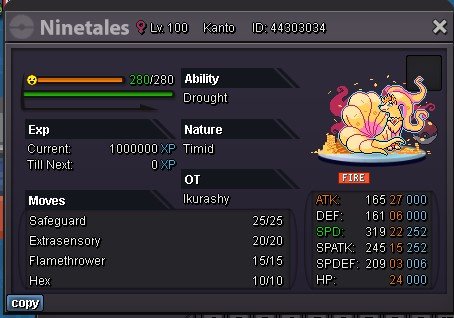
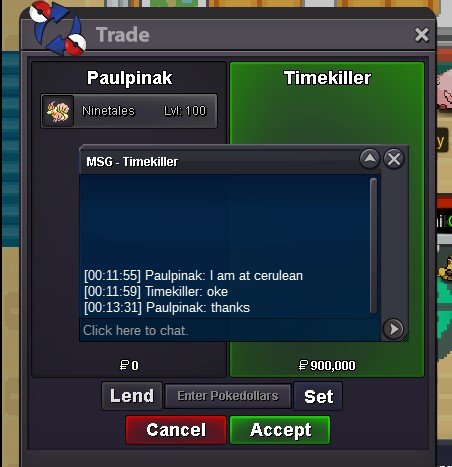 For many new players its hard or sometimes confusing what event going on and whats may be upcoming. so I am suggesting a banner notification system which runs at the top of the screen, and lets everyone know whats going on. I think this can be implemented and will be helpful for all. Yes we can see most of the notifications on the chat but this will create a separate place for all of the notifications. I mean this is what I had in mind, texts may slide or roll as banners.
 please contact me in game or discord in given idsDuration: 72h after first bid Start offer: 500k Min Bid: 100k Insta: None Contact Ingame: Paulpinak Discord: paul_pinak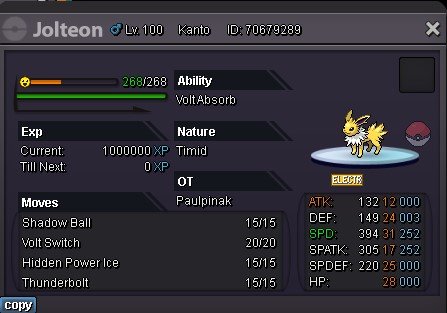
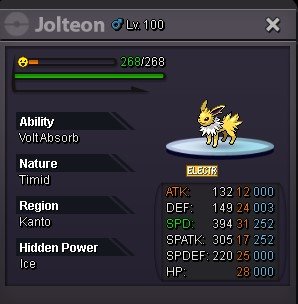
 Hi any update on this topic?Please contact me in game or in discord in given ids.Duration: 24h after first bid Start offer: 250k Min Bid: 50k Insta: N/A Contact Ingame: Paulpinak Discord: paul_pinak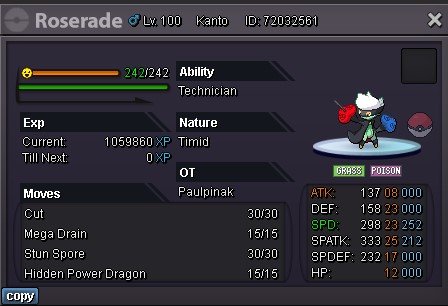
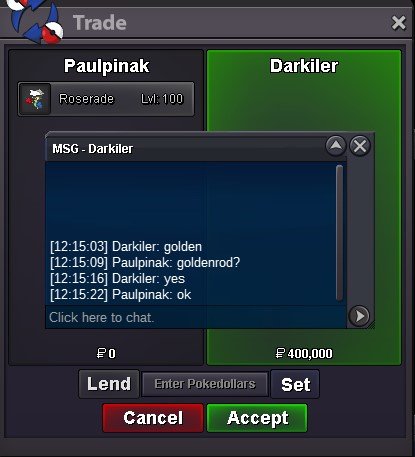 Auction Closed
Account
Navigation
Search
Configure browser push notifications
Chrome (Android)
- Tap the lock icon next to the address bar.
- Tap Permissions → Notifications.
- Adjust your preference.
Chrome (Desktop)
- Click the padlock icon in the address bar.
- Select Site settings.
- Find Notifications and adjust your preference.
Safari (iOS 16.4+)
- Ensure the site is installed via Add to Home Screen.
- Open Settings App → Notifications.
- Find your app name and adjust your preference.
Safari (macOS)
- Go to Safari → Preferences.
- Click the Websites tab.
- Select Notifications in the sidebar.
- Find this website and adjust your preference.
Edge (Android)
- Tap the lock icon next to the address bar.
- Tap Permissions.
- Find Notifications and adjust your preference.
Edge (Desktop)
- Click the padlock icon in the address bar.
- Click Permissions for this site.
- Find Notifications and adjust your preference.
Firefox (Android)
- Go to Settings → Site permissions.
- Tap Notifications.
- Find this site in the list and adjust your preference.
Firefox (Desktop)
- Open Firefox Settings.
- Search for Notifications.
- Find this site in the list and adjust your preference.