




New Trade Zone
Trade Zone is now live
Use the new Trade Zone for auctions and instant-price trades so Pokemon and item offers are easy to find.


Paulpinak
Registered User
-
Joined
-
Last visited
Everything posted by Paulpinak
-
Can be CLosed
 Dark200kDuration: 24h after first bid Start offer: 1m Min Bid: 100k Insta: 3m Contact Ingame: Paulpinak Discord: paul_pinak
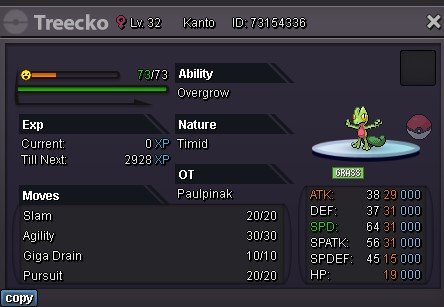 Duration: 24h after first bid Start offer: 500k Min Bid: 100k Insta: None Contact Ingame: Paulpinak Discord: paul_pinak
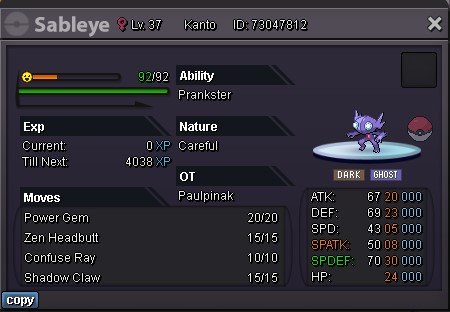
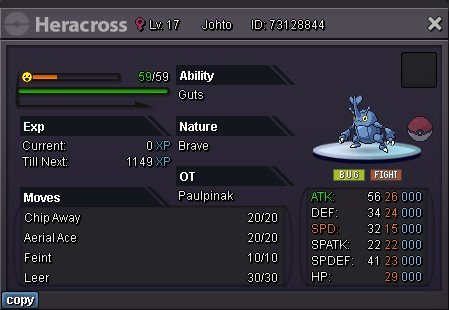 BumpThis bug is bothering me for sometime now, while going up or down through waterfall my character gets stuck on the edges. Cannot move until I logout, and after logging in, I teleport back to the last visited Pokemon center. https://youtu.be/wMjESRHgnXs https://youtu.be/w7L5N7SYIqYDuration: 48h after first bid Start offer: 1m Min Bid: 100k Insta: None Contact Ingame: Paulpinak Discord: paul_pinak
 Hi, I was wanted to buy 700 Super repels, instead bought 700 super potions by mistake, can this be reverted? none of the items bought are used. Please help. in game id: Paulpinak
 Duration: 72h after first bid Start offer: 1m Min Bid: 200k Insta: None Contact Ingame: Paulpinak Discord: paul_pinak
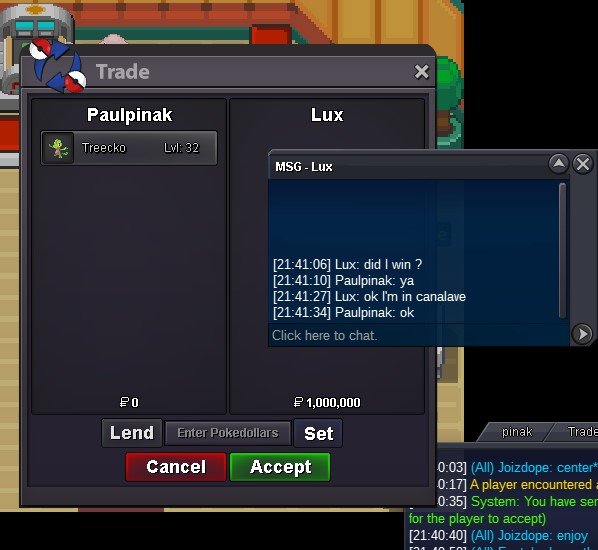
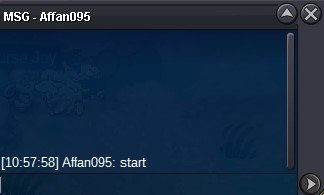
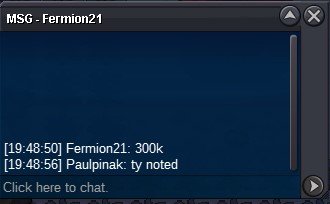
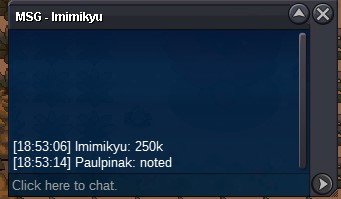
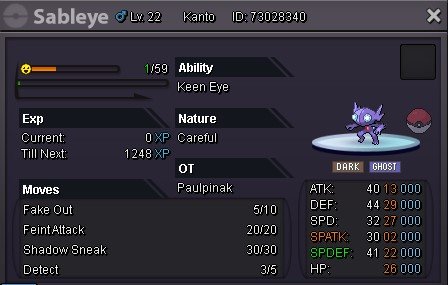 250kStartThe mudkip is not with me anymore, and received the amount too. you can close the thread. thanks a lotdiscord me at paul_pinak when you are onlineEpic Mudkip Duration: 24h after first bid Start offer: 200k Min Bid: 50k Insta: 1.5m Contact Ingame: Paulpinak Discord: paul_pinak
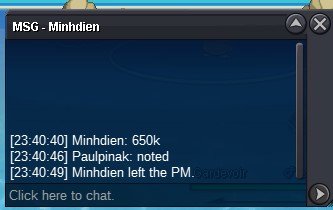
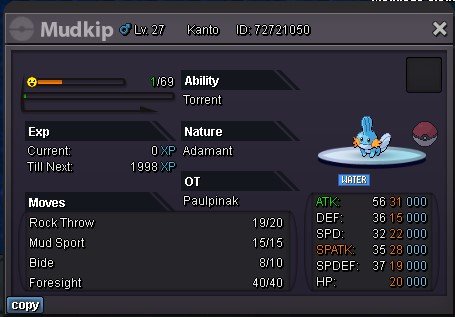 125k
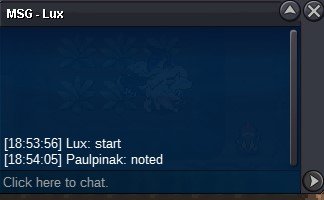
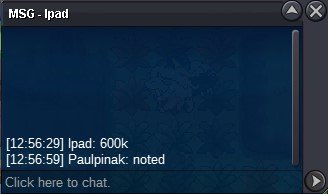
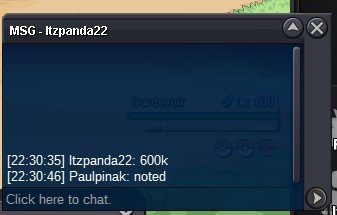
125k

Account
Navigation
Search
Configure browser push notifications
Chrome (Android)
- Tap the lock icon next to the address bar.
- Tap Permissions → Notifications.
- Adjust your preference.
Chrome (Desktop)
- Click the padlock icon in the address bar.
- Select Site settings.
- Find Notifications and adjust your preference.
Safari (iOS 16.4+)
- Ensure the site is installed via Add to Home Screen.
- Open Settings App → Notifications.
- Find your app name and adjust your preference.
Safari (macOS)
- Go to Safari → Preferences.
- Click the Websites tab.
- Select Notifications in the sidebar.
- Find this website and adjust your preference.
Edge (Android)
- Tap the lock icon next to the address bar.
- Tap Permissions.
- Find Notifications and adjust your preference.
Edge (Desktop)
- Click the padlock icon in the address bar.
- Click Permissions for this site.
- Find Notifications and adjust your preference.
Firefox (Android)
- Go to Settings → Site permissions.
- Tap Notifications.
- Find this site in the list and adjust your preference.
Firefox (Desktop)
- Open Firefox Settings.
- Search for Notifications.
- Find this site in the list and adjust your preference.