New Trade Zone
Trade Zone is now live
Use the new Trade Zone for auctions and instant-price trades so Pokemon and item offers are easy to find.

Zncholo
Registered User
-
Joined
-
Last visited
Everything posted by Zncholo
-
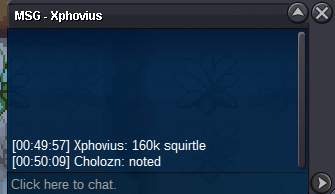
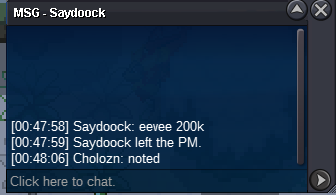
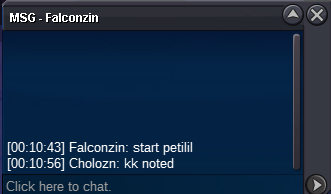
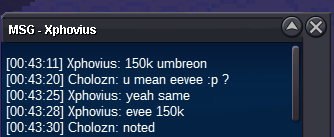
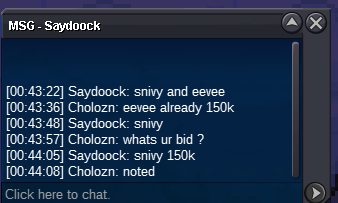
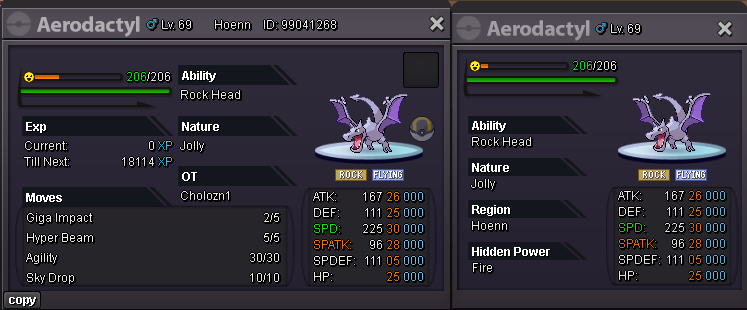
From this point.snivy c.o 150k eevee c.o 150k
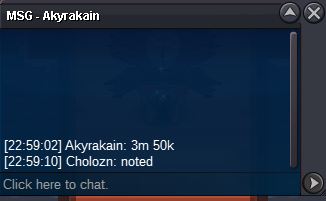
 Not a bundle ! from cholozn acc s.o 100k min bid 50k ends 29/12/2024 22:59 GMT+1 accept cc 450k rc 5k iv rr 500k live timer : https://yourcountdown.to/3-auc-1735432245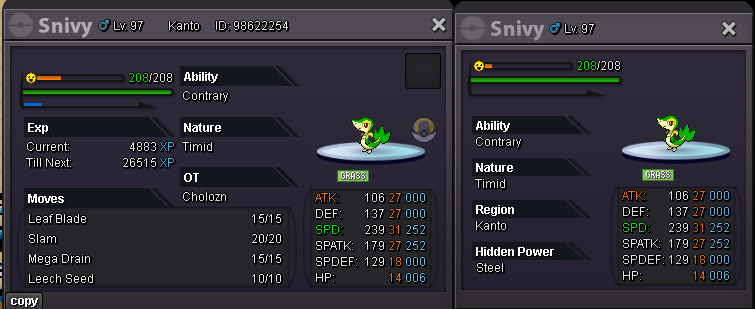
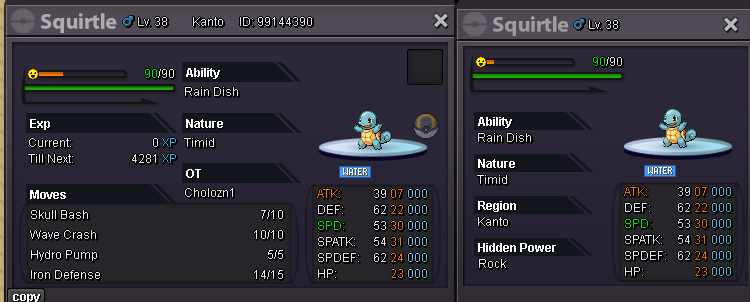
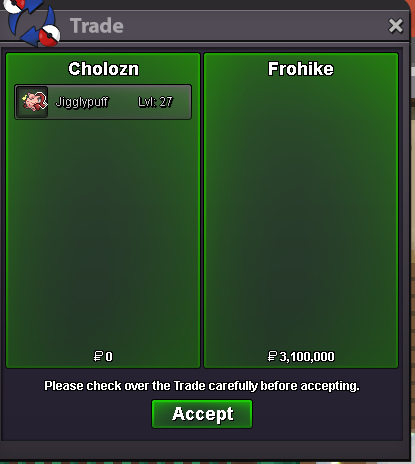
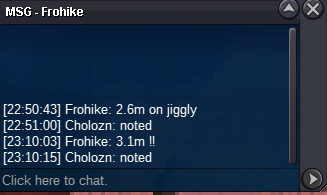
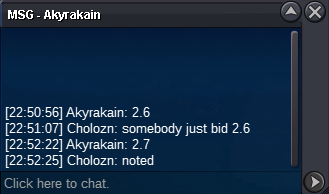
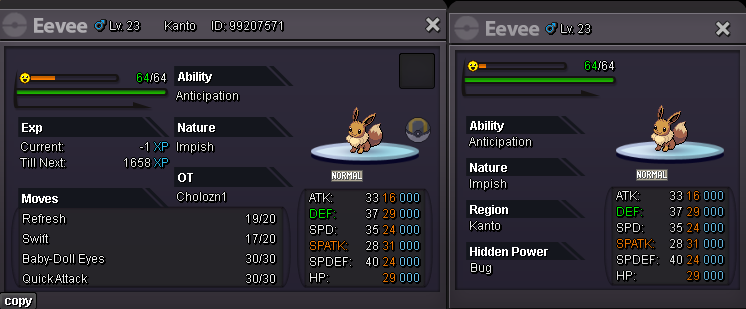 Starting from nowfrom cholozn s.o 100k min 50k ends 28 / 12 /2024 23:59 GMT +1 accept cc 450k iv rr 500k nature 250k bms 200k rc 5k live timer : https://yourcountdown.to/jiggly-xmax-1735075906
 @Casg140vs please pm me in game by typing /pm cholozn tyNot a bundle ! from cholozn S.O 100k each Min bid 50k each no insta any ends 23:59 GMT +1 20/12/24 accept cc 450k rr 500k nature 250k rc 5k Live timer : https://yourcountdown.to/auc-1734653027 C.O 100k S.O 100k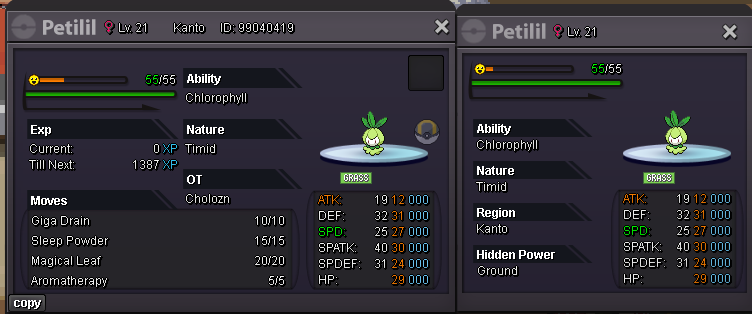
Account
Navigation
Search
Configure browser push notifications
Chrome (Android)
- Tap the lock icon next to the address bar.
- Tap Permissions → Notifications.
- Adjust your preference.
Chrome (Desktop)
- Click the padlock icon in the address bar.
- Select Site settings.
- Find Notifications and adjust your preference.
Safari (iOS 16.4+)
- Ensure the site is installed via Add to Home Screen.
- Open Settings App → Notifications.
- Find your app name and adjust your preference.
Safari (macOS)
- Go to Safari → Preferences.
- Click the Websites tab.
- Select Notifications in the sidebar.
- Find this website and adjust your preference.
Edge (Android)
- Tap the lock icon next to the address bar.
- Tap Permissions.
- Find Notifications and adjust your preference.
Edge (Desktop)
- Click the padlock icon in the address bar.
- Click Permissions for this site.
- Find Notifications and adjust your preference.
Firefox (Android)
- Go to Settings → Site permissions.
- Tap Notifications.
- Find this site in the list and adjust your preference.
Firefox (Desktop)
- Open Firefox Settings.
- Search for Notifications.
- Find this site in the list and adjust your preference.