




New Trade Zone
Trade Zone is now live
Use the new Trade Zone for auctions and instant-price trades so Pokemon and item offers are easy to find.

Zncholo
Registered User
-
Joined
-
Last visited
Everything posted by Zncholo
-
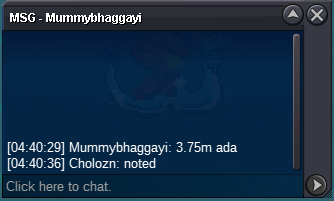
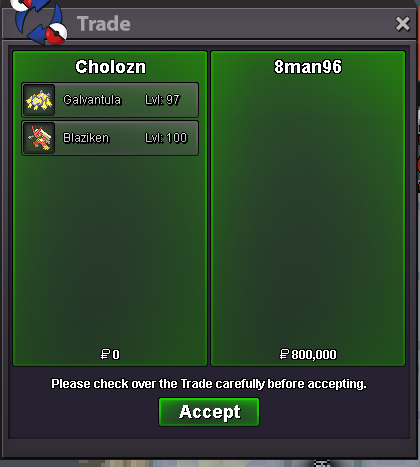
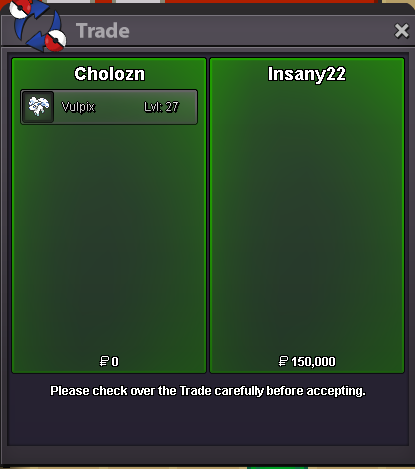
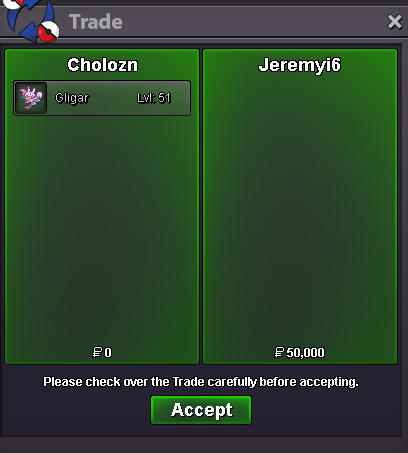
already ended mateQuick reminder , from this point on any bid received will be extended by 15 mins.I am yes , type /pm cholozn in game pls @Araragikun+3start from cholozn240K from choloznhi @Araragikun , yes i can , i am online now for next 10 hours , type in game /pm cholozn to contact me , ty Hi @Jackstermac i will do that next time when i add pokemons again , also the pokemons added are : - Bagon - buneary - 2 lvl 97 charizard - galvantula lv 97 - kindra lvl 100 - 3 litwicks - rufflet - squirtleMeeeh make it 400k already160 from choloznstart from choloznC.O 3.75m for ada
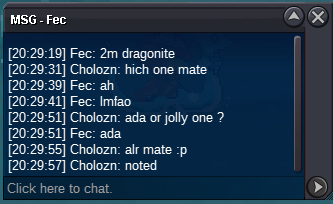
 Added around 10 new monsTaking offers on itc.o 3.6m adamant c.o 650k jolly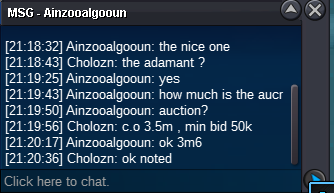
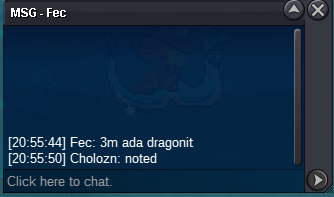
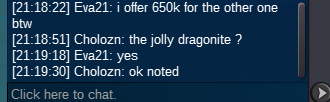 Specify which one pleasefrom cholozn Not a bundle !! s.o 500k each Min bid 50k each Ends 28/11/2024 at 23:59 UTC+1 Accept cc 420k // rc 5k // iv rr 500k // nature 240k C.O 4.1m Ends 28/11/2024 at 23:59 UTC+1 C.O 800K Ends 28/11/2024 at 23:59 UTC+1 Timer : https://yourcountdown.to/dragonite-1732647672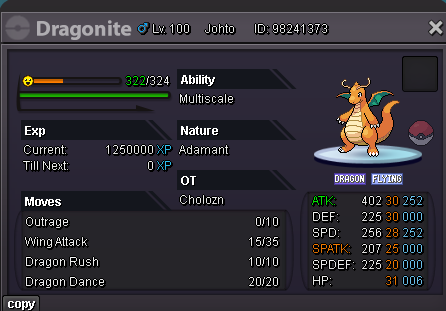
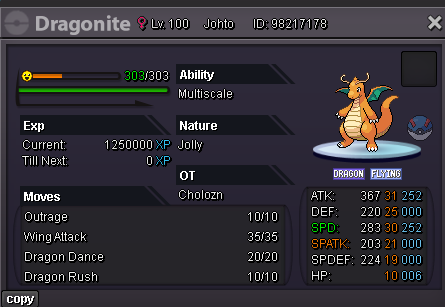 From cholozn Start 50k min bid 20k ends 1 hour after start accept cc 440k // rc 5k // iv rr 500k // nature 240k
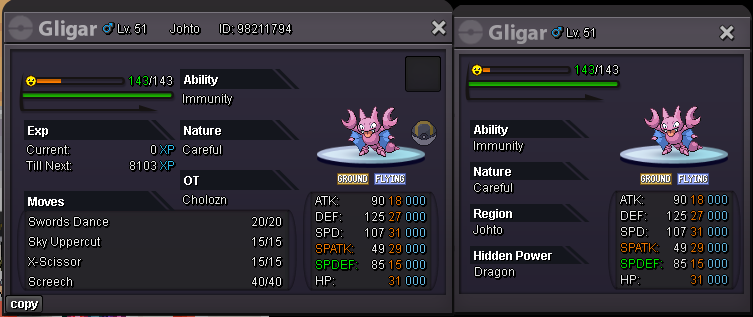 1.25 from cholozn
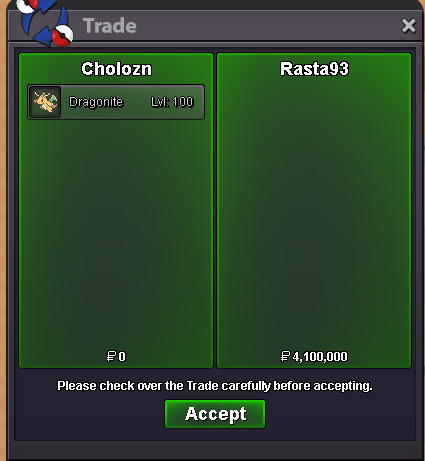
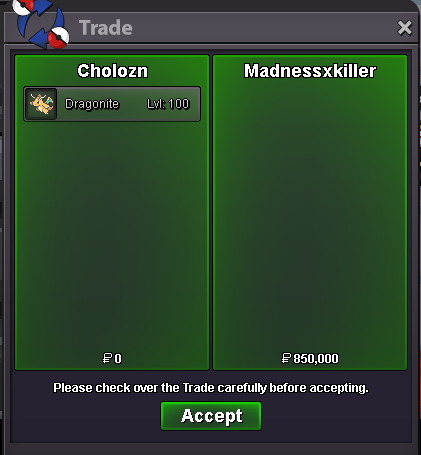



Account
Navigation
Search
Configure browser push notifications
Chrome (Android)
- Tap the lock icon next to the address bar.
- Tap Permissions → Notifications.
- Adjust your preference.
Chrome (Desktop)
- Click the padlock icon in the address bar.
- Select Site settings.
- Find Notifications and adjust your preference.
Safari (iOS 16.4+)
- Ensure the site is installed via Add to Home Screen.
- Open Settings App → Notifications.
- Find your app name and adjust your preference.
Safari (macOS)
- Go to Safari → Preferences.
- Click the Websites tab.
- Select Notifications in the sidebar.
- Find this website and adjust your preference.
Edge (Android)
- Tap the lock icon next to the address bar.
- Tap Permissions.
- Find Notifications and adjust your preference.
Edge (Desktop)
- Click the padlock icon in the address bar.
- Click Permissions for this site.
- Find Notifications and adjust your preference.
Firefox (Android)
- Go to Settings → Site permissions.
- Tap Notifications.
- Find this site in the list and adjust your preference.
Firefox (Desktop)
- Open Firefox Settings.
- Search for Notifications.
- Find this site in the list and adjust your preference.