




New Trade Zone
Trade Zone is now live
Use the new Trade Zone for auctions and instant-price trades so Pokemon and item offers are easy to find.

Tigervarki
Registered User
-
Joined
-
Last visited
-
50k
-
starting offer. : 50k minimum raise. : 10k Duration : 24 hrs after s.o no insta Accepted Payments cc =400k Pokedollers ign: tigervarki discord: varki123

-
Bump
-
Starting Offer : 500k Minimum Raise : 100k Insta. : N/A Duration : 48hrs after S.O Accepted payments cc =400k iv rr=500k pokedollers$

-
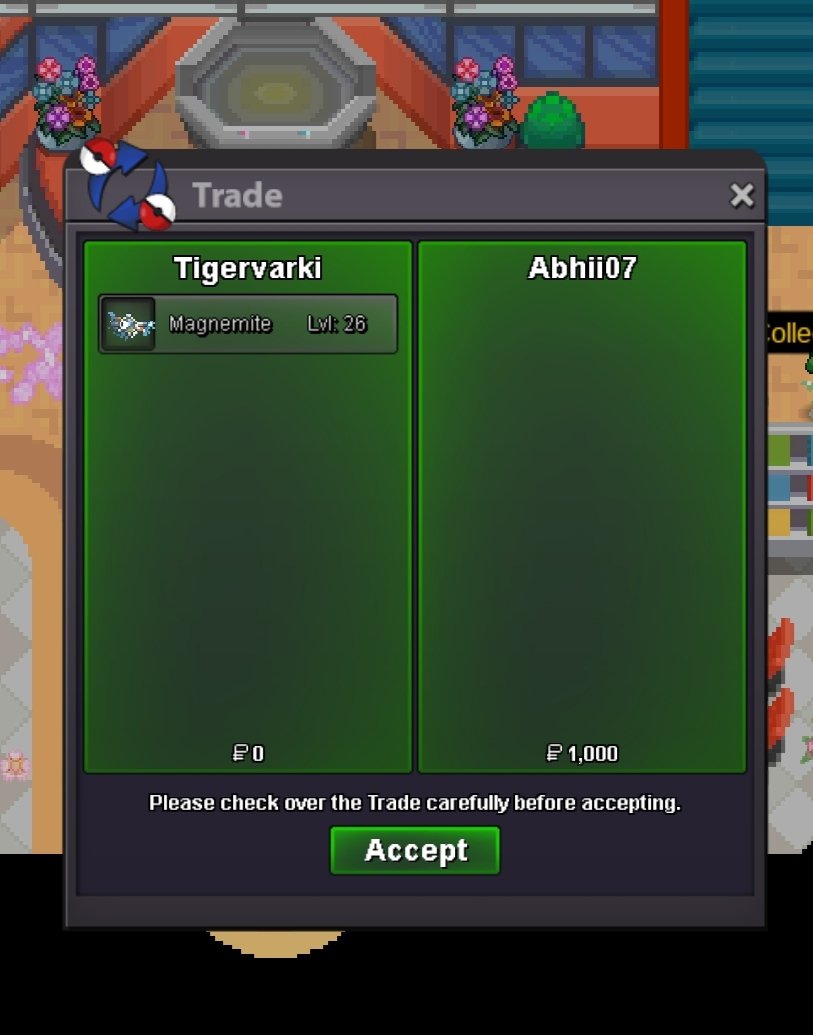
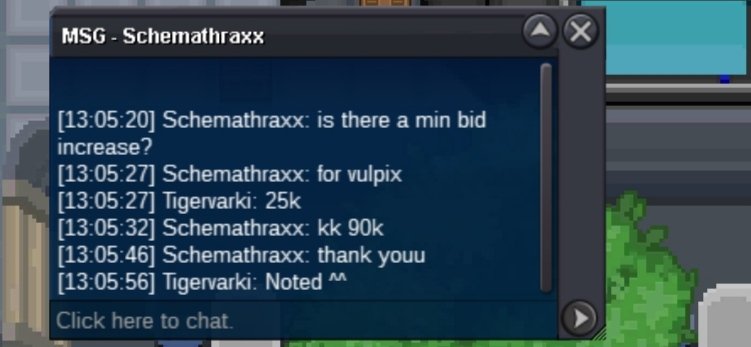
congrats" the Auction won by @Abhii07 @Aiyah @Schemathraxx59 Add me in game to make this trade ^^ Discord :varki123 Ign. : Tiger varki
-
Discord :varki123 Ign. : Tiger varki
-
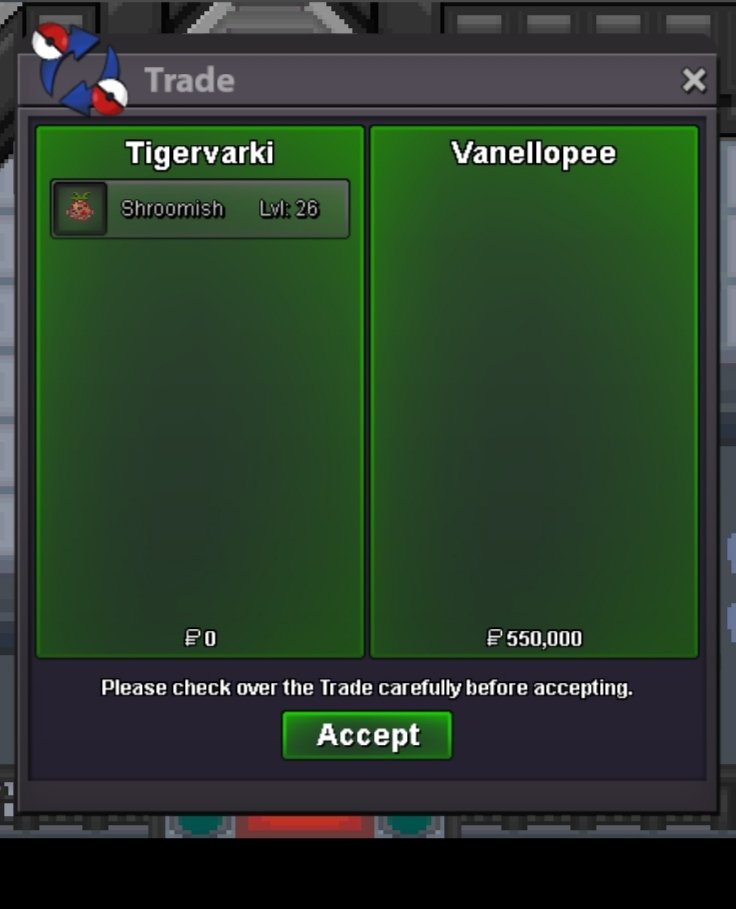
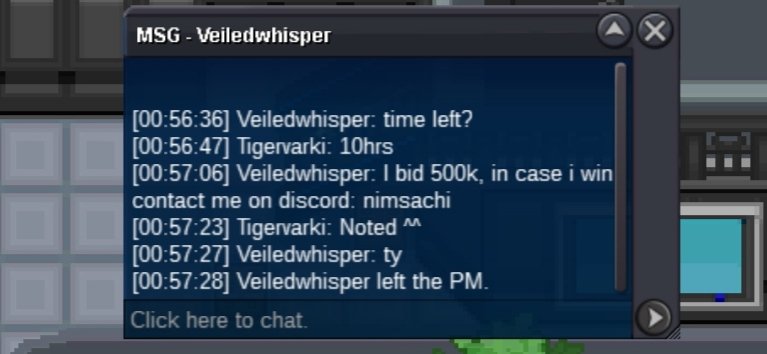
Congrats" the Auction won by @Vanellopee Add me in game to make this trade ^^ Discord: Varki123 Ign. : Tigervarki
-
Discord: varki123 Ign. :Tigervarki

-
Discord: varki123 Ign. : Tigervarki
-
Discord: varki123 Ign. : Tigervarki

-
Discord: varki123 Ign. :Tigervarki

-
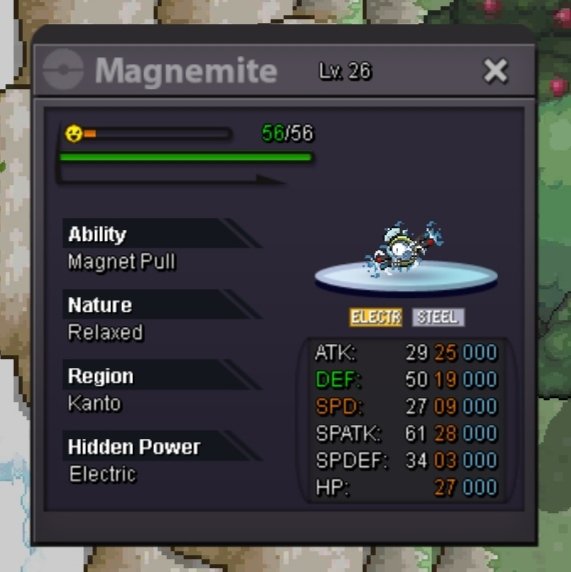
For each poke Minimum raise : 25K Duration . : 24hrs After S.O starting offer. : 1K Insta. : N/A Accepted Payments Poke Dollers $ C C. =400k IV Rerolls =500k Important Reminder If a bid is received in the final 15 minutes of the auction, the end point will be delayed by 15 minutes from that bid, and will be delayed by 15 minutes for each new bid thereafter, until the current offer has been held for a full 15 minutes. Discord: Varki123 Ign. Tigervarki


-
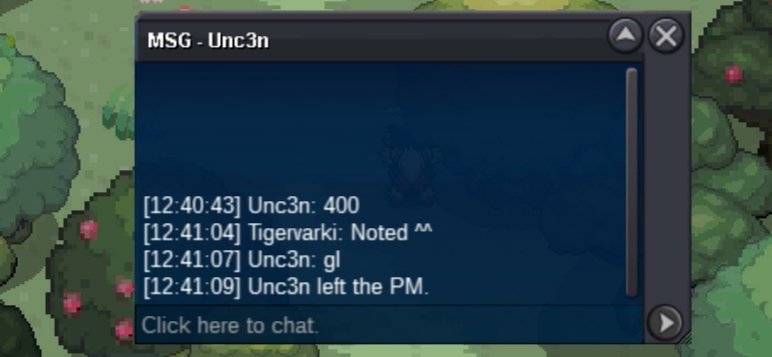
Discord: Varki123 Ign. : Tigervarki
-
Minimum Raise : 25k Duration. : 48hrs After S.O Insta. : N/A Starting offer. : 1k Accepted Payments Poke dollers $ C C = 400k IV Rerolls = 500k Important Reminder If a bid is received in the final 15 minutes of the auction, the end point will be delayed by 15 minutes from that bid, and will be delayed by 15 minutes for each new bid thereafter, until the current offer has been held for a full 15 minutes Discord: Varki123 Ign. :Tigervarki

-
@Jarahebajcze