New Trade Zone
Trade Zone is now live
Use the new Trade Zone for auctions and instant-price trades so Pokemon and item offers are easy to find.

Akasushi
Registered User
-
Joined
-
Last visited
Everything posted by Akasushi
-
@Ajeykrzyou have won. Let me know when we can meet
-
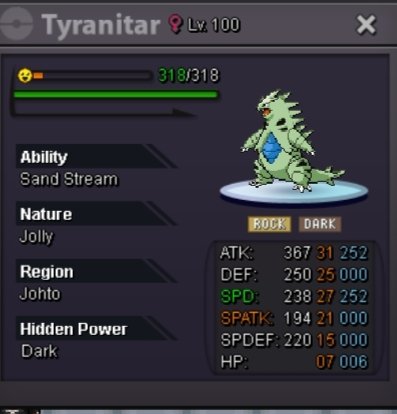
Trade done for 31/27 tyrn
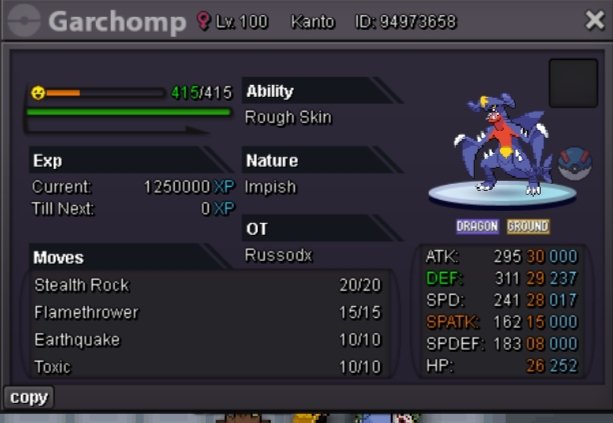
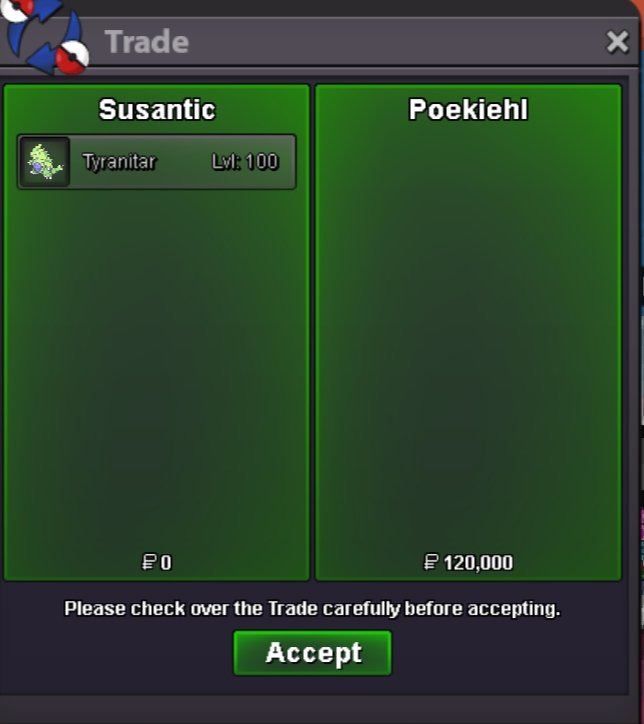 Trade done for chomp
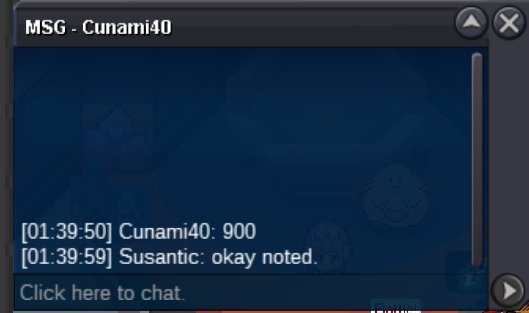
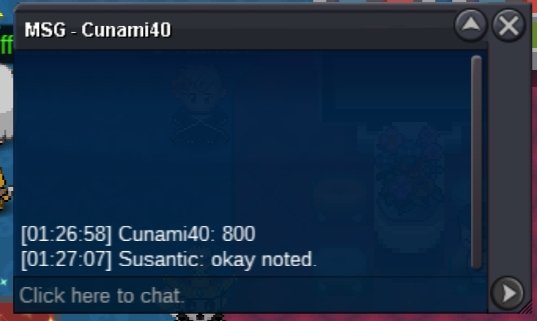
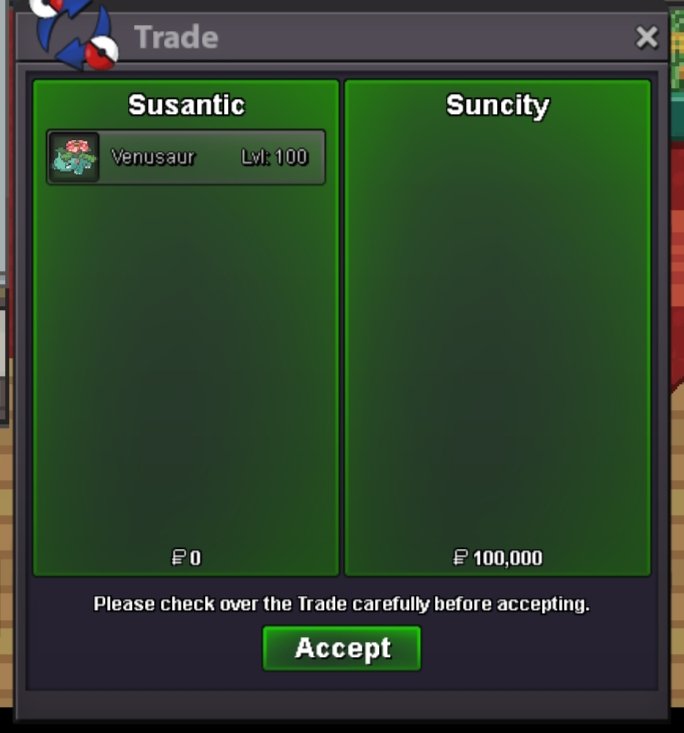
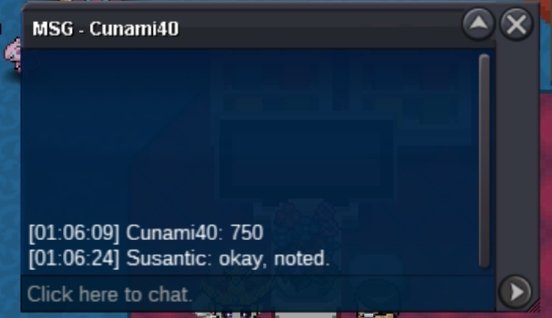
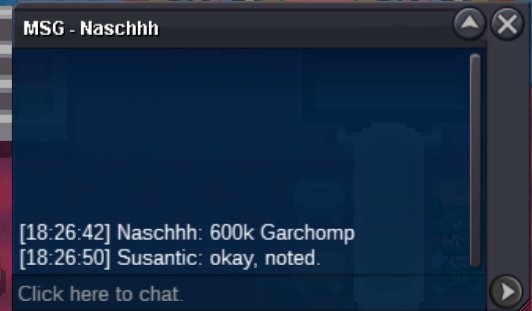
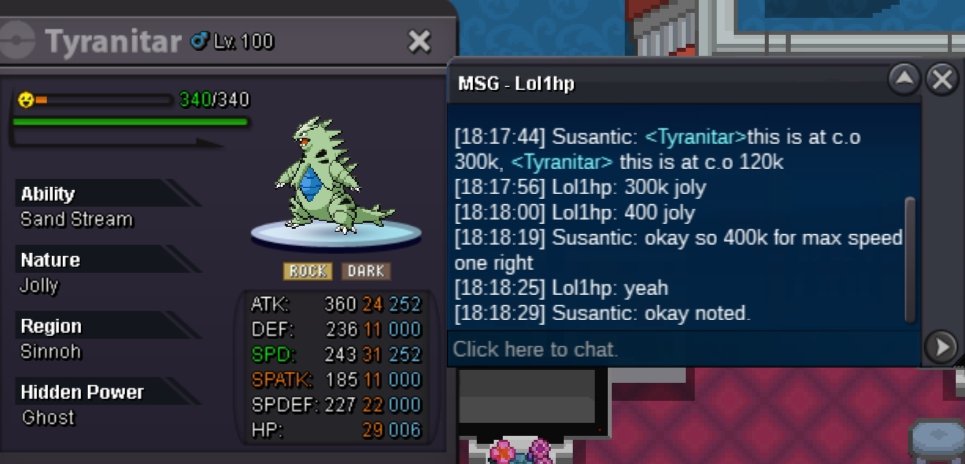
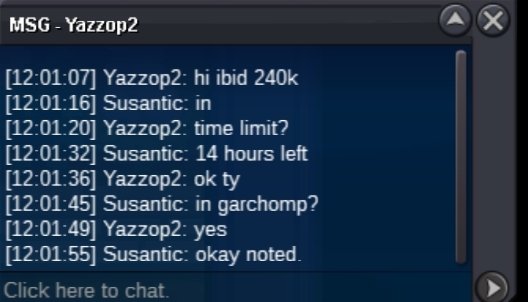
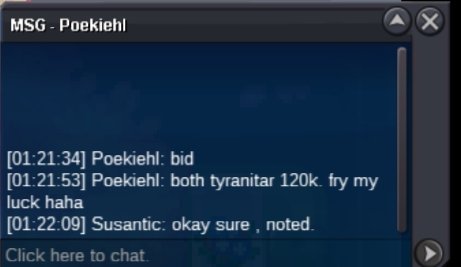
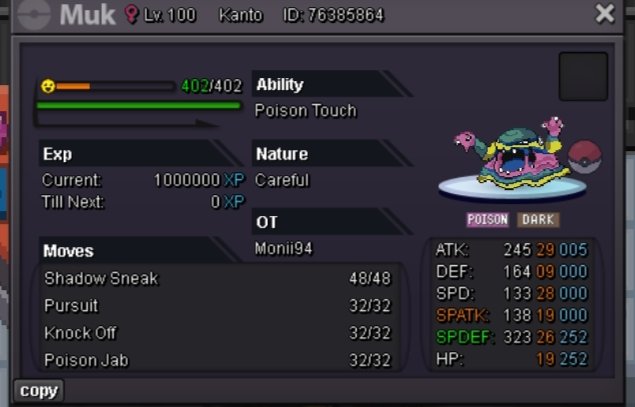
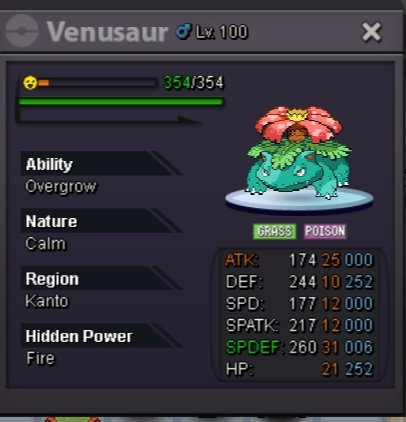
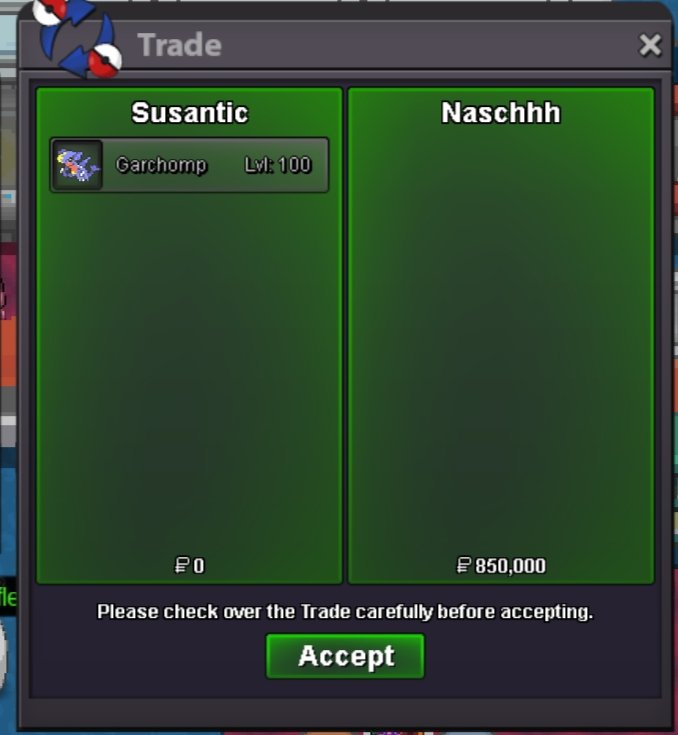 C.o 720k for tyrn, Rest of the auctions have endedOne hour left on all poke now!!C.o Garchomp - 850k 24/31 Ttar - 550k 31/27 Ttar - 120k Alon Muk - 120k Venu - 100k 3 hours left for allAbout 3 hours left
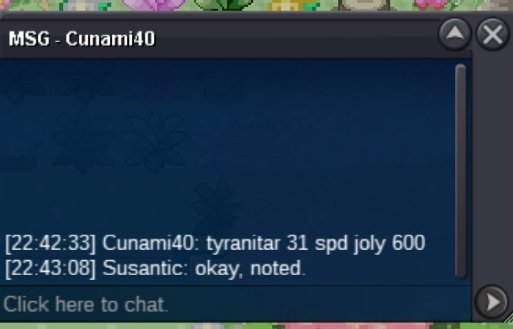
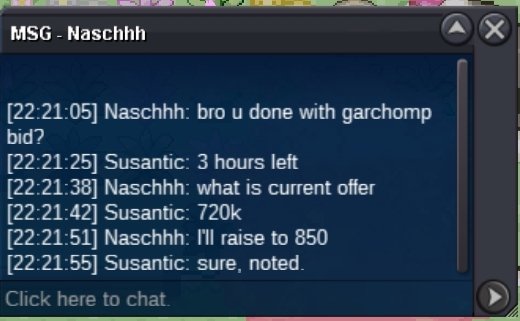 24/31 tyrn. C.o 550k
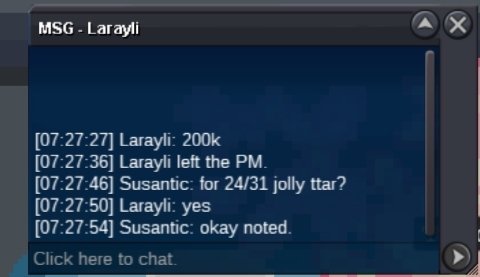
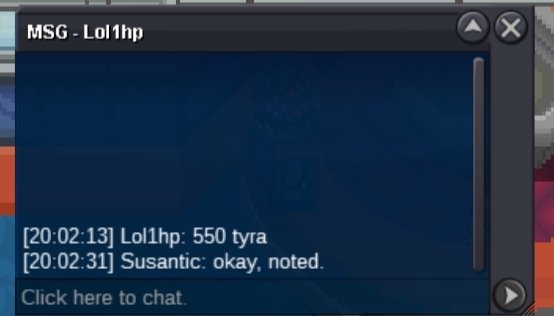 C.o 500k for 24/31 jolly tyrn. 7 hours left
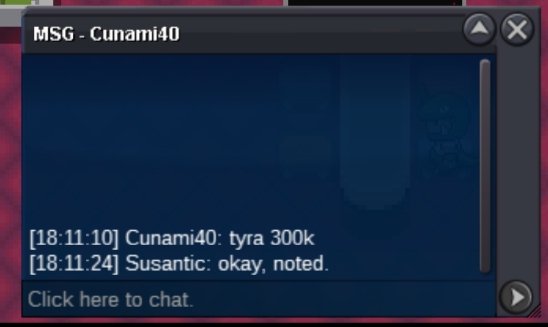
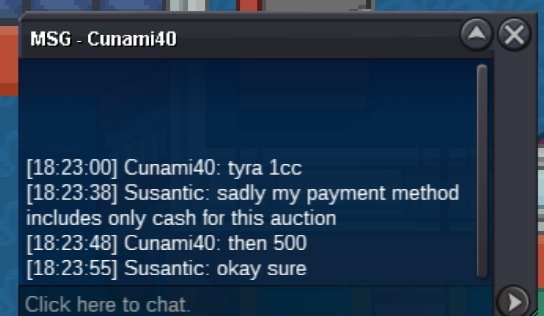 C.o 300k for 24/31 jolly tyrn
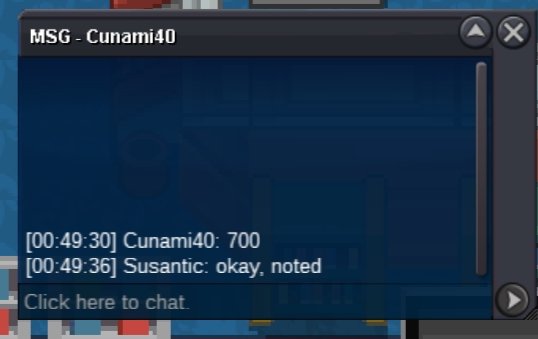
 @Dasdasd2 garchomp is already at 200k, would you like to bid 220k?C.o 600k C.o 800k C.o 120k C.o 120k C.o 100k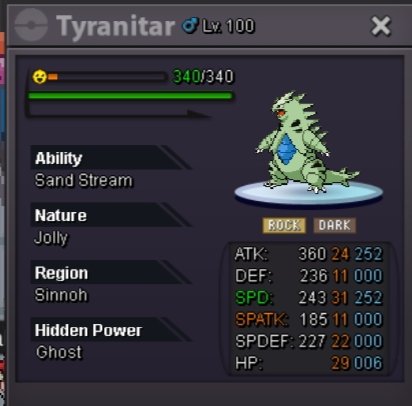
 8m7m
8m7mAccount
Navigation
Search
Configure browser push notifications
Chrome (Android)
- Tap the lock icon next to the address bar.
- Tap Permissions → Notifications.
- Adjust your preference.
Chrome (Desktop)
- Click the padlock icon in the address bar.
- Select Site settings.
- Find Notifications and adjust your preference.
Safari (iOS 16.4+)
- Ensure the site is installed via Add to Home Screen.
- Open Settings App → Notifications.
- Find your app name and adjust your preference.
Safari (macOS)
- Go to Safari → Preferences.
- Click the Websites tab.
- Select Notifications in the sidebar.
- Find this website and adjust your preference.
Edge (Android)
- Tap the lock icon next to the address bar.
- Tap Permissions.
- Find Notifications and adjust your preference.
Edge (Desktop)
- Click the padlock icon in the address bar.
- Click Permissions for this site.
- Find Notifications and adjust your preference.
Firefox (Android)
- Go to Settings → Site permissions.
- Tap Notifications.
- Find this site in the list and adjust your preference.
Firefox (Desktop)
- Open Firefox Settings.
- Search for Notifications.
- Find this site in the list and adjust your preference.