




New Trade Zone
Trade Zone is now live
Use the new Trade Zone for auctions and instant-price trades so Pokemon and item offers are easy to find.

Akakaito
Registered User
-
Joined
-
Last visited
Everything posted by Akakaito
-
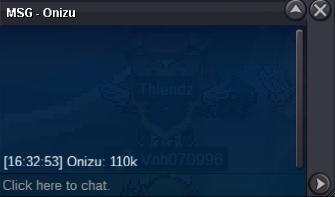
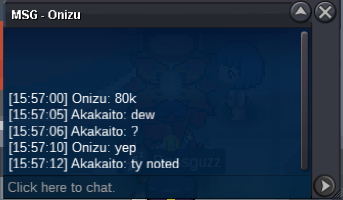
auction officialy ends Onizu is the winner.
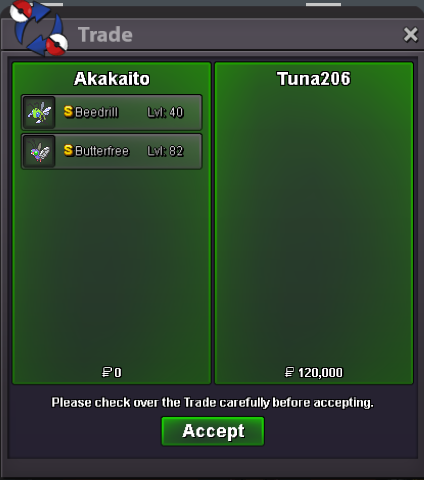
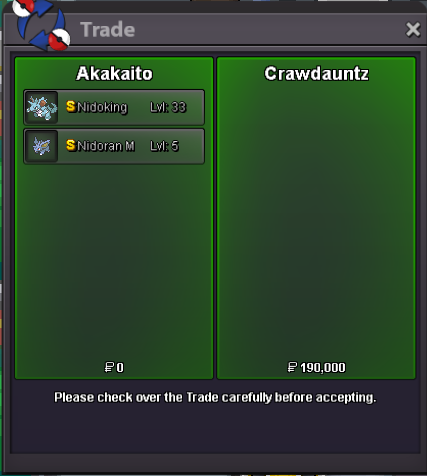
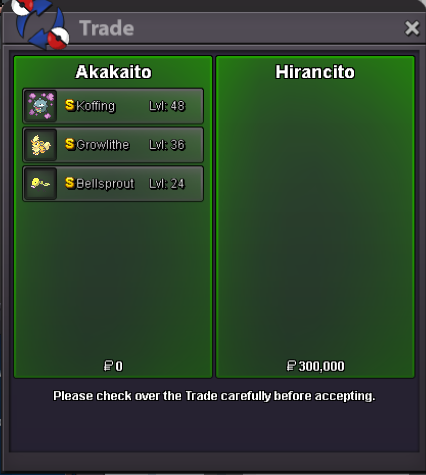
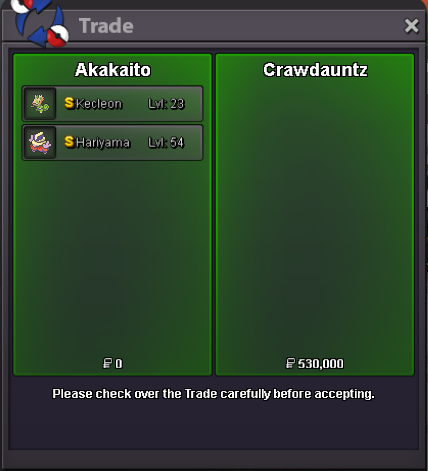
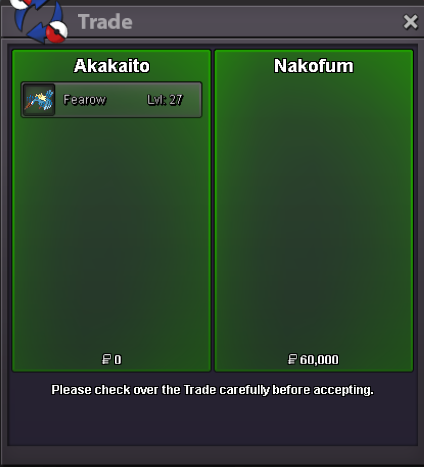
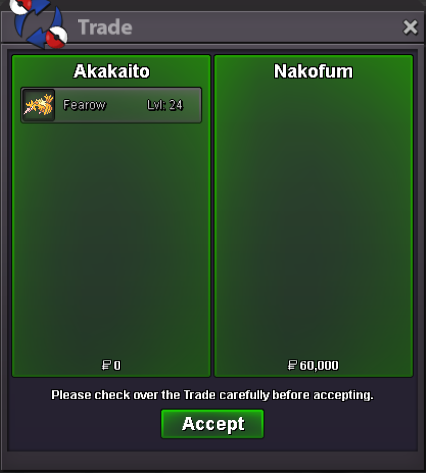
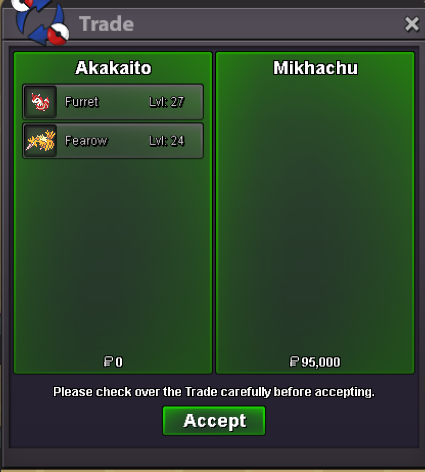
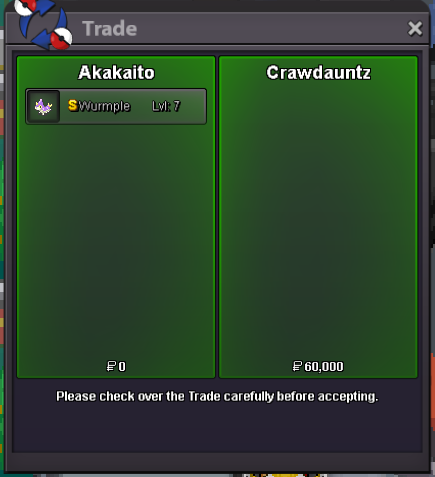
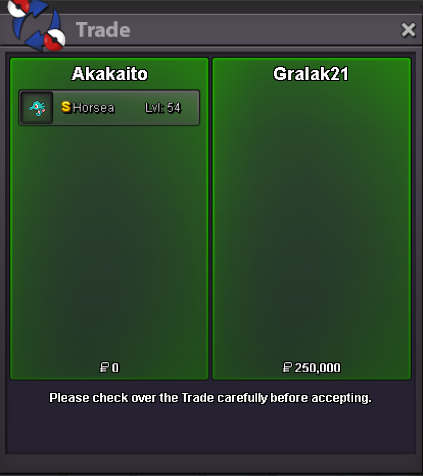
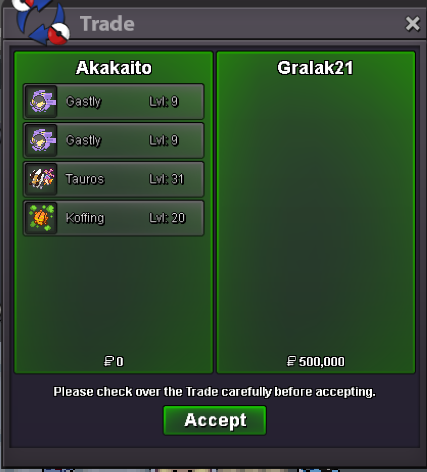
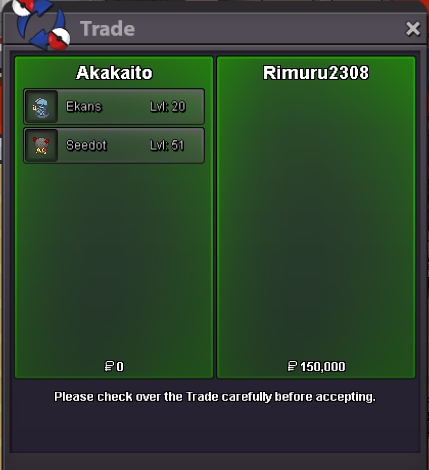
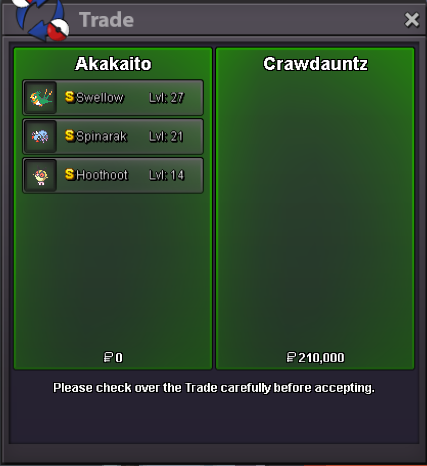
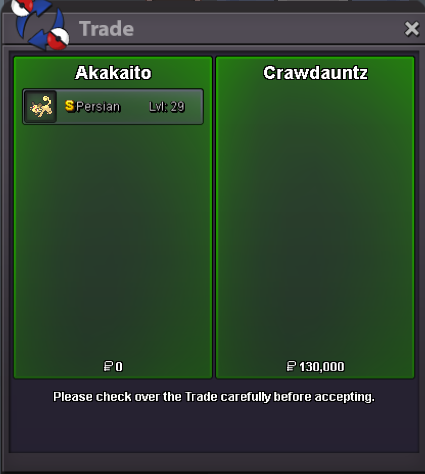
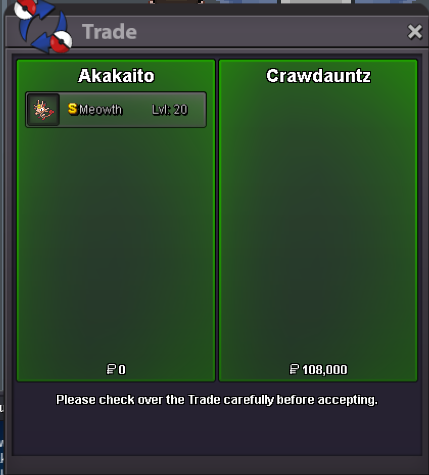
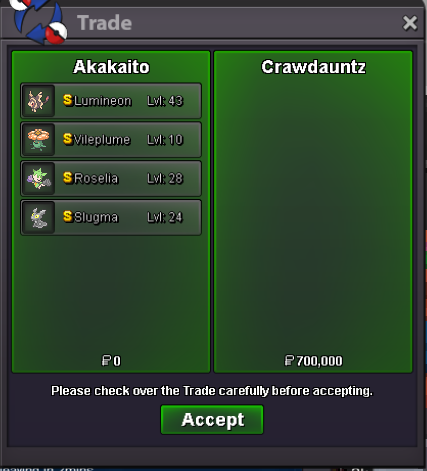
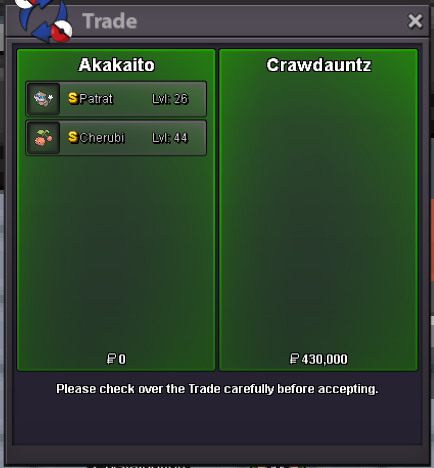
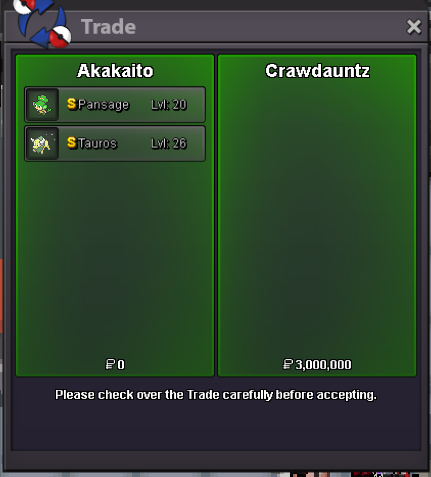
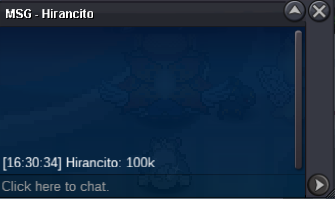
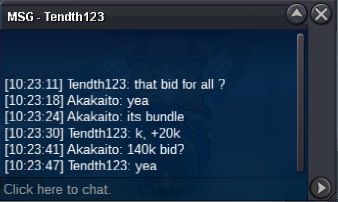
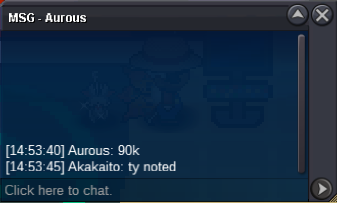
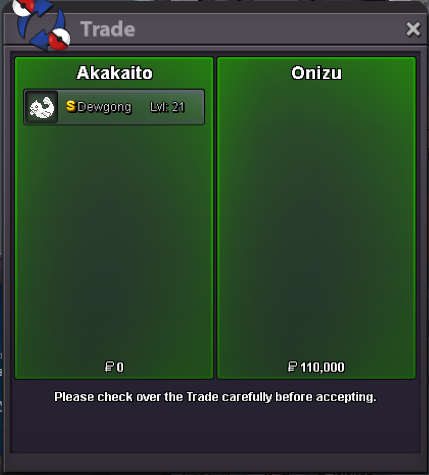 Some more sales That have been made while the shop is down.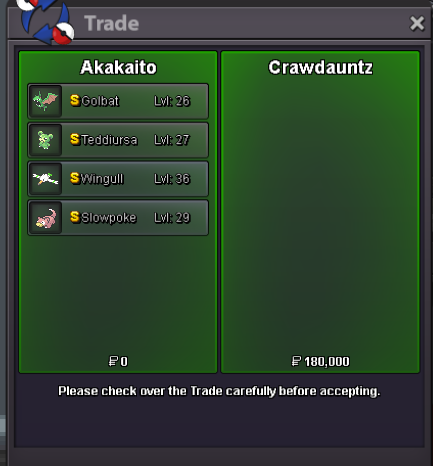
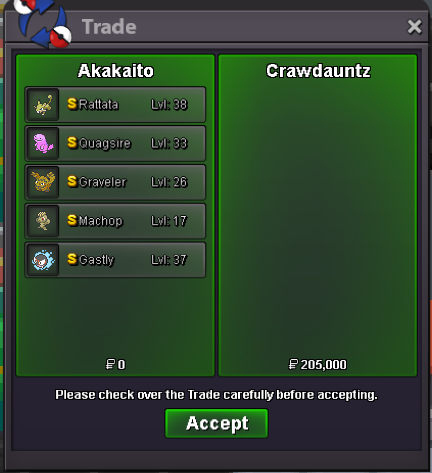
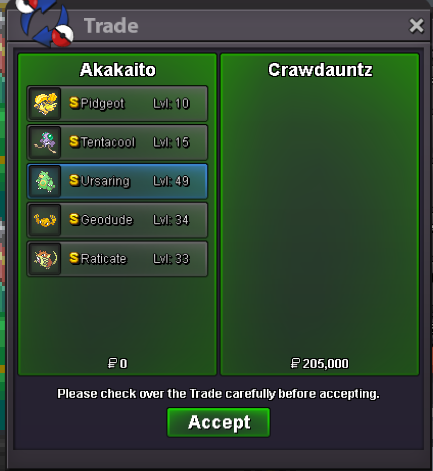
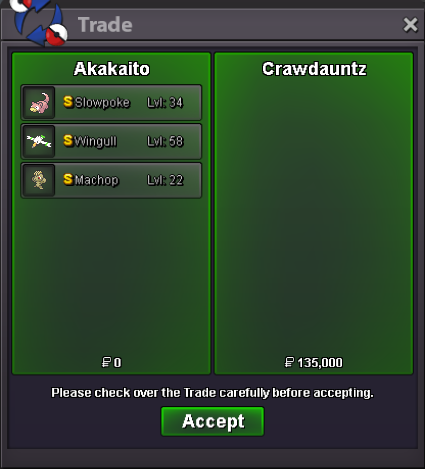
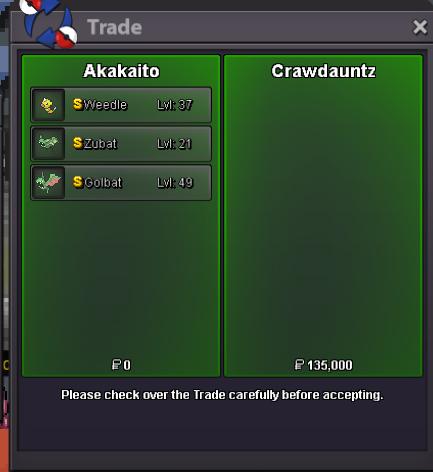
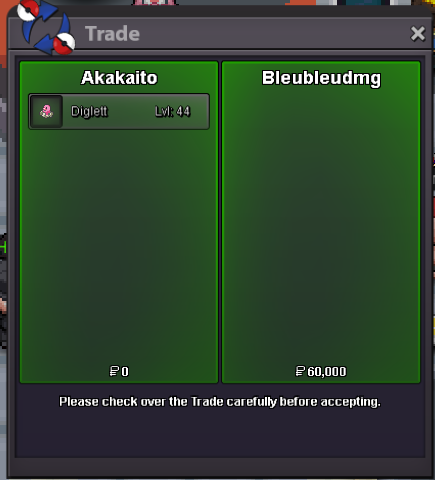
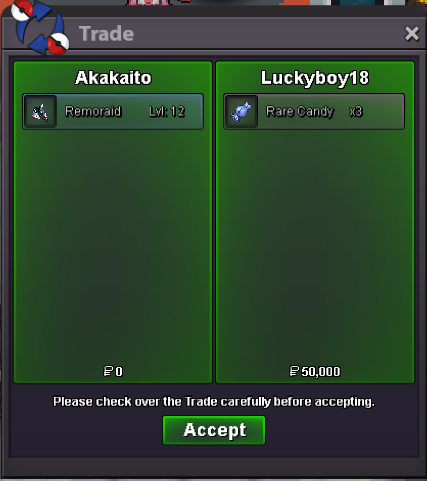 S.O. 50k Min bid 10k End 2 hours after the first bid met No insta 15 min rules is active. Accept pokedollars/cc=400k/rc=6k
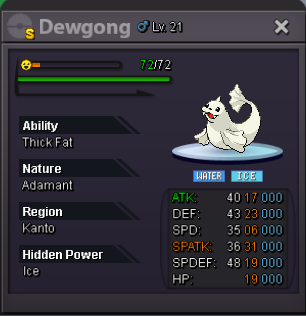 ty a lot enjoy mate.
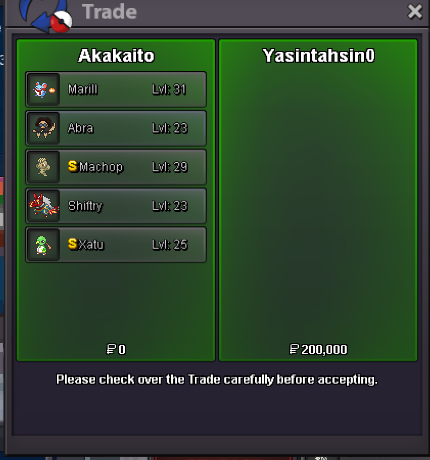 some mores sales. On weekend will be up again the shop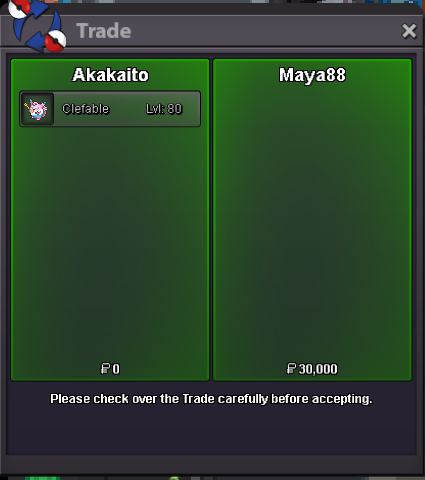
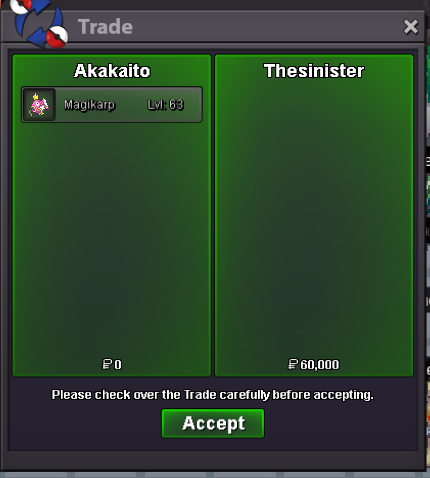
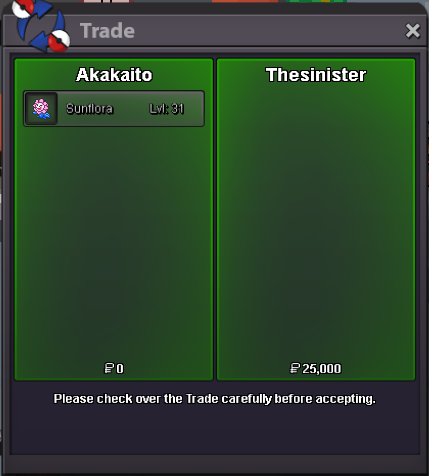
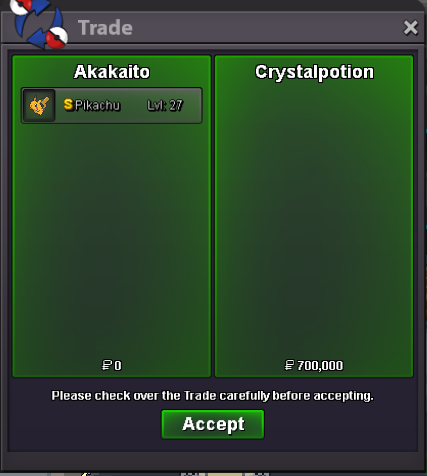 @Yasintahsin0 you are the winner of the auction!the trades happend while its closed. Soon will be up again with big update on all categories.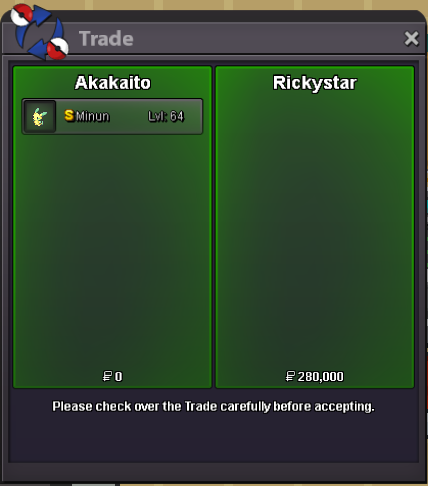
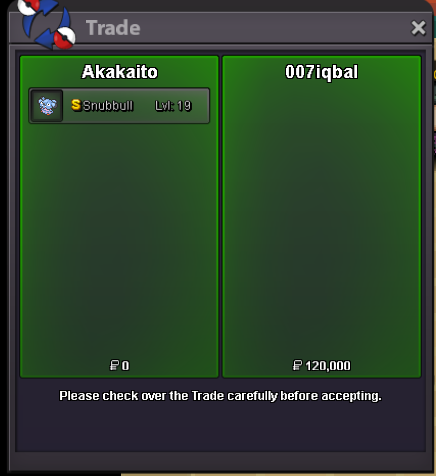
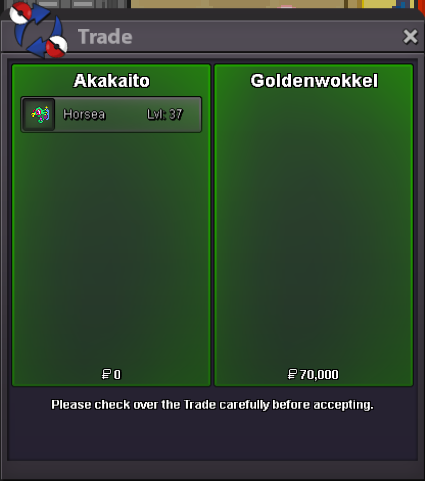
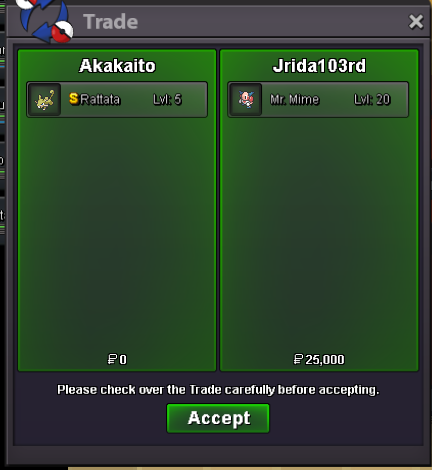
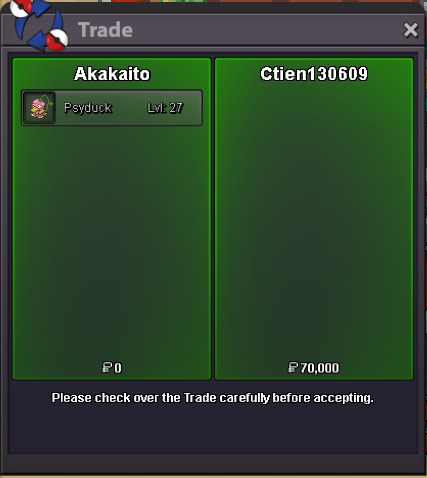
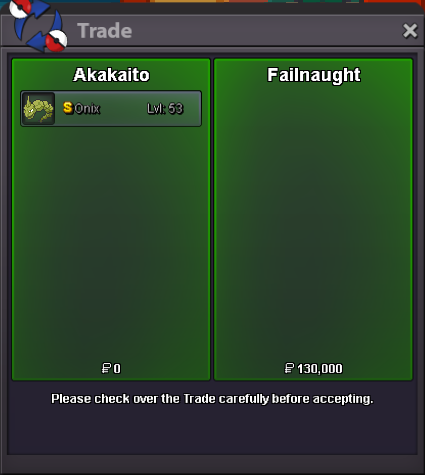
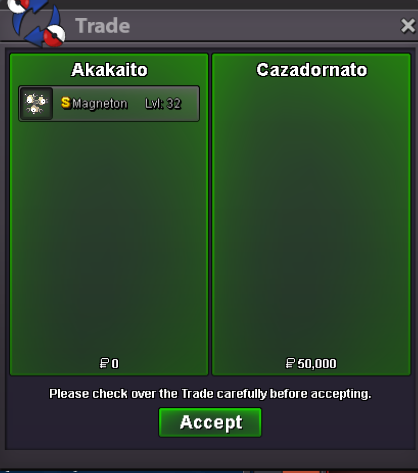
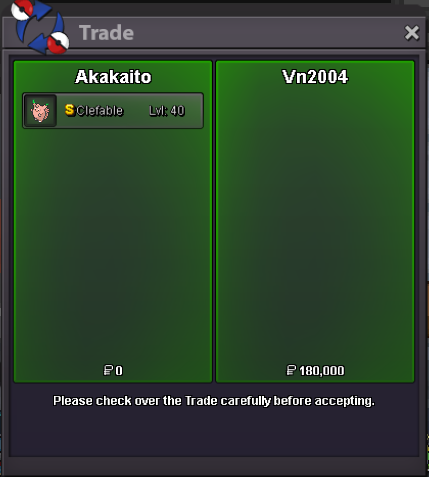
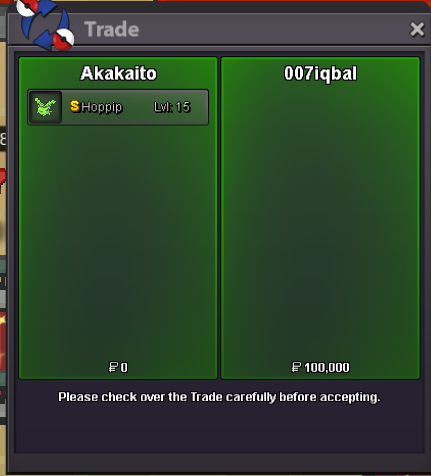
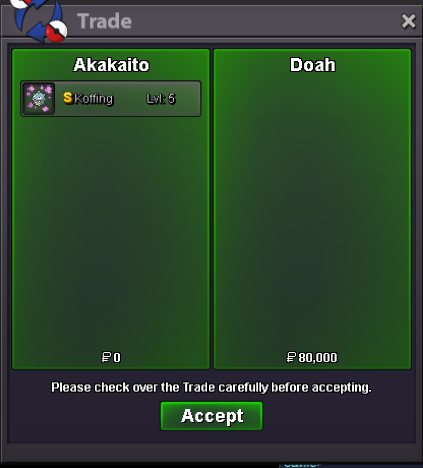
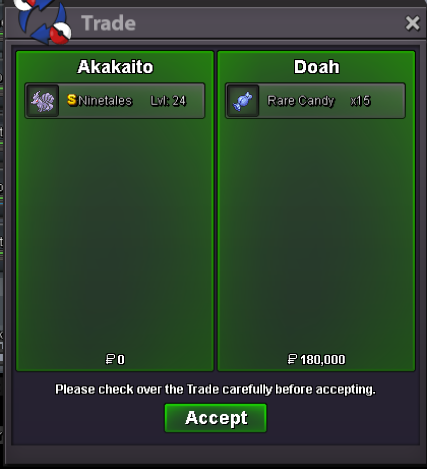
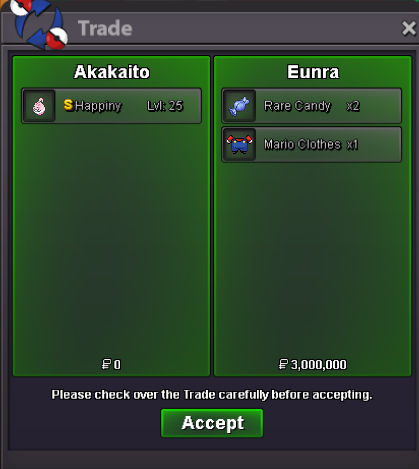 Canceled. Can be closed5 hours remain.its min bid 20k mateS.O. 50k Min bid 20k End 24 hours after the first bid met No insta 15 min rules is active. Accept pokedollars/cc=400k/rc=6k
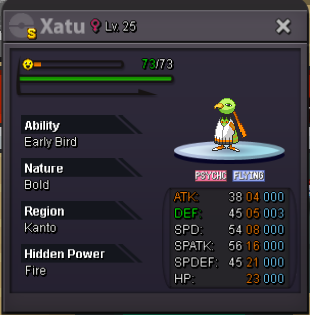
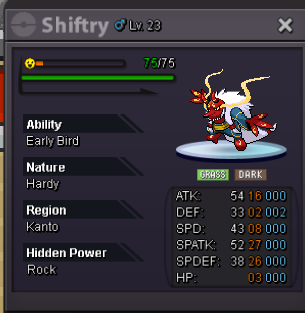
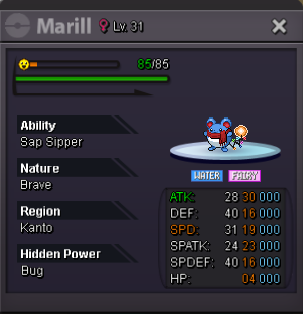
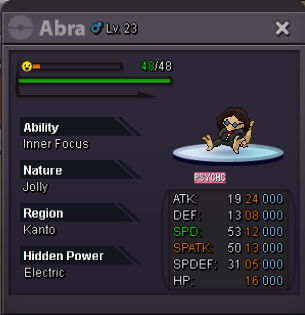 7010065100530015020150001
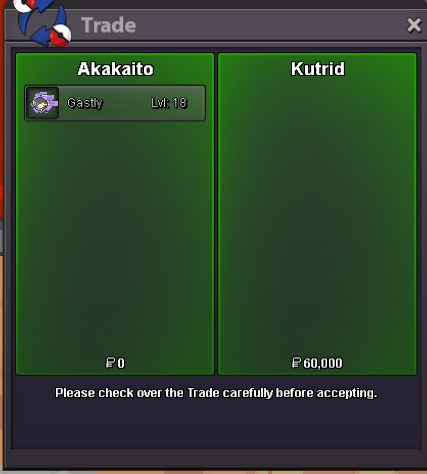
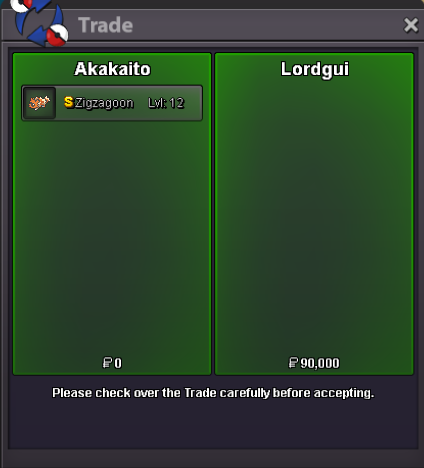

Account
Navigation
Search
Configure browser push notifications
Chrome (Android)
- Tap the lock icon next to the address bar.
- Tap Permissions → Notifications.
- Adjust your preference.
Chrome (Desktop)
- Click the padlock icon in the address bar.
- Select Site settings.
- Find Notifications and adjust your preference.
Safari (iOS 16.4+)
- Ensure the site is installed via Add to Home Screen.
- Open Settings App → Notifications.
- Find your app name and adjust your preference.
Safari (macOS)
- Go to Safari → Preferences.
- Click the Websites tab.
- Select Notifications in the sidebar.
- Find this website and adjust your preference.
Edge (Android)
- Tap the lock icon next to the address bar.
- Tap Permissions.
- Find Notifications and adjust your preference.
Edge (Desktop)
- Click the padlock icon in the address bar.
- Click Permissions for this site.
- Find Notifications and adjust your preference.
Firefox (Android)
- Go to Settings → Site permissions.
- Tap Notifications.
- Find this site in the list and adjust your preference.
Firefox (Desktop)
- Open Firefox Settings.
- Search for Notifications.
- Find this site in the list and adjust your preference.