




New Trade Zone
Trade Zone is now live
Use the new Trade Zone for auctions and instant-price trades so Pokemon and item offers are easy to find.

Noistoo
Registered User
-
Joined
-
Last visited
Everything posted by Noistoo
-
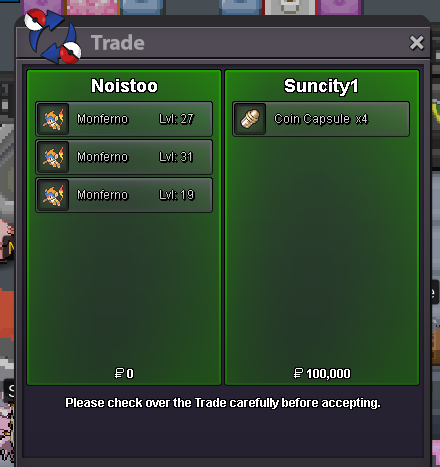
gg suncity won all 3up few hrs left!! c.o steel 300k, flying 600k, steel 1mupsteel chim is already at 200k bid!Auction for these funny monkes, bids will be seperate for each Monferno. Note the "Hidden Power" next to your bid so we know which one you mean. START OFFER: 100K each mon. MIN BID: 100K Insta: Nu. Auction will end 3 days after first bid. GL! Accepting: Pokedollar Rerolls: 700k CC: 500k
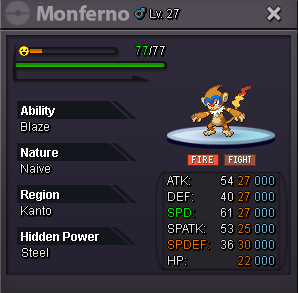
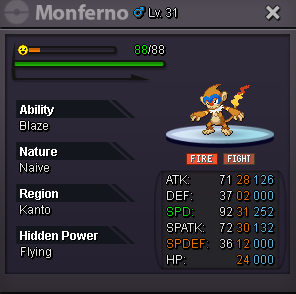
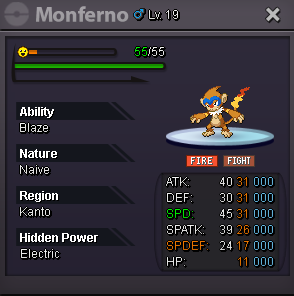 2.5m2.2mInsta 20m.
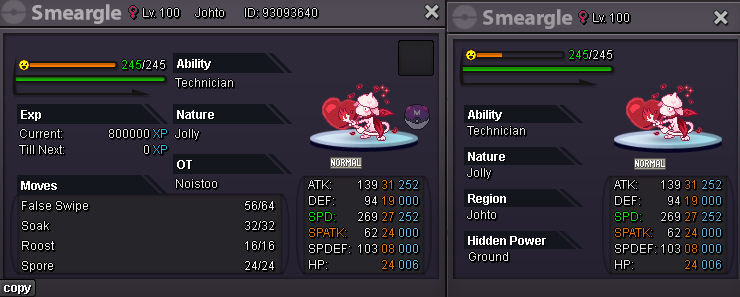
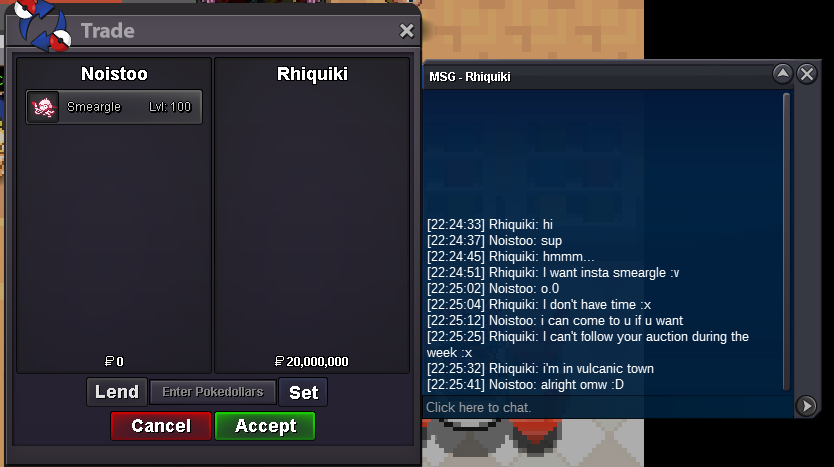 Auction ends 21:21 GMT+2 in 3 Days.Auction for this beautiful Smeargle START OFFER: 1M MIN BID: 100K Insta: 20M Auction will end 3 days after first bid. Accepting: Pokedollar Rerolls: 500k CC: 400k (This is a Cross Server auction this means when you bid and win the Smeargle, I switch the server if necessary.) (If you intend to buy the Smeargle from an alt account, specify the Name of the alt alongside the bid) Good luck!
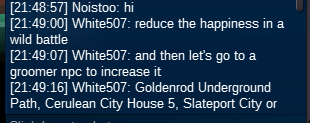
 Got the solution now thanks to White507. what I did was to lower the Happiness in a Battle and then got the groomer npc to get the happiness up. 🫡
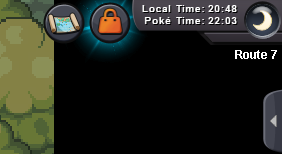
 I also did that I tried every method thats possible that I know of 😄I tried mysterious candy, also I let it faint once with knockout drops and once with a toxic orbHi, not sure if im right here but I tried evolving my Eevee to Umbreon for 4 times now. It has 255 happiness and it is night aswell. I faint it, let it drop to 250 happiness and then got 5 happiness again. Thank you!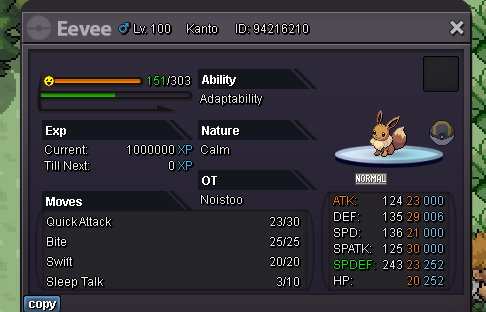

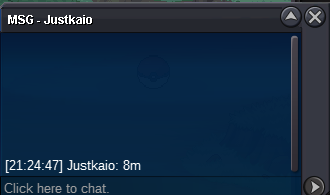
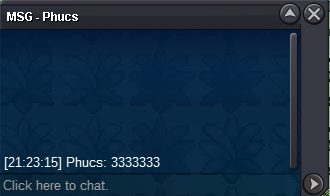
 4mgood luck ^^2.5m hawlu



Account
Navigation
Search
Configure browser push notifications
Chrome (Android)
- Tap the lock icon next to the address bar.
- Tap Permissions → Notifications.
- Adjust your preference.
Chrome (Desktop)
- Click the padlock icon in the address bar.
- Select Site settings.
- Find Notifications and adjust your preference.
Safari (iOS 16.4+)
- Ensure the site is installed via Add to Home Screen.
- Open Settings App → Notifications.
- Find your app name and adjust your preference.
Safari (macOS)
- Go to Safari → Preferences.
- Click the Websites tab.
- Select Notifications in the sidebar.
- Find this website and adjust your preference.
Edge (Android)
- Tap the lock icon next to the address bar.
- Tap Permissions.
- Find Notifications and adjust your preference.
Edge (Desktop)
- Click the padlock icon in the address bar.
- Click Permissions for this site.
- Find Notifications and adjust your preference.
Firefox (Android)
- Go to Settings → Site permissions.
- Tap Notifications.
- Find this site in the list and adjust your preference.
Firefox (Desktop)
- Open Firefox Settings.
- Search for Notifications.
- Find this site in the list and adjust your preference.