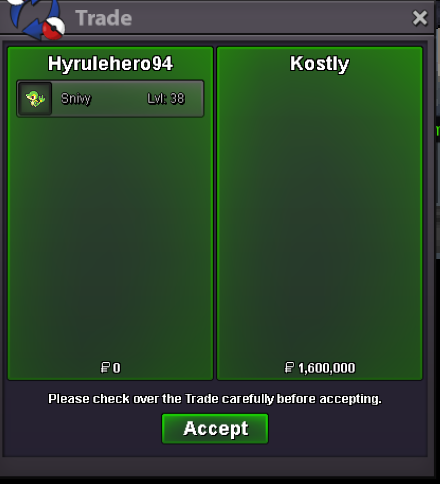
New Trade Zone
Trade Zone is now live
Use the new Trade Zone for auctions and instant-price trades so Pokemon and item offers are easy to find.
.png.2a2df459730be3e396997a1dfdd871a6.png)

Hyrulehero94
Registered User
-
Joined
-
Last visited
-
Congratulations you won at 13.1mAuction endLittle under 9 hours until the end of AuctionI meant to type CC when i Typed RR as this is my mistake this is now a part of the auction RR price accepted at 400k due to my mistakeDone I apologizeAuction Rules: 1. Payments accepted in RR 400k or Pokedollars 2. Auction starts when the starting price is met 3. If in the last 15 minutes of the Auction there is back and forth the 15 minutes will be reset each reply until there is a winner. 4. If you see me on in game message me I will take a screen and update here 5. I can also be contacted on discord in PROs main discord same username Start: 4m No Insta Ends in 48 hours after first bid. Min raise 100k Good Luck Everyone.
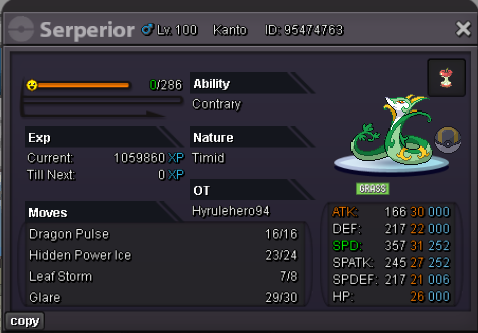 The Auction has ended the winner is Kostly at 1.6m please message me in game hyrulehero94 to pick upHello Everyone I hope you enjoy the auction Payment Options: PokeDollars, CC, Rare Candy I can be contacted on forums or in game my discord is the same HP Dark Starting Offer 200k Insta 2.5m 48 Hours Min Raise 100k Will end when I reach my insta goal or time runs out.
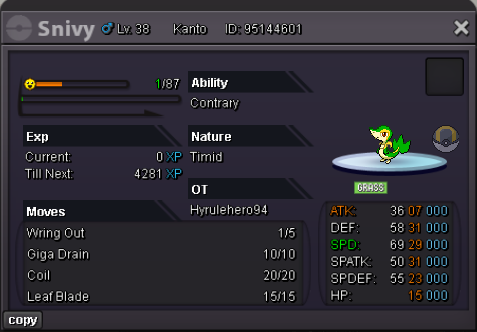 1.6 mOh this was you! Awesome I'll be on in game all day as well. I didn't know that was you xDYour Pokemon are done and ready for pickup at olivine just message my discord or message me on game when your onYeah but I only take 5 at a time if that is okayYeah for sure! I can be on as soon as I wake up maybe sooner if I don't fall asleep again