New Trade Zone
Trade Zone is now live
Use the new Trade Zone for auctions and instant-price trades so Pokemon and item offers are easy to find.
.jpg.e22cf46f53a6c66a1e3c97d767b48cd1.jpg)

Aurous
Registered User
-
Joined
-
Last visited
Everything posted by Aurous
-
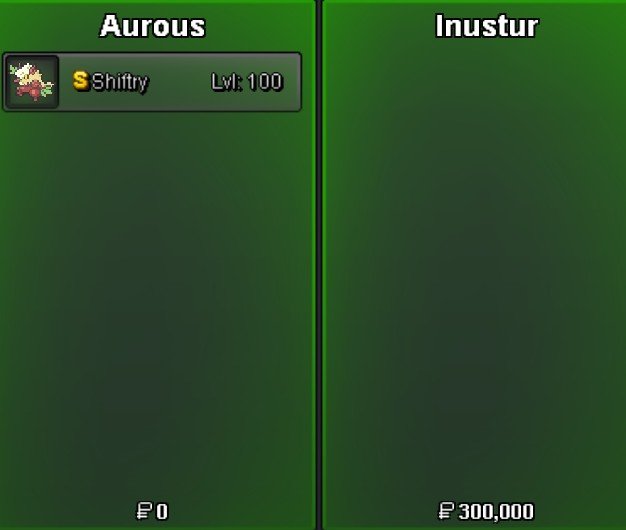
Thanks ! @Inustur , shiny shiftry sold
-
Sure lemme know when we can trade
-
Bump
-
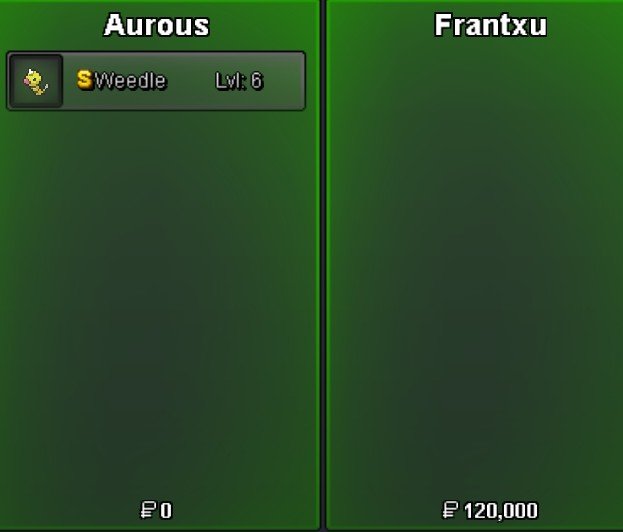
Shiny weedle sold , tyvm @Frantxu
-
Bump
-
Bump
-
1M
-
Bump
-
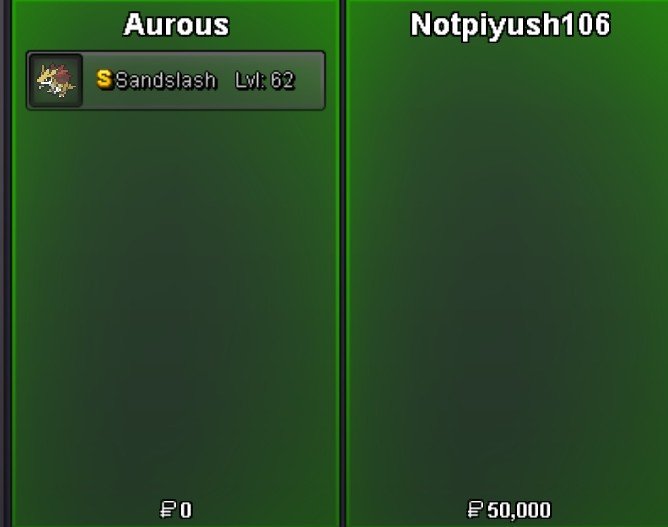
Shiny sandslash sold , tyvm @Notpiyush106
-
BumpShiny volbeat sold , thanks ddboy !
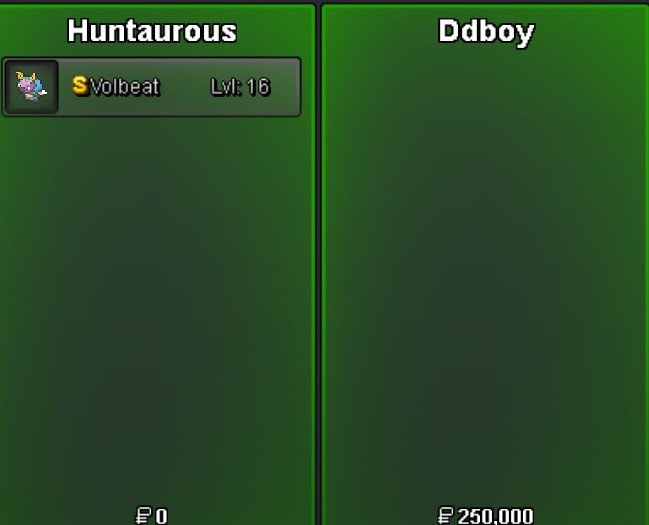 BackBump@Nicksizkassapgz , lemme know when we can trade Discord :- aurous437020 minute remain, thanks !Enjoy @1cloudz
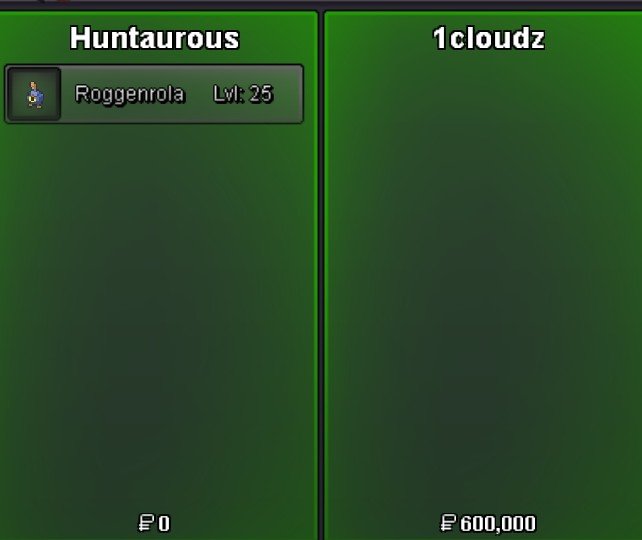 I transferred Alt account Huntaurous @1cloudzIll transfer in a bit , give me a momentNothing happened when People wished good So i will take the bad luckBumpShiny bidoof sold ! Thanks makoto
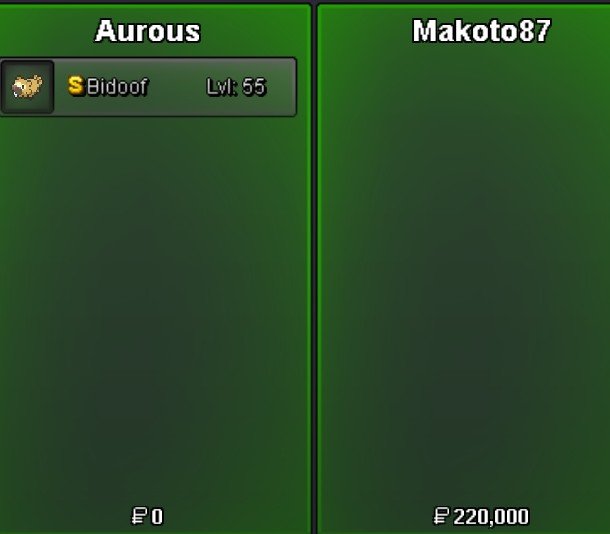 Me@Icloudzcongratulations on winning the roggenrola Let me know when we can trade Discord :- aurous4370Bump (30 minutes left)