




New Trade Zone
Trade Zone is now live
Use the new Trade Zone for auctions and instant-price trades so Pokemon and item offers are easy to find.

Nuzzdg
Registered User
-
Joined
-
Last visited
Everything posted by Nuzzdg
-
IGN: Nuzzdg Timezone: UTC+2 How many hours per week do you play PRO? everyday 7 hours What is your main focus? (PvP / PvE / Both) mostly on PVE but i'll try my best to learn PVP Have you been in a guild before? If yes, why did you leave? No First time When did you start playing Pokémon, and how long have you been playing PRO? i did start playing on 2024 but i stopped playing and started again playing this month Culture & Knowledge: 7. What is one Pokémon you think is underrated and why? alolan diglett/dugtrio cuz the hair haha 8. What is your favorite held item and how do you use it? lagging tail and switcheroo i like it 9. If Phantom hosted a BBQ, what would you bring? Bluetooth speaker so we can dance haha Final Question: 10. What made you choose Phantom, and what can you contribute? hmm i feel like i can get along with you guys, for now probably i wont be able to contribute that much since i just started playing again and i need to learn more about the game someday hopefully i can contribute.
-
wtb the xmas garchamp mount
-
wtb
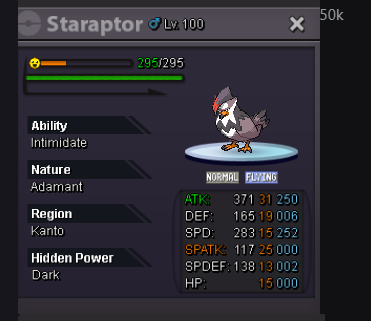
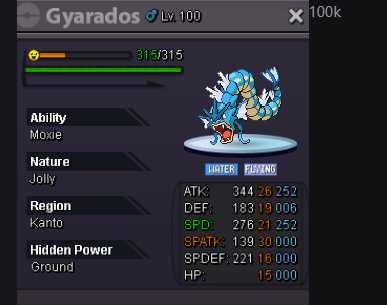
-
-
start on scyther
-
100k kerlia
-
80k kerila
-
60k kirlia
