




New Trade Zone
Trade Zone is now live
Use the new Trade Zone for auctions and instant-price trades so Pokemon and item offers are easy to find.

Vuxuan0123
Registered User
-
Joined
-
Last visited
Everything posted by Vuxuan0123
-
Bumb
-
Bumb
-
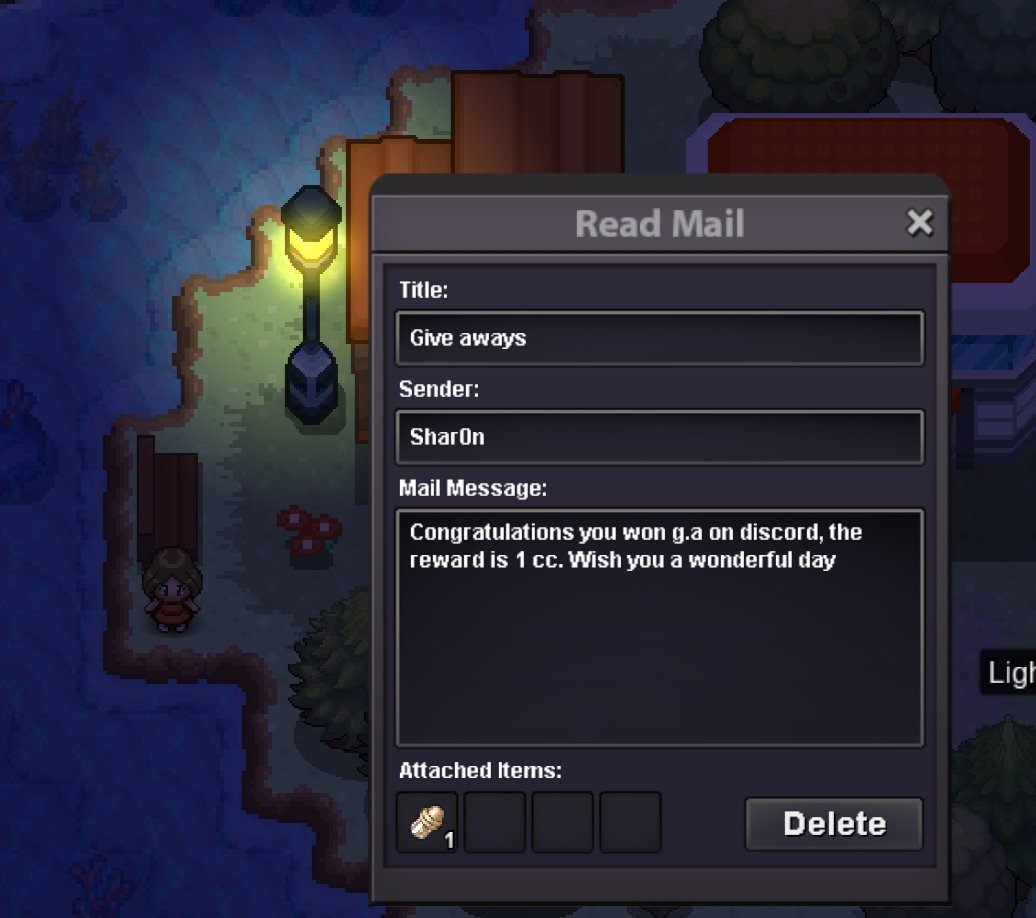
Hello Admin Team, I hope you’re doing well. I recently won a giveaway from my guild and received a Coin Capsule through the in-game mail system. However, I accidentally pressed the “Delete” button on the mail before claiming the item, so the Coin Capsule was lost. Could you please help me recover the Coin Capsule? Here are the details: Sender: Shar0n Mail Title: Give aways Reward: 1 Coin Capsule Server: gold Username: Vuxuan012345 Thank you very much for your time and assistance. I truly appreciate your help! Best regards !
-
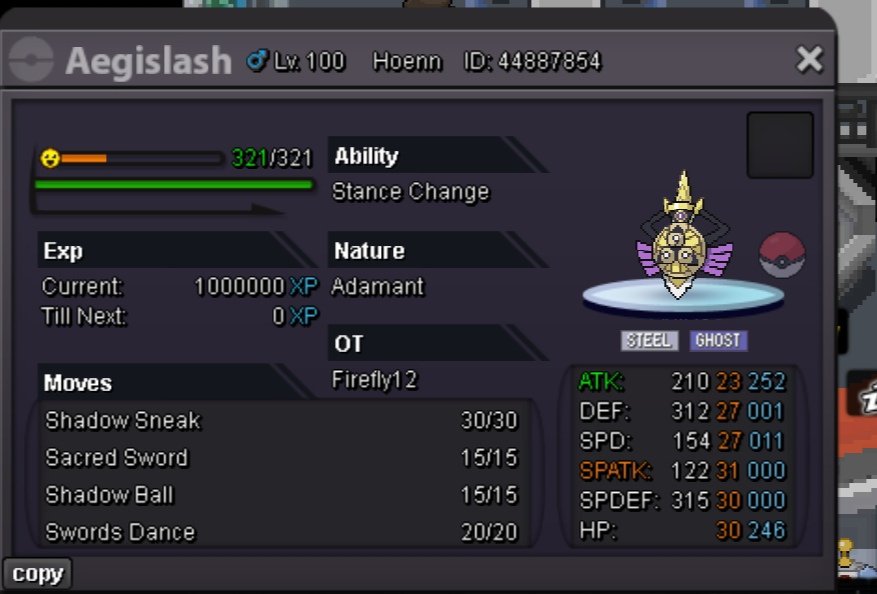
S.o 500k M.b 100k Accept cc 450k Rr 700k End after 48h from 1 at bid
-
500k
-
Hi you won,let's me know your account and server we can trade6m7
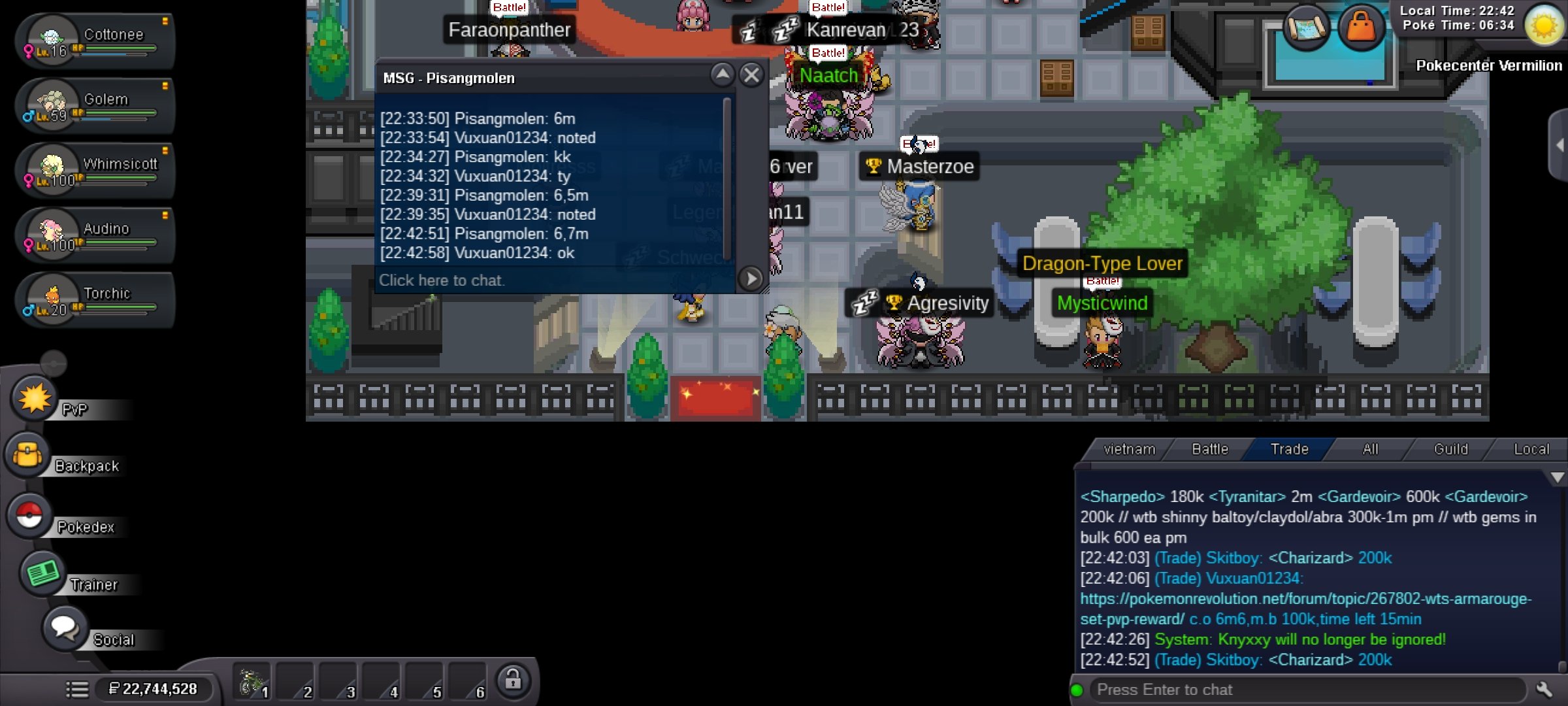 6m5
6m5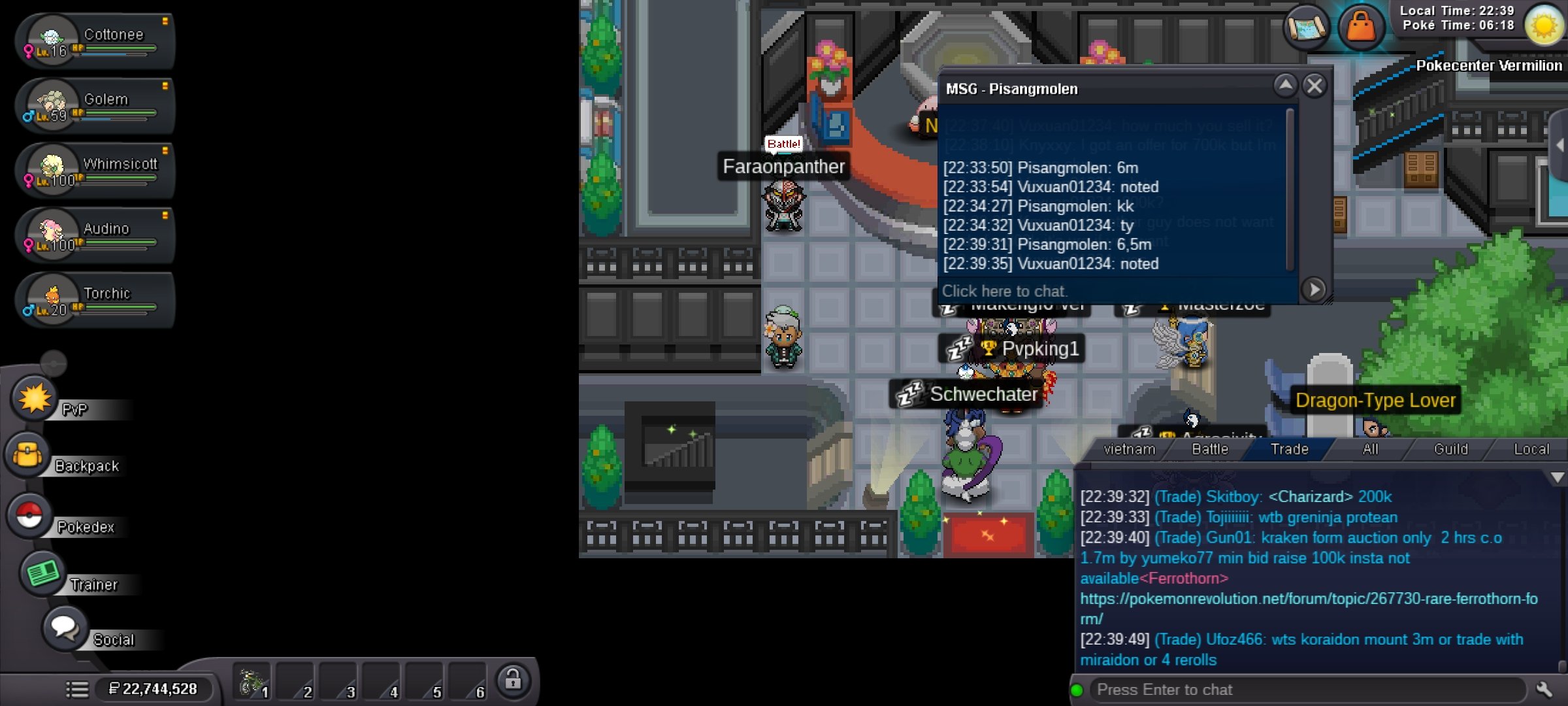 6m
6m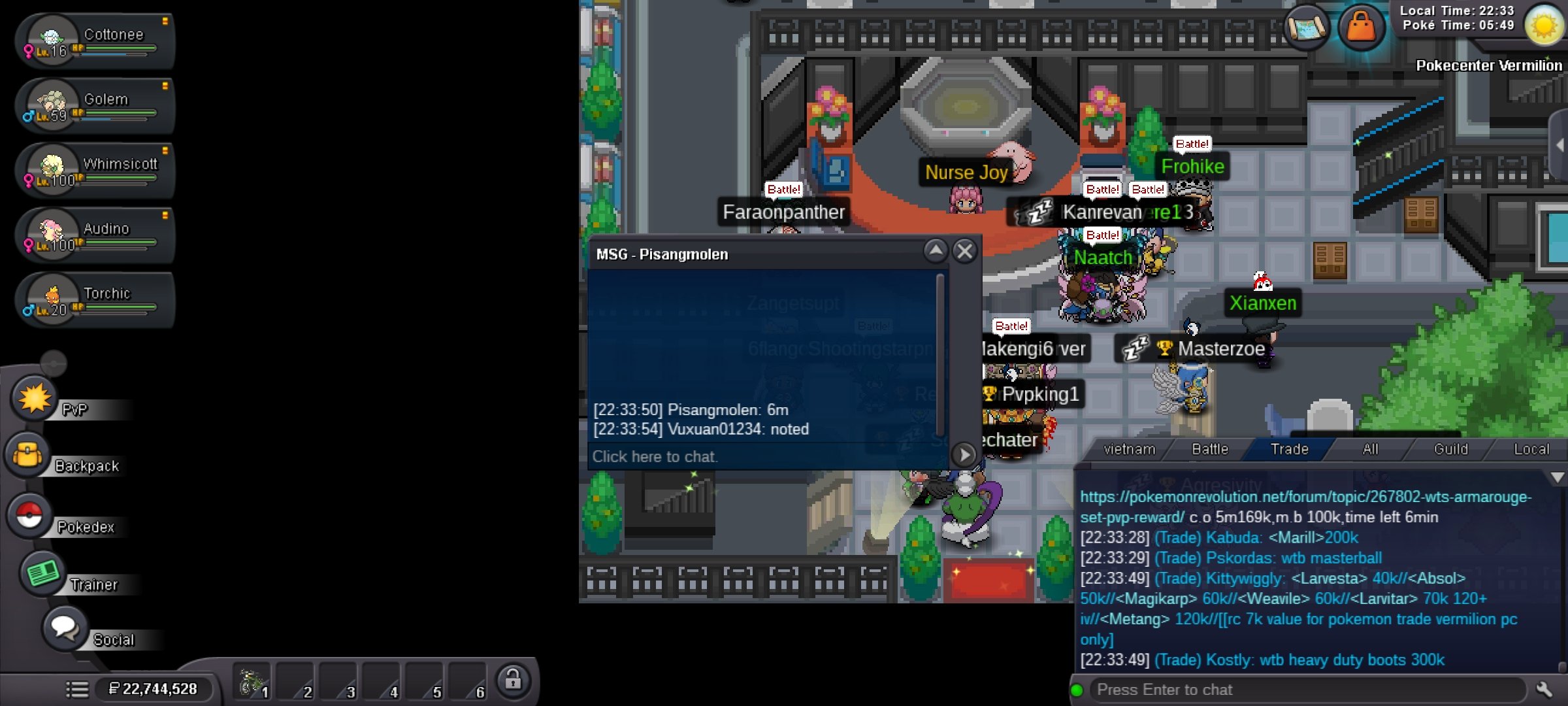 Time left 3h 21minutesS.o 3m M.b 100k End after 24h form 1st bid
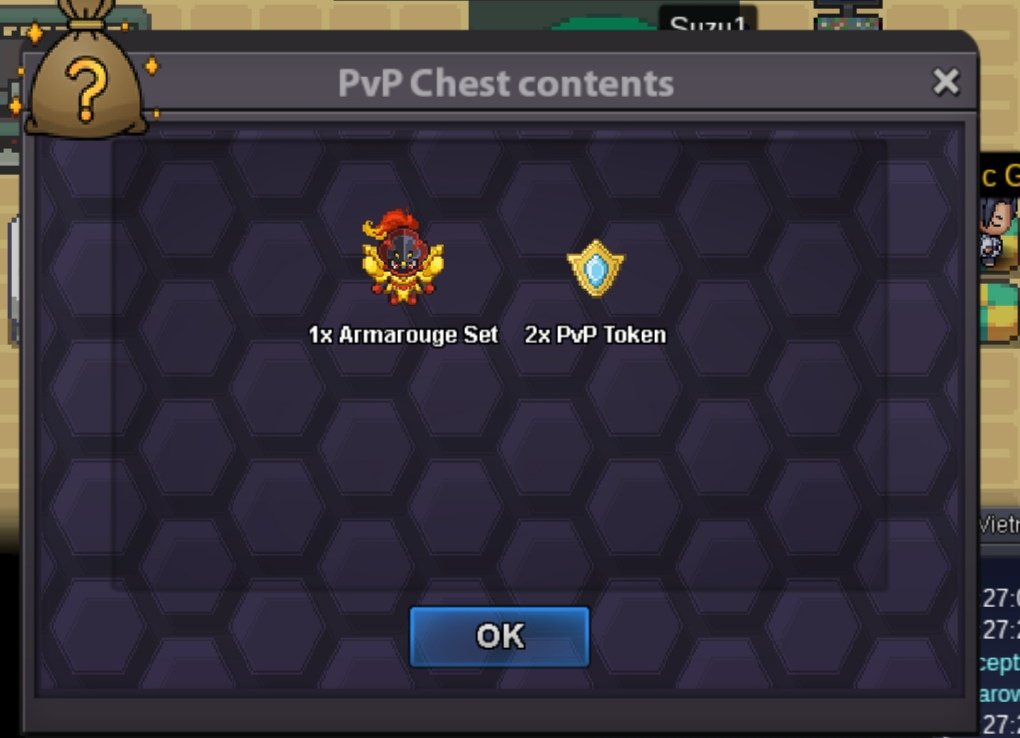 Ralt 600k1mVuxuan0123, gold Goodluck allEnded
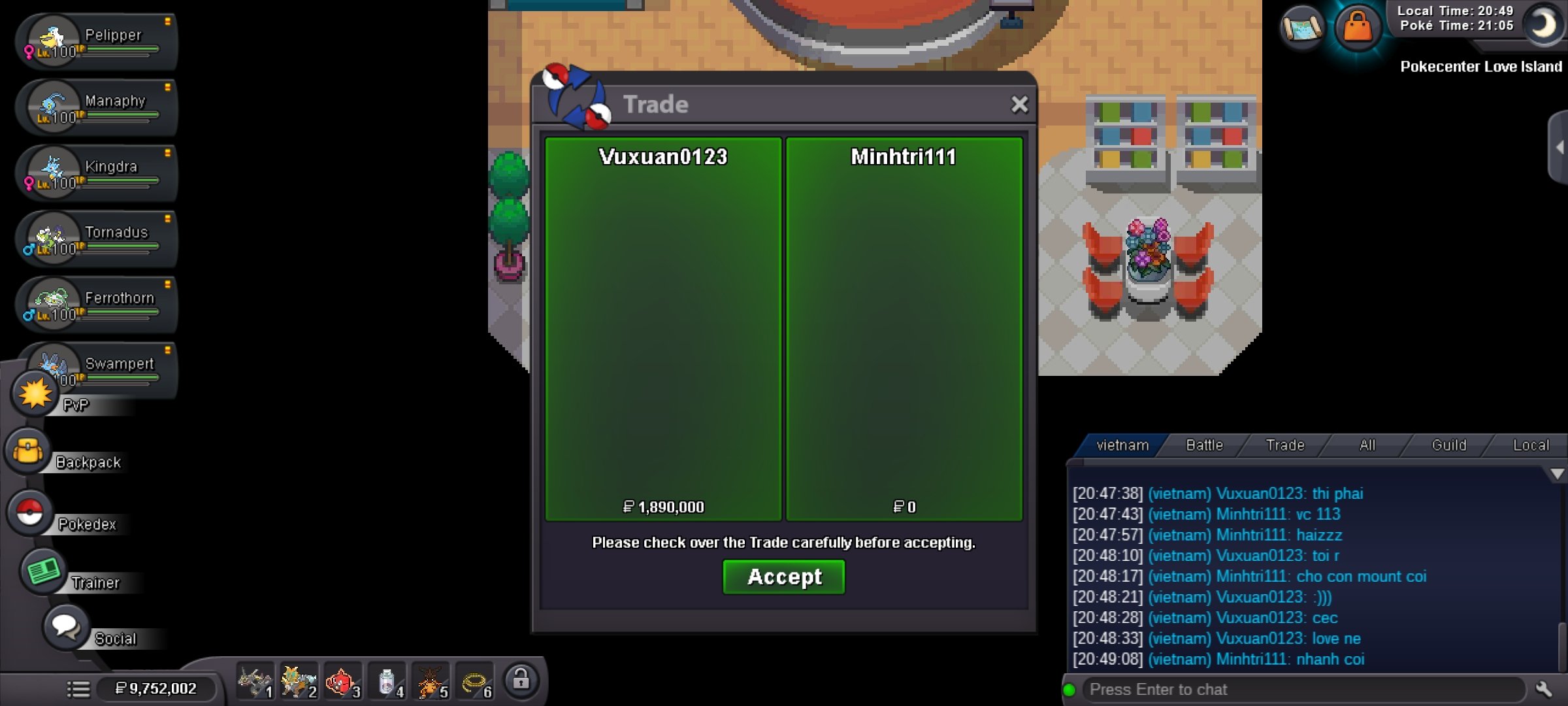 Bump2m1
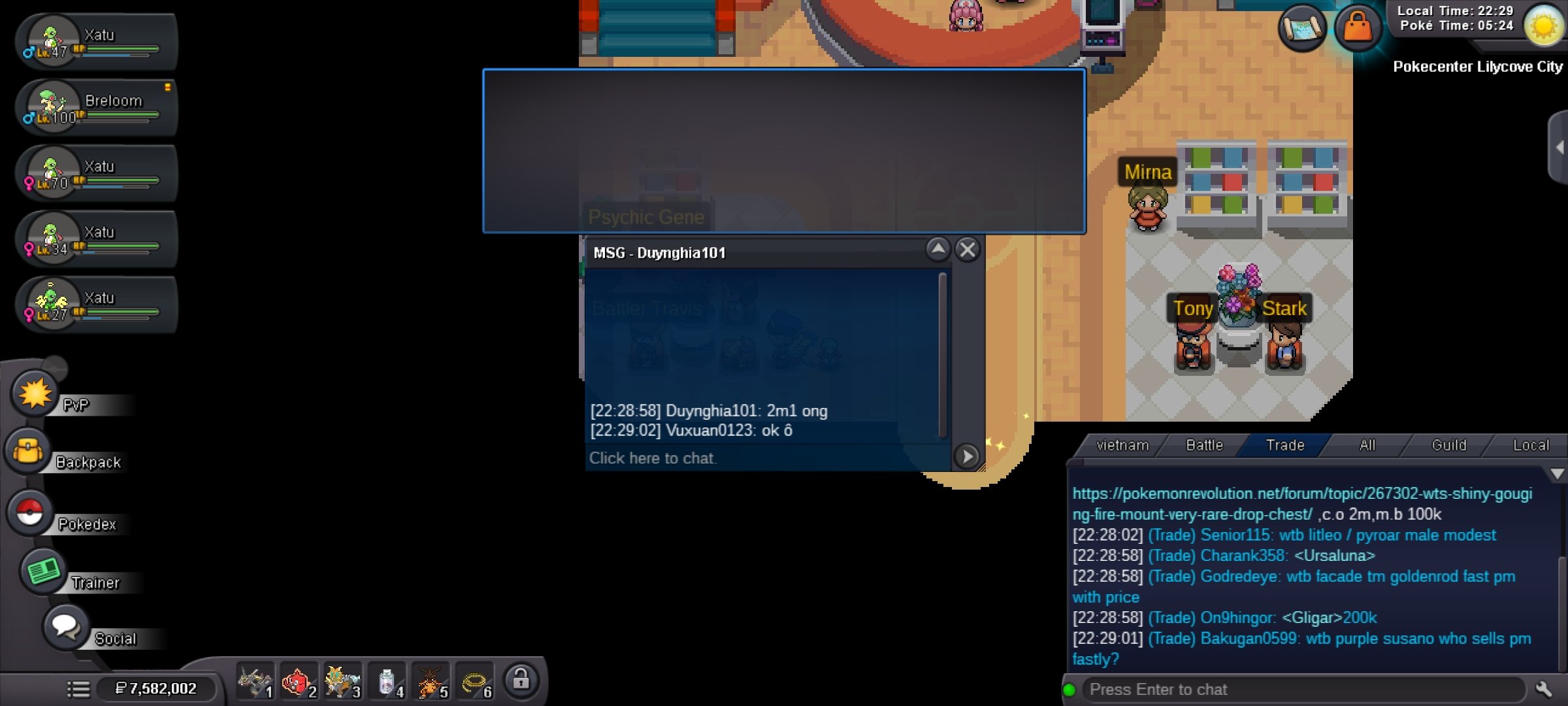 S.o 2m M.b 100k Time left 24h from 1st bid
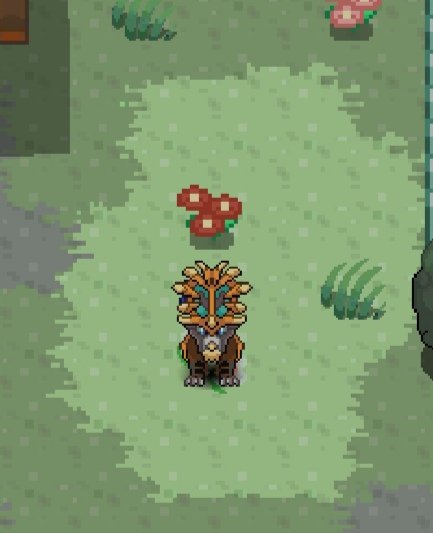 900kYes,I can wait xDEnd, you won , let's me know when you can onl

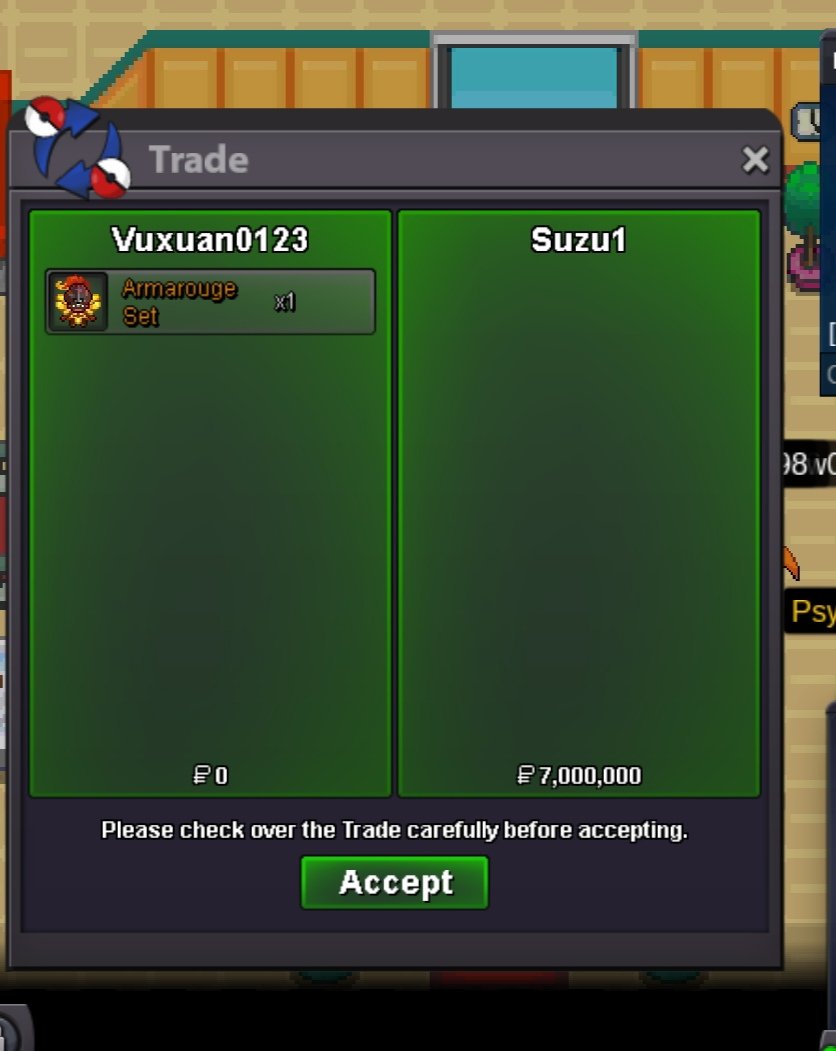
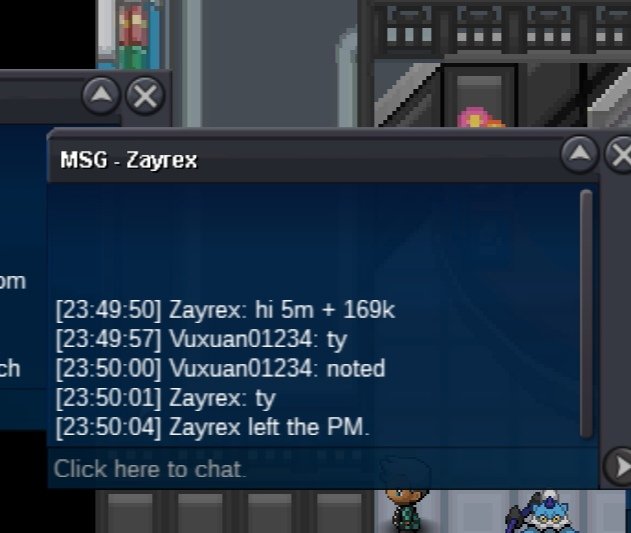
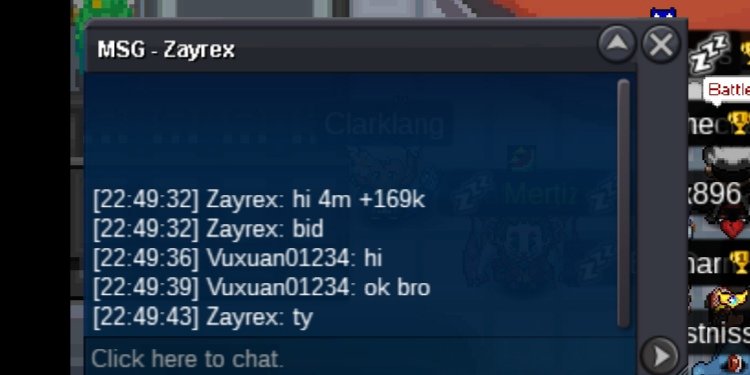

Account
Navigation
Search
Configure browser push notifications
Chrome (Android)
- Tap the lock icon next to the address bar.
- Tap Permissions → Notifications.
- Adjust your preference.
Chrome (Desktop)
- Click the padlock icon in the address bar.
- Select Site settings.
- Find Notifications and adjust your preference.
Safari (iOS 16.4+)
- Ensure the site is installed via Add to Home Screen.
- Open Settings App → Notifications.
- Find your app name and adjust your preference.
Safari (macOS)
- Go to Safari → Preferences.
- Click the Websites tab.
- Select Notifications in the sidebar.
- Find this website and adjust your preference.
Edge (Android)
- Tap the lock icon next to the address bar.
- Tap Permissions.
- Find Notifications and adjust your preference.
Edge (Desktop)
- Click the padlock icon in the address bar.
- Click Permissions for this site.
- Find Notifications and adjust your preference.
Firefox (Android)
- Go to Settings → Site permissions.
- Tap Notifications.
- Find this site in the list and adjust your preference.
Firefox (Desktop)
- Open Firefox Settings.
- Search for Notifications.
- Find this site in the list and adjust your preference.