




New Trade Zone
Trade Zone is now live
Use the new Trade Zone for auctions and instant-price trades so Pokemon and item offers are easy to find.

Aacorn
Registered User
-
Joined
-
Last visited
Everything posted by Aacorn
-
400k
-
S.o 100k each Min 50k 24 hr auction after first bid Ends 930 am gmt-7 End 943am gmt-7 Ends 330 pm gmt-7
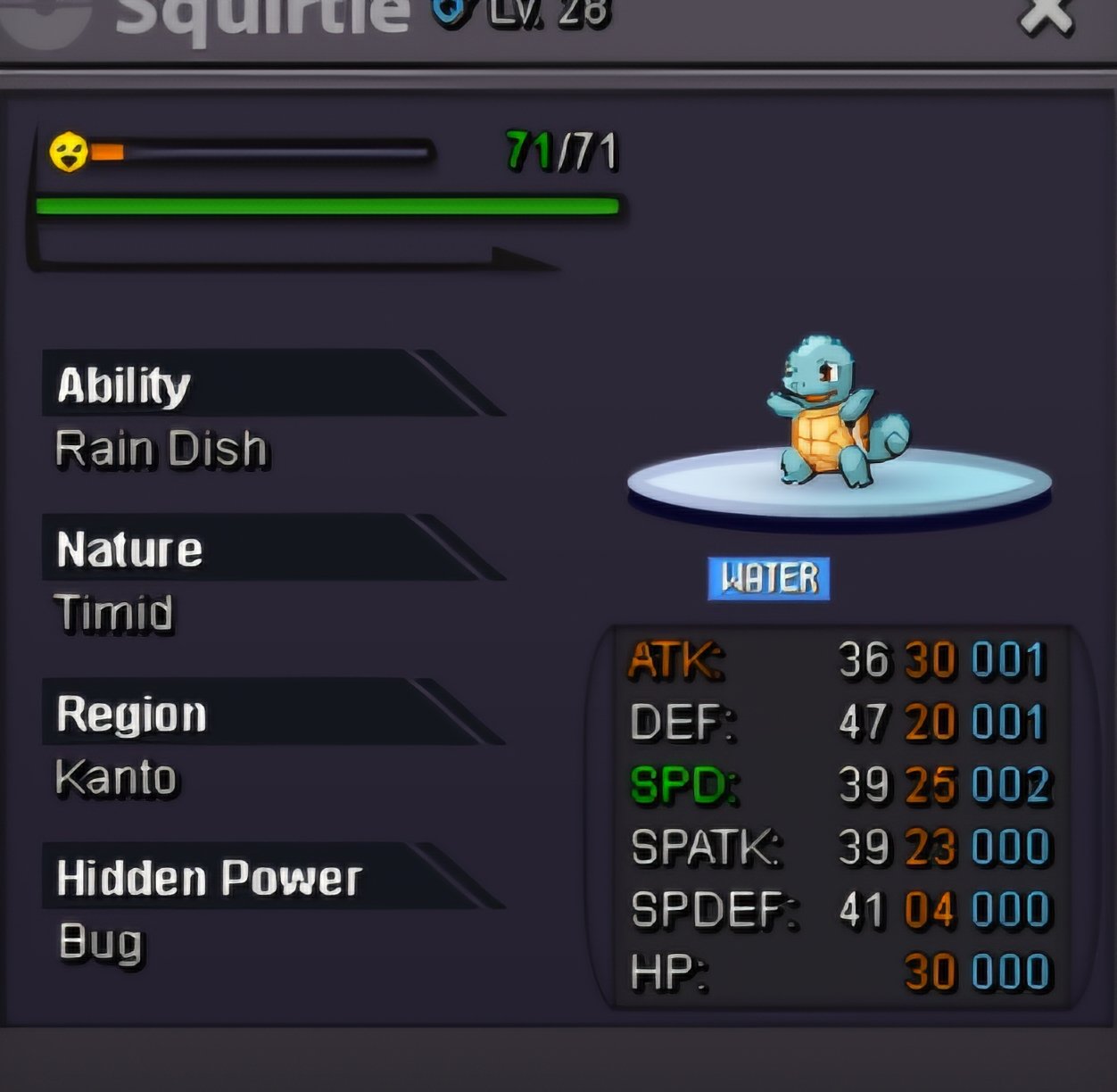
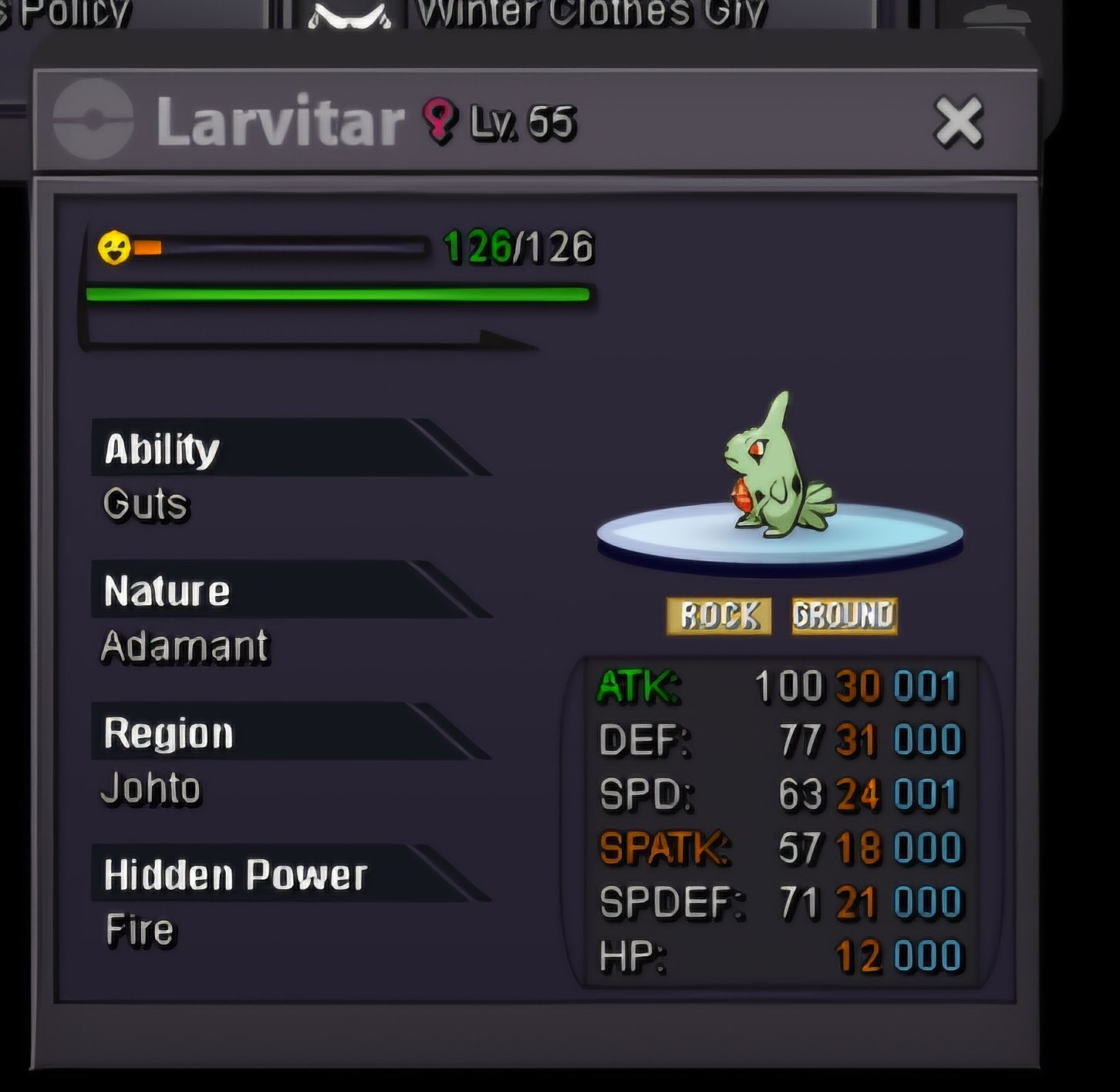

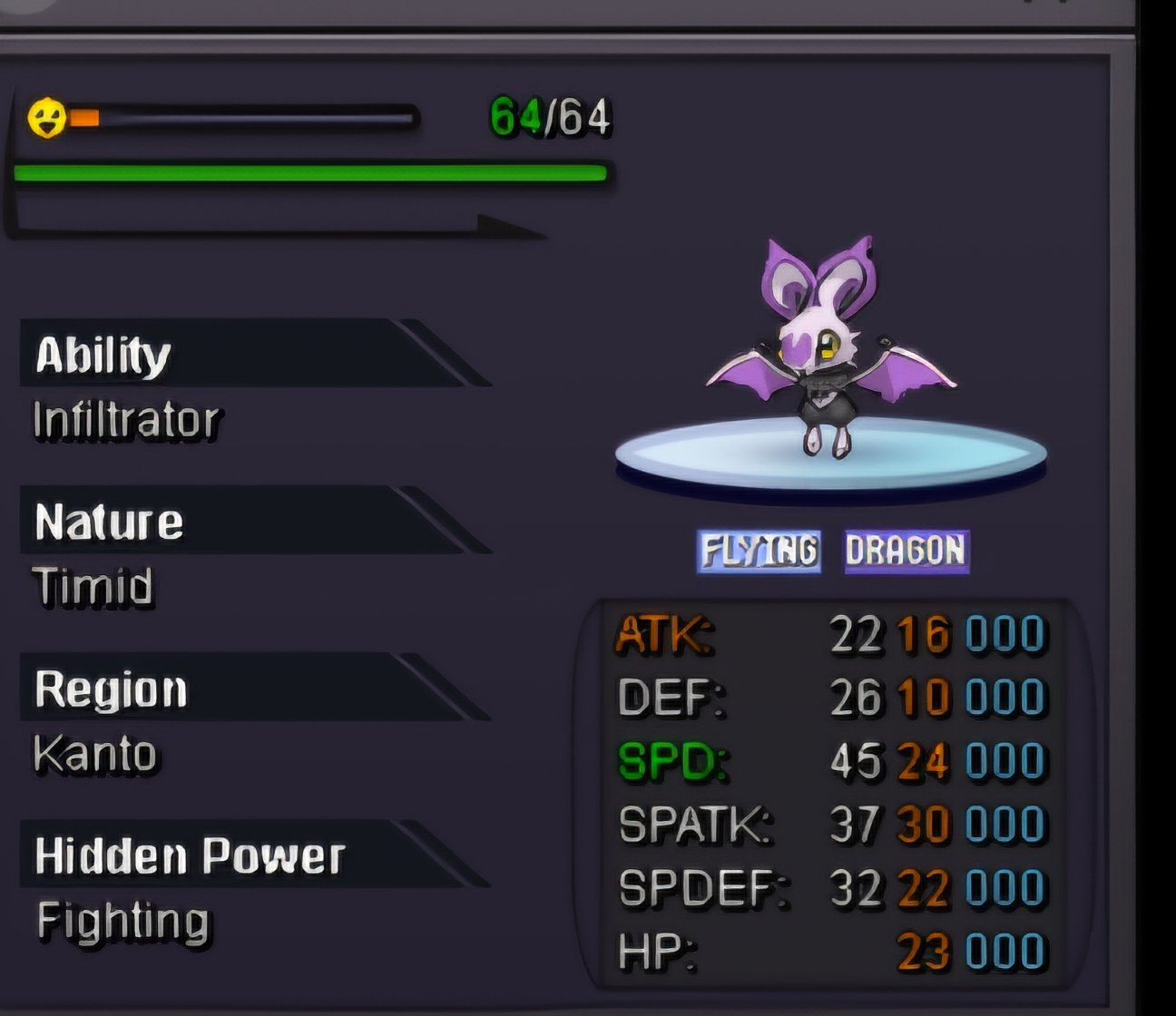
 Winner is parth0315StartStartI would take typlosion when you are available in-game name AacornHello pinklax I know you are full but when you aren't id love to join What's your IGN? Aacorn ● How old are you? 30 ● Where are you from? Canada ● What's your total playtime?1392hr ● What do you enjoy doing in the game? I enjoy hunting and talking to all the friendly people ● Would you like to offer some kind of service to the guild? I can offer day care service and I got 3 full boss teams ready to go and do electabuzz and scyther give aways for pinkian If you decide to go with me you can pm me here on game Or discord aacorn2400 Thank your for your time 🙂 my favorite is raidoof ❤️ love those mounts too XD
 80k50kSemi Epic jolly Gible So. 100k Min increase 10k 9:17 01 15 gmt-7 auction ends
 Congratulations you have won pm me in game or message me on here to meet 🙂2.hours left. ❤️250kBump 12 hrs 30 mins left36 hours leftAlmost at 8 hrs in!So. 200k Min increase 50k Will take cc at 400k 12:15 01 12 gmt-7 auction ends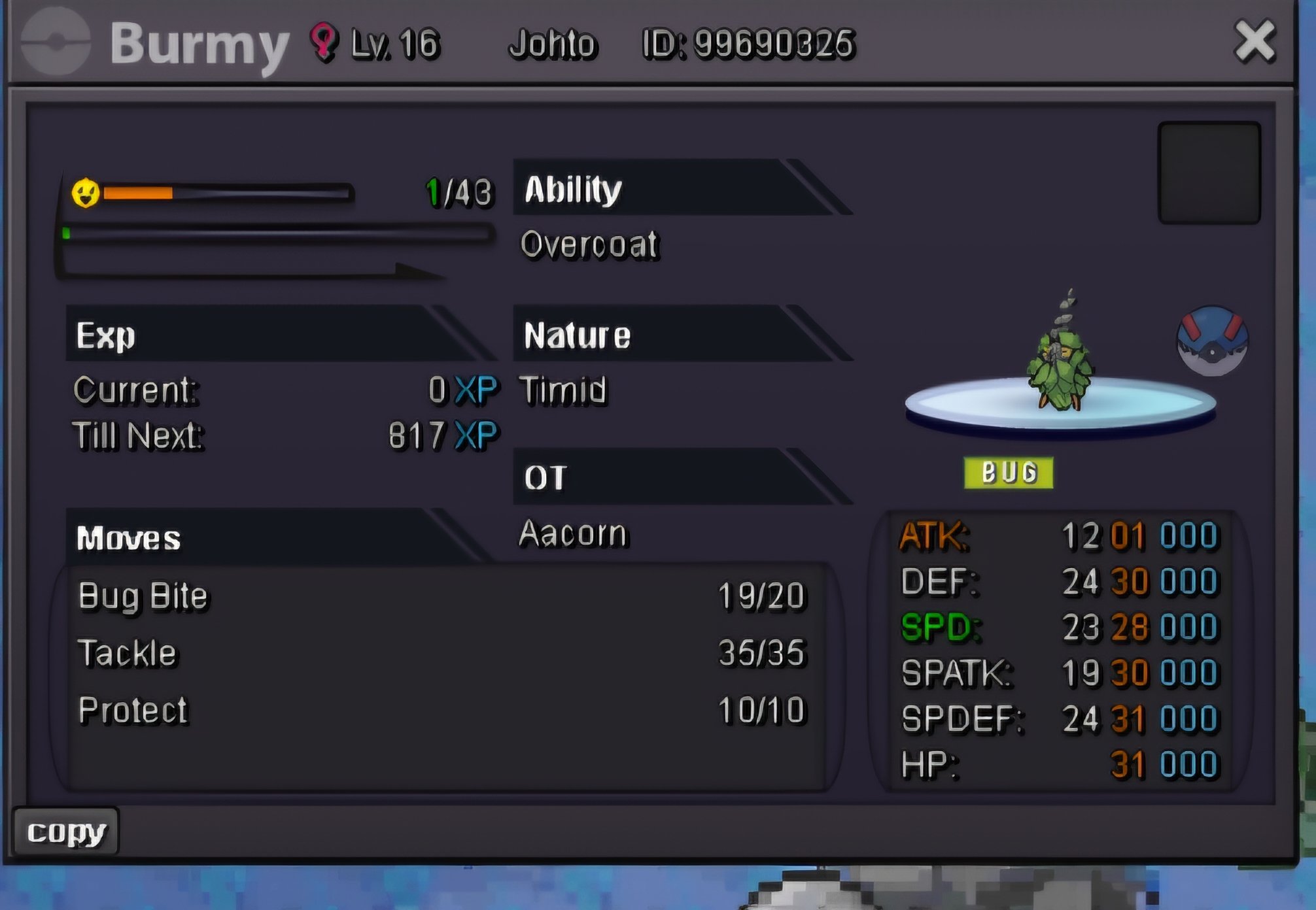
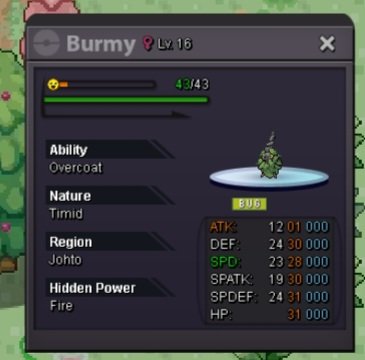 Godly burmy 28+ 30x2 31x2 Whats the price auction or not much?Godly burmy 28+ 30x2 31x2 Whats the price auction or not much?



Account
Navigation
Search
Configure browser push notifications
Chrome (Android)
- Tap the lock icon next to the address bar.
- Tap Permissions → Notifications.
- Adjust your preference.
Chrome (Desktop)
- Click the padlock icon in the address bar.
- Select Site settings.
- Find Notifications and adjust your preference.
Safari (iOS 16.4+)
- Ensure the site is installed via Add to Home Screen.
- Open Settings App → Notifications.
- Find your app name and adjust your preference.
Safari (macOS)
- Go to Safari → Preferences.
- Click the Websites tab.
- Select Notifications in the sidebar.
- Find this website and adjust your preference.
Edge (Android)
- Tap the lock icon next to the address bar.
- Tap Permissions.
- Find Notifications and adjust your preference.
Edge (Desktop)
- Click the padlock icon in the address bar.
- Click Permissions for this site.
- Find Notifications and adjust your preference.
Firefox (Android)
- Go to Settings → Site permissions.
- Tap Notifications.
- Find this site in the list and adjust your preference.
Firefox (Desktop)
- Open Firefox Settings.
- Search for Notifications.
- Find this site in the list and adjust your preference.