




New Trade Zone
Trade Zone is now live
Use the new Trade Zone for auctions and instant-price trades so Pokemon and item offers are easy to find.

Cupic
Suspended
-
Joined
-
Last visited
-
Pics of mons?
-
-
-
-
Bump shop still active (For lvl service only)
-
Contact me via DM on forums
-
Open for services again
-
Intrested in buying your nidoran M PM me on forums when you're around
-
Kanto>Sinnoh Done
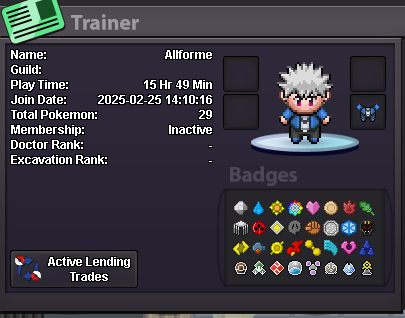
-
Full story service done 48 hours. Kanto>Sinnoh
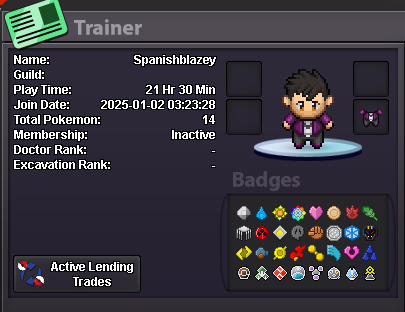
-
Hoenn+Sinnoh+TP Quest
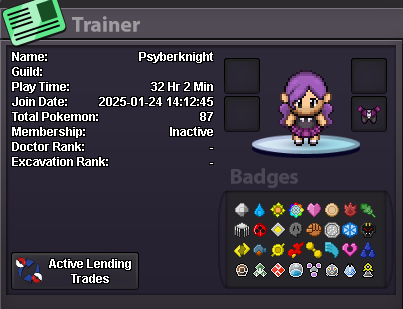
-
Full story + Subway + Hoenn TP Quest 24 hours
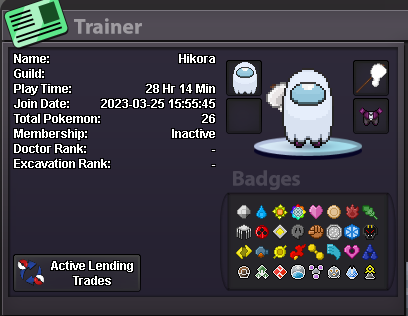
-
Full story Kanto>Sinnoh
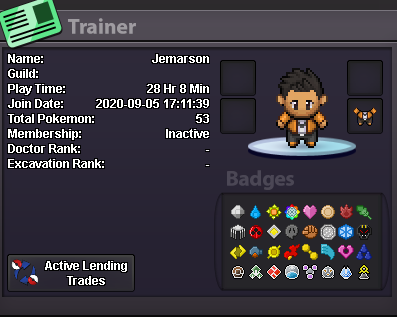
-
Full story+Subway Quest +TP Quest

-
Kanto > Sinnoh story completed

