Skip to content
View in the app

A better way to browse. Learn more.

Pokemon Revolution Online

A full-screen app on your home screen with push notifications, badges and more.

To install this app on iOS and iPadOS
  1. Tap the Share icon in Safari
  2. Scroll the menu and tap Add to Home Screen.
  3. Tap Add in the top-right corner.
To install this app on Android
  1. Tap the 3-dot menu (⋮) in the top-right corner of the browser.
  2. Tap Add to Home screen or Install app.
  3. Confirm by tapping Install.
New Trade Zone
Trade Zone is now live
Use the new Trade Zone for auctions and instant-price trades so Pokemon and item offers are easy to find.
Open Trade Zone

Byuvyen

Registered User
  • Joined

  • Last visited

  1. You’re the best! ❤️
  2. Hi, good evening! Any news? @Epithet
  3. Hi, good evening! How are you? So, a BUG happened when I tried to buy RR Ticket IV. I had enough points to buy it with both PvE and PvP Coins, so I ended up buying with both. I was supposed to have 2 Reroll Ticket IV, but I only have 1.
  4. Excellent work, I recommend it, it's trustworthy! ❤️
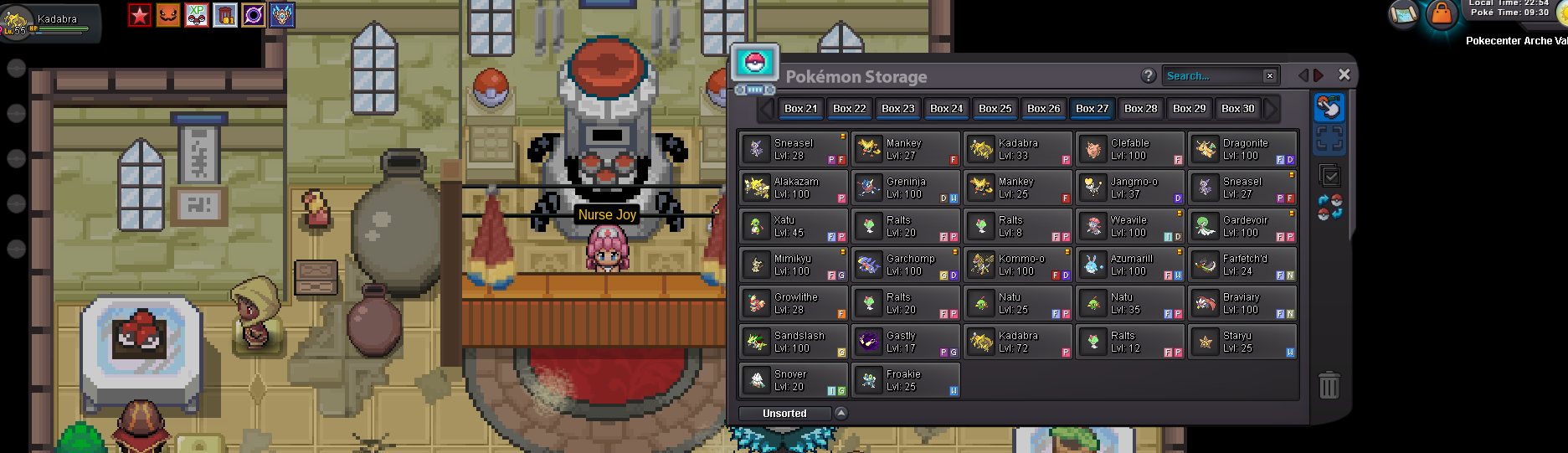
  5. Topic closed — I managed to solve the problem. It’s not a bug; it’s an issue with the new box system, which has limitations even if there’s space available.
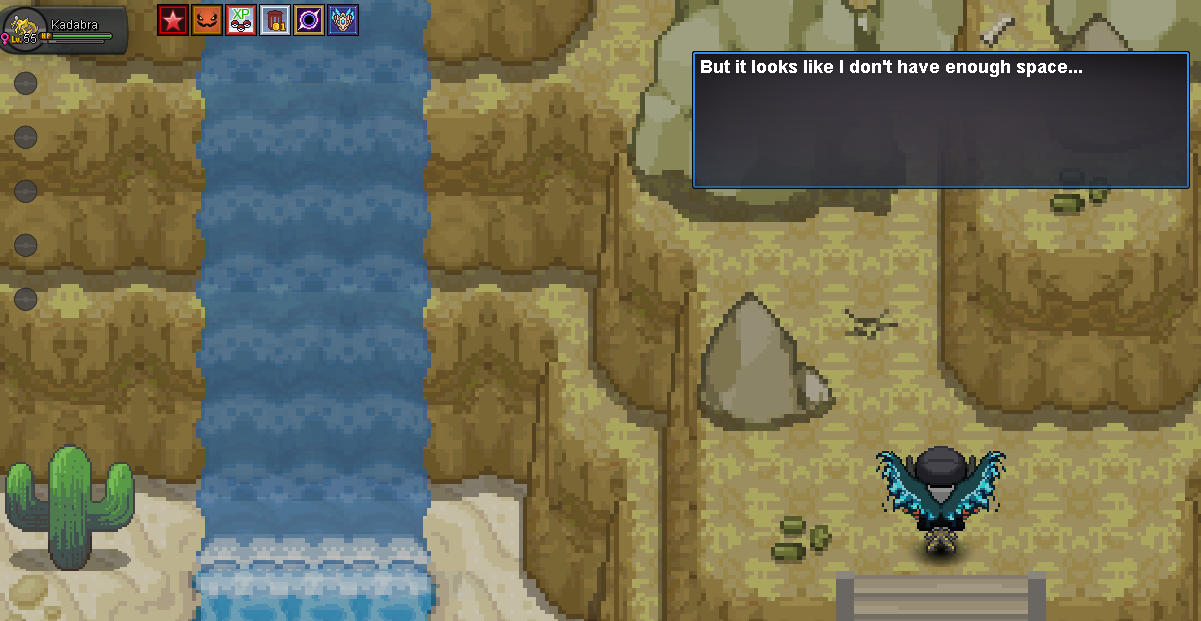
  6. [BUGGED QUEST] My Hoopa quest is finished, but I can’t claim my Hoopa — it says I don’t have enough space in my box. Server: Silver
  7. I also lost pokemon evolution data, Kjumaster and I are friends and from the same guild, we wanted to know how we should proceed @Kvar
  8. Are you accepting service?
  9. So, I wanted to know how the hunting event works to access the special region. I’d like to know up to which ranking position players are allowed to enter, because I got 18th place and can’t access it — I thought it would be similar to the top 25 in PvP. Another thing: many players achieved very high scores, so I’d like to know how the system filters or verifies who actually hunted honestly, since we know some players might be using irregular tools. I’m not sure which section I should post this question in — sorry if this is the wrong one.

Account

Navigation

Search

Search

Configure browser push notifications

Chrome (Android)
  1. Tap the lock icon next to the address bar.
  2. Tap Permissions → Notifications.
  3. Adjust your preference.
Chrome (Desktop)
  1. Click the padlock icon in the address bar.
  2. Select Site settings.
  3. Find Notifications and adjust your preference.