




New Trade Zone
Trade Zone is now live
Use the new Trade Zone for auctions and instant-price trades so Pokemon and item offers are easy to find.

Ginoisback
Registered User
-
Joined
-
Last visited
Everything posted by Ginoisback
-
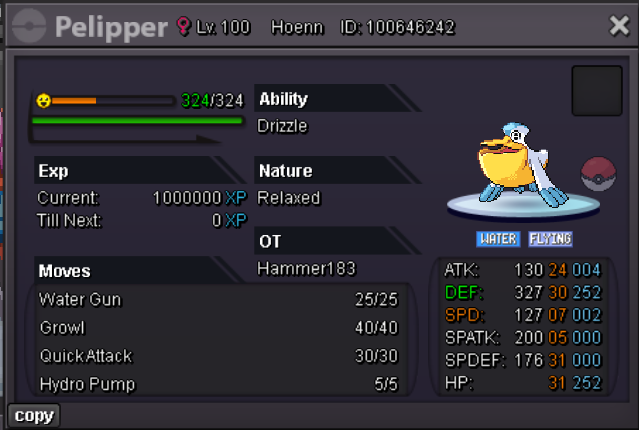
S.O 500K MIN RAISE 100K INSTA 15M 48H AFTER FIRST OFFER WITH 15MIN RULE ACCEPTING POEKDOLLARS,CC(450K) AND IV-RR TICKET(500K)
-
min raise 3 and 2 ferro
-
start n2
-
200k drago and start scyter
-
start pory
-
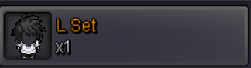
Starting price 2m min raise 200k ends 48h after start with 15 min rule only accepting pokedollars and cc (450k)

 aaaand he is not online, as i said everytime i go on i try to message him, no need to use this abuse of power thing when i was just asking if it was possible, since i dont spend every 10 second im online trying to message him. since it happened to me other times to have trades forced as said, i was just askingIf any mod can force the trade im having difficulties finding us both online at the same timeNOT A BUNDLE STARTING PRICE 200K BOTH MIN RAISE 50K NO INSTA 48H FROM FIRST OFFER WITH 15MIN RULE ACCEPTING PAYMENT IN CC(450K) AND POKEDOLLARS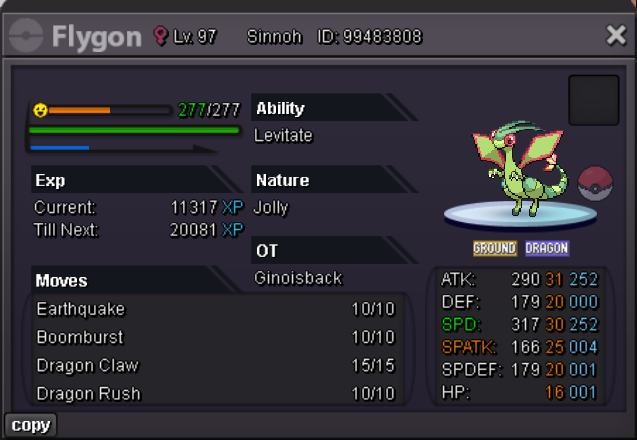
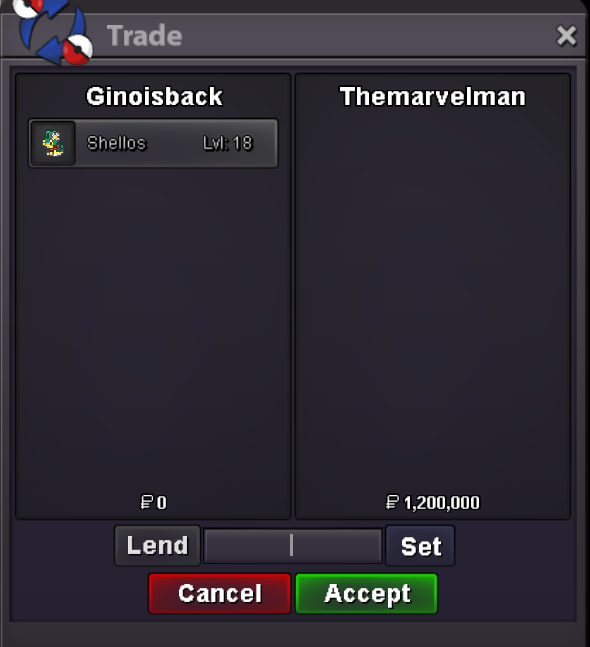
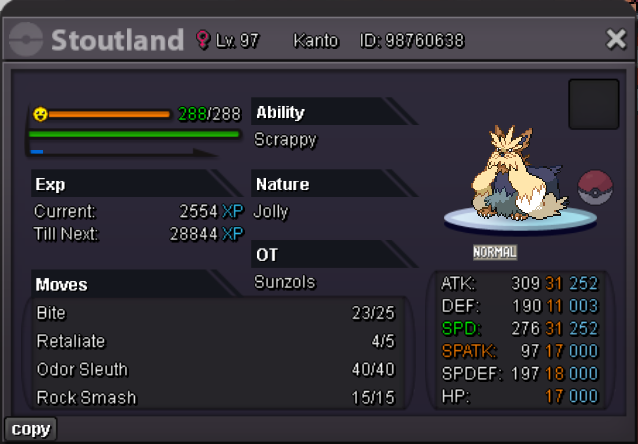 @Themarvelmancongrats u won! add at @ginoisbck to tradeShellos Starting offer : 500k -Minimum raise : 100k -Starts after first bid -Ends in 48 hours after the start -Insta :10m ACCEPTED PAYMENT METHODS : PokeDollars - Coin Capsule = 450K - IV Reroll Ticket = 500K
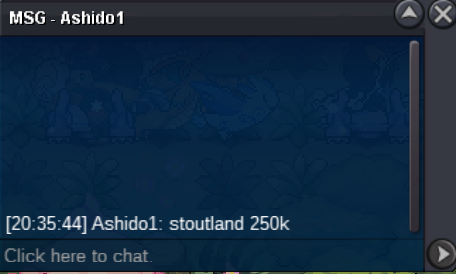
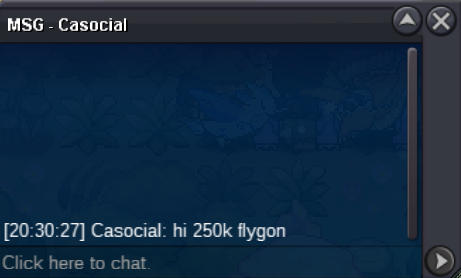
 451kadd whenever u can at Ginoisback400k umbreon340 umb300 umb


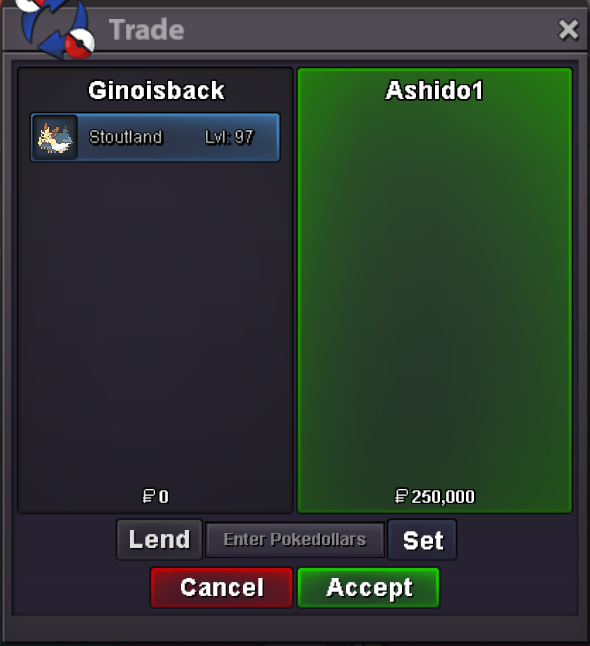
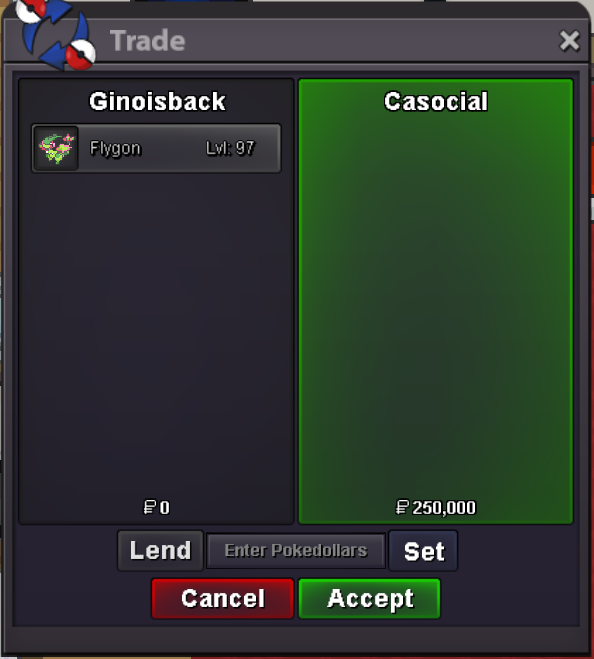

Account
Navigation
Search
Configure browser push notifications
Chrome (Android)
- Tap the lock icon next to the address bar.
- Tap Permissions → Notifications.
- Adjust your preference.
Chrome (Desktop)
- Click the padlock icon in the address bar.
- Select Site settings.
- Find Notifications and adjust your preference.
Safari (iOS 16.4+)
- Ensure the site is installed via Add to Home Screen.
- Open Settings App → Notifications.
- Find your app name and adjust your preference.
Safari (macOS)
- Go to Safari → Preferences.
- Click the Websites tab.
- Select Notifications in the sidebar.
- Find this website and adjust your preference.
Edge (Android)
- Tap the lock icon next to the address bar.
- Tap Permissions.
- Find Notifications and adjust your preference.
Edge (Desktop)
- Click the padlock icon in the address bar.
- Click Permissions for this site.
- Find Notifications and adjust your preference.
Firefox (Android)
- Go to Settings → Site permissions.
- Tap Notifications.
- Find this site in the list and adjust your preference.
Firefox (Desktop)
- Open Firefox Settings.
- Search for Notifications.
- Find this site in the list and adjust your preference.