




New Trade Zone
Trade Zone is now live
Use the new Trade Zone for auctions and instant-price trades so Pokemon and item offers are easy to find.

Ginoisback
Registered User
-
Joined
-
Last visited
Everything posted by Ginoisback
-
umb 260
-
270k clef and 220k umbr, also how long does the auction last
-
@Manellu won whenever u're on pm me at Ginoisback
-
140k honedge
-
s.o 2.5m insta 10m ends after 48 form start with 15min rule payment accpted cc (450k) and pokedollars
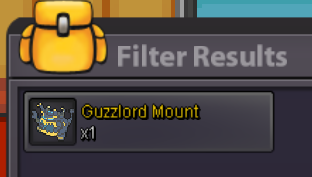
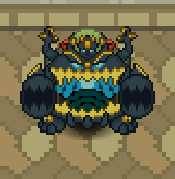 Start offer 200k min raise 50k insta 6m ends 48h after first bid payment accepted Pokedollars and cc(450k)
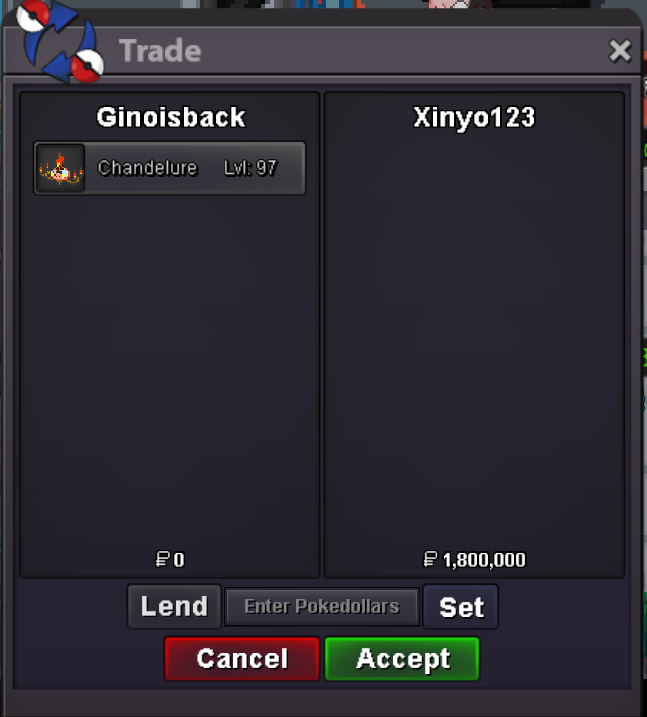
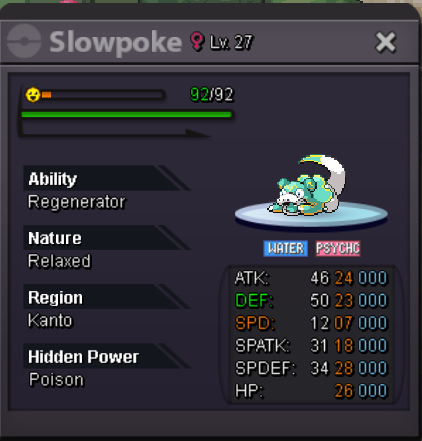 ferro 150kbump@Losmatadorim sorry but i forgot to take a screenshot of the trade can u post a pic of u having them?STARTING OFFER 1.3M MIN RAISE 200K INSTA 10M ENDS 48H AFTER FIRST OFFER WITH 15MIN RULES ONLY ACCEPT POKEDOLLARS
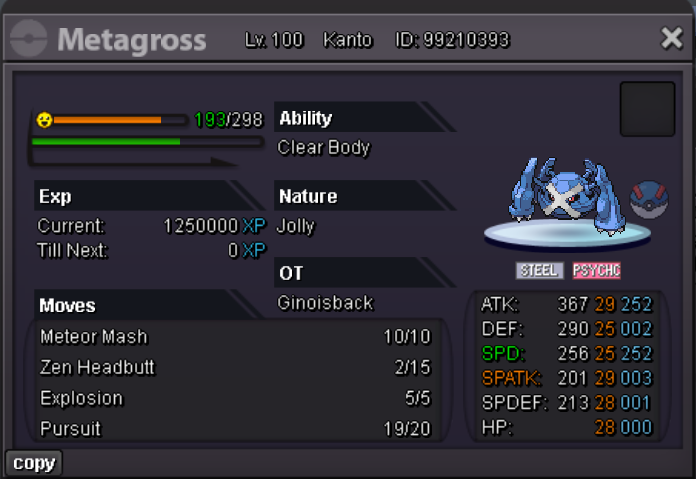 STARTING OFFER 1.3M MIN RAISE 200K INSTA 10M ENDS 48H AFTER FIRST OFFER WITH 15MIN RULES ONLY ACCEPT POKEDOLLARS
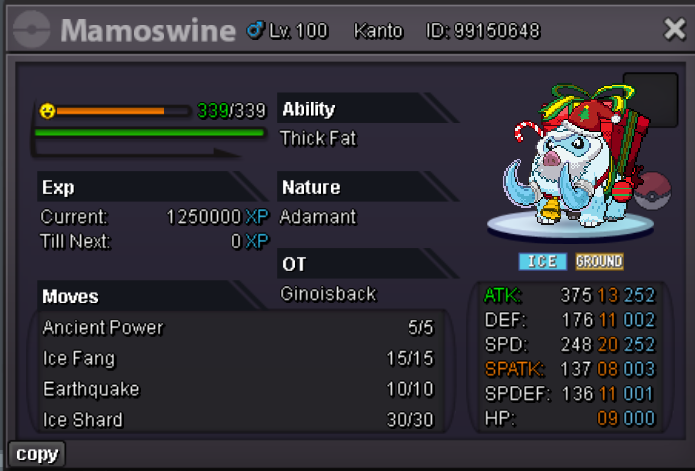
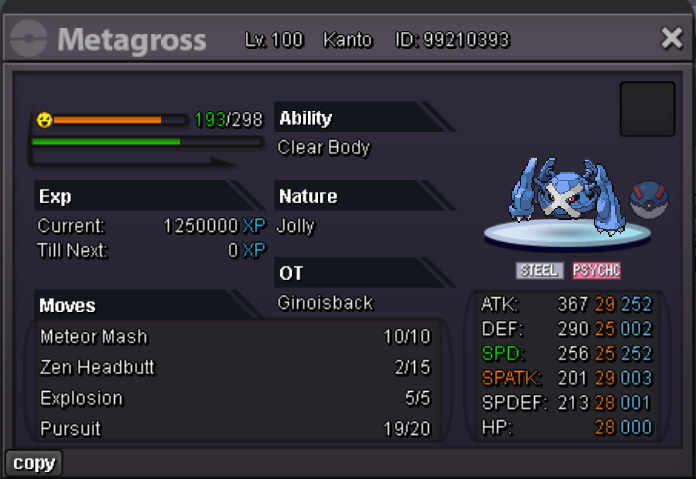 NOT A BUNDLE BOTH S.O 100K EACH MIN RAISE 50K NO INSTA ENDS 48H AFTER FIRST BID WITH 15MIN RULES PAYMENT ACCEPTED POKEDOLLARS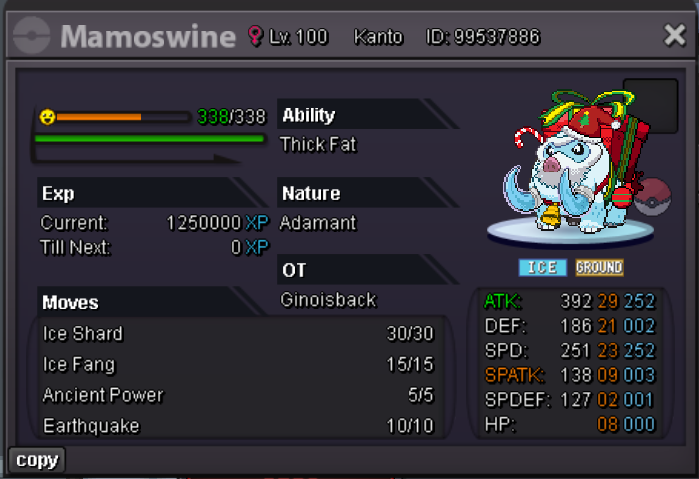
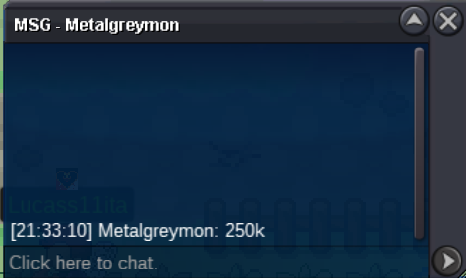
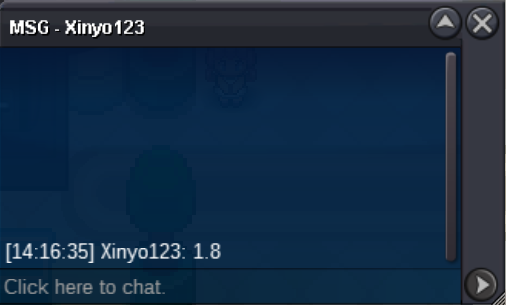
 250kstart all and dratini 100k550kdid i win?untrained dratini ada+ larvitar ada 28iv atk+rotom 30def 20hp+slowpoke 21 def 19 atk + aerodactyl trained+ greninja trained 1m?startSTARTING OFFER 1M MIN RAISE 200K NO INSTA ENDS 48H AFTER FIRST OFFER WITH 15MIN RULE PAYMENT ACCEPTED CC(450K) AND POKEDOLLARS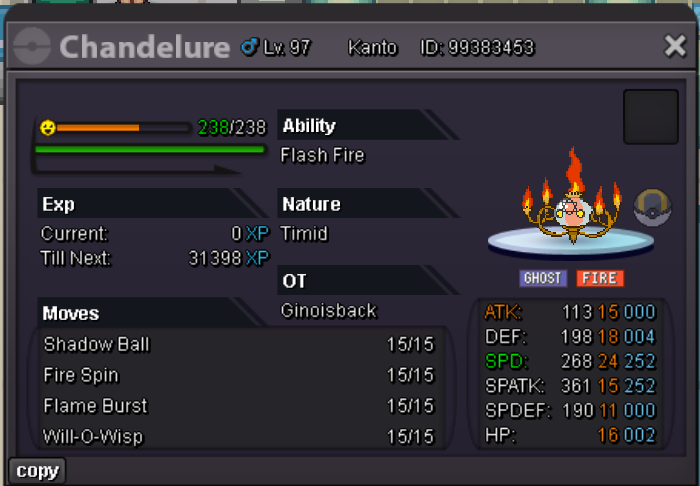




Account
Navigation
Search
Configure browser push notifications
Chrome (Android)
- Tap the lock icon next to the address bar.
- Tap Permissions → Notifications.
- Adjust your preference.
Chrome (Desktop)
- Click the padlock icon in the address bar.
- Select Site settings.
- Find Notifications and adjust your preference.
Safari (iOS 16.4+)
- Ensure the site is installed via Add to Home Screen.
- Open Settings App → Notifications.
- Find your app name and adjust your preference.
Safari (macOS)
- Go to Safari → Preferences.
- Click the Websites tab.
- Select Notifications in the sidebar.
- Find this website and adjust your preference.
Edge (Android)
- Tap the lock icon next to the address bar.
- Tap Permissions.
- Find Notifications and adjust your preference.
Edge (Desktop)
- Click the padlock icon in the address bar.
- Click Permissions for this site.
- Find Notifications and adjust your preference.
Firefox (Android)
- Go to Settings → Site permissions.
- Tap Notifications.
- Find this site in the list and adjust your preference.
Firefox (Desktop)
- Open Firefox Settings.
- Search for Notifications.
- Find this site in the list and adjust your preference.