




New Trade Zone
Trade Zone is now live
Use the new Trade Zone for auctions and instant-price trades so Pokemon and item offers are easy to find.


Tesserax
Registered User
-
Joined
-
Last visited
Everything posted by Tesserax
-
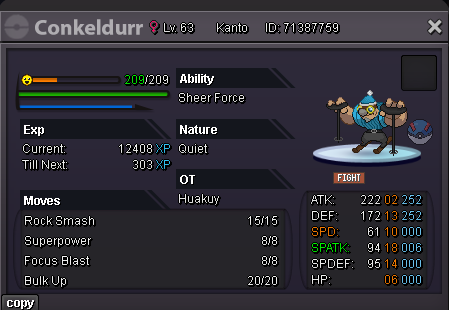
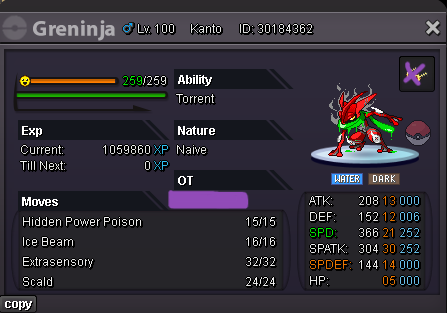
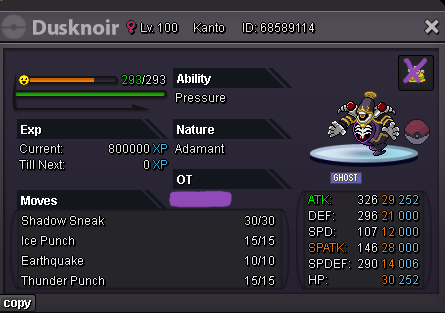
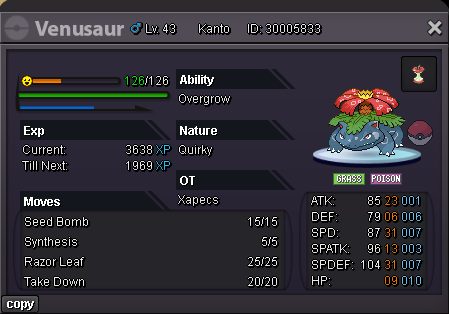
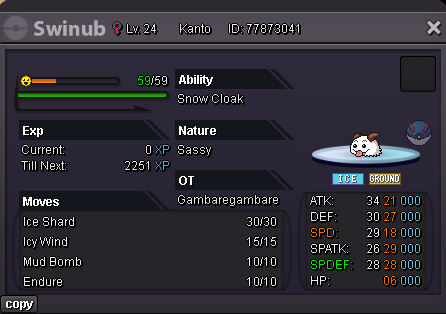
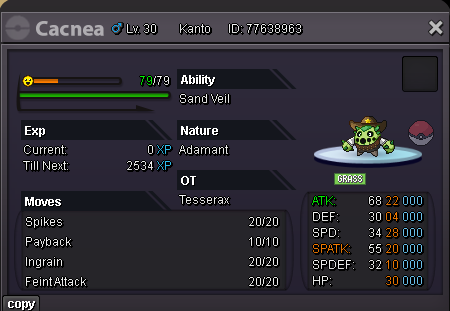
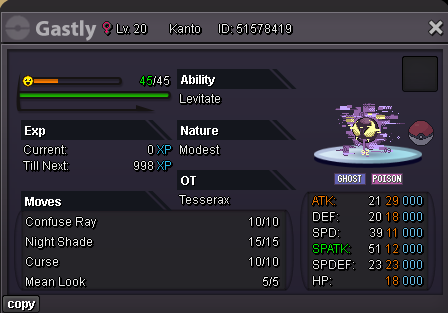
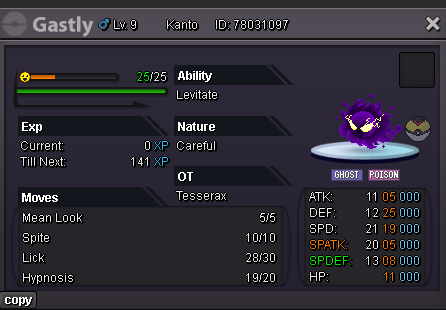
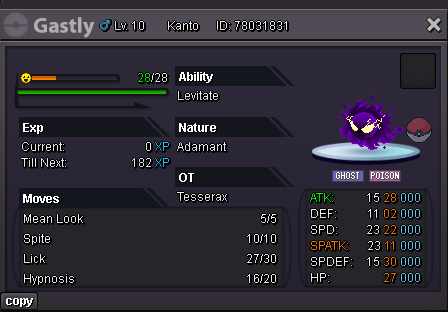
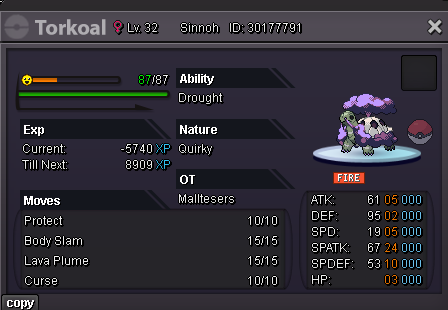
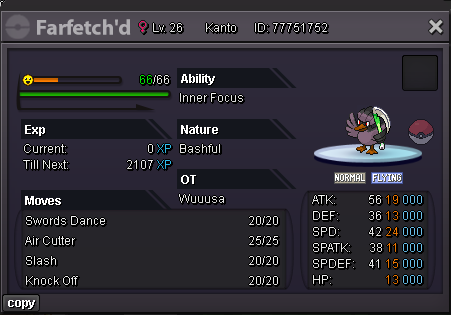
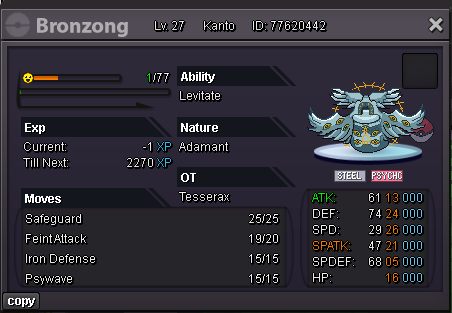
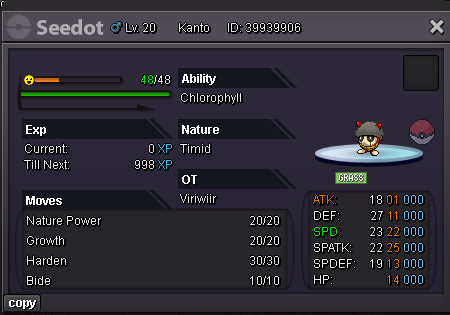
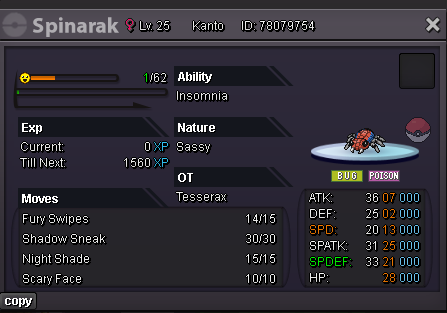
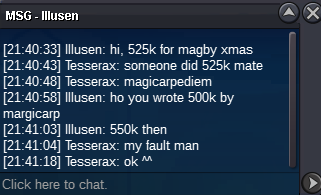
🏆c.o [0] by : None🏆 Start Bid : 500k Min Raise : 50k Insta : 3m End Time : 48 hours After Start 15 minutes rule [ACCEPT PAYMENTS] Pokedollar Coin Capsule : 410k Reroll Ticket : 450k Nature Reroll Ticket : 200k Master Ball : 50k Rare Candy : 5k
-
Start
-
200k
-
Nah u good man, I just tease u😈
-
Bump
-
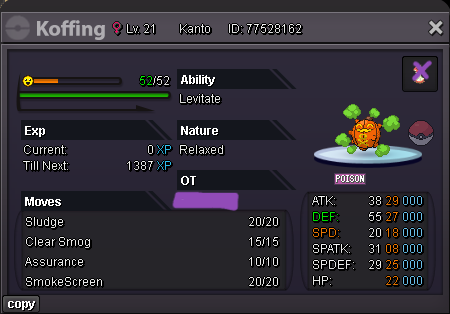
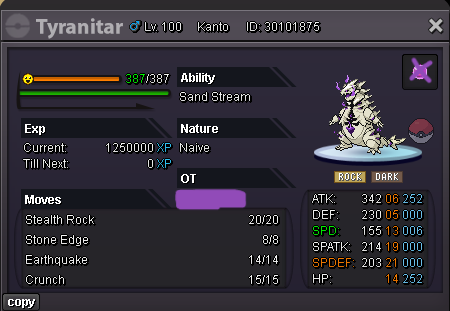
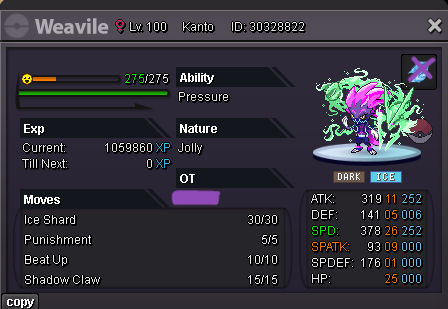
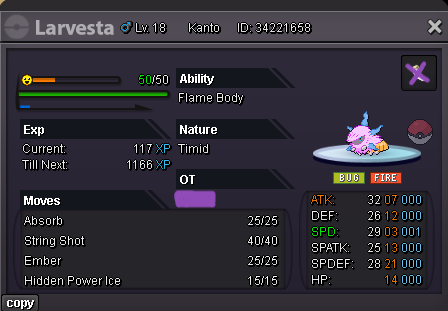
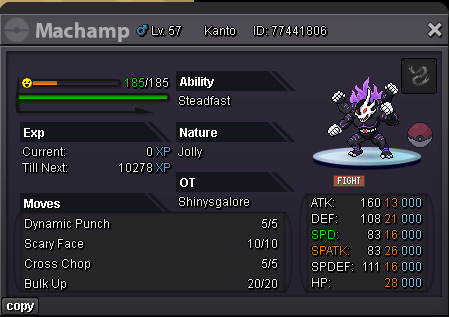
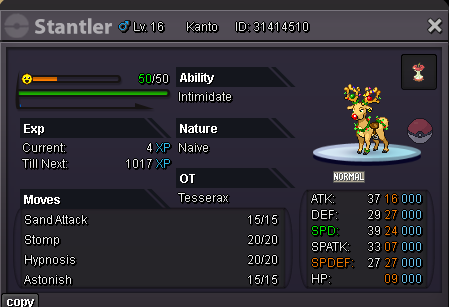
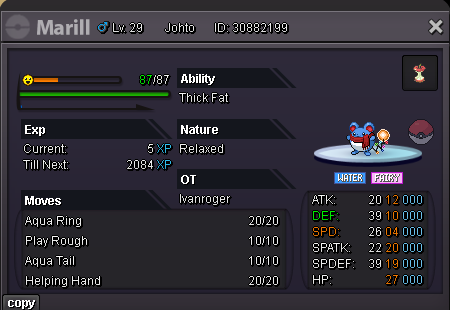
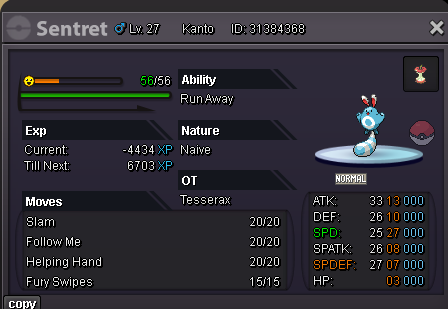
WELCOME TO MY PRO STORE ! ENJOY . . . Notes : 1. Pokemons marked with “offers” can only be sold after a fair price has been agreed by me. 2. Ask/Negotiation only through My Discord or write the offers below. 3. Deals can't be canceled. 4. The trade should be done within 24hours. 5. I’m from “Gold”, buyers from cross server are responsible for server transfer. 6. Mons with "insta" is on auction. In Game Name : Tesserax My Discord : Keenkai_ & keenkai_rog Will re-decorate this shop later [ACCEPT PAYMENTS] Pokedollar Coin Capsule : 410k Reroll Ticket : 450k Nature Reroll Ticket : 200k Master Ball : 50k Rare Candy : 5k

 Sold ^^ thanks everyone for participating, Auction Ended.
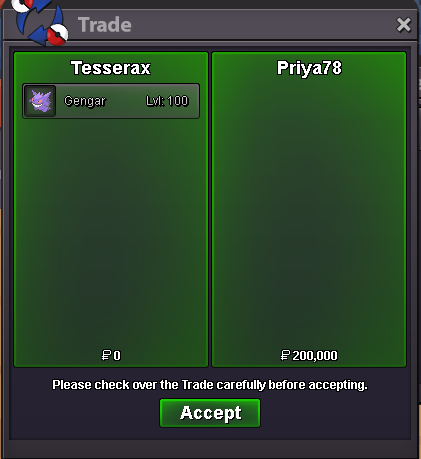 Im not at home rn and I cant login from ios 😆, well lets meet ig on the next 1 hour and 30 minutes@Priya78helloHello @Priya78 I’ll be waiting ig@Priya78 you won ! Congratz Auction Ended, I will deliver the mons around 3 hours later😊bump, 1 hours 10mins leftBump - 5 hours and 47 minutes leftBumpAuction Start at (23:01)
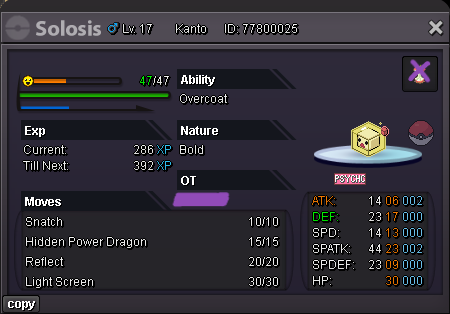
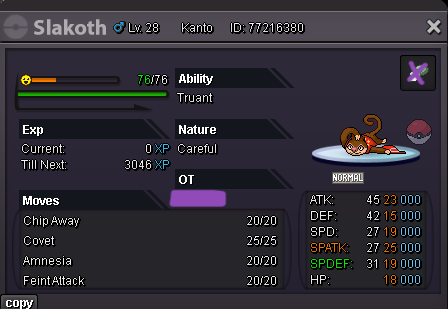
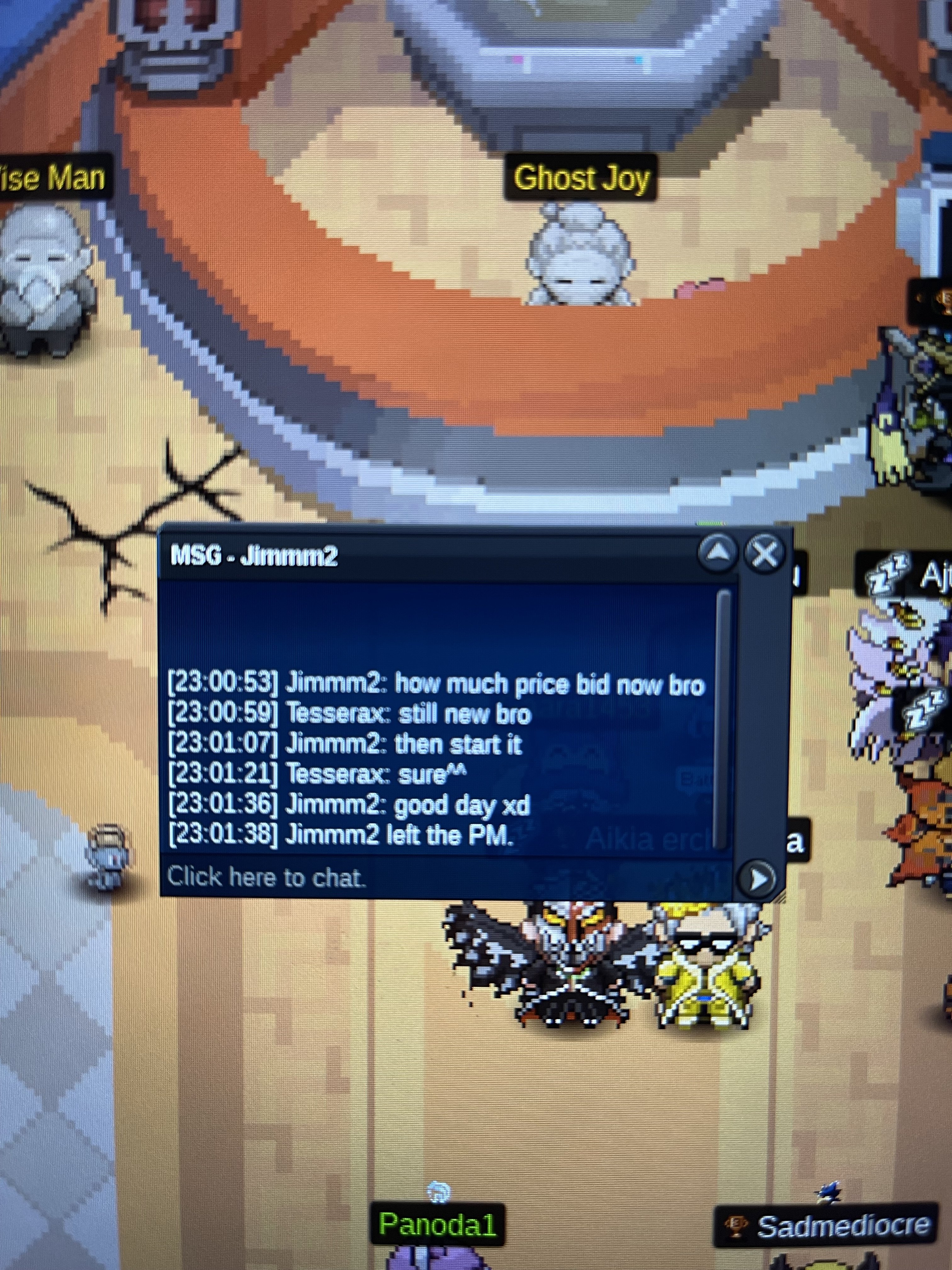 🏆c.o [200k] by : Priya78🏆 Start Bid : 100k Min Raise : 50k Insta : 1.5m💰 End Time : 24hours After Start 2minutes sparetime on last minute-end 🪙Accept Cc as 420k
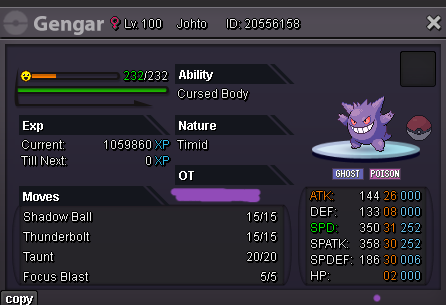 Auction end! thanks for participating guys ^^ , I will add more events mons and pvpables. Forum's Shop on progress and follow me to see more.
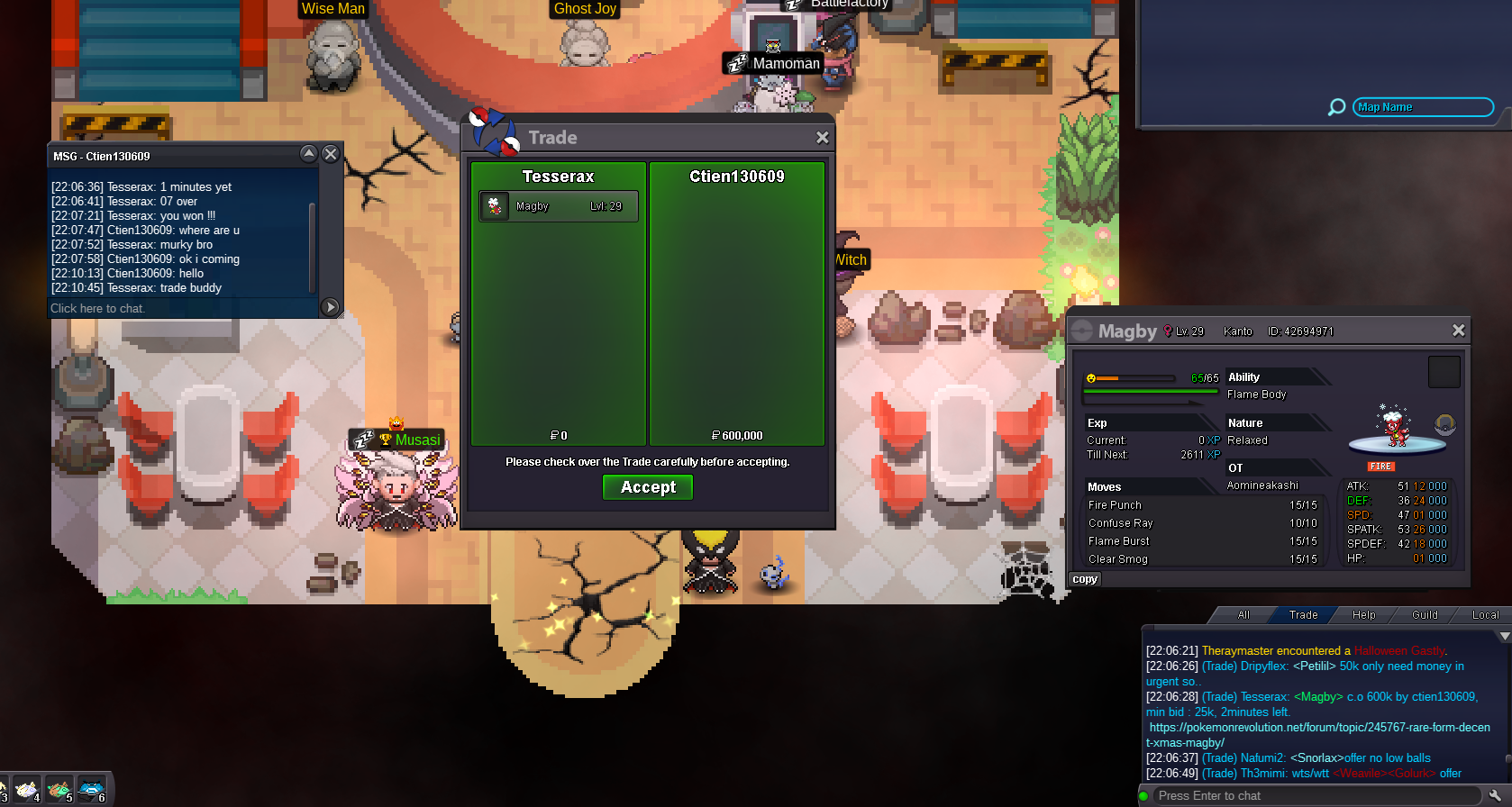 bump1hour and 43 minutes leftJust dont sell less than 3mHello @Sonu117g min bid is 25k ^^Hi @Sonu117g min bid is 25k ^^


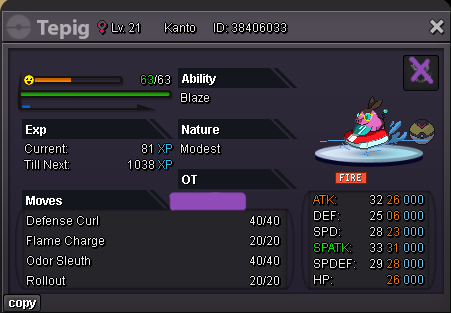
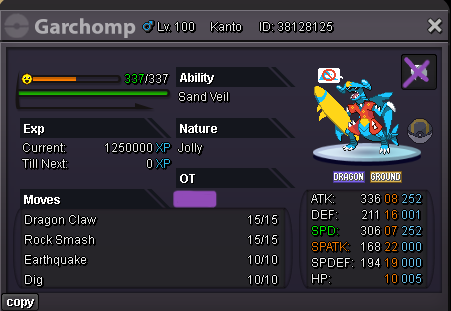

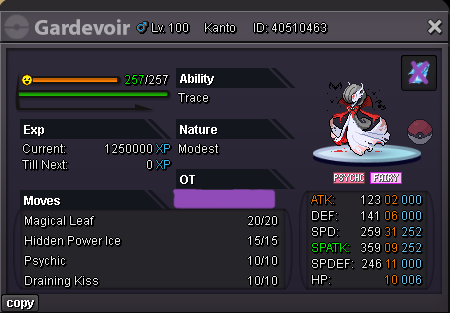


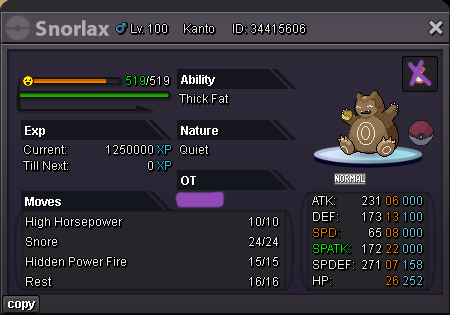
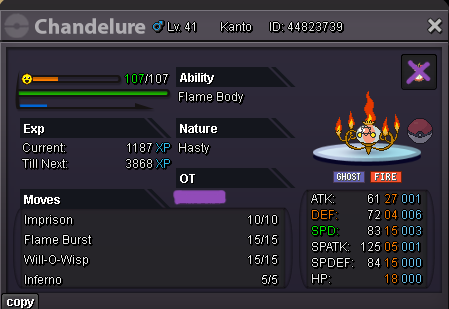
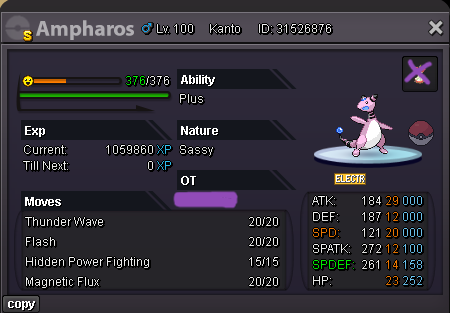
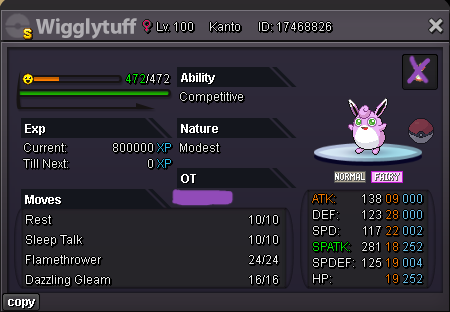

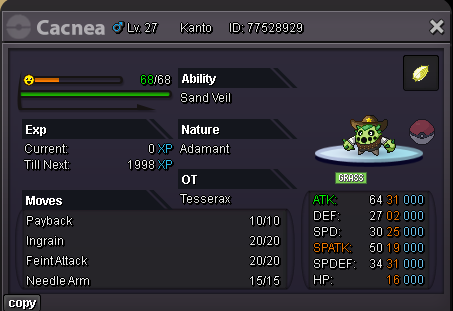
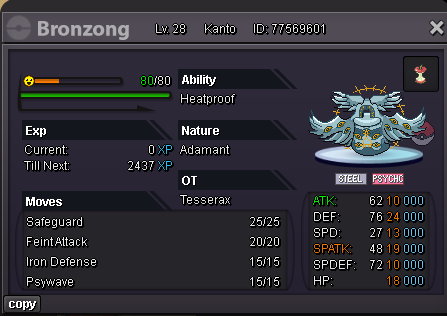
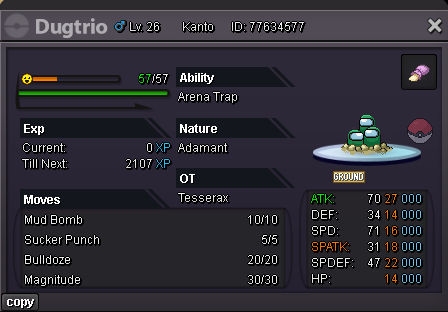
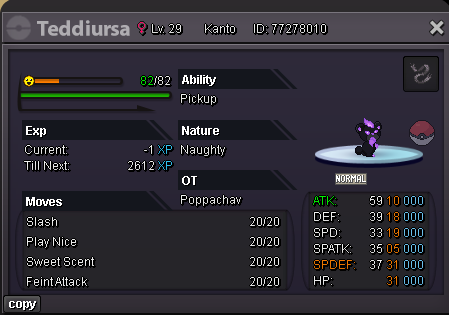





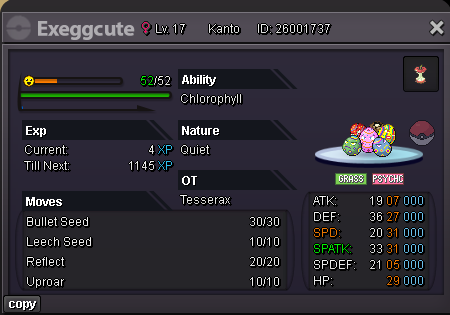

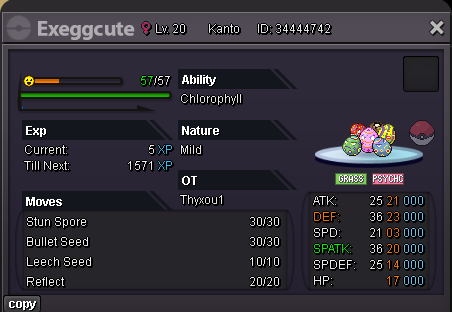

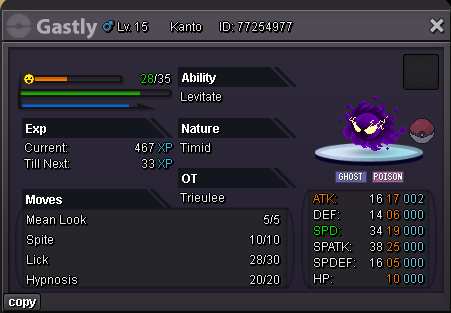

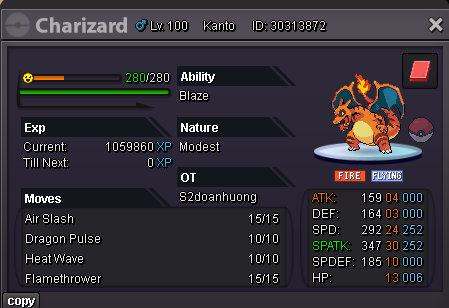



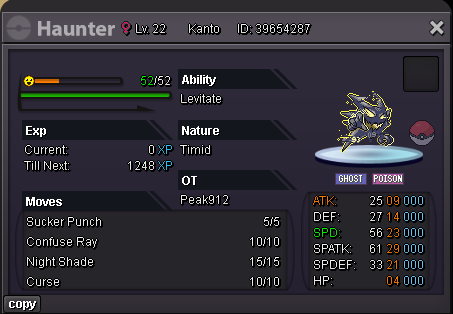
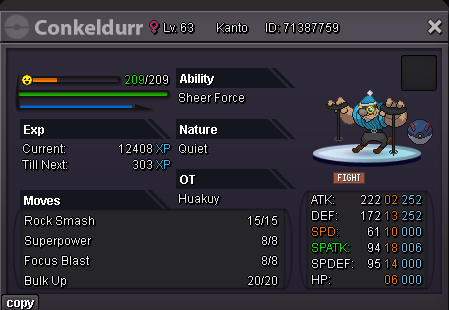
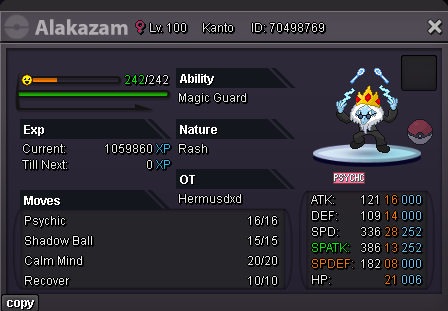

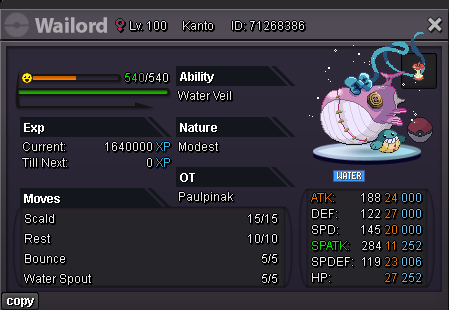



Account
Navigation
Search
Configure browser push notifications
Chrome (Android)
- Tap the lock icon next to the address bar.
- Tap Permissions → Notifications.
- Adjust your preference.
Chrome (Desktop)
- Click the padlock icon in the address bar.
- Select Site settings.
- Find Notifications and adjust your preference.
Safari (iOS 16.4+)
- Ensure the site is installed via Add to Home Screen.
- Open Settings App → Notifications.
- Find your app name and adjust your preference.
Safari (macOS)
- Go to Safari → Preferences.
- Click the Websites tab.
- Select Notifications in the sidebar.
- Find this website and adjust your preference.
Edge (Android)
- Tap the lock icon next to the address bar.
- Tap Permissions.
- Find Notifications and adjust your preference.
Edge (Desktop)
- Click the padlock icon in the address bar.
- Click Permissions for this site.
- Find Notifications and adjust your preference.
Firefox (Android)
- Go to Settings → Site permissions.
- Tap Notifications.
- Find this site in the list and adjust your preference.
Firefox (Desktop)
- Open Firefox Settings.
- Search for Notifications.
- Find this site in the list and adjust your preference.