New Trade Zone
Trade Zone is now live
Use the new Trade Zone for auctions and instant-price trades so Pokemon and item offers are easy to find.

V3nomgg
Registered User
-
Joined
-
Last visited
-
V3nomgg changed their profile photo
-
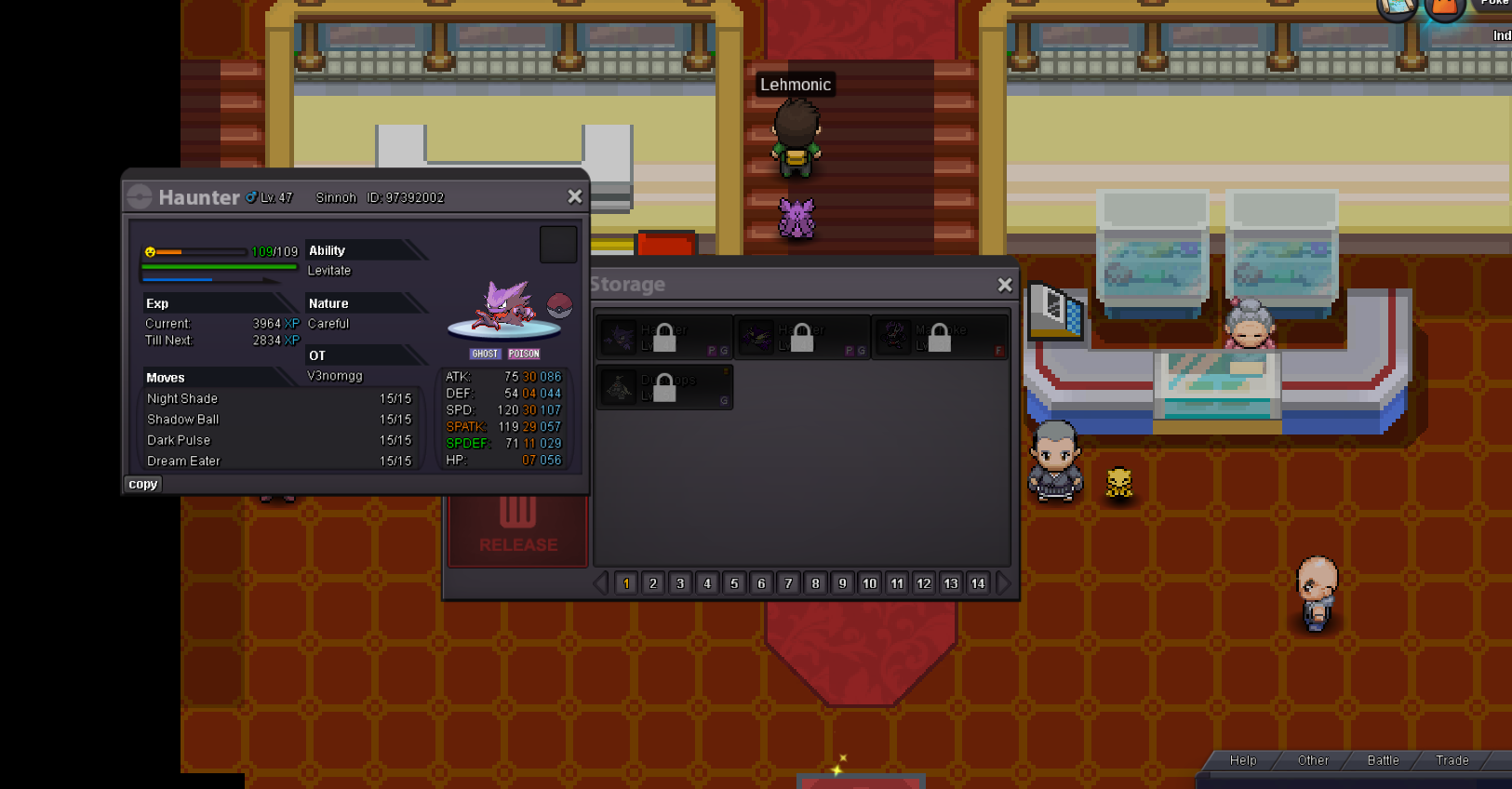
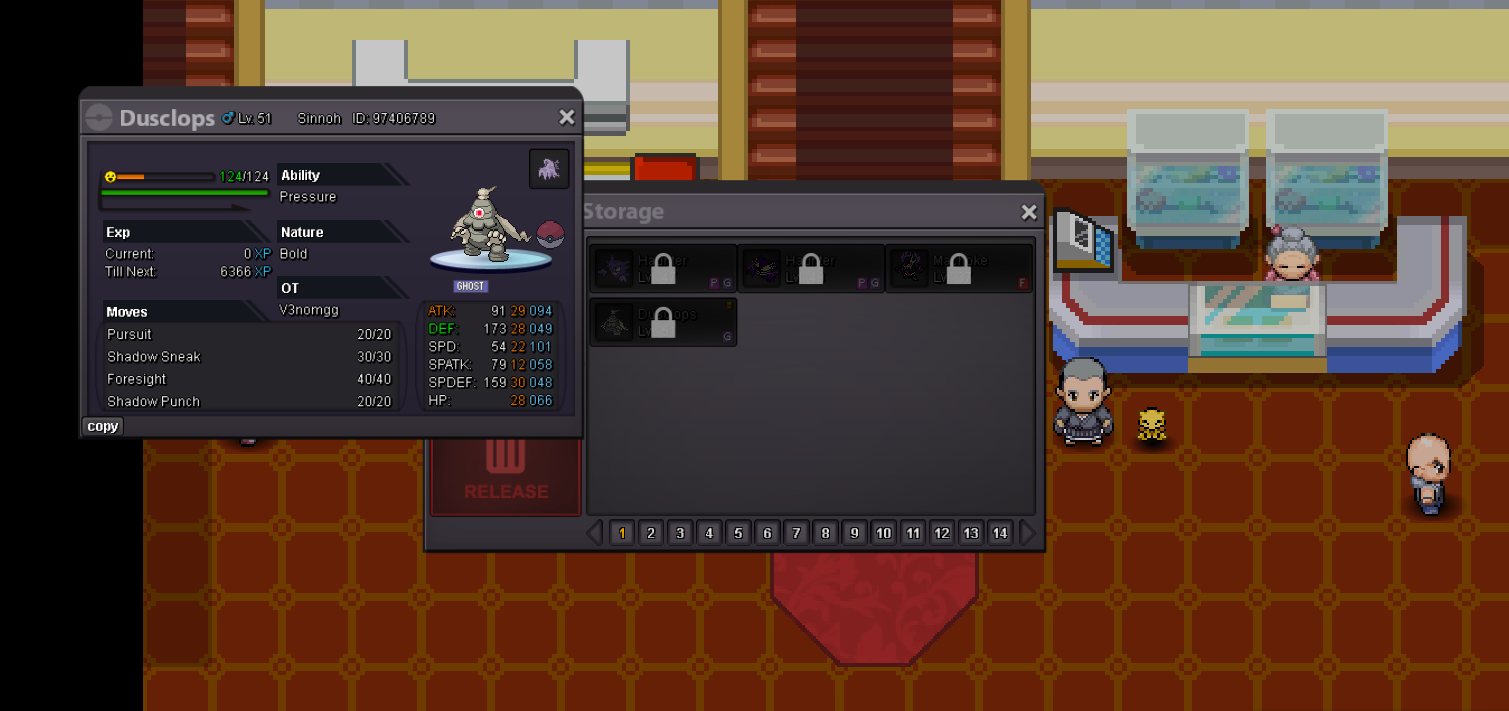
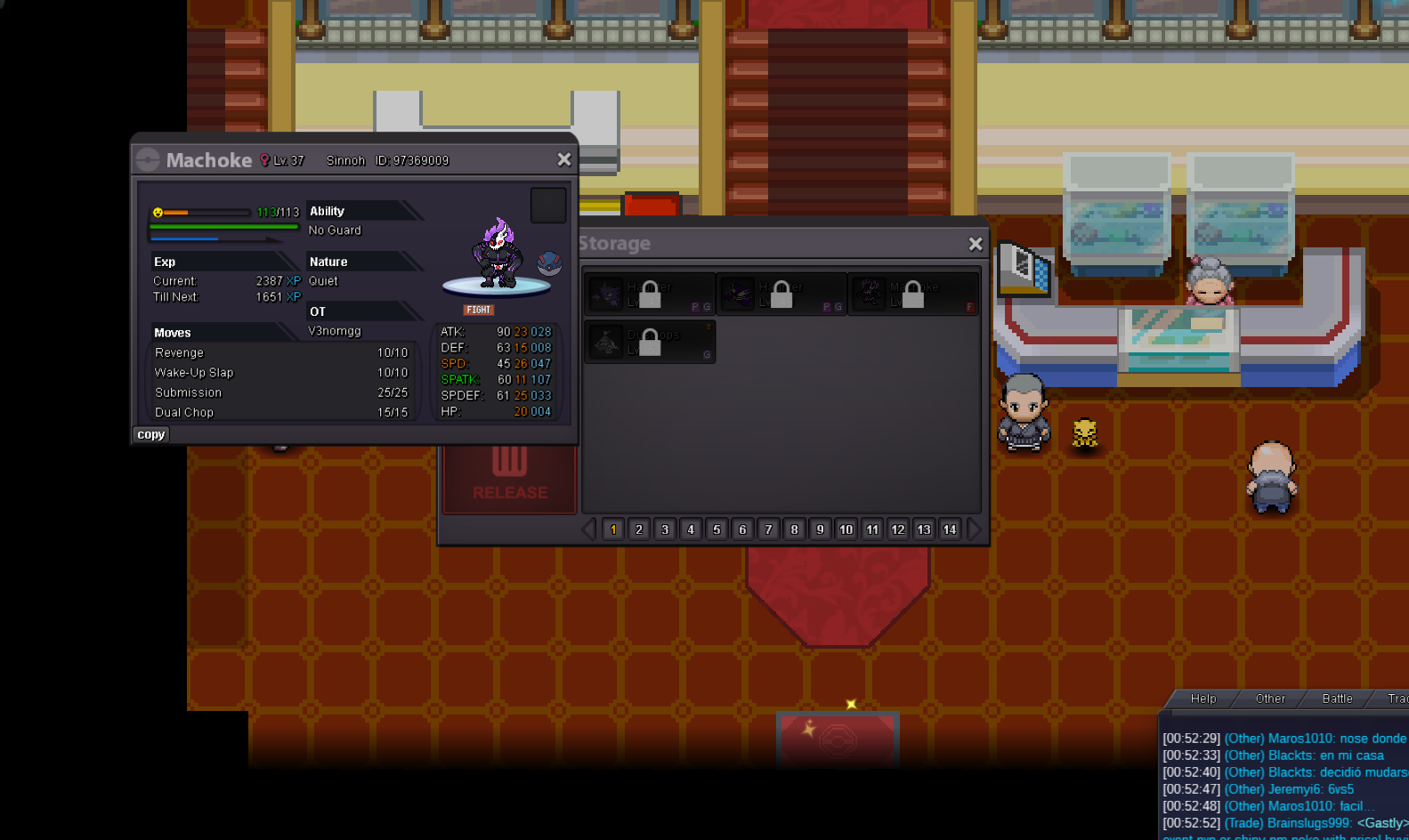
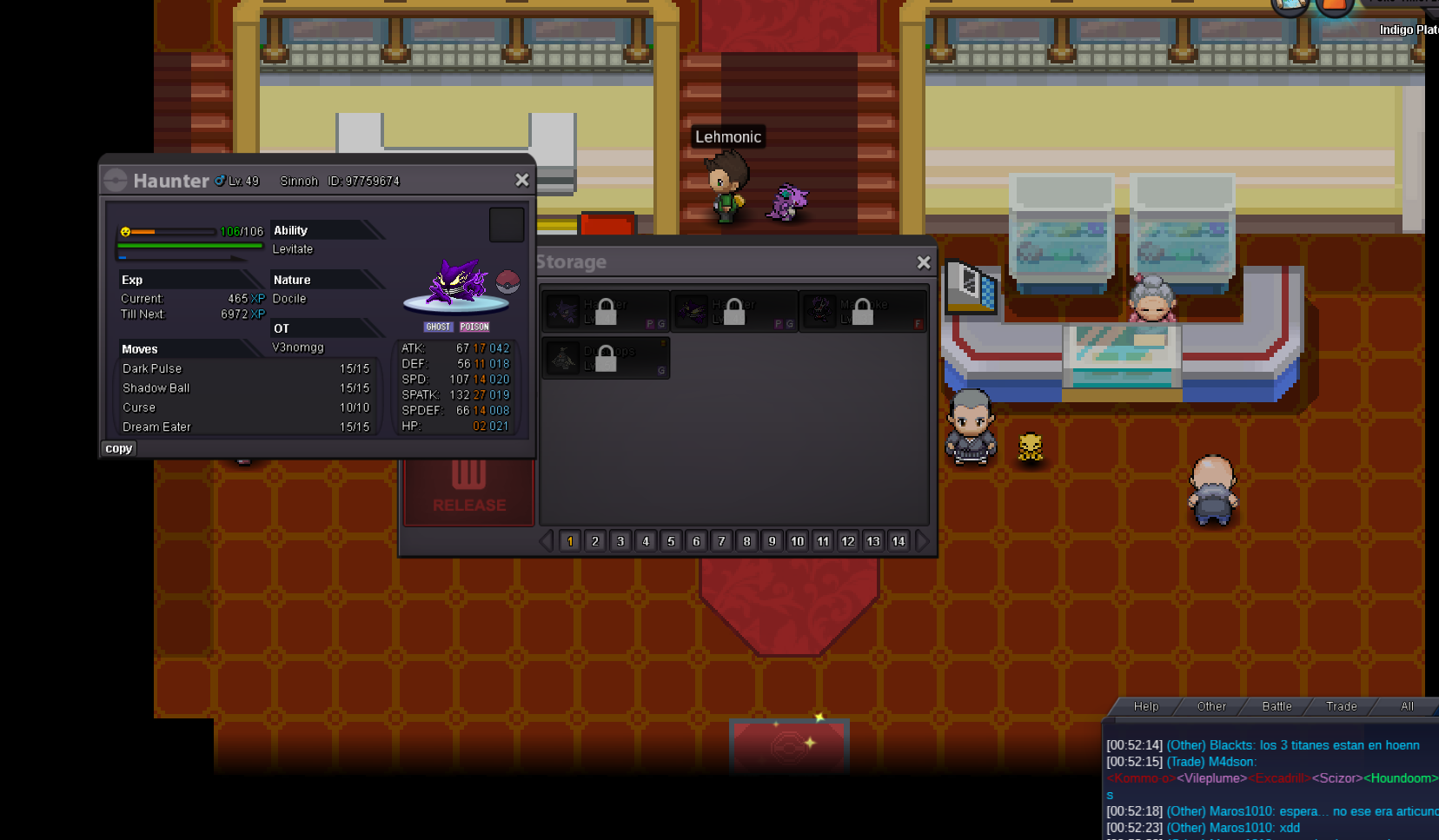
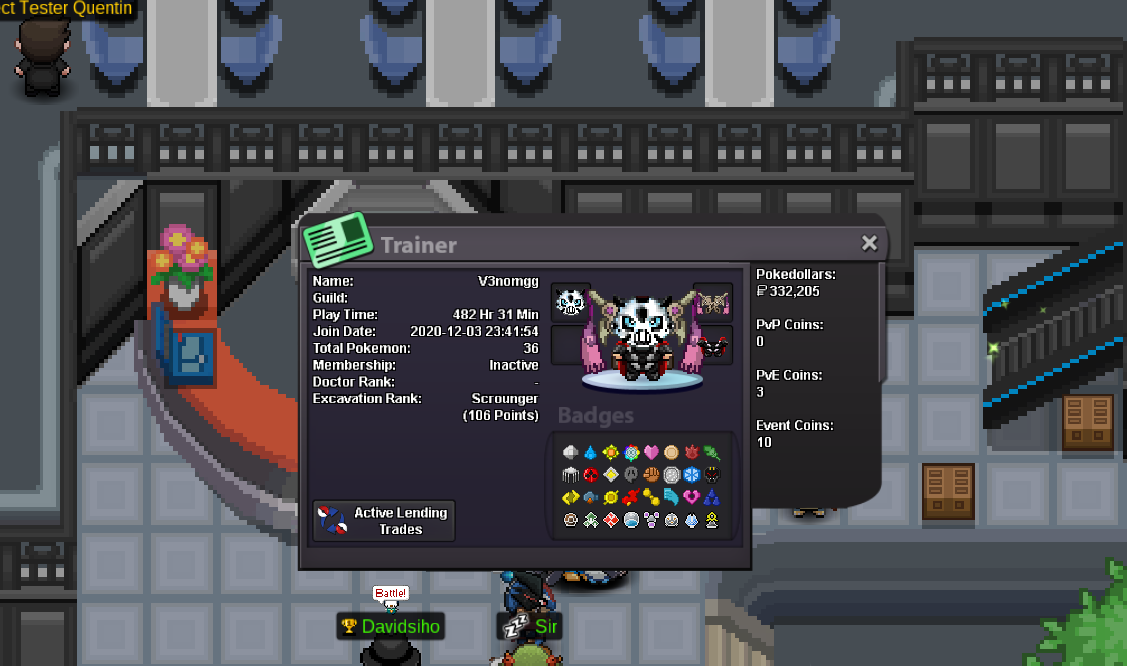
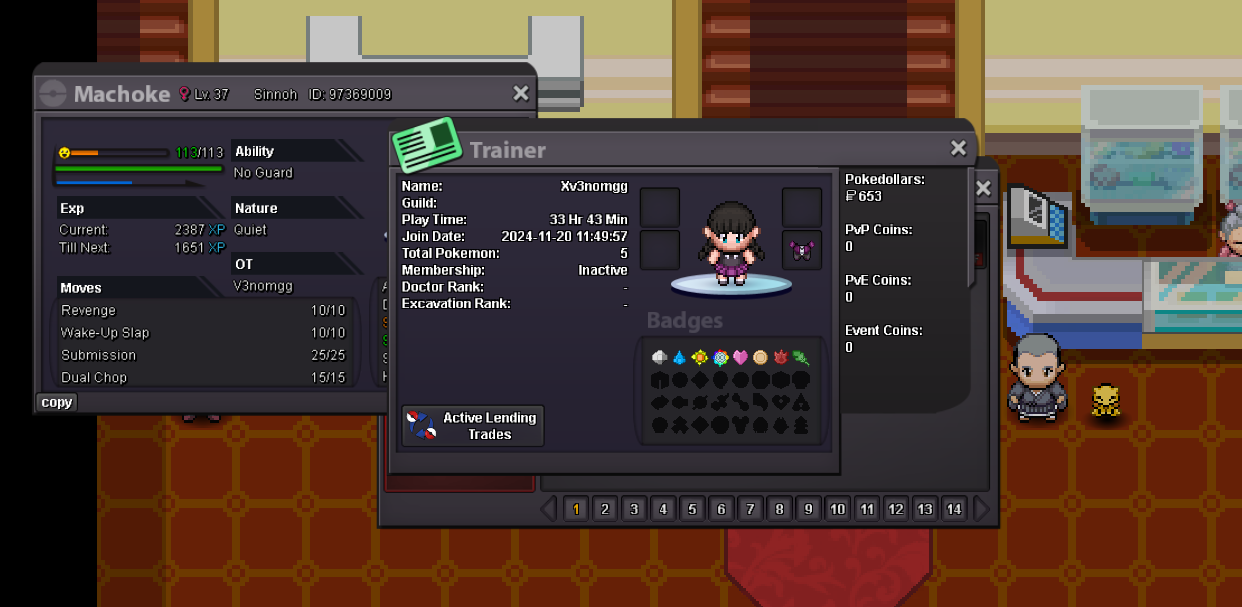
IGN: v3nomgg Friend IGN: xv3nomgg Server: Silver Hello, I have had a problem and these pokemon have been blocked on my secondary account. I wanted to exchange these pokemon to evolve them, so I created a secondary account and transferred the Kanto region to me. But the problem is that those pokemon are from Sinnoh. I need to get those pokemon back since it was hard for me to get them, please, and thank you in advance. The pokemon are in the account 'xv3nomgg' and I want to have them in the account 'v3nomgg', the server of the two accounts is 'Silver', I have attached the images of the pokemon and the accounts. EDIT: We do not offer assistance when it involves alternative accounts. In order to get access to them, you will need to reach the region required to unlock the pokemon - Kimew