




New Trade Zone
Trade Zone is now live
Use the new Trade Zone for auctions and instant-price trades so Pokemon and item offers are easy to find.


Hefvermogen
Registered User
-
Joined
-
Last visited
Everything posted by Hefvermogen
-
@P0is0nxxx congrats on winning the auction pm me in game or on discord IGN: hefvermogen Discord: hefvermogen
-
S.o 500k Min raise 100k Insta n/a Payment options: Cash CC= 480k This is a gold server auction, bids from Silver are accepted but, you transfer upon winning. This auctions ends 24hours after first bid. Goodluck, have fun.
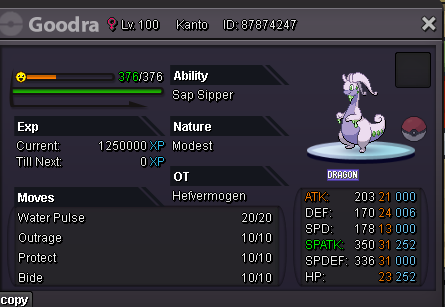
-
11m
-
10.2m
-
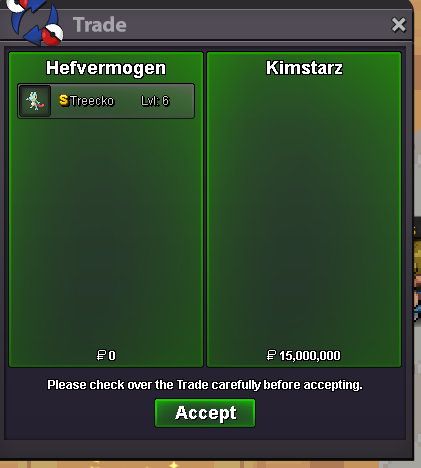
@Kimstarz if im correct i send u friend request on discord! both discords haha 😃@Kimstarz i am online right nowS.o 15m Min raise 200k No insta 24 hours, when first bid is placed. Payment options: CC=480k Cash. This is a gold auction, bids from silver are accepted but you transfer to gold upon winning.
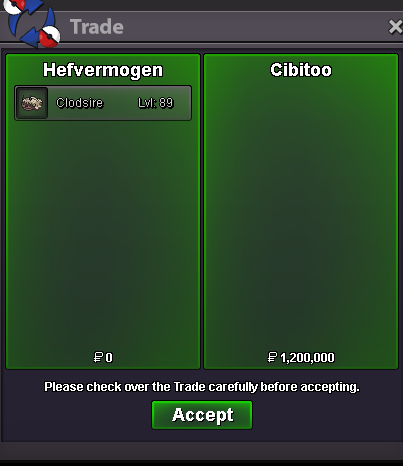
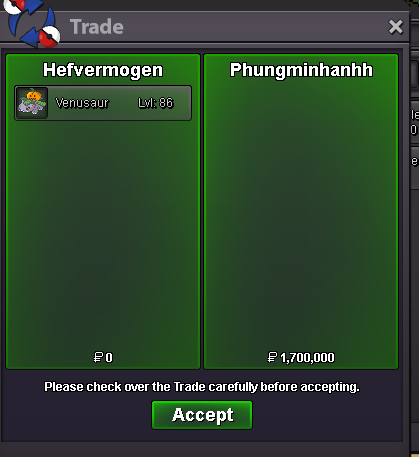
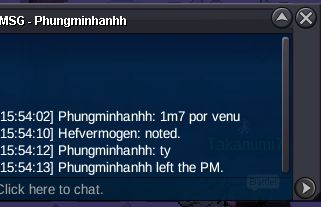
 @Cibitoo you won the clodsire! congrats. Please contact me here, pm in game or reach out on discord. Discord: hefvermogenVENUSAUR sold Canceled snivy since it not started. Clodsire C.o 1m1VENUSAUR END @Phungminhanhh won the venusaur with a 1.7m bid. congrats1m1 on clodsire.
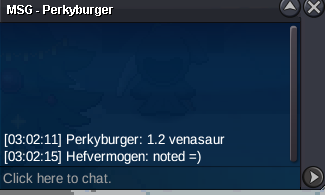
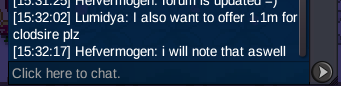 1.1m venusaur
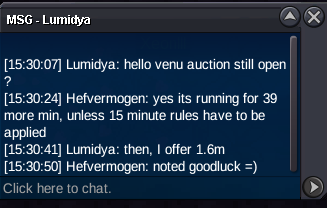
 VENUSAUR started
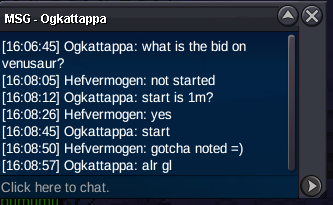 it happens man, wish u the best tho 😃ah i gotchu now, xd then u should know where hes from first. so u can calculate the time zone. since the time is shown in ur timezoneso does it for me, but when u hove (hold ur mouse on it) it shows exact times mateno offense tho, but it aint hard to count 48 hours from a start time right?the difference between AM and PM maybe an issue. for as far i know, where im from in our native language we pronounce times different then in the AM and PM structure.


Account
Navigation
Search
Configure browser push notifications
Chrome (Android)
- Tap the lock icon next to the address bar.
- Tap Permissions → Notifications.
- Adjust your preference.
Chrome (Desktop)
- Click the padlock icon in the address bar.
- Select Site settings.
- Find Notifications and adjust your preference.
Safari (iOS 16.4+)
- Ensure the site is installed via Add to Home Screen.
- Open Settings App → Notifications.
- Find your app name and adjust your preference.
Safari (macOS)
- Go to Safari → Preferences.
- Click the Websites tab.
- Select Notifications in the sidebar.
- Find this website and adjust your preference.
Edge (Android)
- Tap the lock icon next to the address bar.
- Tap Permissions.
- Find Notifications and adjust your preference.
Edge (Desktop)
- Click the padlock icon in the address bar.
- Click Permissions for this site.
- Find Notifications and adjust your preference.
Firefox (Android)
- Go to Settings → Site permissions.
- Tap Notifications.
- Find this site in the list and adjust your preference.
Firefox (Desktop)
- Open Firefox Settings.
- Search for Notifications.
- Find this site in the list and adjust your preference.