New Trade Zone
Trade Zone is now live
Use the new Trade Zone for auctions and instant-price trades so Pokemon and item offers are easy to find.


Hefvermogen
Registered User
-
Joined
-
Last visited
Everything posted by Hefvermogen
-
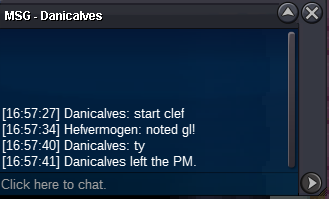
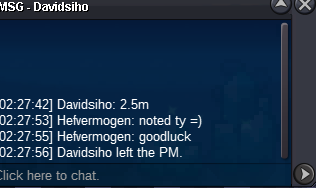
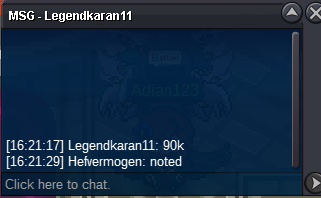
Since im not a collector myself i auction this. 50/50 godly/reverse =P S.o 50k Min raise 10k insta : n/a 24 hours after first bid. Accepted payments cash cc=450k This auction will follow the official rules, 15 minute rule will also be active. Silver auction. Have fun and enjoy, grab a collectors item!
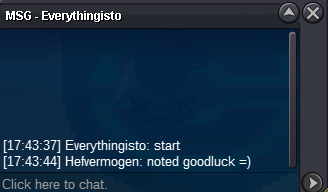
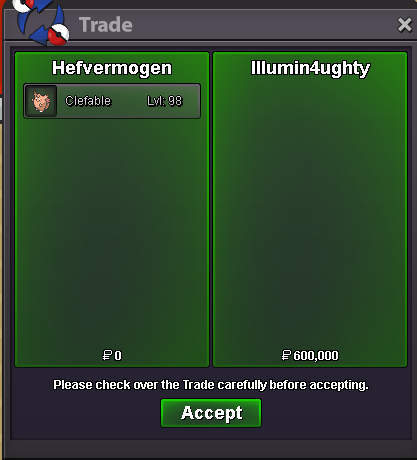
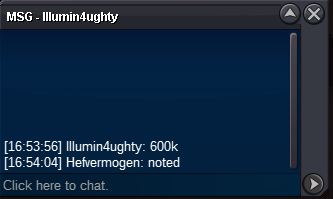
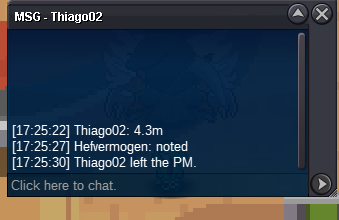
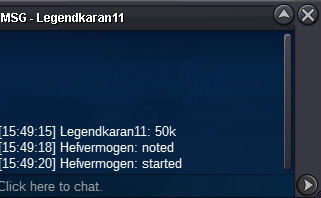
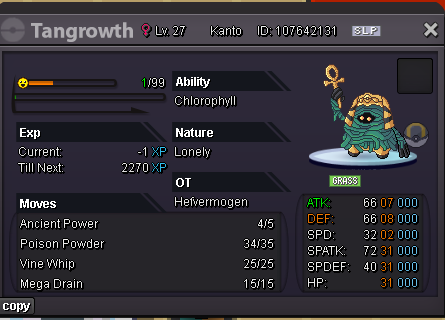 Thanks everyone again for participating in the auction, Congrats to the winner! Another auction finished by hefs auction services. See you all in the next one!@illumin4ughty u won, i cant seem to tag u on the forum. Pm me in game, or discord hefvermogen. I try to reach out to you. Hope to hear from you soonbumpupS.o 300k min raise 100k No insta End 48 hrs after first bid. Payments: cc=500k cash SILVER auction if u from gold, you transfer. Alt accounts allowed mention name in comment Hefs auction service, Everyone deserves a chance for a auction!
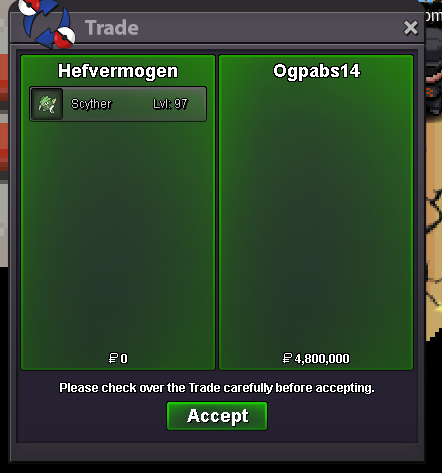
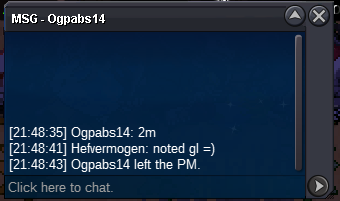
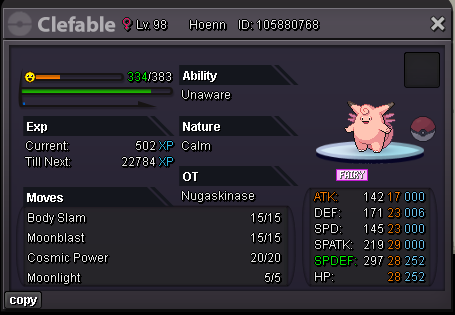 @Ogpabs14 congrats on winning the auction! wonderfull last stretch and well done. Feel free to pm me in game, or add me on discord: hefvermogen. Another beautifull auction done by hefs auction services. I want to say thank you for everyone bidding and actively watching the auction! hope to see you all on future auctions (spoiler more is waiting)BumpS.O 500k MIN RAISE 200k NO INSTA Payments: cash cc=500k Duration 48 hours after first bid Silver auction.
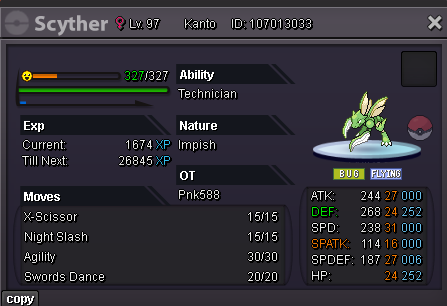 S.o 50k min raise 20k insta n/a 1 hour auction after first bid payment cash only. s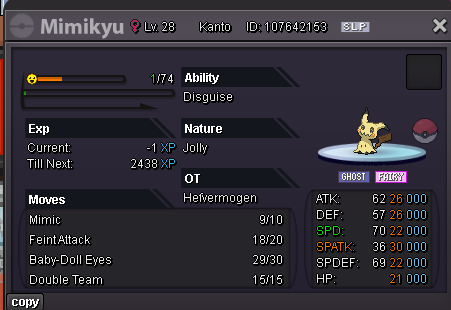
Account
Navigation
Search
Configure browser push notifications
Chrome (Android)
- Tap the lock icon next to the address bar.
- Tap Permissions → Notifications.
- Adjust your preference.
Chrome (Desktop)
- Click the padlock icon in the address bar.
- Select Site settings.
- Find Notifications and adjust your preference.
Safari (iOS 16.4+)
- Ensure the site is installed via Add to Home Screen.
- Open Settings App → Notifications.
- Find your app name and adjust your preference.
Safari (macOS)
- Go to Safari → Preferences.
- Click the Websites tab.
- Select Notifications in the sidebar.
- Find this website and adjust your preference.
Edge (Android)
- Tap the lock icon next to the address bar.
- Tap Permissions.
- Find Notifications and adjust your preference.
Edge (Desktop)
- Click the padlock icon in the address bar.
- Click Permissions for this site.
- Find Notifications and adjust your preference.
Firefox (Android)
- Go to Settings → Site permissions.
- Tap Notifications.
- Find this site in the list and adjust your preference.
Firefox (Desktop)
- Open Firefox Settings.
- Search for Notifications.
- Find this site in the list and adjust your preference.