New Trade Zone
Trade Zone is now live
Use the new Trade Zone for auctions and instant-price trades so Pokemon and item offers are easy to find.


Hefvermogen
Registered User
-
Joined
-
Last visited
Everything posted by Hefvermogen
-
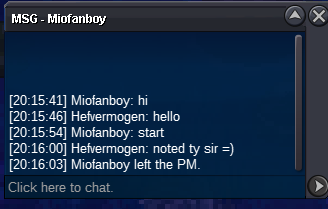
150k gible
-
Here by i present you all this Epic scyther! S.o 500k Min raise 100k Insta 3m 24 hours after first bid Payment cash cc=450k Silver auction, u can bid from gold, but YOU transfer. Alts allowed mention name in ur bid Goodluck all! happy bidding, have fun! Presented by: hef's auctions.
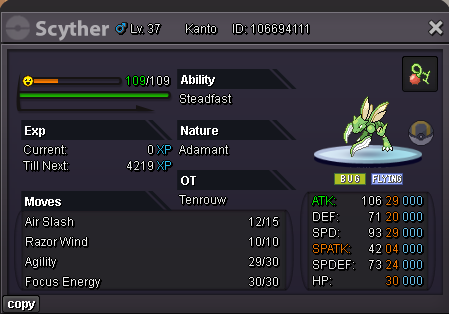 Sold! Another auction hosted by hefs auctions! Have a good one all!
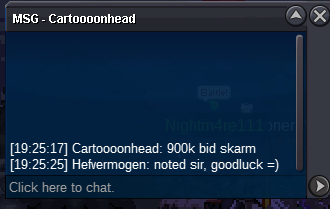
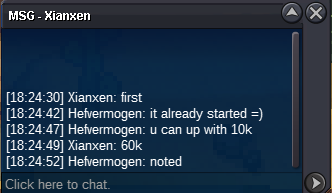
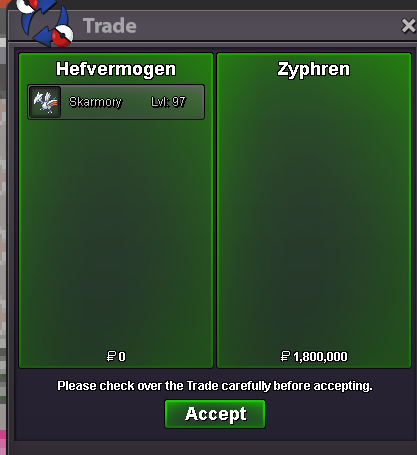 @Zyphren congrats on winning the auction! Pm me in game: hefvermogen Discord: hefvermogen Thanks all for participating.about 3 hours left.@Adamwaleed54yt i win if im correct right? its finished the auction?Here by i offer you all this bulky sturdy skarmory! S.o 500k Min raise 100k insta 3m 24 hours after first bid is recieved. Payment: cash cc=450k Silver auction! u can bid from gold, but YOU transfer. Alts allowed mention your name at the bid. I wish u all goodluck!
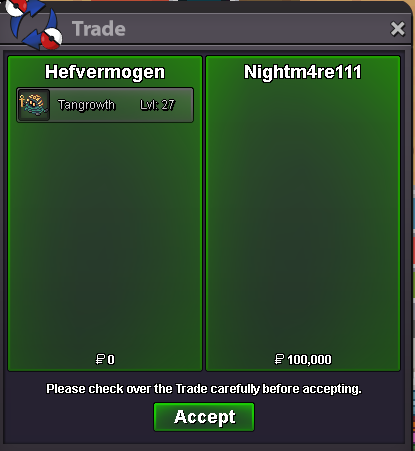
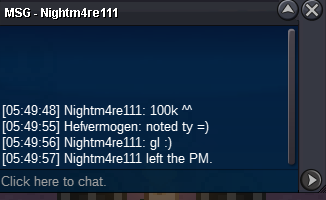
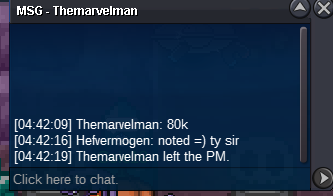
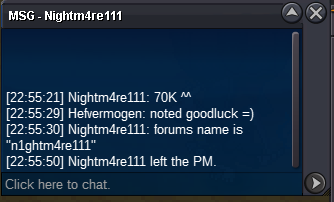
 2M1.7m1.5m1.6m1.2m2m1Auction ended @Nightm4re111 u won pls contact me in discord or later in game hefvermogen
Account
Navigation
Search
Configure browser push notifications
Chrome (Android)
- Tap the lock icon next to the address bar.
- Tap Permissions → Notifications.
- Adjust your preference.
Chrome (Desktop)
- Click the padlock icon in the address bar.
- Select Site settings.
- Find Notifications and adjust your preference.
Safari (iOS 16.4+)
- Ensure the site is installed via Add to Home Screen.
- Open Settings App → Notifications.
- Find your app name and adjust your preference.
Safari (macOS)
- Go to Safari → Preferences.
- Click the Websites tab.
- Select Notifications in the sidebar.
- Find this website and adjust your preference.
Edge (Android)
- Tap the lock icon next to the address bar.
- Tap Permissions.
- Find Notifications and adjust your preference.
Edge (Desktop)
- Click the padlock icon in the address bar.
- Click Permissions for this site.
- Find Notifications and adjust your preference.
Firefox (Android)
- Go to Settings → Site permissions.
- Tap Notifications.
- Find this site in the list and adjust your preference.
Firefox (Desktop)
- Open Firefox Settings.
- Search for Notifications.
- Find this site in the list and adjust your preference.