New Trade Zone
Trade Zone is now live
Use the new Trade Zone for auctions and instant-price trades so Pokemon and item offers are easy to find.

Lliby292
Suspended
-
Joined
-
Last visited
Everything posted by Lliby292
-
650k
-
-
501k Poli
-
421k Poliwrath
-
start
-
I want to buy Hoenn + Sinnoh Story Service + Teleport quest. Please DM my discord Lliby
-
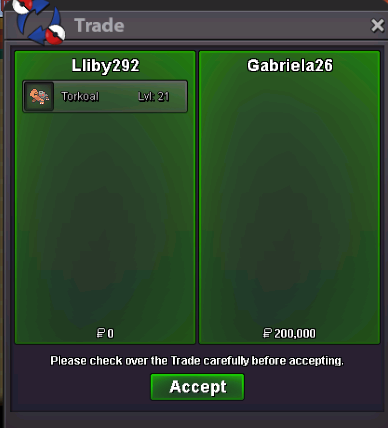
auction ended, congrats all
-
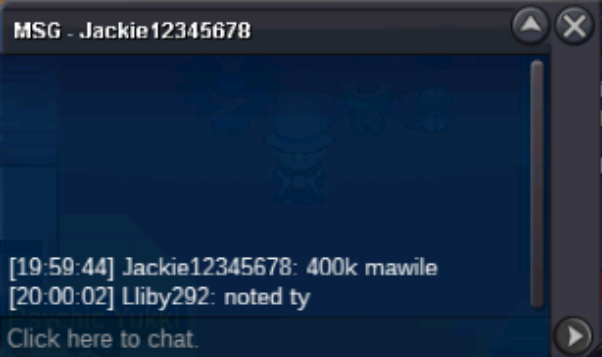
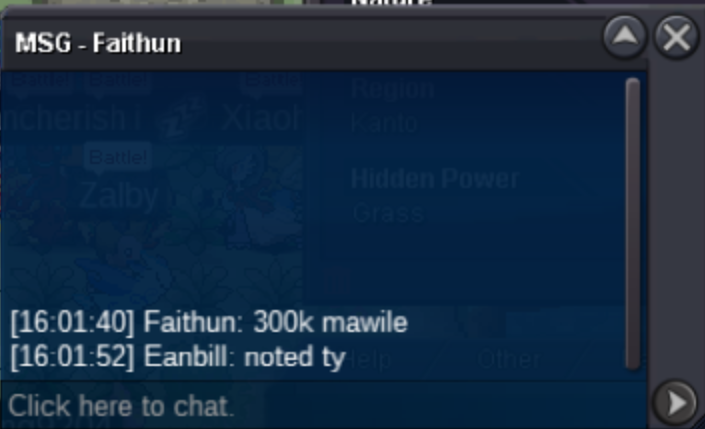
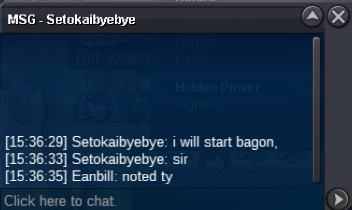
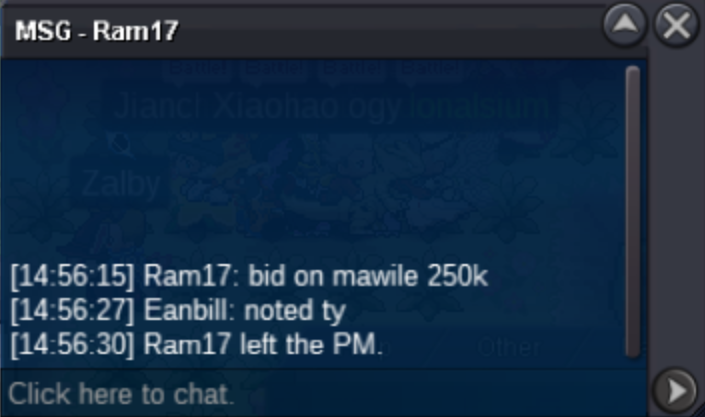
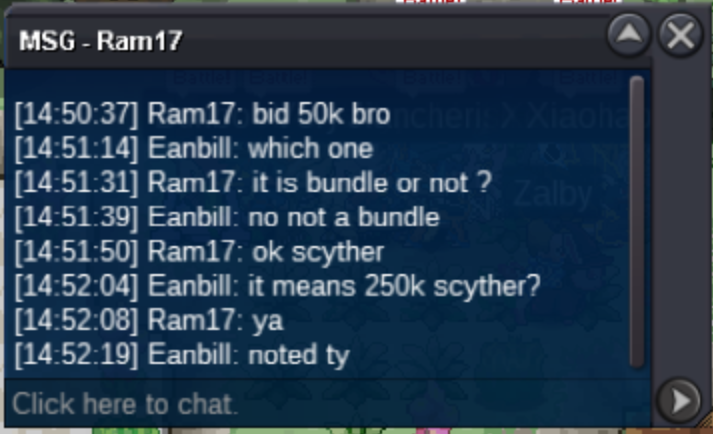
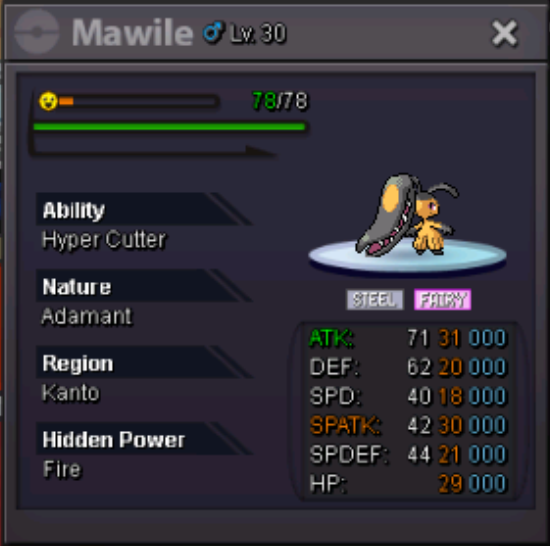
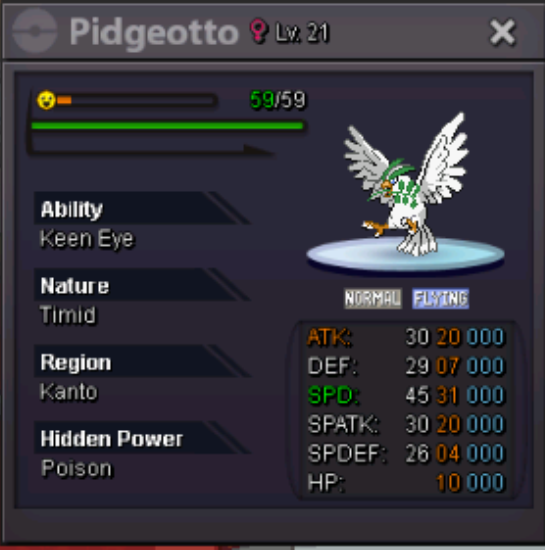
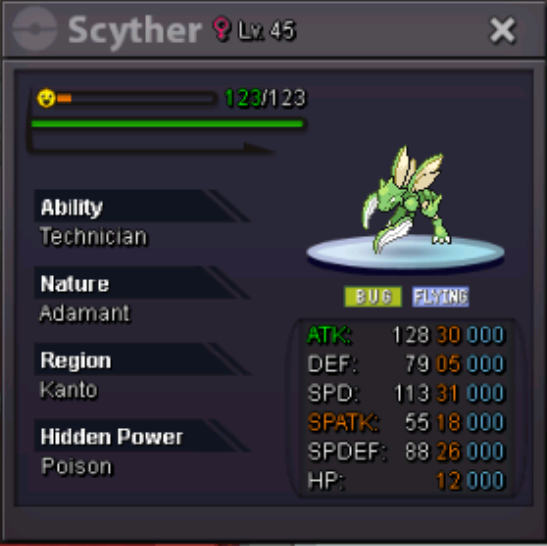
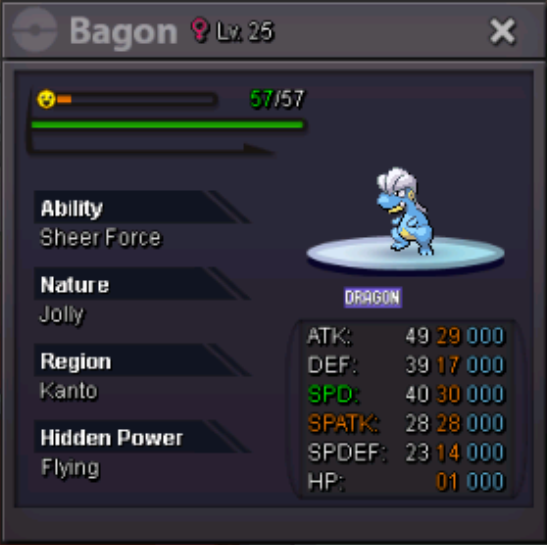
For each pokemon: Start bid: 200k no insta min bid: 50k ends 48hrs after first bid accepted payments: pokedollar, cc (500k), reroll iv (550k), nature reroll (300k) 15mins rule applied For now: Scyther c.o 250k// Timer: https://countingdownto.com/?c=6259683 Mawile c.o 400k// Timer: https://countingdownto.com/?c=6259688 Pidgeotto c.o 200k// Timer: https://countingdownto.com/?c=6259690 Bagon c.o 200k// Timer: https://countingdownto.com/?c=6259730
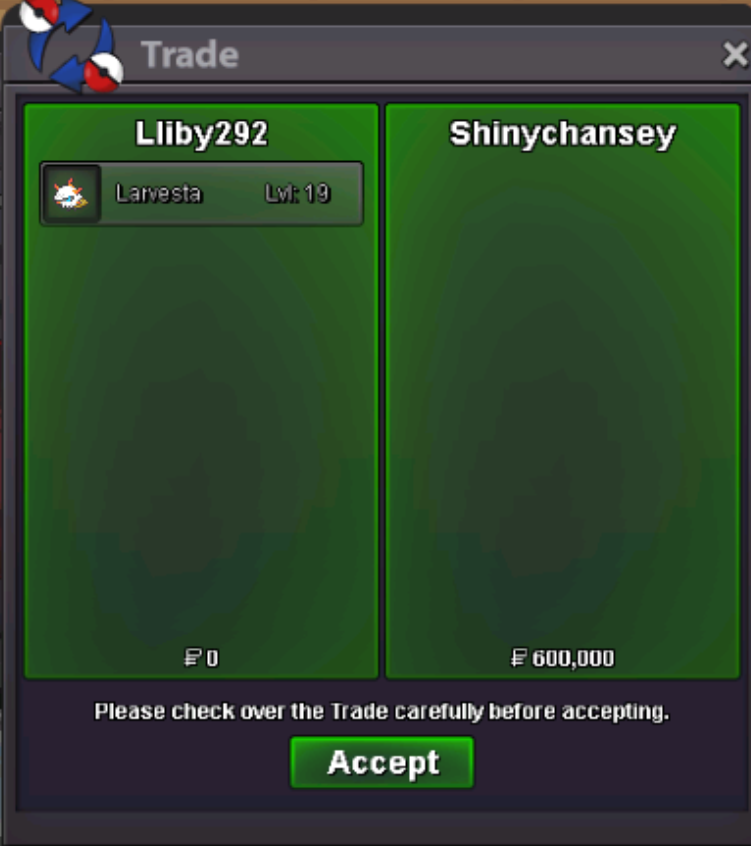
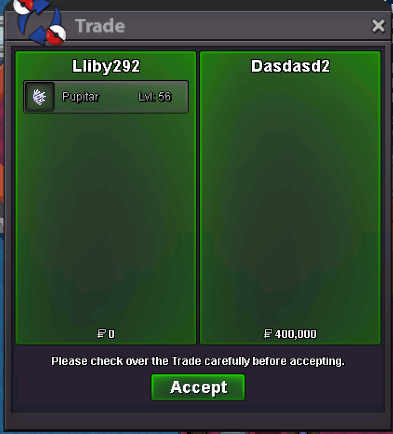
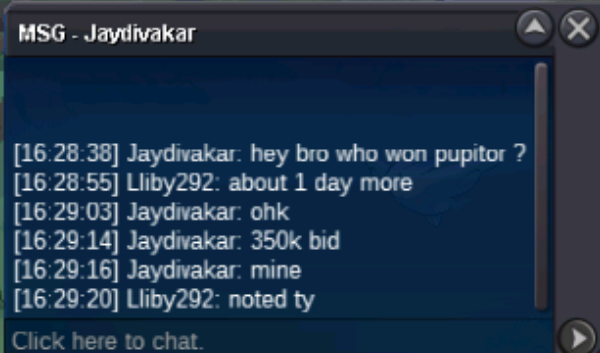
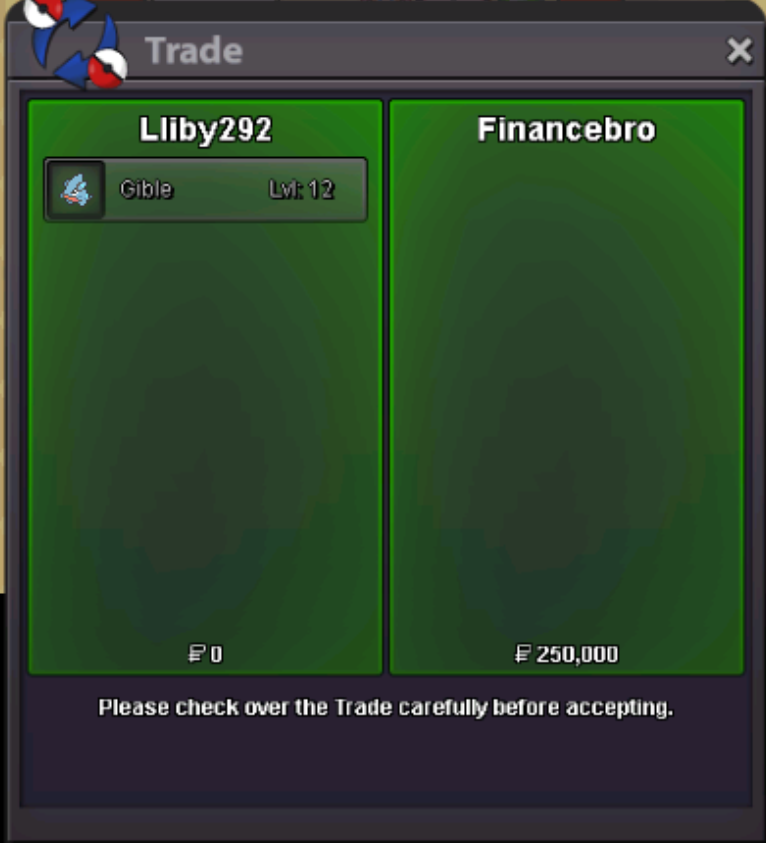
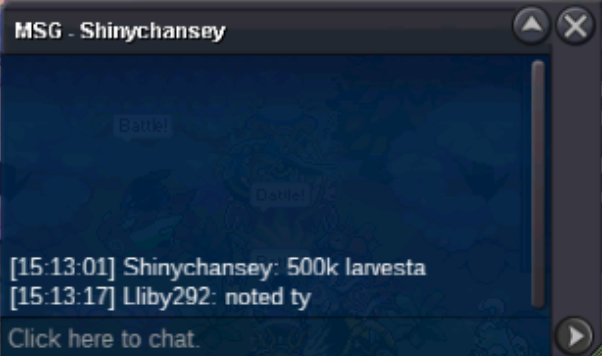
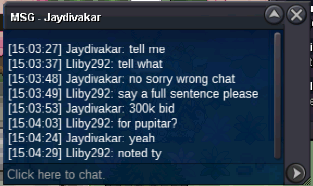
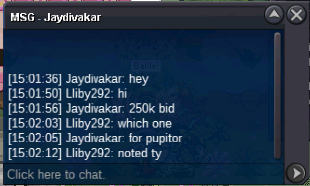
 @Gabriela26 hi, u won the torkoal, please let me know when we are free to tradeU win pupitar 400k, i will online in about an hour, let me know if we can tradeHi, u won larvesta 600k congratshi u won the gible let me know when we can trade
Account
Navigation
Search
Configure browser push notifications
Chrome (Android)
- Tap the lock icon next to the address bar.
- Tap Permissions → Notifications.
- Adjust your preference.
Chrome (Desktop)
- Click the padlock icon in the address bar.
- Select Site settings.
- Find Notifications and adjust your preference.
Safari (iOS 16.4+)
- Ensure the site is installed via Add to Home Screen.
- Open Settings App → Notifications.
- Find your app name and adjust your preference.
Safari (macOS)
- Go to Safari → Preferences.
- Click the Websites tab.
- Select Notifications in the sidebar.
- Find this website and adjust your preference.
Edge (Android)
- Tap the lock icon next to the address bar.
- Tap Permissions.
- Find Notifications and adjust your preference.
Edge (Desktop)
- Click the padlock icon in the address bar.
- Click Permissions for this site.
- Find Notifications and adjust your preference.
Firefox (Android)
- Go to Settings → Site permissions.
- Tap Notifications.
- Find this site in the list and adjust your preference.
Firefox (Desktop)
- Open Firefox Settings.
- Search for Notifications.
- Find this site in the list and adjust your preference.