New Trade Zone
Trade Zone is now live
Use the new Trade Zone for auctions and instant-price trades so Pokemon and item offers are easy to find.

Altroo
Registered User
-
Joined
-
Last visited
-
Done, it's on page 80, thanks alot ❤️
-
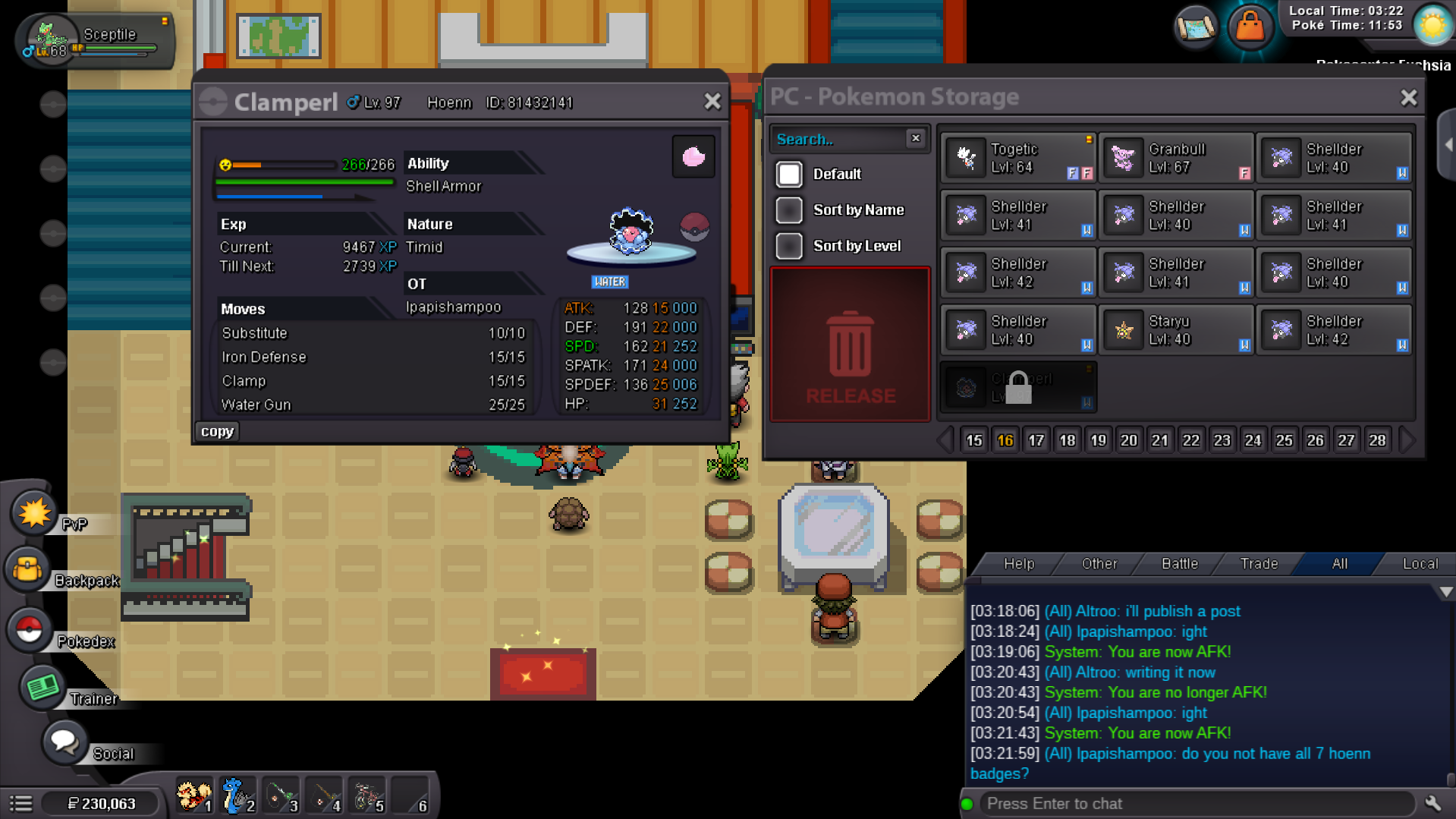
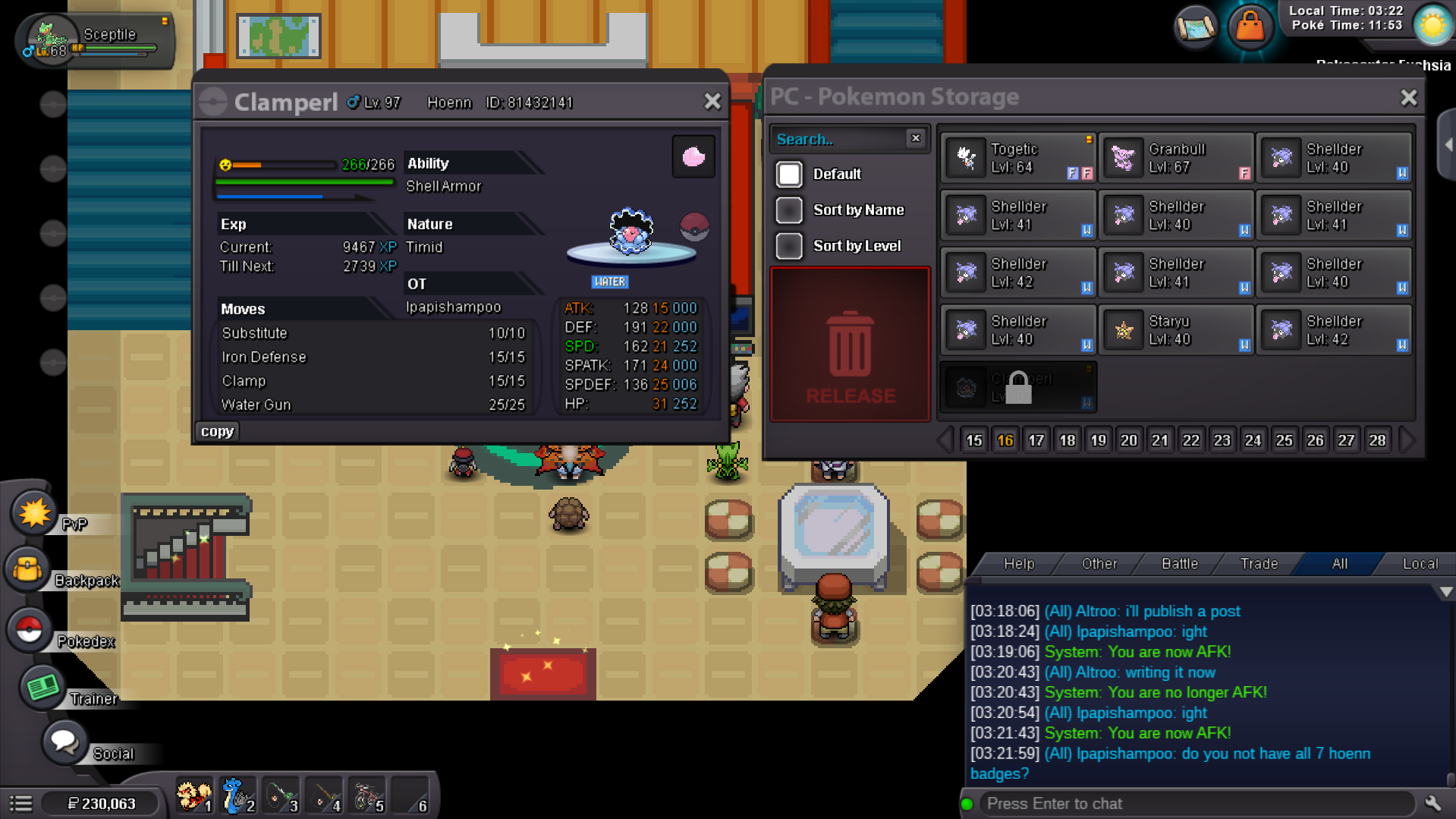
Hello, i wanted to help a guy evolve his trade pokemon, however i cannot return it to him as it is region locked, could an admin please be able to transfer it back to him. My only hope was to help the guy his name is : lpapishampoo and traded Clamperl. is there a way to give it back to him, i'm 30h playtime into the game, and i have no idea how to do so. please help and thank you so much in advance. EDIT: Pokemon recovered. Kimew
-
up
-
Hello, i wanted to help a guy evolve his trade pokemon, however i cannot return it to him as it is region locked, could an admin please be able to transfer it back to him. My only hope was to help the guy his name is : lpapishampoo and traded Clamperl. is there a way to give it back to him, i'm 30h playtime into the game, and i have no idea how to do so. please help and thank you so much in advance.