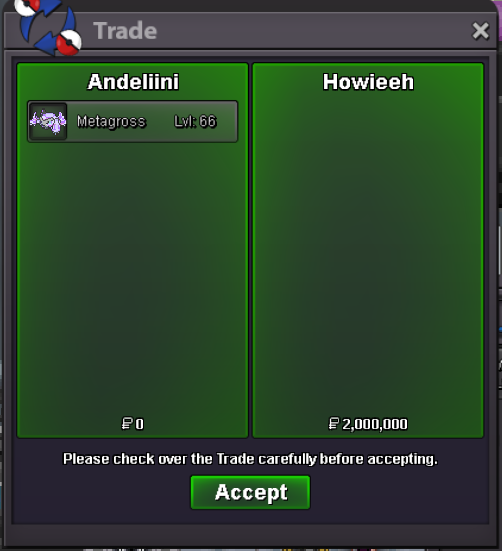
New Trade Zone
Trade Zone is now live
Use the new Trade Zone for auctions and instant-price trades so Pokemon and item offers are easy to find.

Andeliini
Registered User
-
Joined
-
Last visited
-
-
16.5m
-
15m500k
-
Yea, very good idea. I get migraine from that movement.
-
-
-
Starting Offer: 1m Min bid: 100k End: 48h after Starting Offer, 15min rule apply Insta: 3m Other payments: cc 500k, rr 700k

-
Hi, how much time left?
-
Copycat Lamsie is nice feature! You can play against other players team even though that player is not online. Why not implement this to use PvP rules and 6x100lvl teams? I think it would be very easy to implement to game. Possible implementation 1: Just some npc(s) to chill somewhere where you can battle him/her. If you win, your team is copied to him/her. Maybe some kind of reward if you win / can hold X number of days. Possible implementation 2: When you win that npc, you can go back to pc and fetch some other team to defend. It adds slight friction but opens up another new perspective to game "How to design team that is optimal for npc". I think this idea does not harm anyone in any way. It just adds more content for everyone. This kind of Online player vs Offline player works well even there is low number of PvP players. (At the moment PvP queues are quite low. It takes time to find opponent and its usually same player)
-
Start pelipper Edit: oh its started already. So 300k
-
❤️
-
1.8m
-
startHow we handle the trade since Howieeh is from gold?