




New Trade Zone
Trade Zone is now live
Use the new Trade Zone for auctions and instant-price trades so Pokemon and item offers are easy to find.

Godlyd3mon
Registered User
-
Joined
-
Last visited
Everything posted by Godlyd3mon
-
300k toxicroak
-
Godlydemon 4m on the Haxorus
-
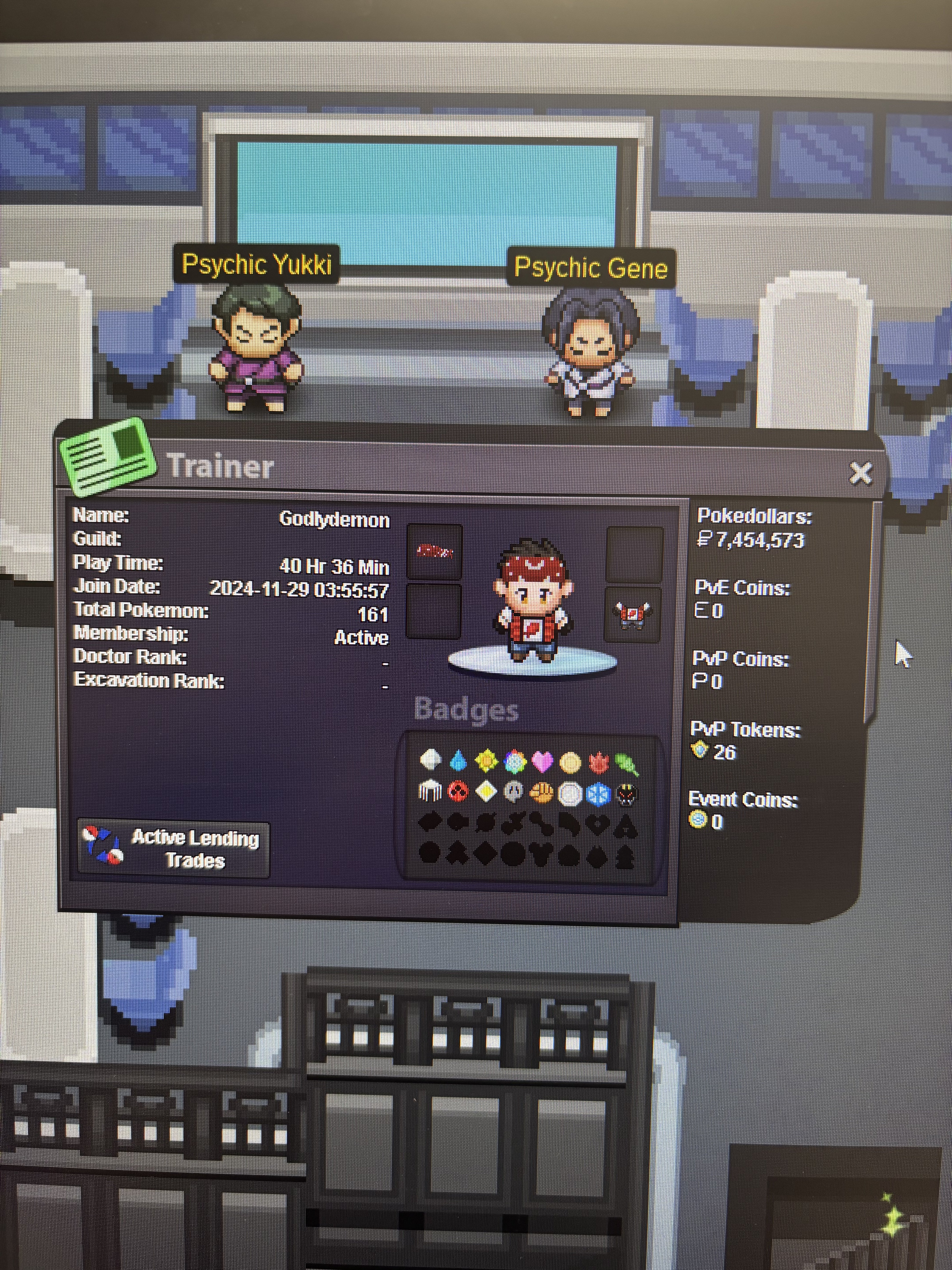
IGN: Godlydemon Hours: 40.48 (joined last November and immediately after my pc died on me so just started again 1-2 weeks ago after I bought a new pc lol, so most hours are from last 2 weeks) Favorite Mon: It’s a tie between Jolteon, Articuno, and Haxorus! Enjoy the most: I’m a sucker for shiny hunting, but I dabble all around between hunting, pvp, etc! Screenshot: Not so much a screenshot but pic from my phone lol How long been playing: Since the OG red and blue came out way back when, have played every pokemon game! Ice cream: Love me some Dulce de leche, but recently found this honeycomb one that slaps xD
-
Hellooo! I’m totally interesting in finding a guild to join and figured I’d send yall a poke 🧐 Loving the game so far, joined last November but my computer died on me so just started again a week or two ago with my new pc and ready to grind away! IGN: Godlydemon Discord: mrmike24_7 Playtime: 32.39 hrs (in the last 2 or so weeks lol, maybe 45 minutes from when I joined last November before my pc died)

