New Trade Zone
Trade Zone is now live
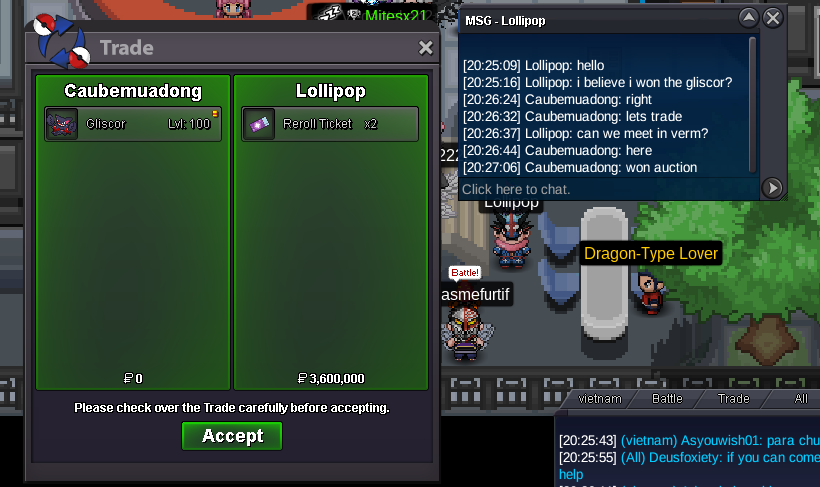
Use the new Trade Zone for auctions and instant-price trades so Pokemon and item offers are easy to find.


Caubemuadong
Registered User
-
Joined
-
Last visited
Everything posted by Caubemuadong
-
ty, cya ^^
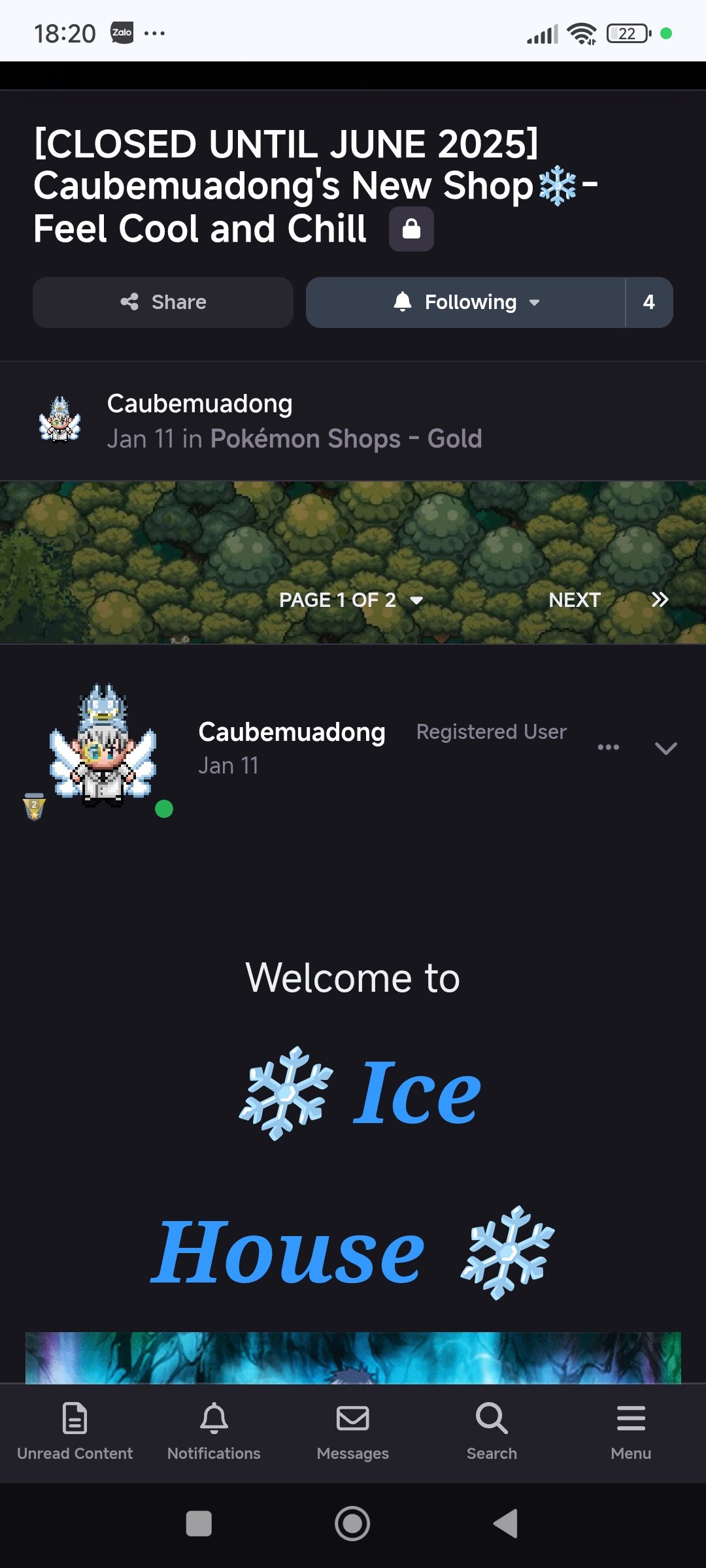
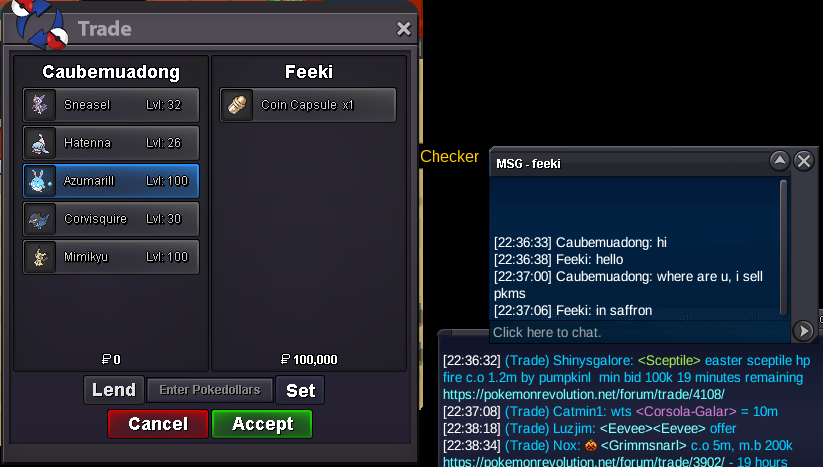 bump :33bump :33Hi, my shop was locked as my desire in few months ago (cause my work). Now i want to re-open it, and to update it to sell my pokemon.
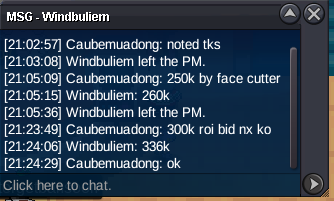
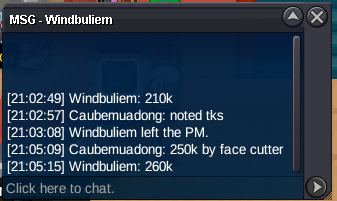
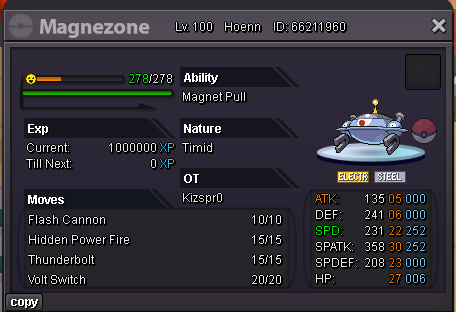
 IGN: Caubemuadong Server:Gold Time zone:GMT +7:00 Discord name: qunnahfrom 4th room to 5th room, you need waiting in 73hrs (not 48hrs)Start 200k min bid 10k Insta 600k Pokedollar only Duration: 24hr from now
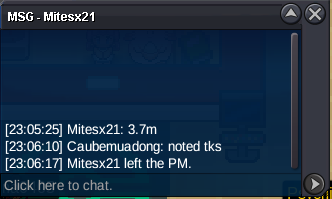
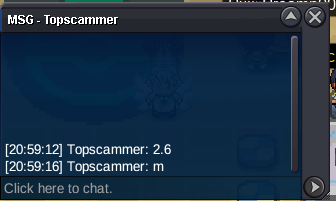
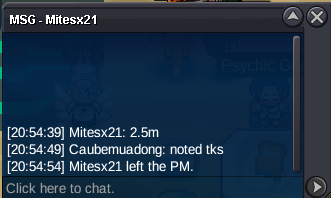
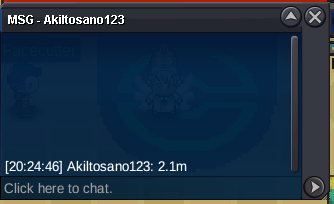
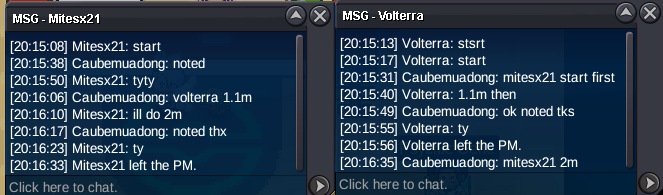
 Bump, under 4hrs leftC.o 2m by mitesx21 @Pumpkinl
 Start 1m min bid 100k End in 48hr after first bid Accept rr 750k, cc 500k, nat rr 350k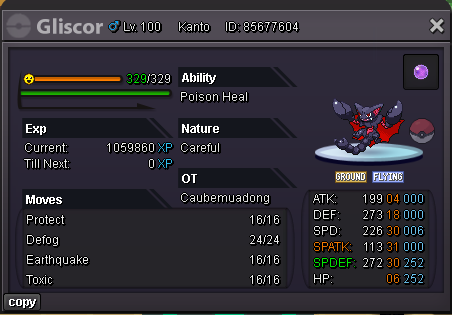
Account
Navigation
Search
Configure browser push notifications
Chrome (Android)
- Tap the lock icon next to the address bar.
- Tap Permissions → Notifications.
- Adjust your preference.
Chrome (Desktop)
- Click the padlock icon in the address bar.
- Select Site settings.
- Find Notifications and adjust your preference.
Safari (iOS 16.4+)
- Ensure the site is installed via Add to Home Screen.
- Open Settings App → Notifications.
- Find your app name and adjust your preference.
Safari (macOS)
- Go to Safari → Preferences.
- Click the Websites tab.
- Select Notifications in the sidebar.
- Find this website and adjust your preference.
Edge (Android)
- Tap the lock icon next to the address bar.
- Tap Permissions.
- Find Notifications and adjust your preference.
Edge (Desktop)
- Click the padlock icon in the address bar.
- Click Permissions for this site.
- Find Notifications and adjust your preference.
Firefox (Android)
- Go to Settings → Site permissions.
- Tap Notifications.
- Find this site in the list and adjust your preference.
Firefox (Desktop)
- Open Firefox Settings.
- Search for Notifications.
- Find this site in the list and adjust your preference.