New Trade Zone
Trade Zone is now live
Use the new Trade Zone for auctions and instant-price trades so Pokemon and item offers are easy to find.

Spx
Registered User
-
Joined
-
Last visited
Everything posted by Spx
-
Please save and hmu for- Twisted spoon x2 Expert belt Dream eater Taunt Swords dance Thief false swipe x2 rock smash x 3
-
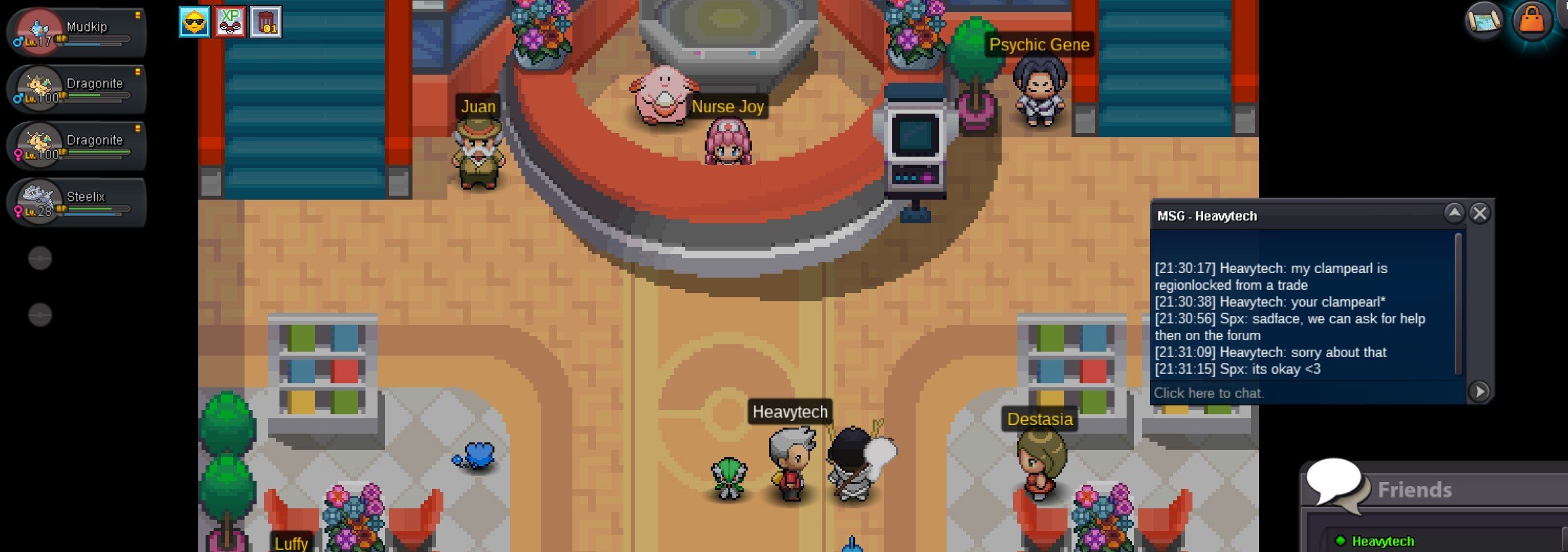
hey guys me and my IRL buddy helped each other evolution his onix and my clampearl but he didnt notice it was region locked for him until after we did it so now its stuck in his box, if you guys need any additional info i can have him help heres a screenshot of our convo and us in the pc thanks in advance! Me: Spx him:Heavytech server: silver Edit: Pokemon recovered K-Mew
-
[DISREGARD I JUST WENT AHEAD AND PROGRESSED TY]