




New Trade Zone
Trade Zone is now live
Use the new Trade Zone for auctions and instant-price trades so Pokemon and item offers are easy to find.

N00
Registered User
-
Joined
-
Last visited
-
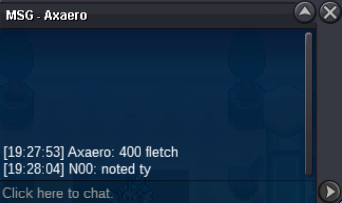
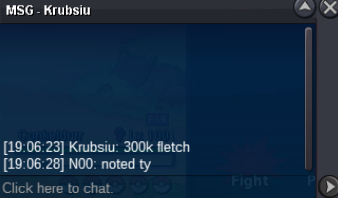
S.O= 100k min raise = 50k insta = 300k ends 24 hours after first bid accept CC=500k, ivs rr= 750k , nat rr=350k
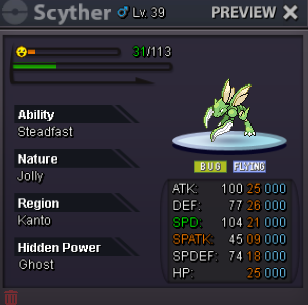
-
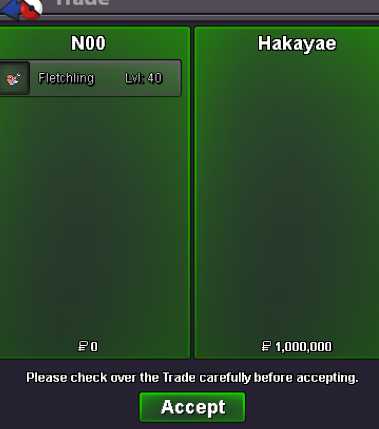
@Hakayae won auction, waiting for them to be online for the tradeS.O = 200k min raise = 100k insta = 1m ends 48 hrs after first bid. accept (cc=500k, ivs rr = 750k, nat rr=350k)
 i buy this if available
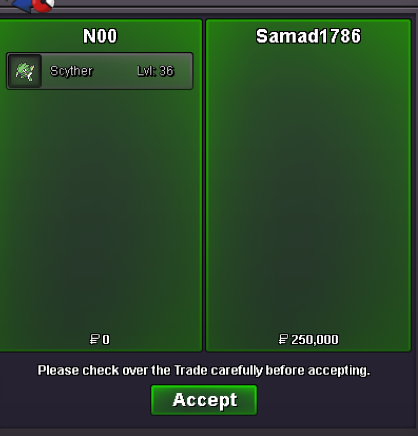
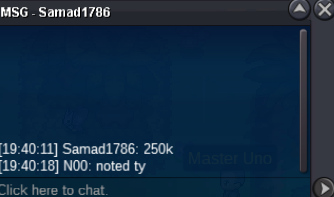
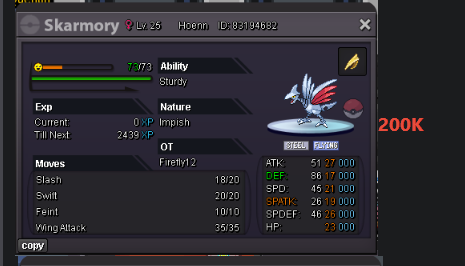 auction over @Samad1786 winsIGN: N00 Age: 24 prefer not to share country (if its ok) Yes, as its quite obvious im an alt account from (silver) however im completely burnt from it and dont intend to go back to main anytime soon , also ive been enjoying a fresh start on gold. I Love to do PVP and am currently just farming to fund many pvp teams and rr some legends (my current ratings is low since i start from 0, and im just farming boxes tbh xD) even on silver i was on ladder with 388 rating (this was almost a year ago and i had left the game for a while). i also look forward to help non experienced trainers with PVP and Team building, assuming im recruited. TY ❤️
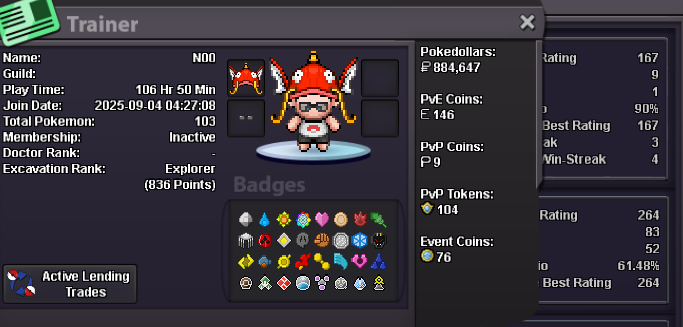 S.O = 200k min raise = 50k insta = 1m end 24hrs after first bid. accept ivs rr=750k,cc=500k,nat rr= 350k
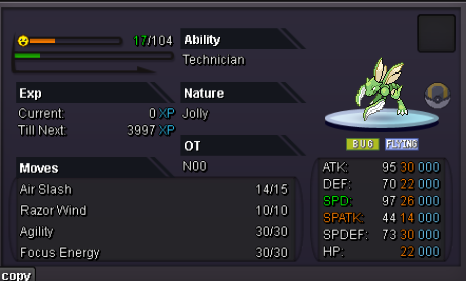 S.o : 100K min raise : 50k insta: 2m ends: 24hrs after first bid accept cash,CC=500k, ivs rr= 750k, nat rr= 350k BIRB:BIRB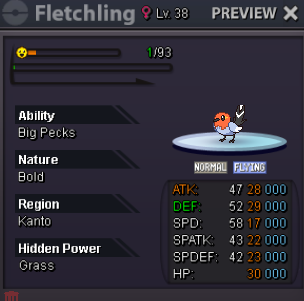
Account
Navigation
Search
Configure browser push notifications
Chrome (Android)
- Tap the lock icon next to the address bar.
- Tap Permissions → Notifications.
- Adjust your preference.
Chrome (Desktop)
- Click the padlock icon in the address bar.
- Select Site settings.
- Find Notifications and adjust your preference.
Safari (iOS 16.4+)
- Ensure the site is installed via Add to Home Screen.
- Open Settings App → Notifications.
- Find your app name and adjust your preference.
Safari (macOS)
- Go to Safari → Preferences.
- Click the Websites tab.
- Select Notifications in the sidebar.
- Find this website and adjust your preference.
Edge (Android)
- Tap the lock icon next to the address bar.
- Tap Permissions.
- Find Notifications and adjust your preference.
Edge (Desktop)
- Click the padlock icon in the address bar.
- Click Permissions for this site.
- Find Notifications and adjust your preference.
Firefox (Android)
- Go to Settings → Site permissions.
- Tap Notifications.
- Find this site in the list and adjust your preference.
Firefox (Desktop)
- Open Firefox Settings.
- Search for Notifications.
- Find this site in the list and adjust your preference.