New Trade Zone
Trade Zone is now live
Use the new Trade Zone for auctions and instant-price trades so Pokemon and item offers are easy to find.

Rodriales
Registered User
-
Joined
-
Last visited
Everything posted by Rodriales
-
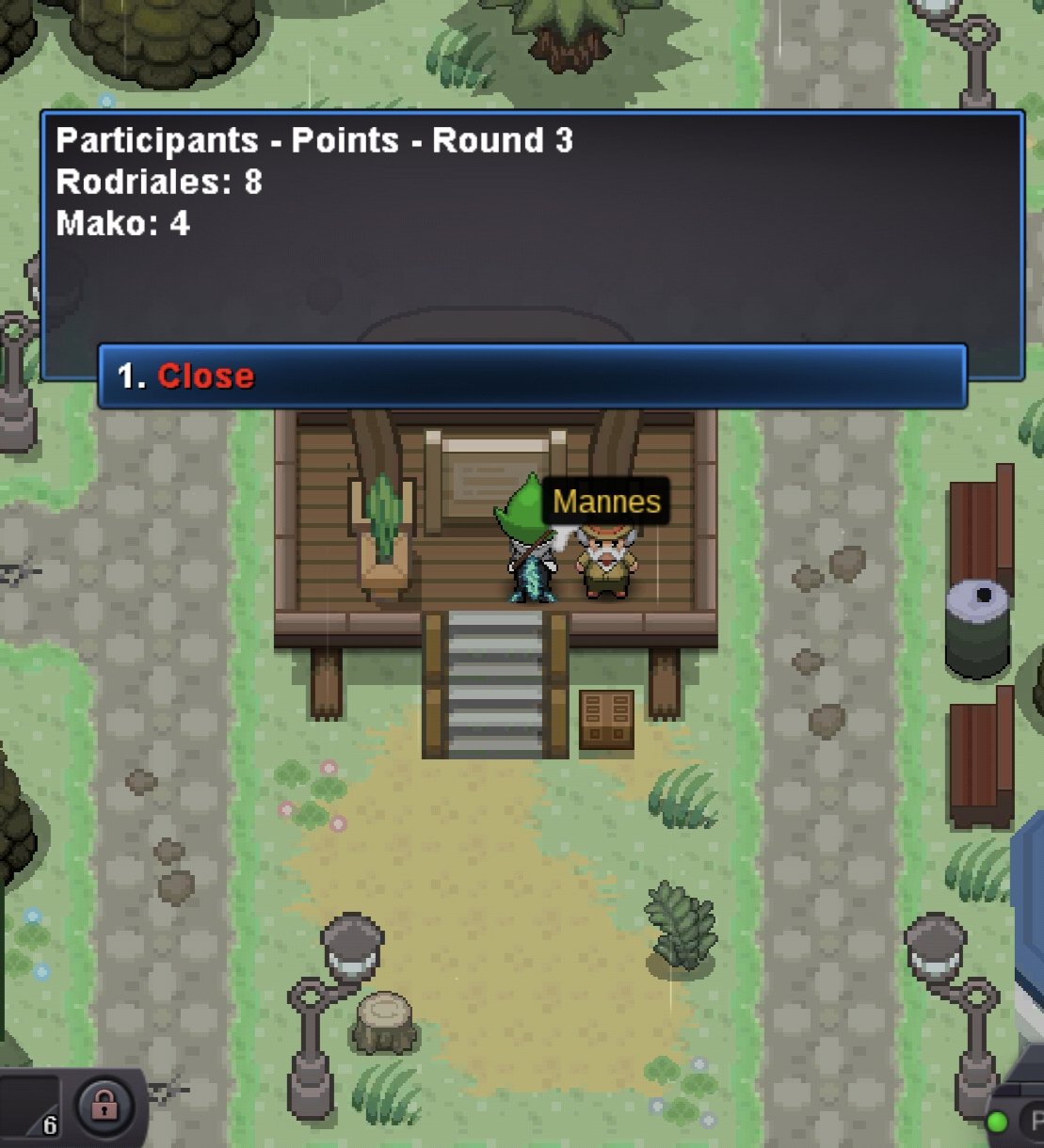
Please help me; I'm looking for Mako and can't find him. I've registered a lot of Pokémon, but it still says Mako is missing. Please, I need help.
-
Rodriales Gold
-
But it says there that if you sell a 450k
-
-
-
Buy cc
-
Buy cc
-
Hello, I contacted you through the official Pro website. I wanted to purchase some items.
-
I'm buying Focus Sash right now.
-
Where can I find this item, Lagging Tail?
-
20 rare candy
-
20 rare candy
-
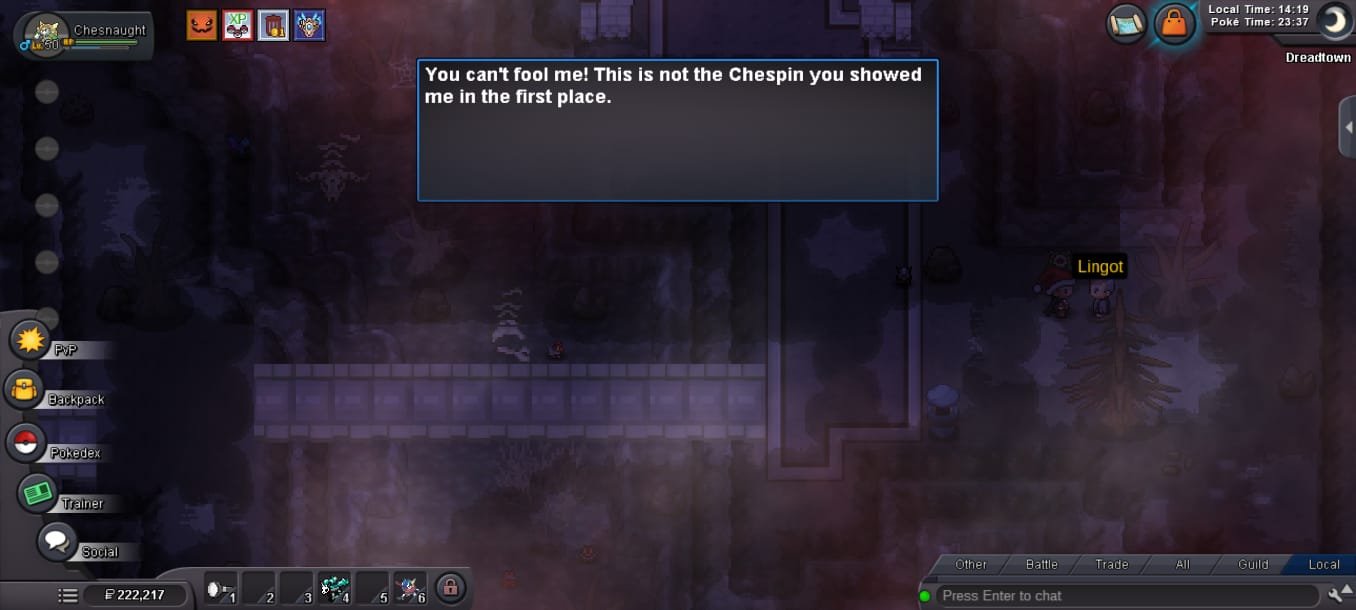
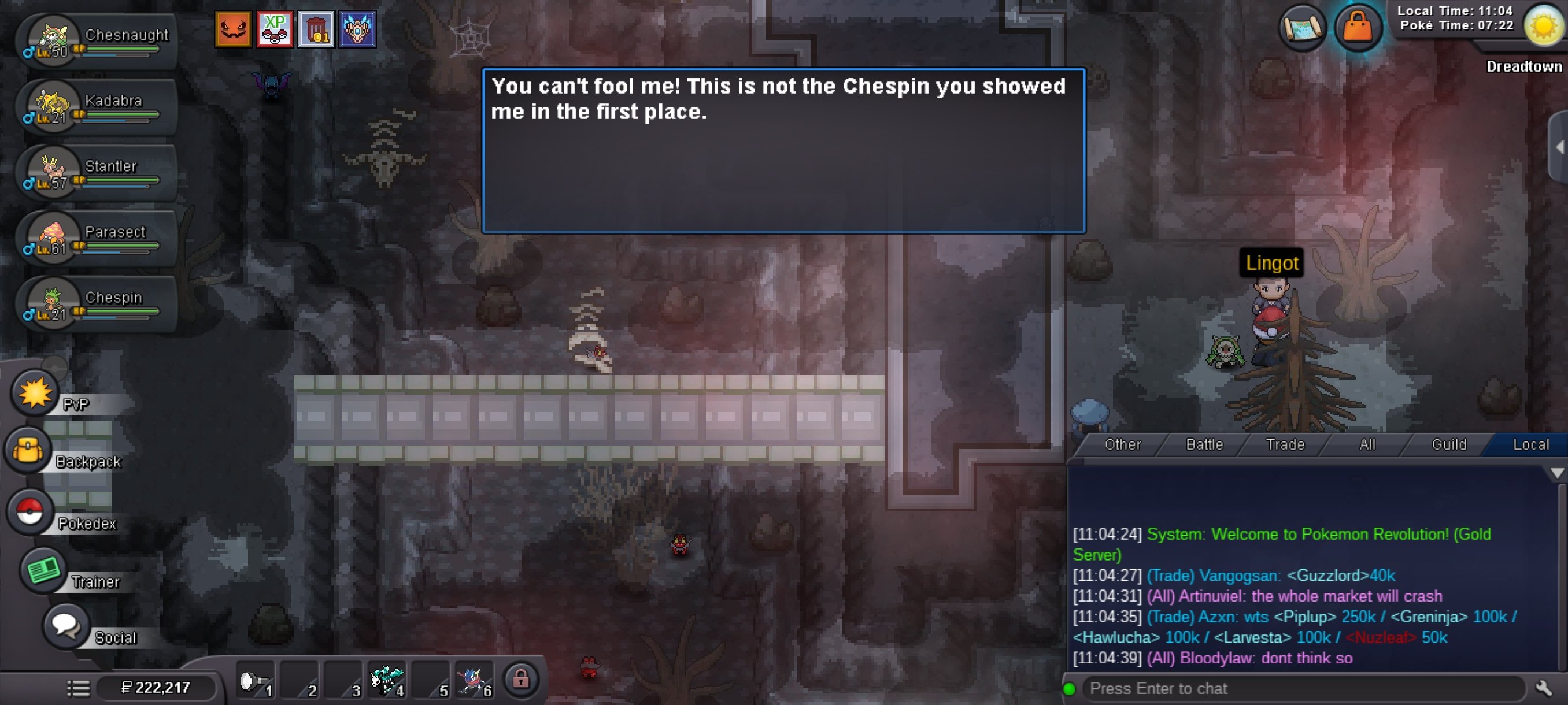
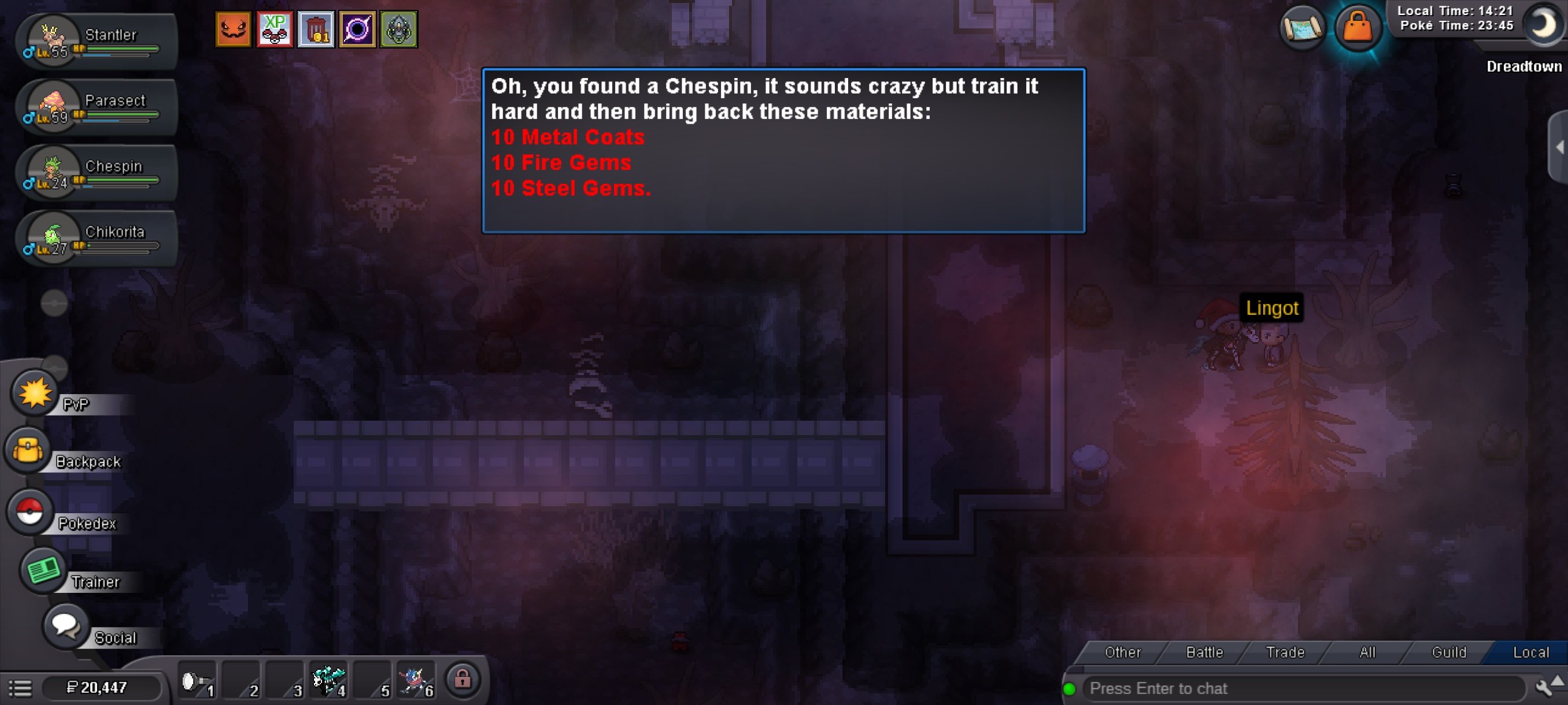
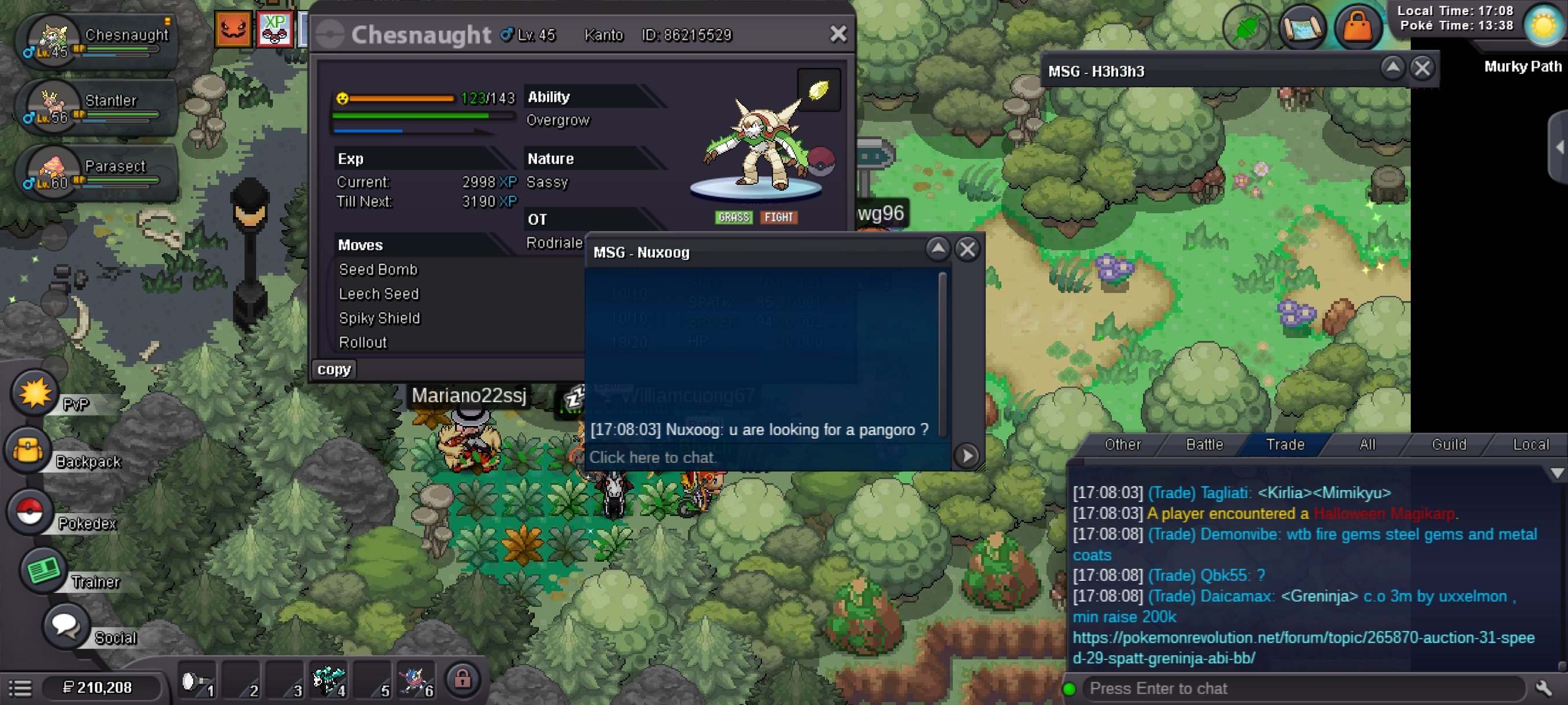
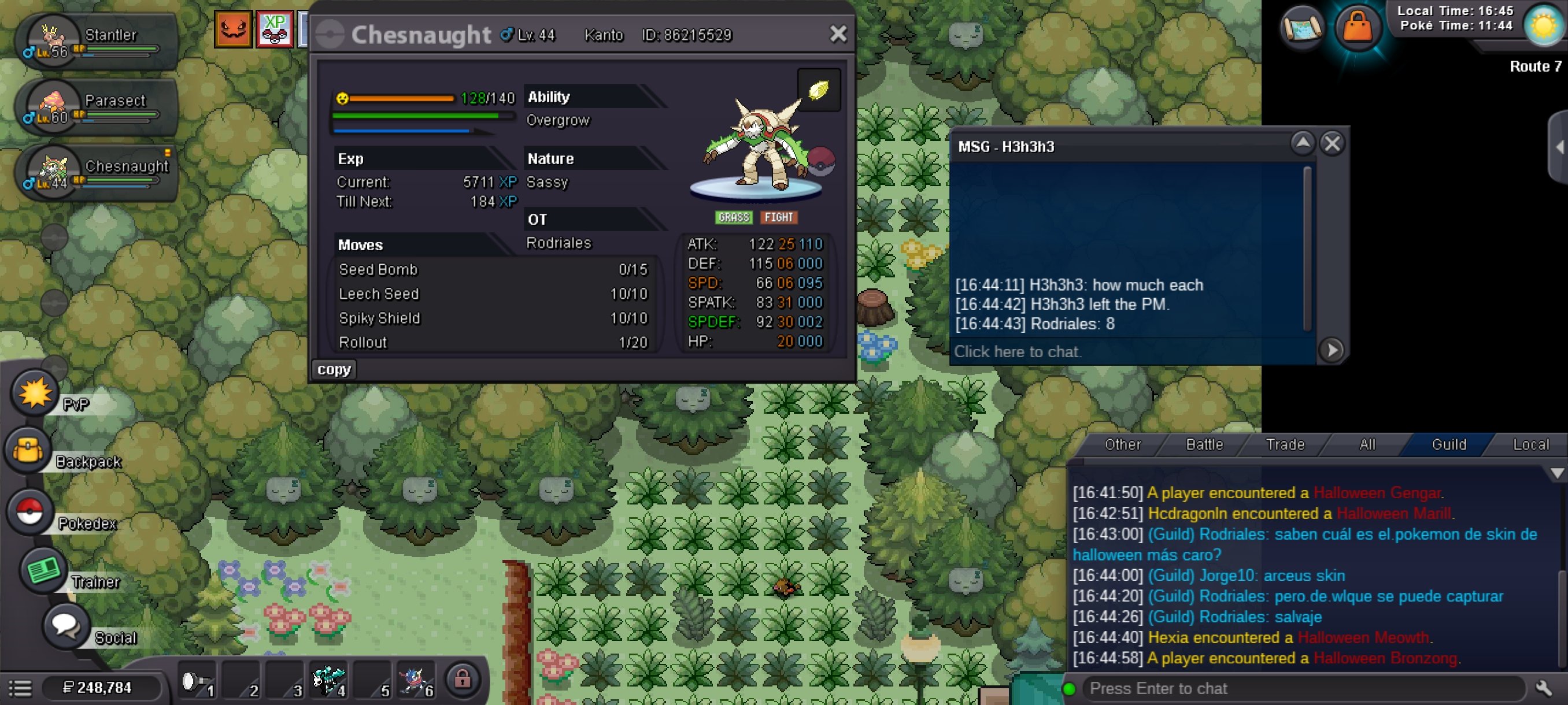
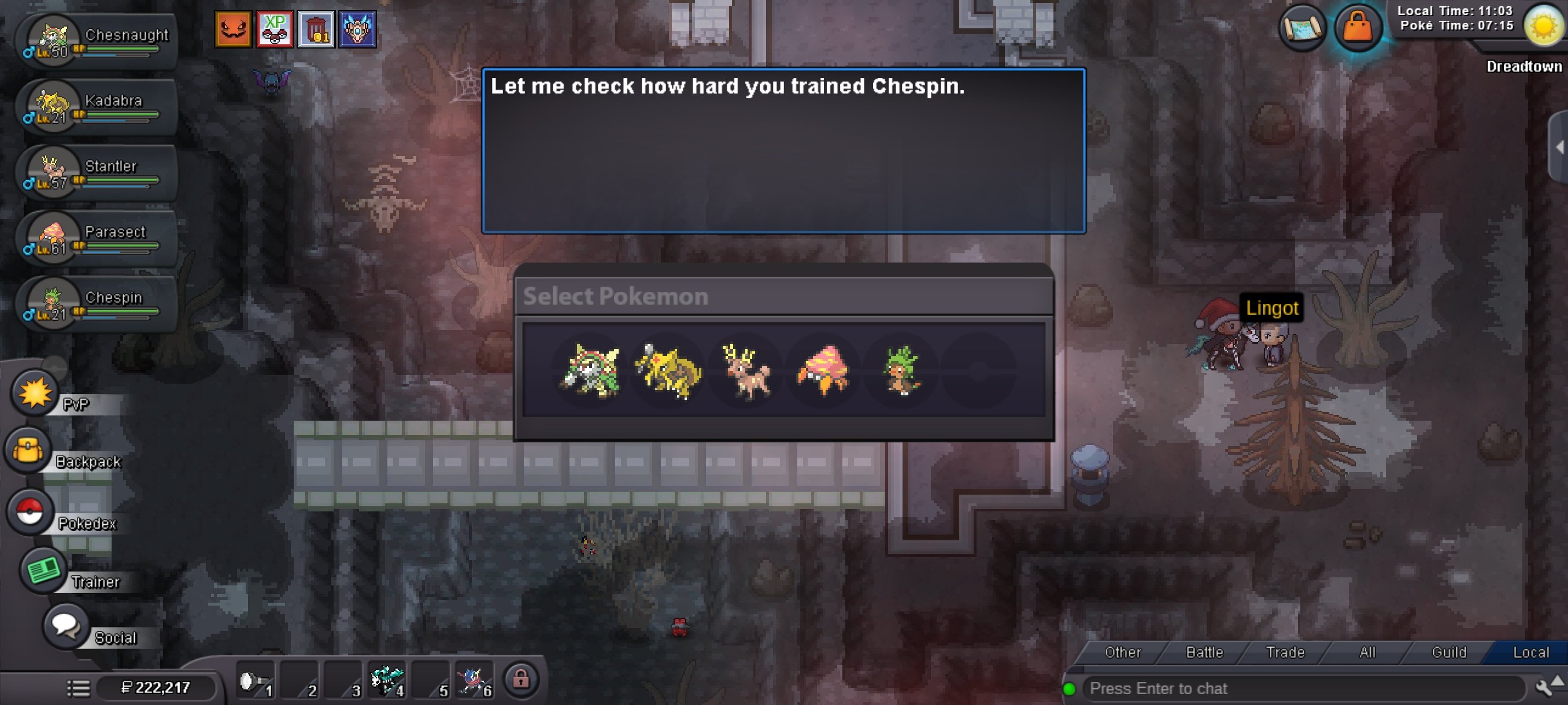
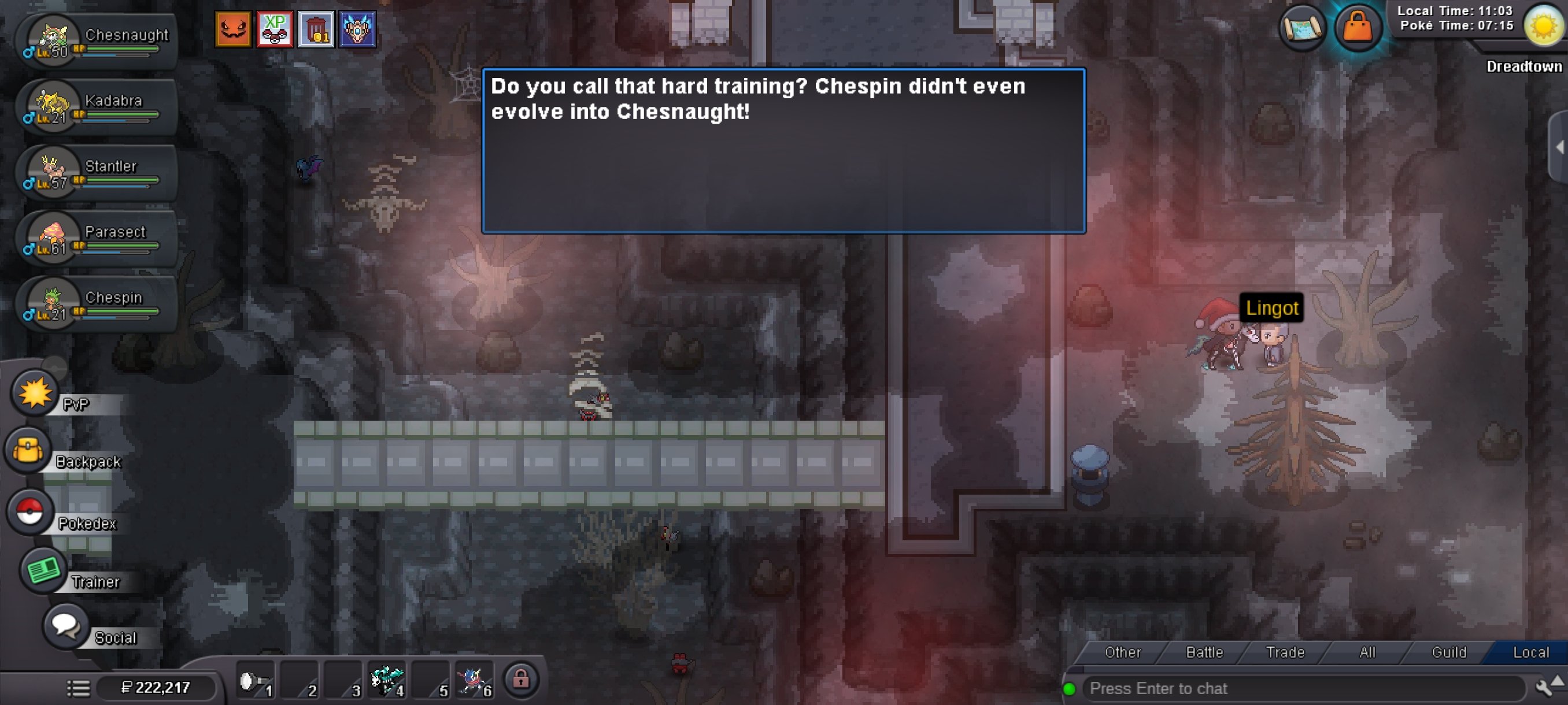
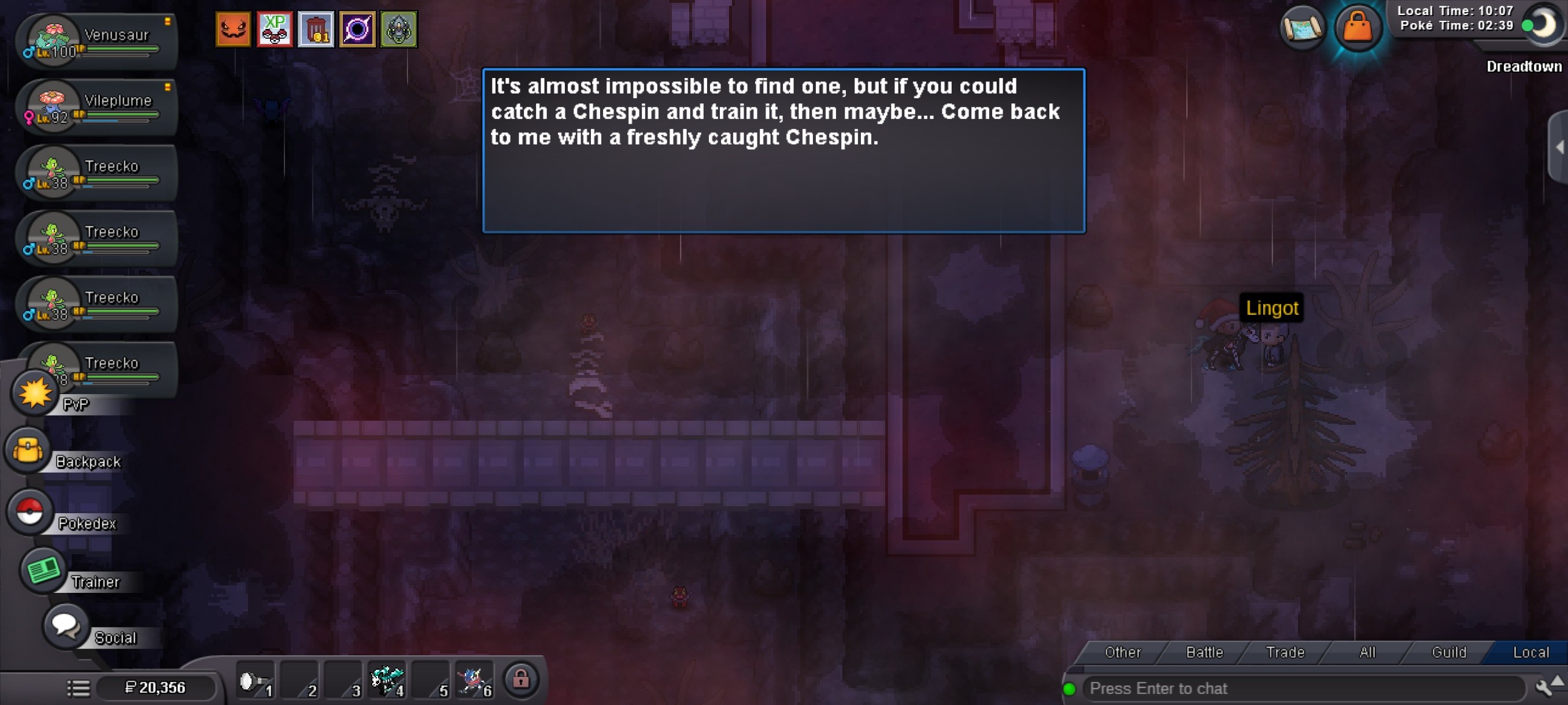
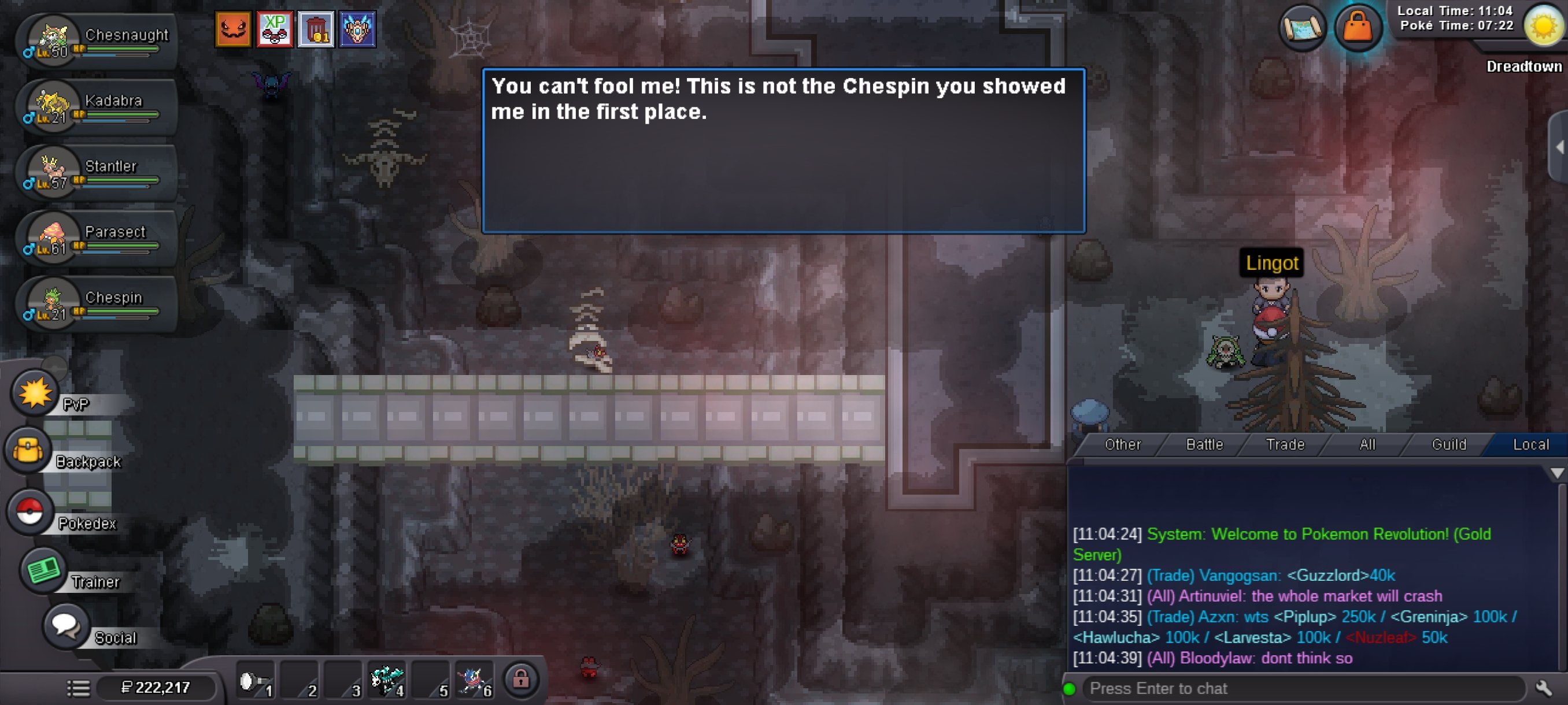
@BitterbladeYes, they took my items away from me anyway. I still have some screenshots from yesterday when they asked me for those items with my Chesnaught and I started uploading their EVs. 1) He asks me to show a chespin 2) I showed a chespin to the NPC and he told me to enter his EVS and evolve to Chesnaught, and then show it by giving me the items they ask for 3) And I went to upload the EVS of my chespin that slowly evolved into Chesnaught while I looked for people to sell me the Gem steel. 4) He asked me to show him my chespin as much as I trained, I showed him immediately and he told me that he didn't understand anything when I showed him the chesnaught. The other chespin I have in my group, I captured it because it is very difficult for many chespin to come out in that area. When he told me, I got desperate because it took me many hours playing to level up and improve my Pokemon's EVs and I selected to show another Chespin, that's where I leveled up to the Bold Nature Chespin and showed him again but I no longer had the items. Please help me, please explain in detail what happened to me, because my items disappeared.
-
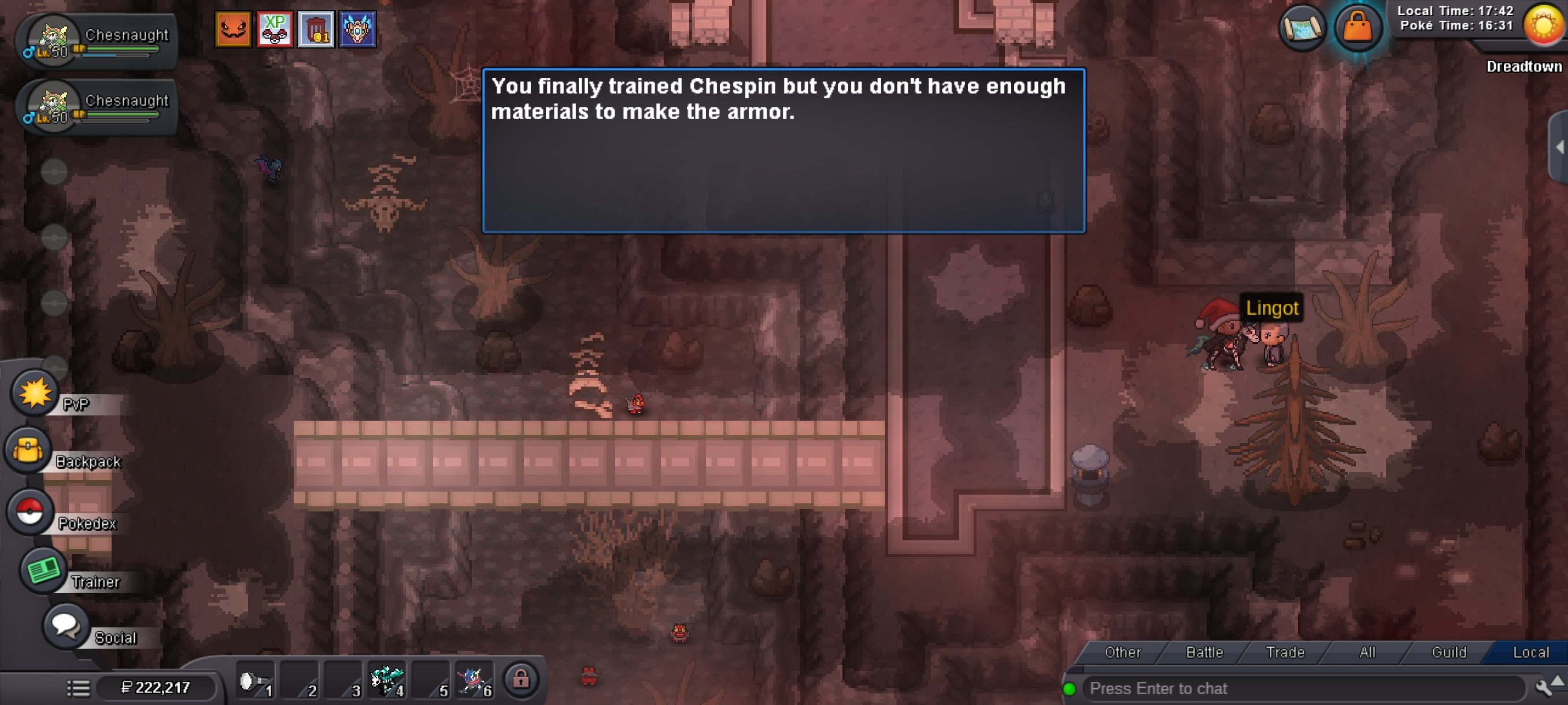
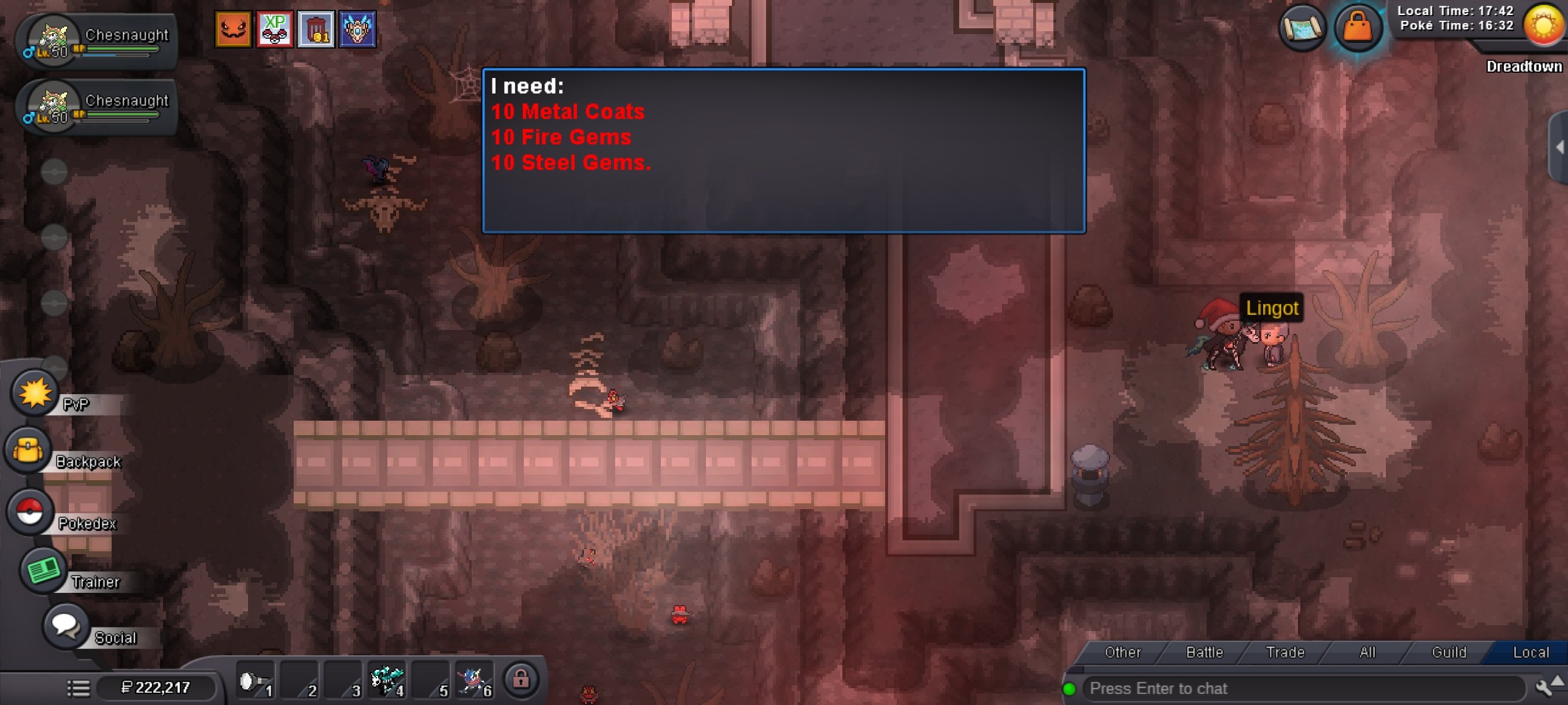
Yes, I have another one like the Chesnaught of bold nature, but as I said, I didn't show it at the beginning, the first one was the Chesnaught of sassy nature, I don't understand or maybe when I got tangled up with the questions I pressed change chespin, and there I did show the Chesnaught of bold nature, but I still spent my items with the other Chesnaught that took me time to obtain.
-
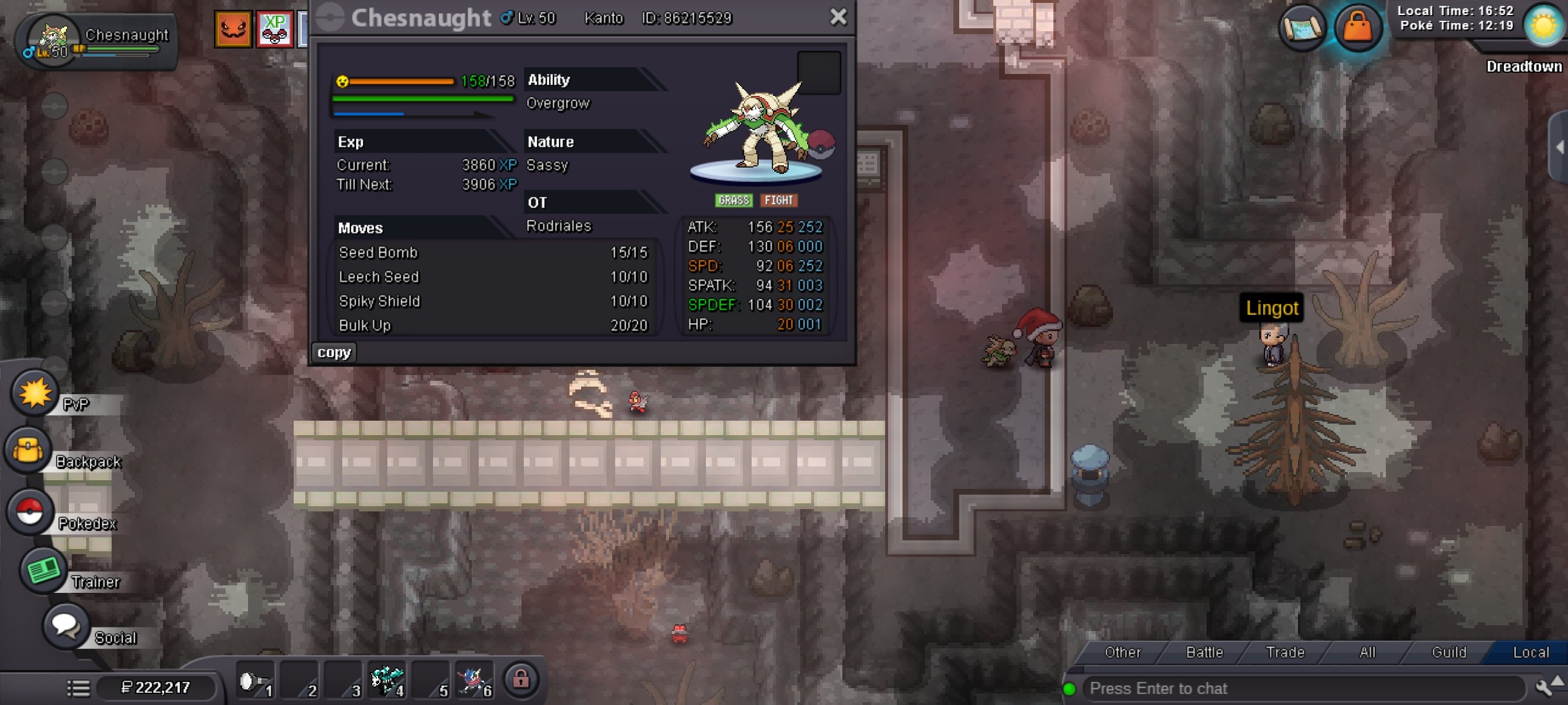
Thank you for the detail of considering spam in responding to my problem, I will not do it anymore, thank you very much and sorry for the inconvenience, on the other hand I told you that at first you asked me for a chespin and I showed you a recently captured chespin, which told me to train its EVs until it evolved into a chesnaught, when I arrived I showed it to you and you told me that it was not the chespin, now I am sending you a screenshot of my chesnaught, as you can see I spent many hours training its EVs for you to tell me that it is not, in addition, my items that I bought were consumed, please help me.
-
Please help administrator, I want to continue with the quest, please.
-
Please help me I want to keep playing please
-
I talked to the Npc Lingot in Dreadtown and he told me to catch a chespin and show him, I went and showed him my chespin and he told me to train its EVs and evolve it into Chesnaught only level 50 which I did, however he told me that I have to have 10 fire and steel gems, also 10 metal coats, which I did everything he told me and when I arrived he tells me that mine is not my chespin that I showed him at the beginning, which took me a long time to raise its EVs then it was where I showed another chespin and level it up with the L-M experience candies I showed it and he asked me again for all the items and when I look in my inventory I do not have those items and the Npc keeps asking me when I no longer have those items that cost me a lot to get. Please help me I want to have that baby lugia XD001