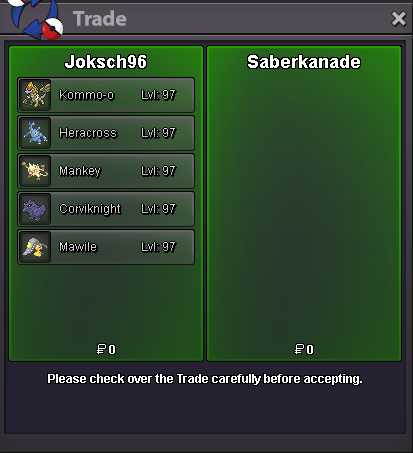
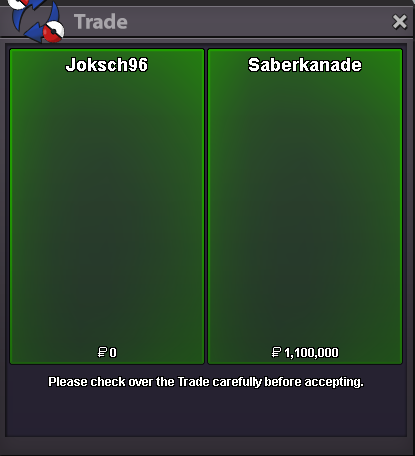
New Trade Zone
Trade Zone is now live
Use the new Trade Zone for auctions and instant-price trades so Pokemon and item offers are easy to find.

Joksch96
Registered User
-
Joined
-
Last visited
Everything posted by Joksch96
-
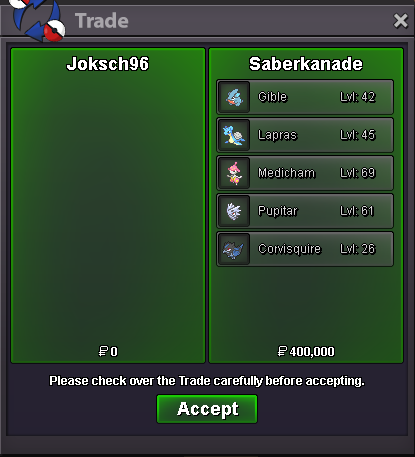
@Napolion22n Congratulations you won the Medicham hit me up ingame 🙂
-
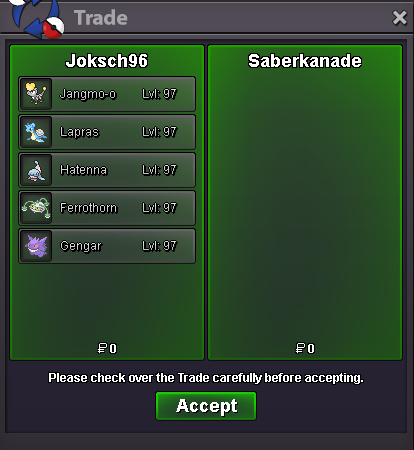
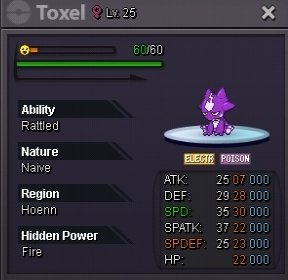
@Richieamg Congratulations you won the Gengar hit me up ingame 🙂
-
Congratulations @Tpwolf you won the Gliscor 🙂 hit me up once ur online 🙂
-
^ roughly 23 hrs left
-
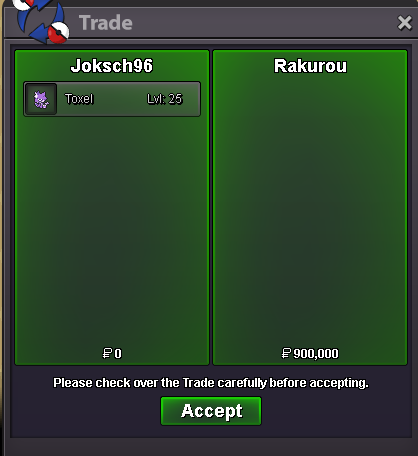
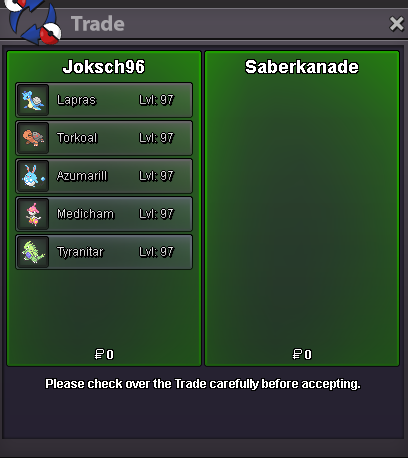
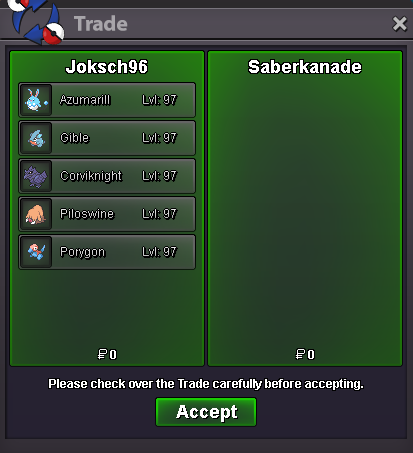
This is not a Bundle Each Pokemon Starts at 100k Min Bid: 100k Length: 48hrs after s.o Accept CC=500k
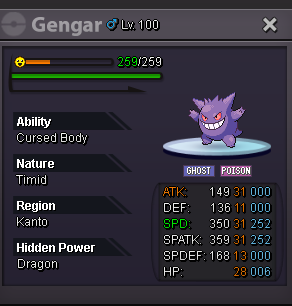
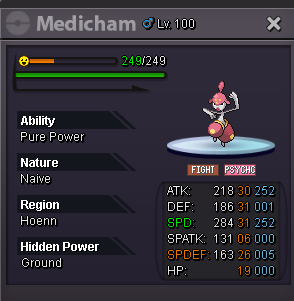
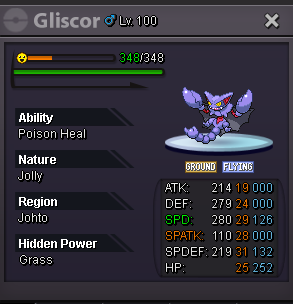 @Unfrostedcongratulations you won i will be online in a bitstart offer: 200k Min Bid: 100k Length: 48hrs after s.o Accept CC= 490k GL Everyone 🙌
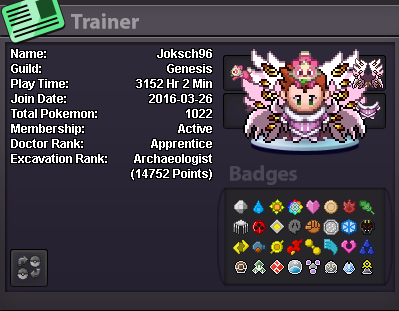
 Hey my name is Nicholas im 29 Years old from germany im studying to become a teacher and i want to transition to gold My Discord is : Jokschi I Play Pokemon since im very young and Pro since the beginning I Love to do everything in PRO like lvl services/daycare or hunting aswell as PVP and PVE content I would be pleased to hear from you 🙂 Have a nice Week 😃
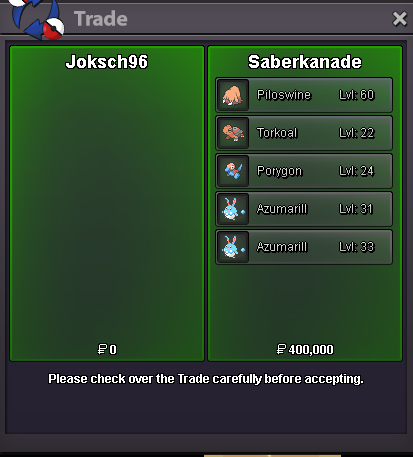
 Start gre2 more days to taking offersstartStart offer: 100k Min Bid: 50k Insta: 1.2m Length: 24hrs after s.o Accept: CC=490k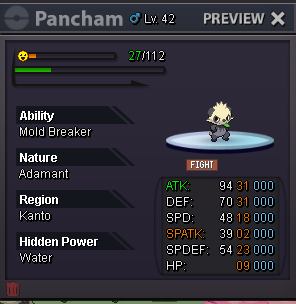
Account
Navigation
Search
Configure browser push notifications
Chrome (Android)
- Tap the lock icon next to the address bar.
- Tap Permissions → Notifications.
- Adjust your preference.
Chrome (Desktop)
- Click the padlock icon in the address bar.
- Select Site settings.
- Find Notifications and adjust your preference.
Safari (iOS 16.4+)
- Ensure the site is installed via Add to Home Screen.
- Open Settings App → Notifications.
- Find your app name and adjust your preference.
Safari (macOS)
- Go to Safari → Preferences.
- Click the Websites tab.
- Select Notifications in the sidebar.
- Find this website and adjust your preference.
Edge (Android)
- Tap the lock icon next to the address bar.
- Tap Permissions.
- Find Notifications and adjust your preference.
Edge (Desktop)
- Click the padlock icon in the address bar.
- Click Permissions for this site.
- Find Notifications and adjust your preference.
Firefox (Android)
- Go to Settings → Site permissions.
- Tap Notifications.
- Find this site in the list and adjust your preference.
Firefox (Desktop)
- Open Firefox Settings.
- Search for Notifications.
- Find this site in the list and adjust your preference.