New Trade Zone
Trade Zone is now live
Use the new Trade Zone for auctions and instant-price trades so Pokemon and item offers are easy to find.

Kidkazoom
Registered User
-
Joined
-
Last visited
Everything posted by Kidkazoom
-
Thanks a lot!! The issue resolved.
-
Hello By mistake i bought a second same Z-crystal (Flyinium Z), can you please fix that and refund my PVE coins. Thanks on advance

-
start
-
300 charizard
-
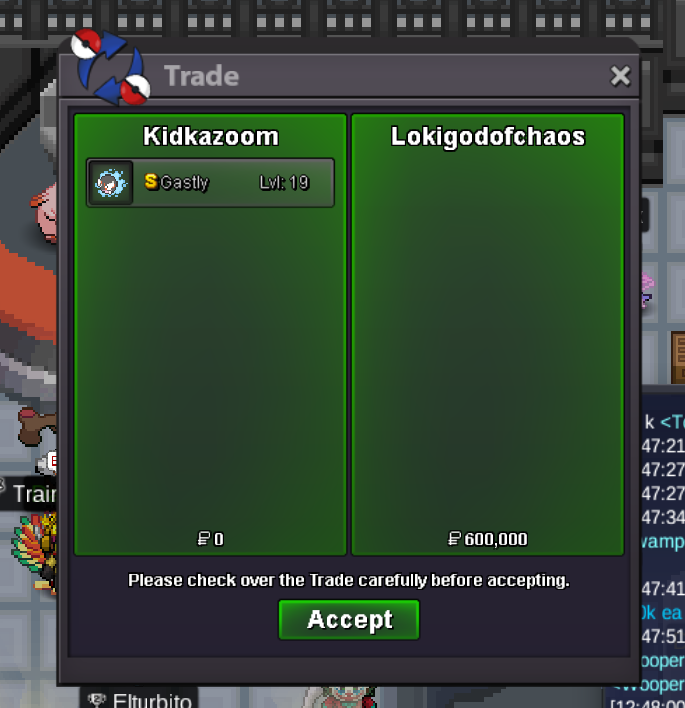
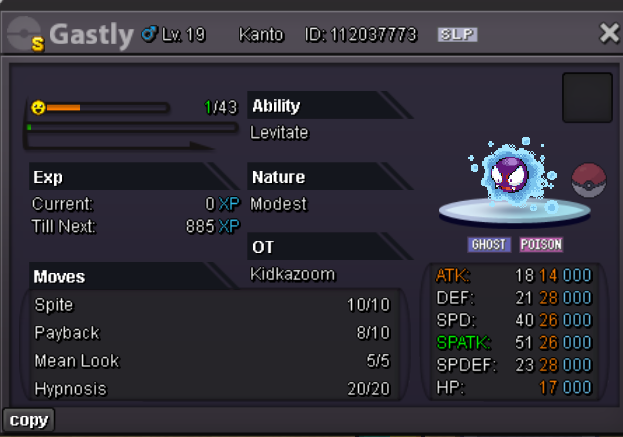
winner lokigodofchaos!bumpNice thanks 🙂 i will find you in gamehi! zorua is available? thank youbumpauction end 48hrs after the first bid 15 mins before auction end rule active starting price 500k min bid 100k
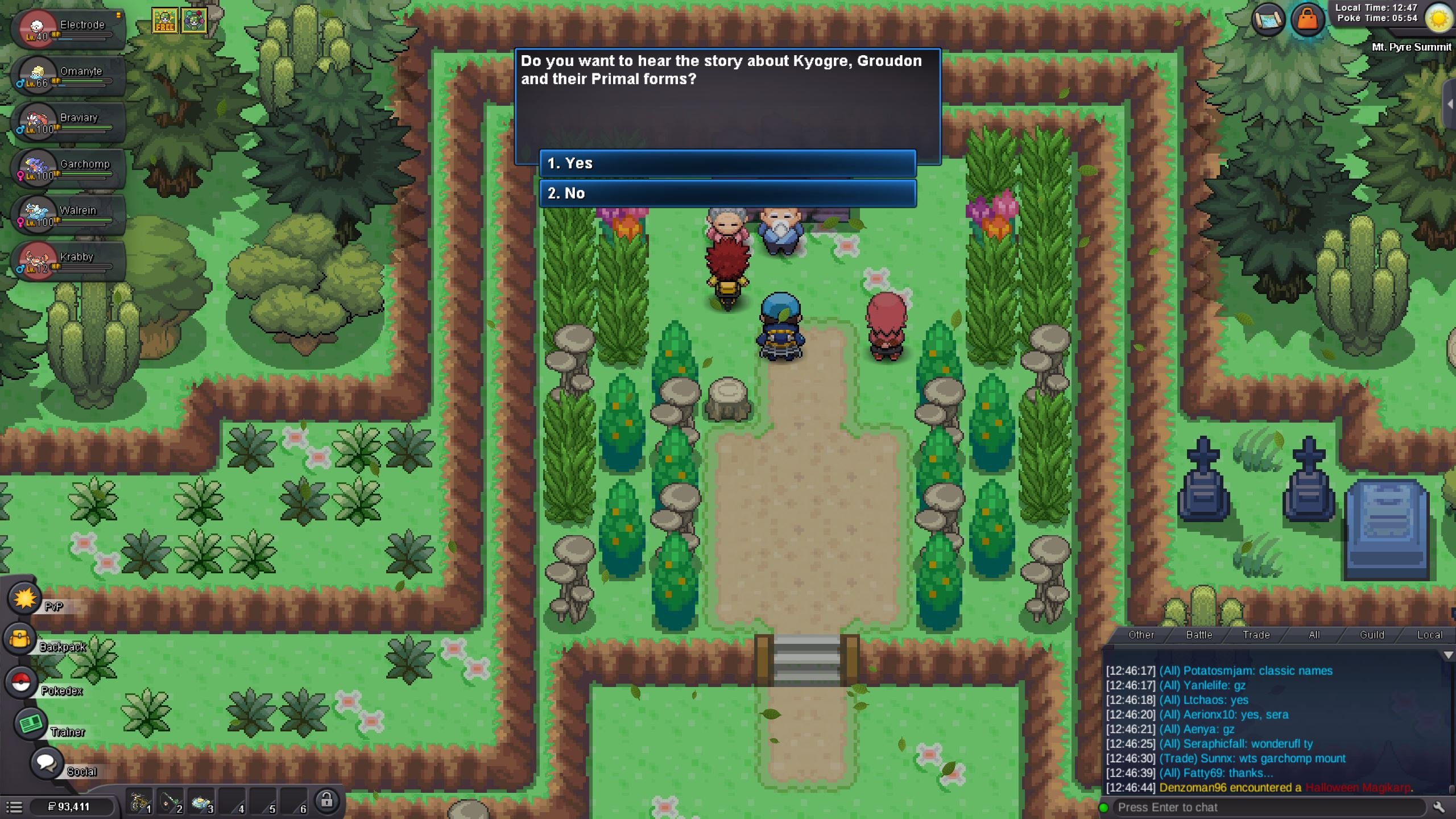
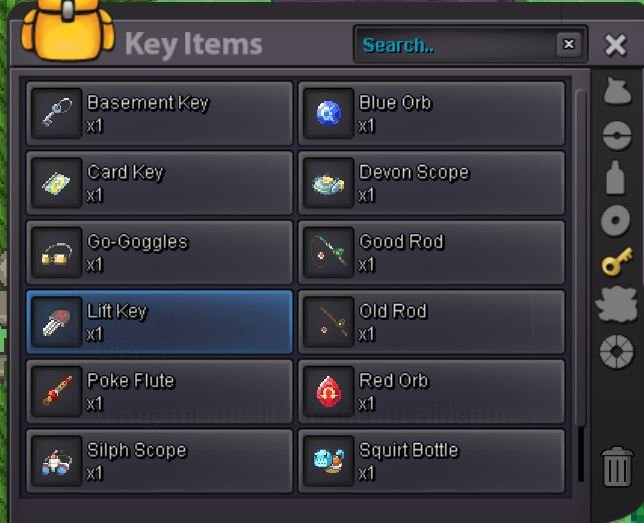
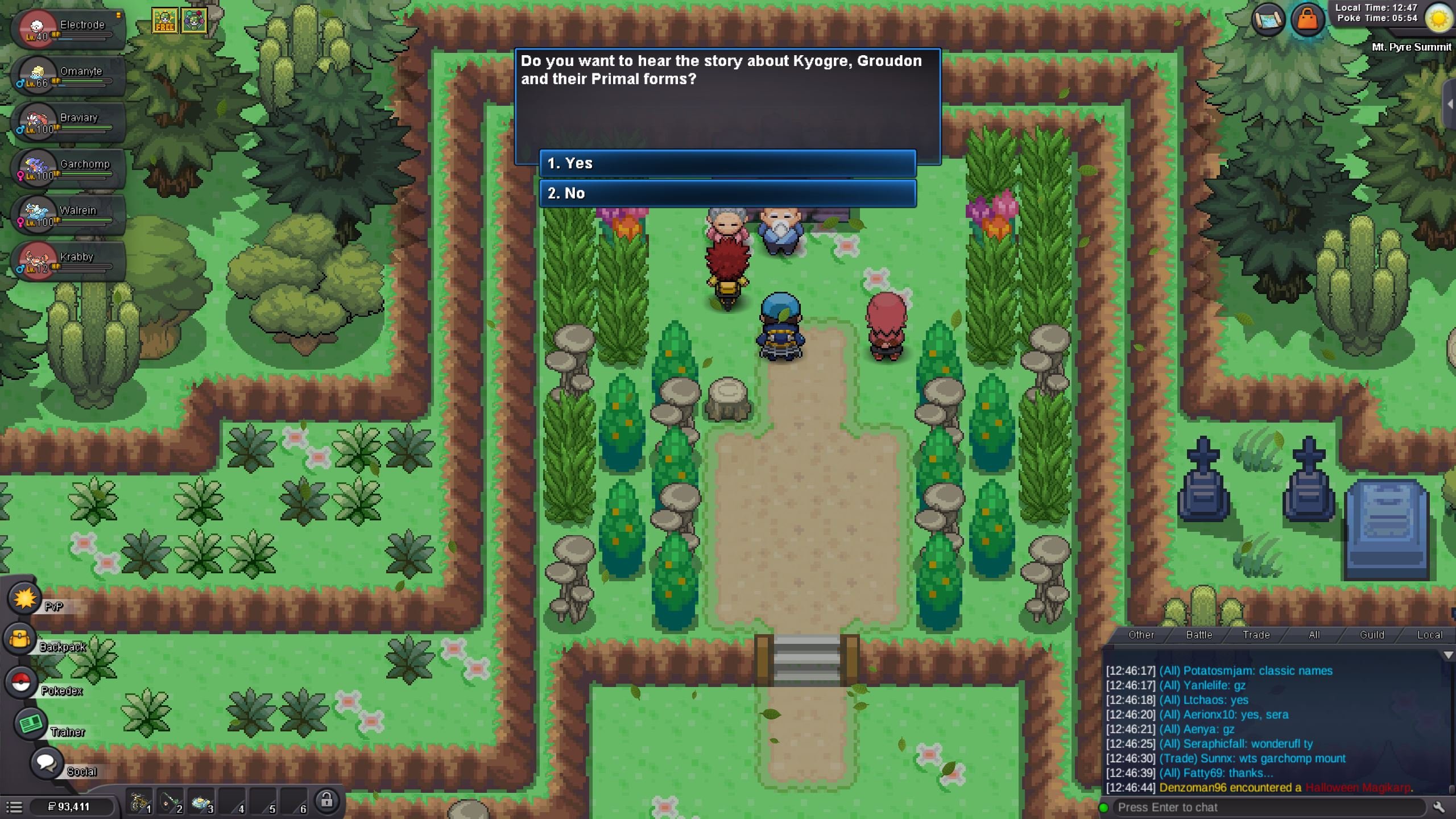
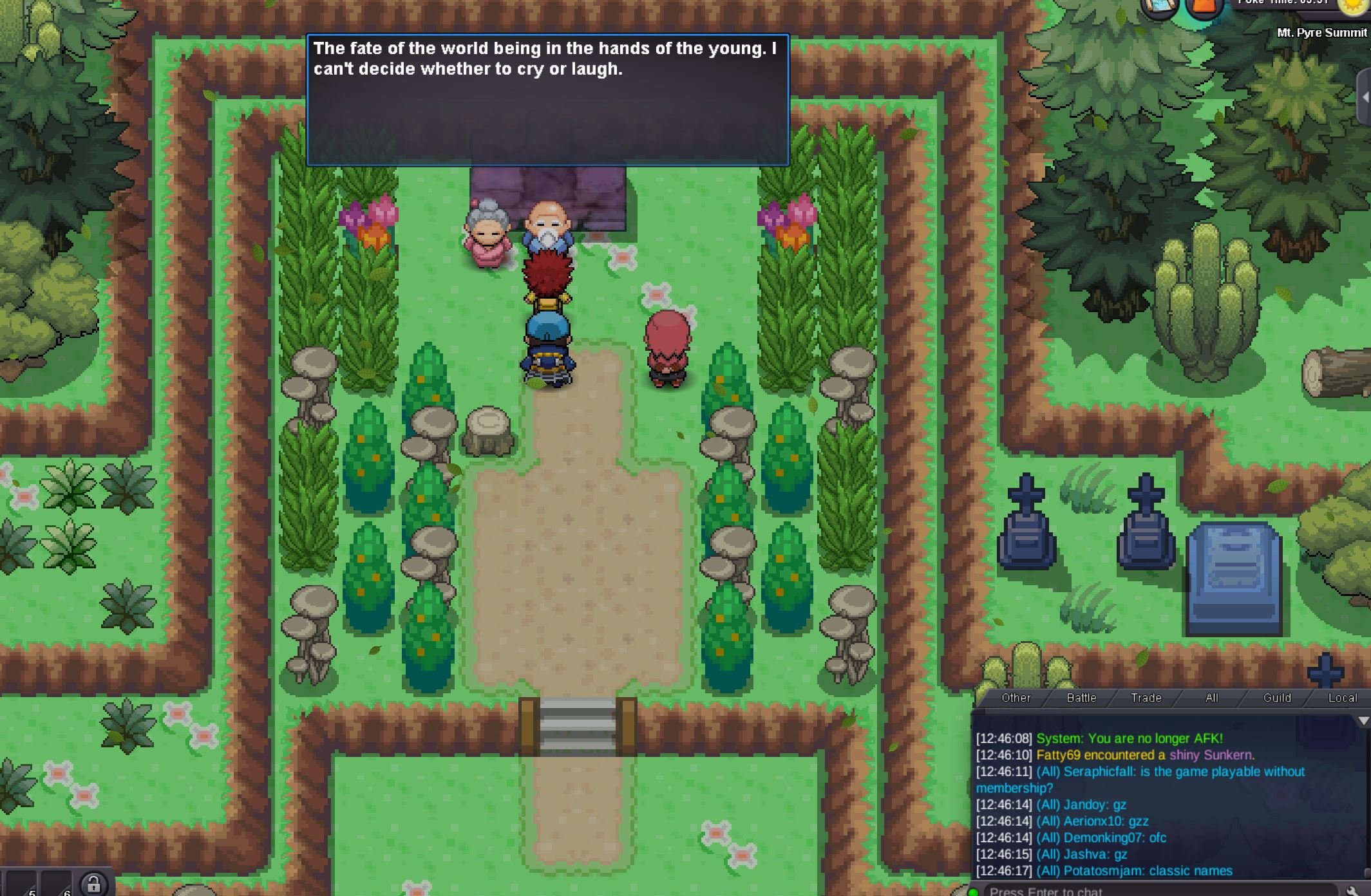
 My bad. I had wrong directions. i solve it. please close this one.Is any use of the ability capsule at the moment? I bought one to change Landorus ability to sheer force but i cant. Is any legendary that have two standar abilities? Can i refund my pve coins somehow, if the capsule is uselles ??700 for h.a.start 500kHi Thanks a lot Yes i could interact with the gate finally, even though dosent have the stars and the magma quest item dosent appear in my inventory. thanks for helping me!!Hi At Mt. Pyre summit after the cutsense is over and Jackson disappear the npc clan leaders are still there. I search Mt. Pyre but didnt find any encounter I have the orbs from the elder Man but i didnt get the Magma from the elder woman. The entrance for the Magma hideout is not active I have goνε back to Captain Stern and Lilycove hideout but nothing changes, the dialogs remains the same. Please for your help Thank you