New Trade Zone
Trade Zone is now live
Use the new Trade Zone for auctions and instant-price trades so Pokemon and item offers are easy to find.

Onill
Registered User
-
Joined
-
Last visited
-
restart and fight the last npc in x6 because the other one does not existe... solve
-
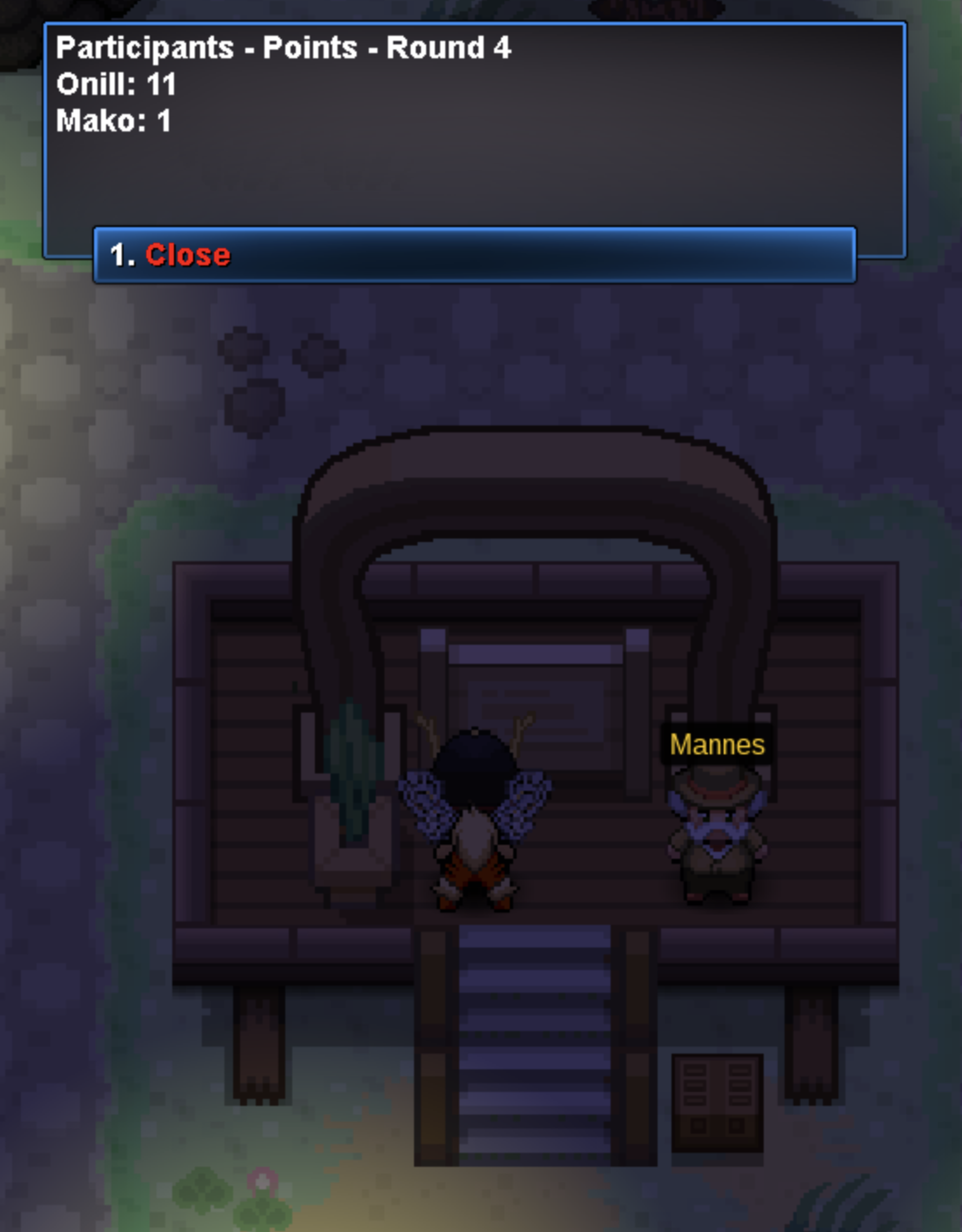
I went back to Mannes but on the bord it say`s I still miss mako but I don't find him anywhere. not even in video guide: https://www.youtube.com/watch?v=-FIUzDHwuLA&t=318s
-
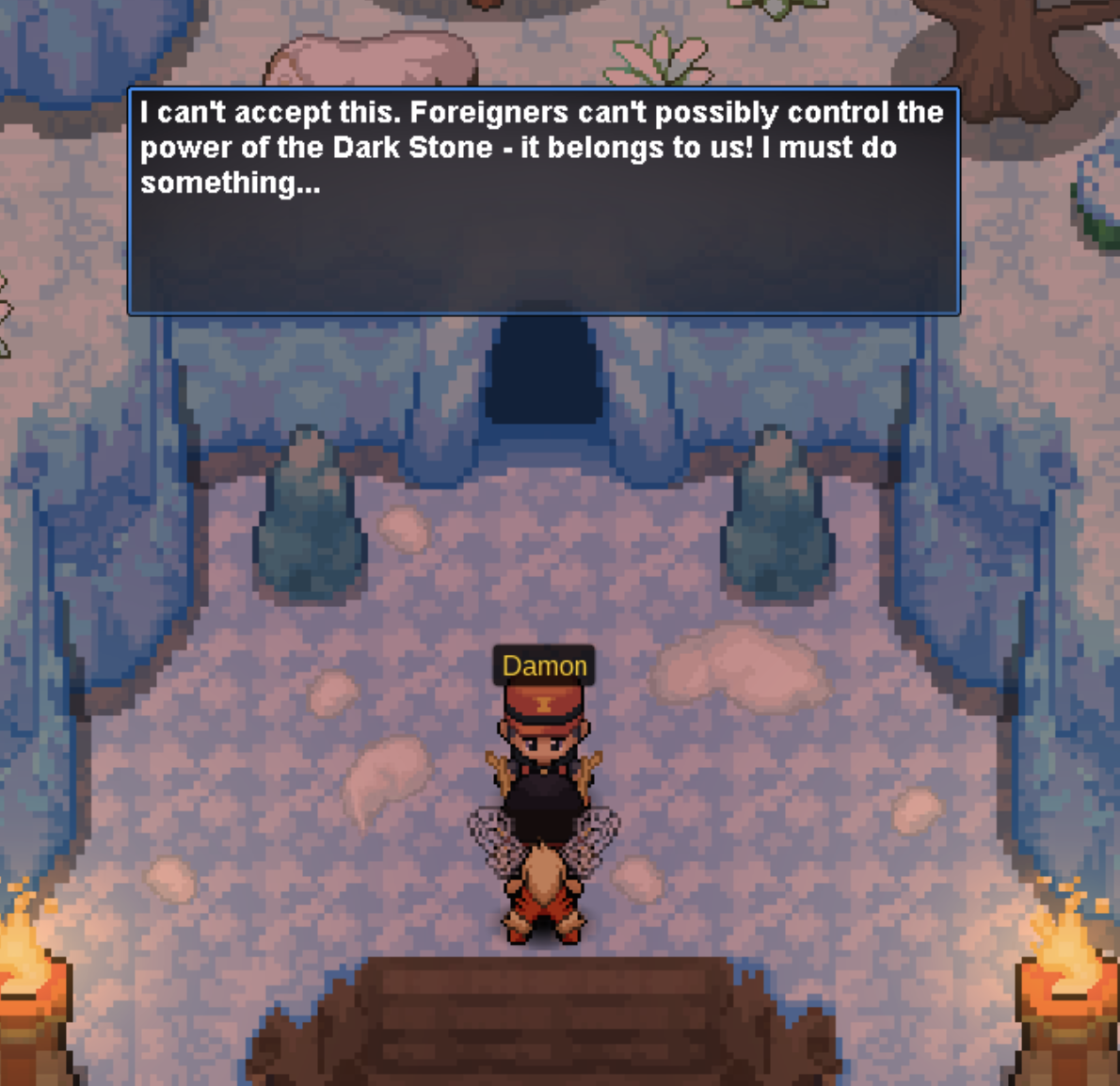
I'm currently doing the Kyurem Black quest. I fought in the tournament and won all four matches against the NPCs. However, when I talk to Damon at the end, he doesn’t tell me to go back to Mannes. Now I seem to be stuck because there are no other NPCs willing to battle me, even after talking to everyone again. I don’t understand what I’m supposed to do next. Could someone please help me figure out how to progress in the quest?
-
-
is it finished on ferro ?
-
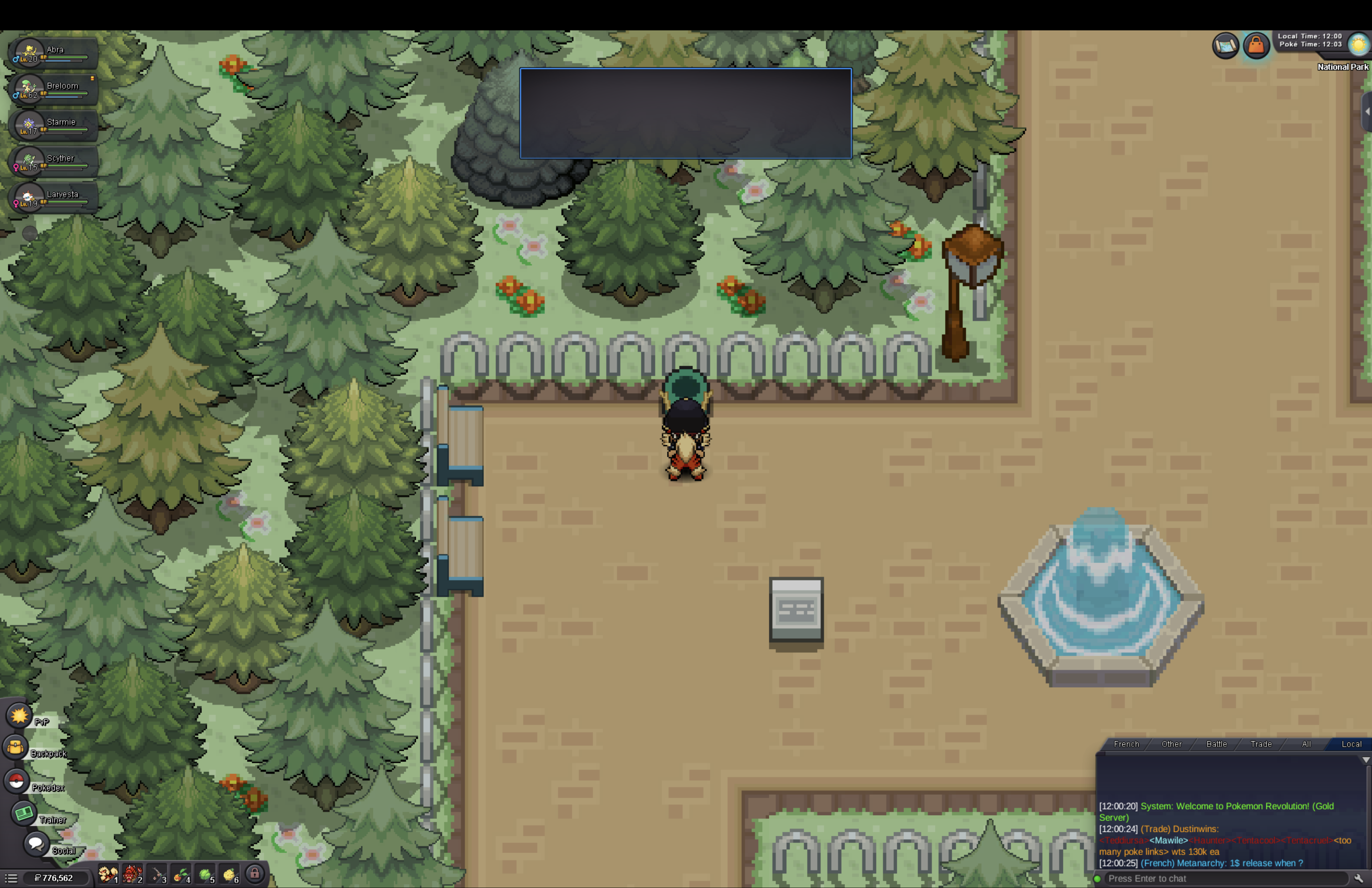
I can`t talk to any NPCs or trigger any dialogue, if I do so I`m forced to relaunch the game because u can`t close the empty chatbox
-
quick update, after restarting I can finally login but all interaction freeze the game....
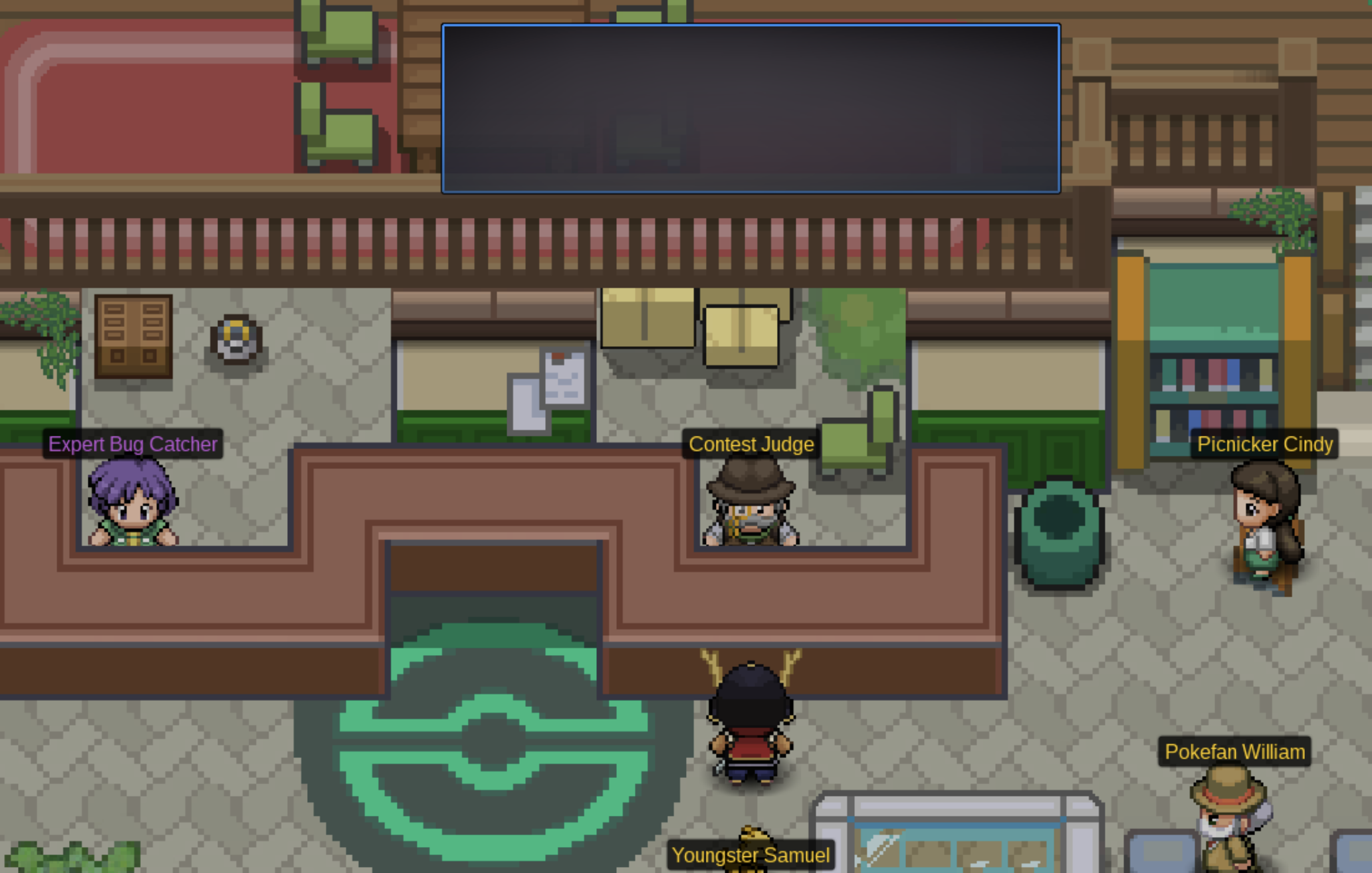
-
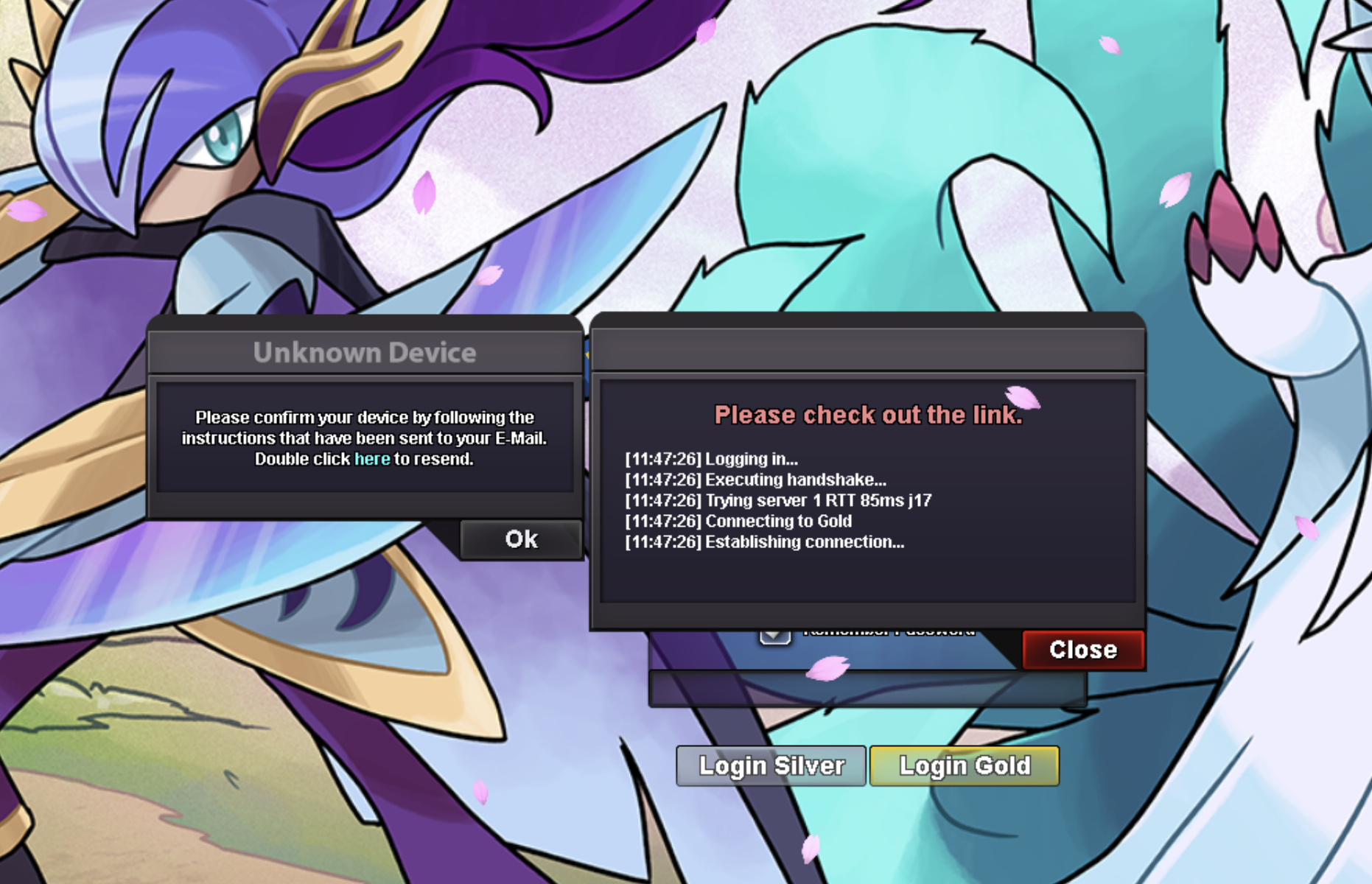
hi, i was doing bug catching contest when suddenly game froze, right after I got disconnected. I attempted to log again and it work, however once in game I was unable to move and all NPCs dialogue box were empty, so I long out again. Now I`m unable to login again, game is asking me to verify my laptop (I already did and was playing on this very same laptop) and I don`t received the confirmation email so I'm locked out