New Trade Zone
Trade Zone is now live
Use the new Trade Zone for auctions and instant-price trades so Pokemon and item offers are easy to find.

Maxzer0
Registered User
-
Joined
-
Last visited
-
After wasting lots of resources passing the two labyrinths, I'm now stuck with the mismagius in witches house. I can't see where they are looking even with the brightness set to max and the screen is tiny. Any help with passing this section please?
-
-
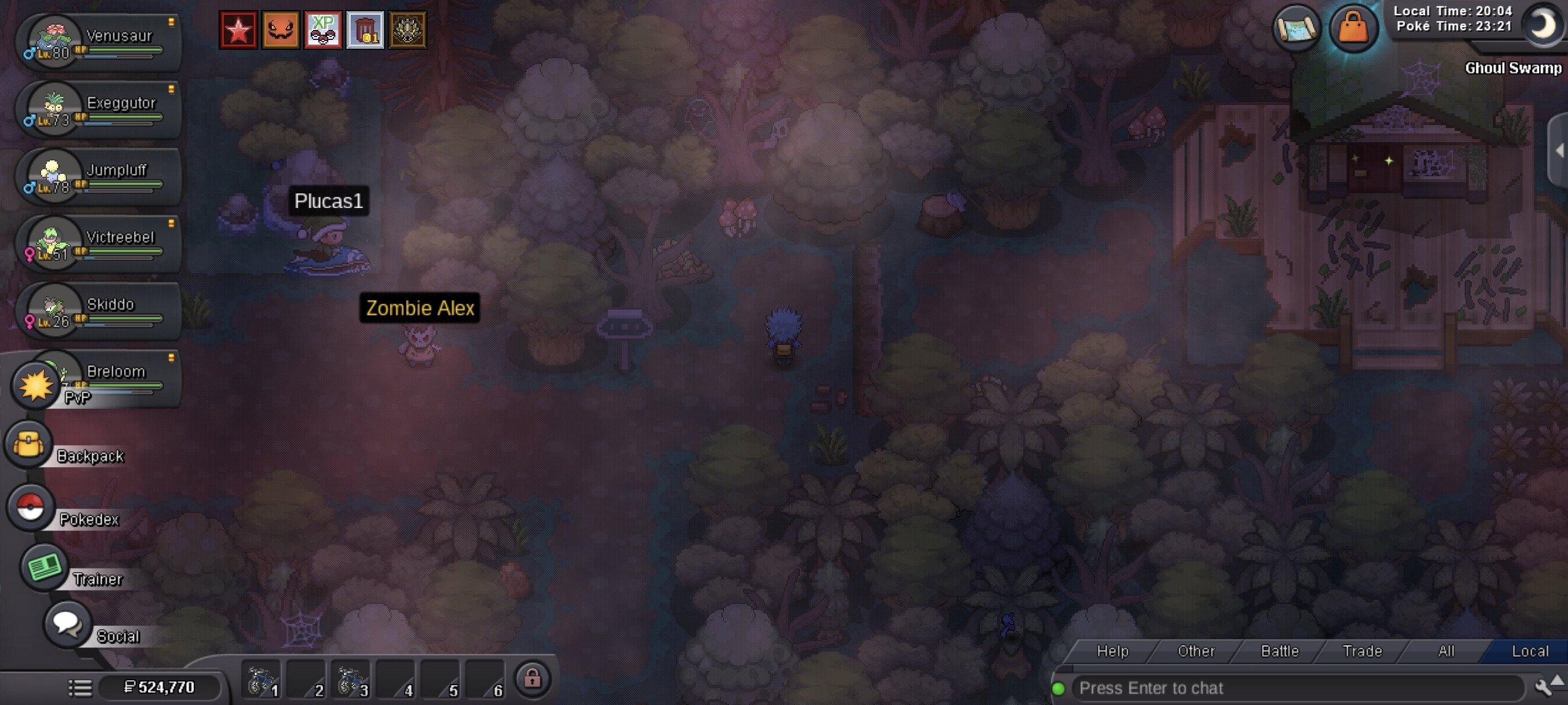
Hi, I triggered the cutscenes in Ghoul Swamp, but Basile is not appearing near the house in the bottom right corner. I already fought once in the dungeon and lost to venasaur with the hidden power. If I tap near the tree it's mentions something about a mysterious presence or something. Also, basile is not in the docks. I tried moving around and closing and reopening the client but nothing happens.Hi, The servers went down around 5.15 pm CEST for appx 15 mins. While that happened I was trying to catch a wild Magby in Cinnabar mansion 1st floor. It's quite infuriating as it spawned only once in like 3 hours. Also, I wasted like 10 pokeballs on this. Please see video.Screenrecorder-2026-10-07-17-09-08-782.mp4In-game name: Maxzer0 Server: Gold GMT Timezone: +1 Discord Tag (Optional): hi, I would like to evolve my kadabra, machoke, and graveler. Available now for the next 7 hours. Thanks