




New Trade Zone
Trade Zone is now live
Use the new Trade Zone for auctions and instant-price trades so Pokemon and item offers are easy to find.


Ikakashi
Registered User
-
Joined
-
Last visited
Everything posted by Ikakashi
-
Start Carnivine
-
400k
-
300k
-
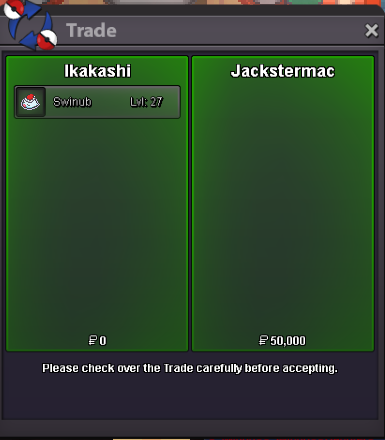
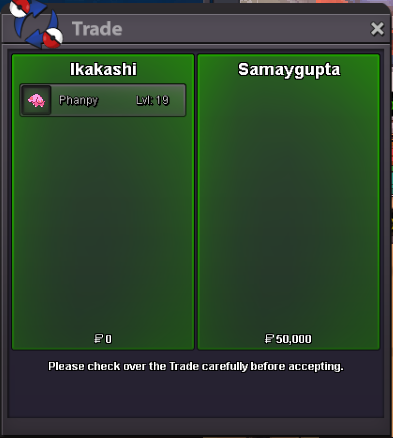
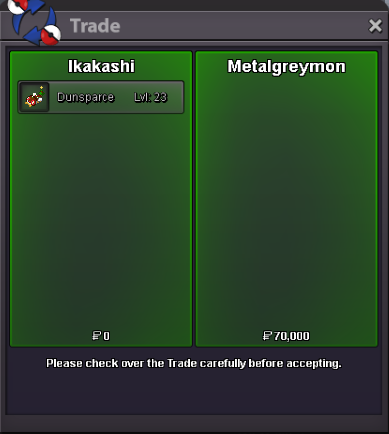
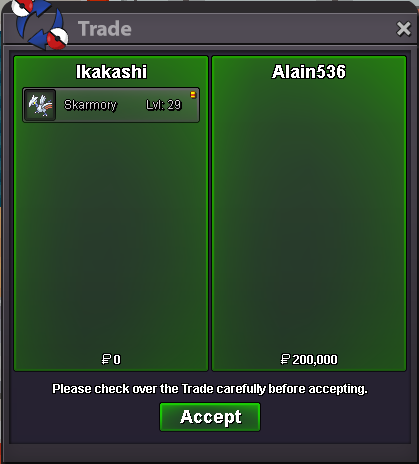
@JackstermacOkay! Ill try to get ahold of you in game, if I dont then let me know when you're free@SamayguptaOkay! me too@MetalgreymonOkay! when abouts will you be online??@SamayguptaSure ill do that if you're still interested! Sorry i've been away today.535kinstastart@Alain536congratz you won the auction!S.o: 100k Min Bid 50k 24hrs after Start Insta: 1.5m
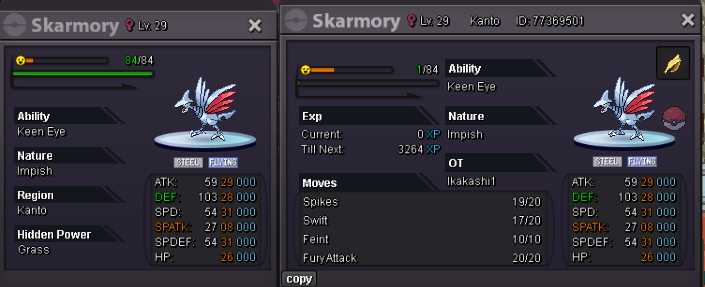 start dedenne will transferBump@Username123456will be on pretty soon like 10-15minBumpMy offer is 35k but see if you can get more, and I'll buy using my (ikakashi1 acct)Start (will pay with ikakashi1)


Account
Navigation
Search
Configure browser push notifications
Chrome (Android)
- Tap the lock icon next to the address bar.
- Tap Permissions → Notifications.
- Adjust your preference.
Chrome (Desktop)
- Click the padlock icon in the address bar.
- Select Site settings.
- Find Notifications and adjust your preference.
Safari (iOS 16.4+)
- Ensure the site is installed via Add to Home Screen.
- Open Settings App → Notifications.
- Find your app name and adjust your preference.
Safari (macOS)
- Go to Safari → Preferences.
- Click the Websites tab.
- Select Notifications in the sidebar.
- Find this website and adjust your preference.
Edge (Android)
- Tap the lock icon next to the address bar.
- Tap Permissions.
- Find Notifications and adjust your preference.
Edge (Desktop)
- Click the padlock icon in the address bar.
- Click Permissions for this site.
- Find Notifications and adjust your preference.
Firefox (Android)
- Go to Settings → Site permissions.
- Tap Notifications.
- Find this site in the list and adjust your preference.
Firefox (Desktop)
- Open Firefox Settings.
- Search for Notifications.
- Find this site in the list and adjust your preference.