Skip to content
View in the app

A better way to browse. Learn more.

Pokemon Revolution Online

A full-screen app on your home screen with push notifications, badges and more.

To install this app on iOS and iPadOS
  1. Tap the Share icon in Safari
  2. Scroll the menu and tap Add to Home Screen.
  3. Tap Add in the top-right corner.
To install this app on Android
  1. Tap the 3-dot menu (⋮) in the top-right corner of the browser.
  2. Tap Add to Home screen or Install app.
  3. Confirm by tapping Install.
New Trade Zone
Trade Zone is now live
Use the new Trade Zone for auctions and instant-price trades so Pokemon and item offers are easy to find.
Open Trade Zone

Yham18

Registered User
  • Joined

  • Last visited

Everything posted by Yham18

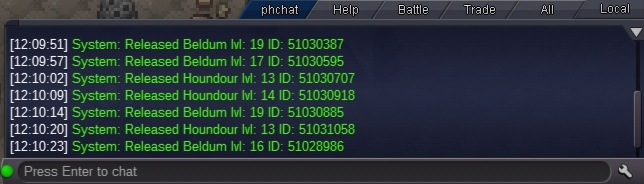
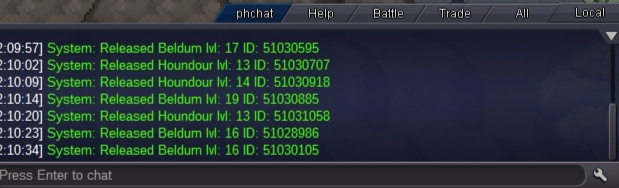
  1. Plss help me get back my epic brave beldum I accidentally release it plss help me!!
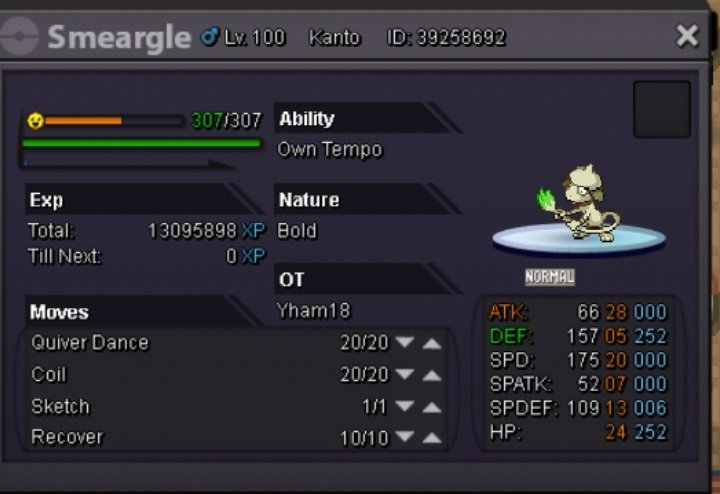
  2. Plss teach it batton pass im not gonna use it on pvp just for boss plss help me!!
  3. bidding cancel i like to sell it if its move skill is done and im gonna resell it again :)
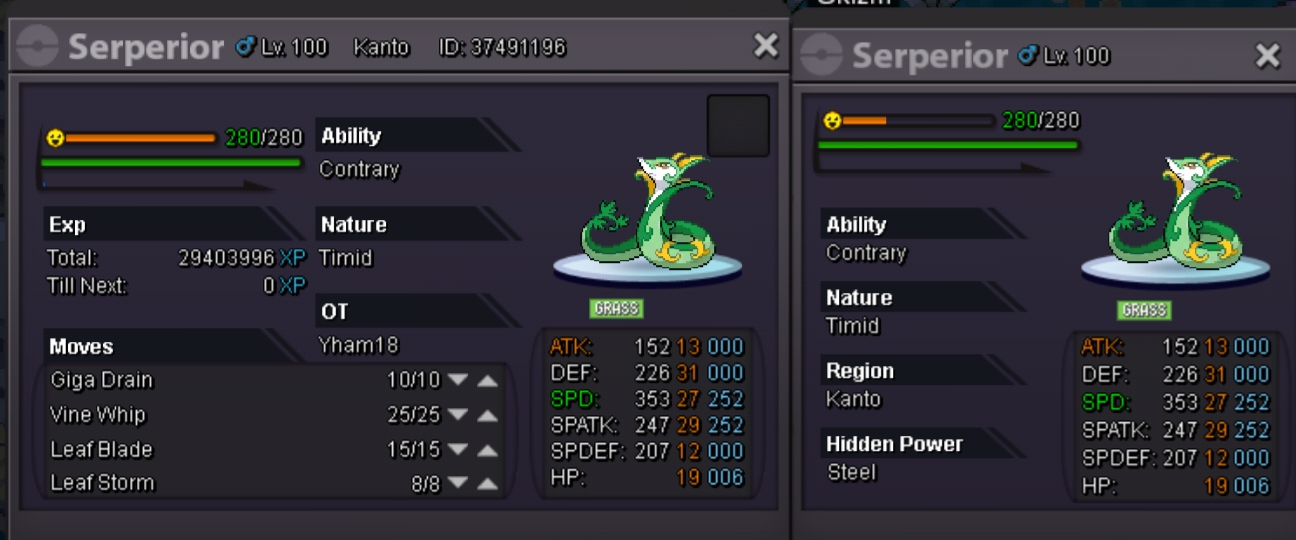
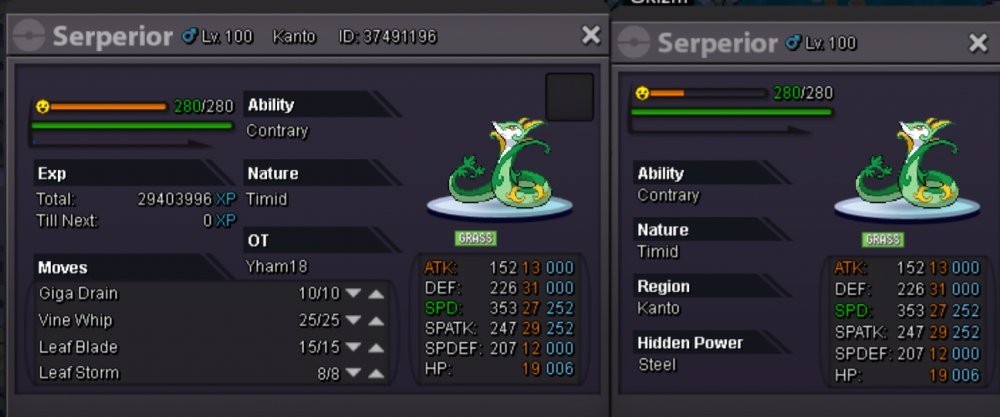
  4. wts seperior lets start with 600k auction in 2 days pm here or in game
  5. Re: Cicciolino's Shop!!! - BIG UPDATE ( EPIC TYRANITAR ) <t>100k swablu</t>
  6. 150k vulpix and 180k for lapras :Heart: :Cool:
  7. i want to buy 100c pm me sir :yham18

Account

Navigation

Search

Search

Configure browser push notifications

Chrome (Android)
  1. Tap the lock icon next to the address bar.
  2. Tap Permissions → Notifications.
  3. Adjust your preference.
Chrome (Desktop)
  1. Click the padlock icon in the address bar.
  2. Select Site settings.
  3. Find Notifications and adjust your preference.