New Trade Zone
Trade Zone is now live
Use the new Trade Zone for auctions and instant-price trades so Pokemon and item offers are easy to find.


Swer4412
Registered User
-
Joined
-
Last visited
Everything posted by Swer4412
-
2.4m
-
10.6m
-
bump
-
-
-
-
-
-
Bump
-
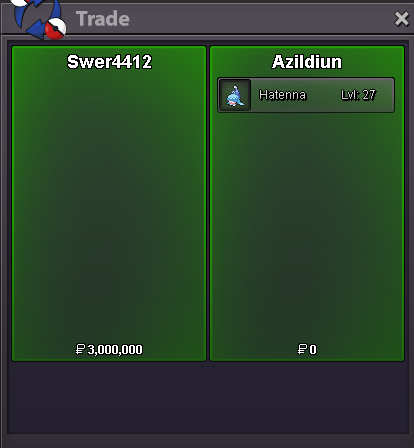
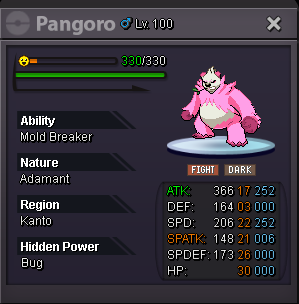
@Azildiun It's not over yet. And anyway, there's the 15-minute rule.3.4m3.2mBumpHello everyone, I would like to understand the pricing of my pink Pangoro that I use for bosses. Thank you very much.
 You will find me on the Silver server when the transfer works again.21.7m21.209m20.8m