New Trade Zone
Trade Zone is now live
Use the new Trade Zone for auctions and instant-price trades so Pokemon and item offers are easy to find.

Masterbroccoli
Registered User
-
Joined
-
Last visited
Everything posted by Masterbroccoli
-
-
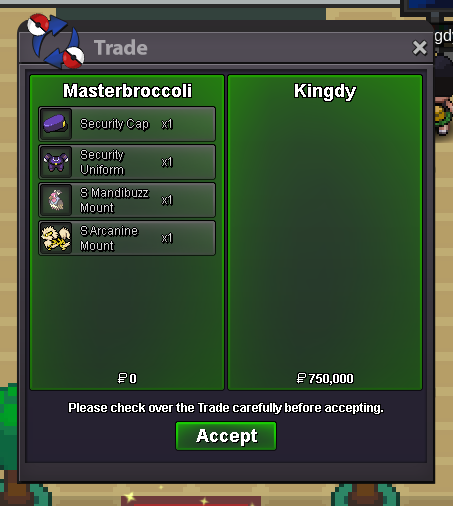
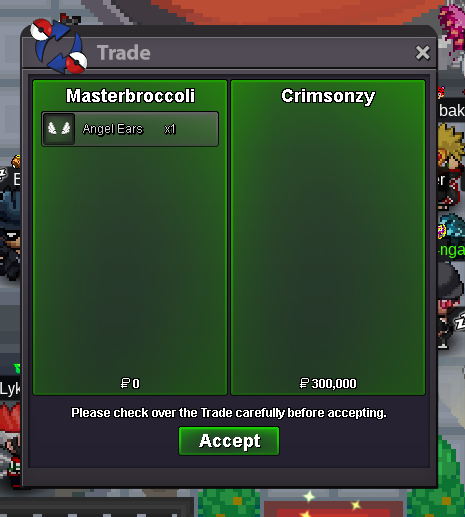
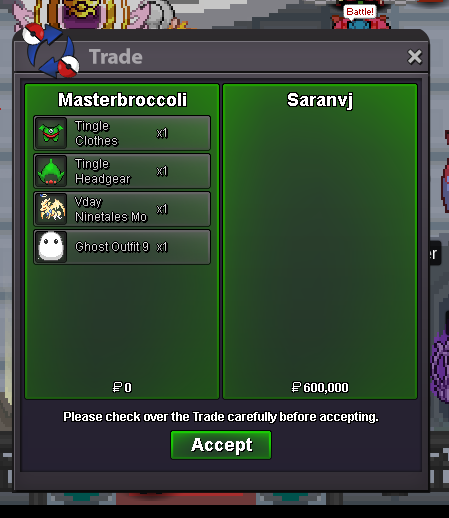
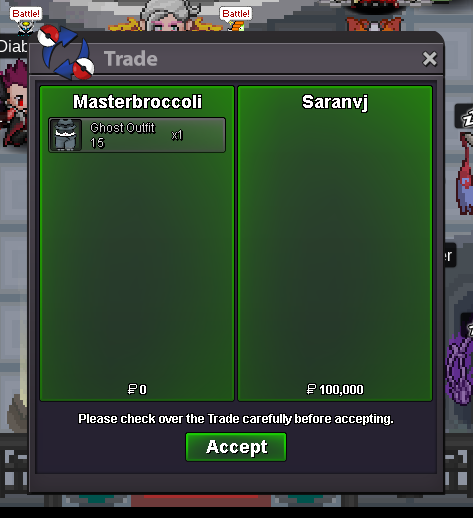
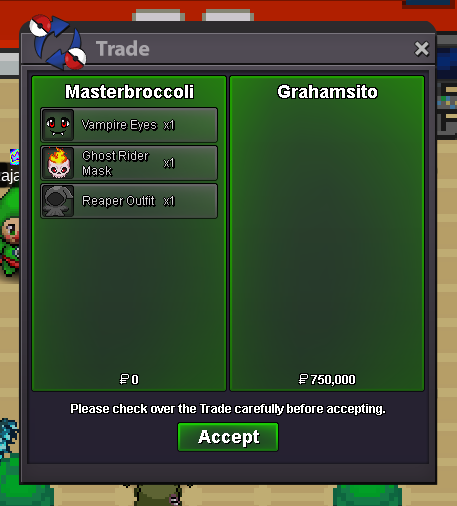
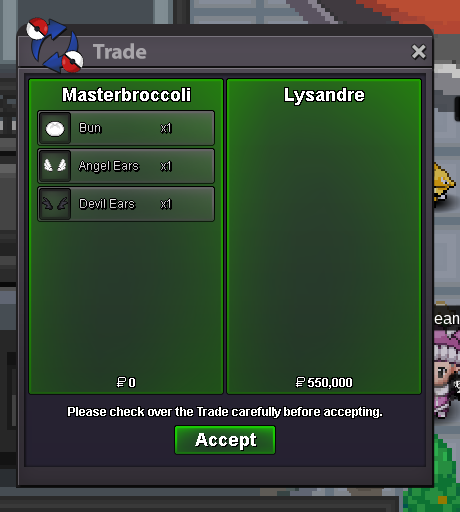
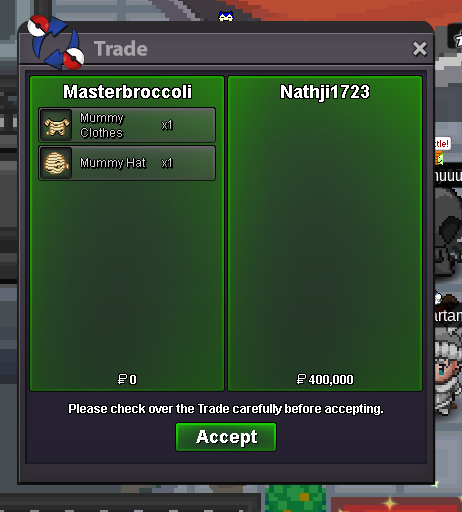
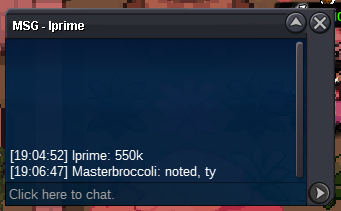
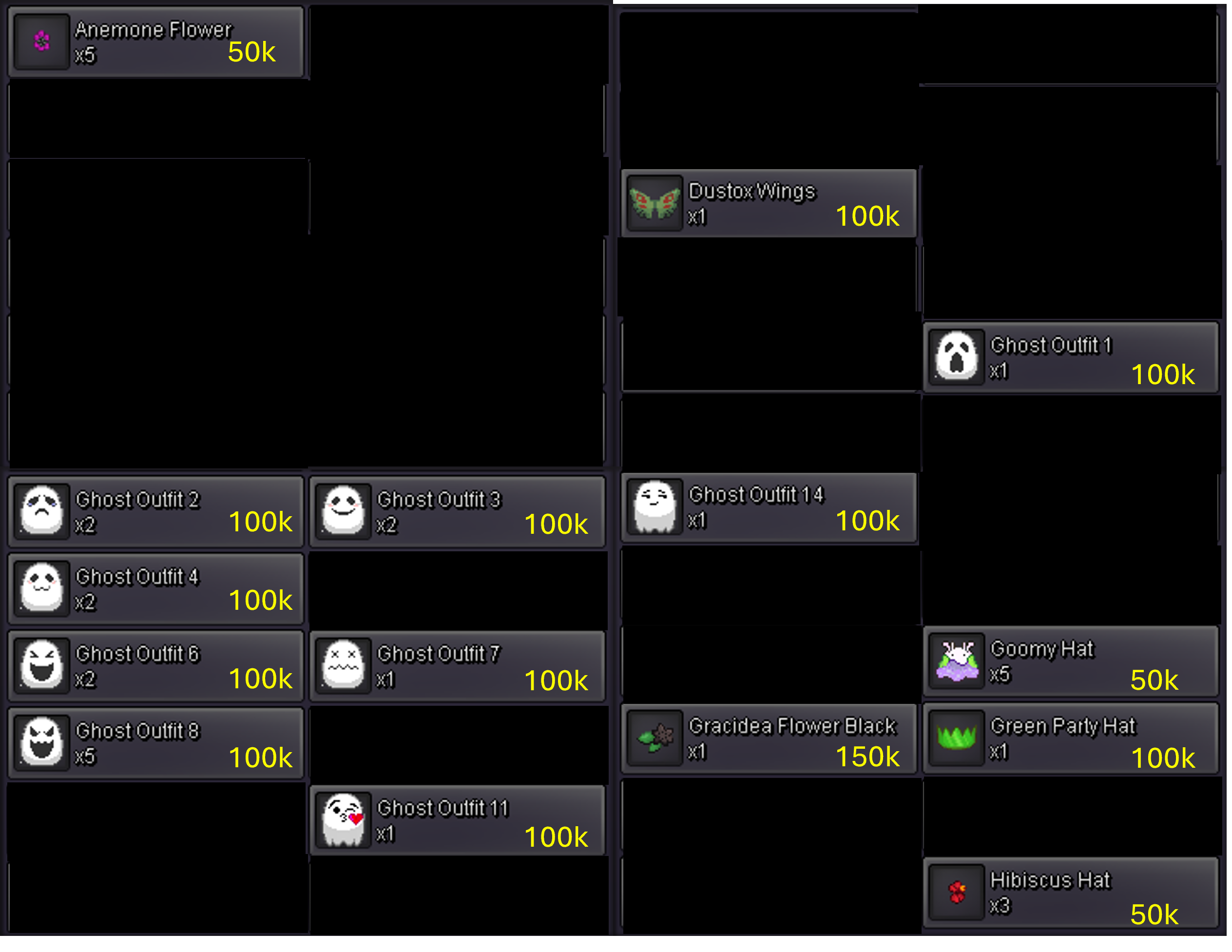
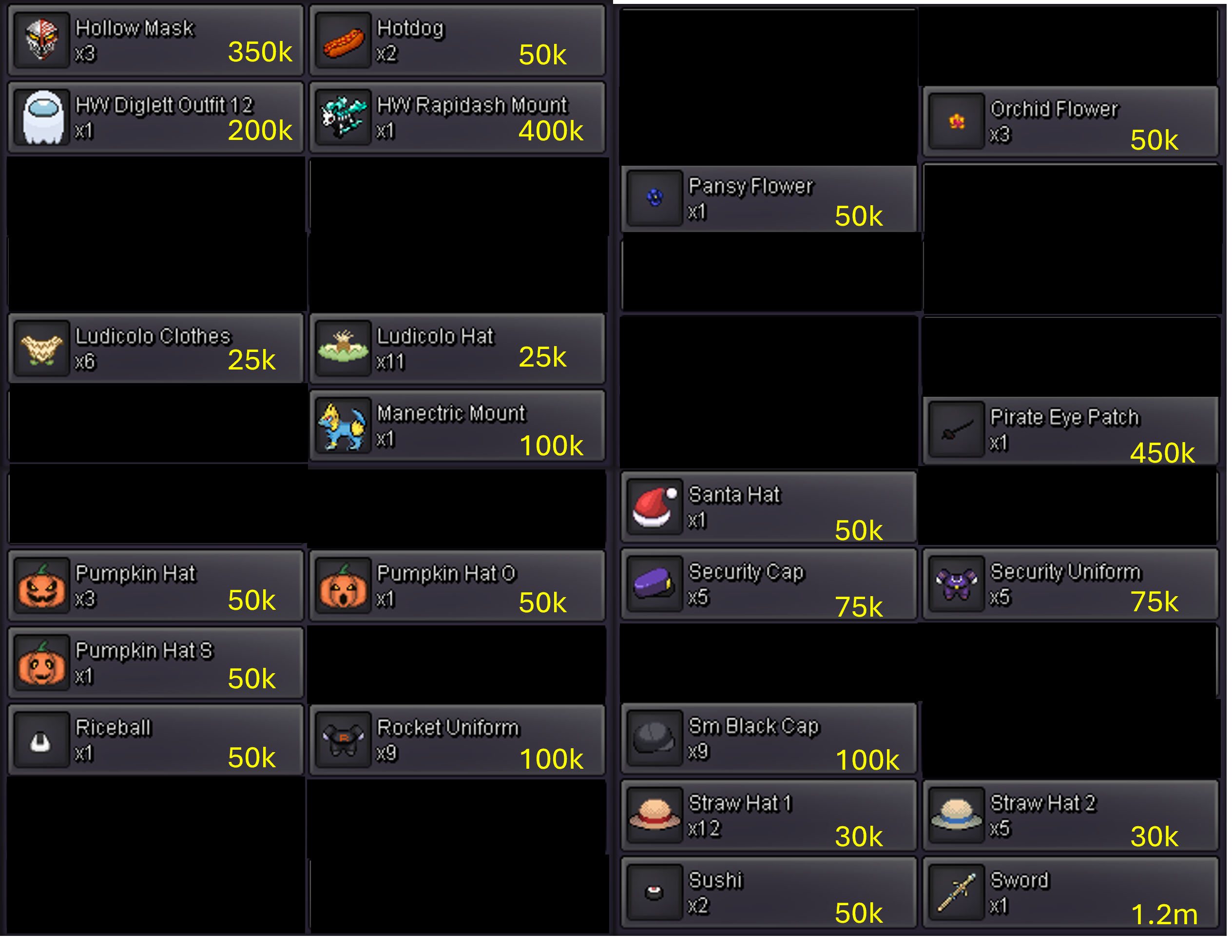
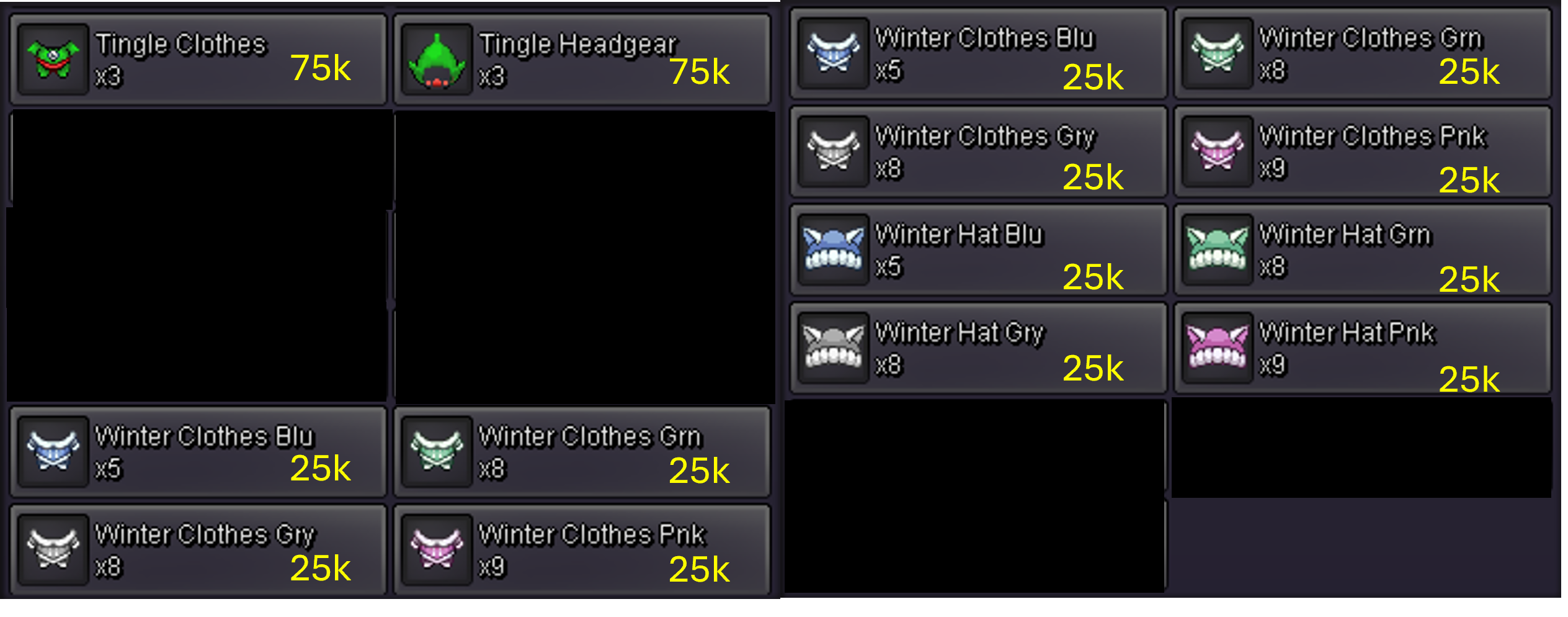
SELLING COSMETICS AS SHOWN BELOW PRICES ARE FOR 1 PIECE EACH nothing special, but I tried to make good prices 🙂 I only accept pokedollars for payment Thanks for visiting!
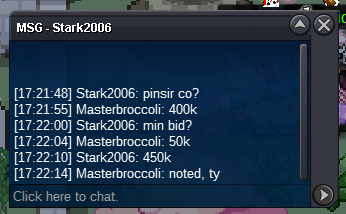
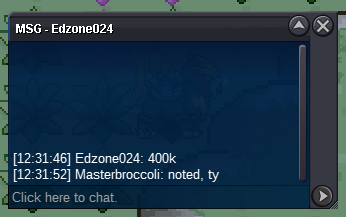
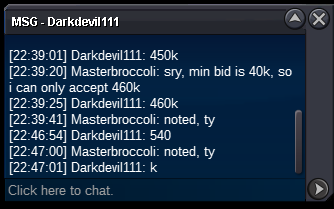
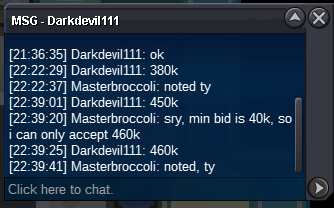
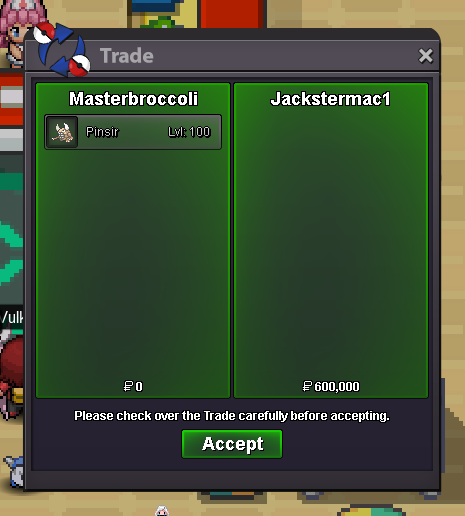
 As topic says.You won the auction! Just text me ingame for the trade, I'm online alot. 🙂Starting bid: 200k Min bid: 50k Insta: 700k Auction ends 24h after first bid. Winning bid: 600k by Jackstermac Auction ended 2024/11/13 7:26 p.m. GMT +1
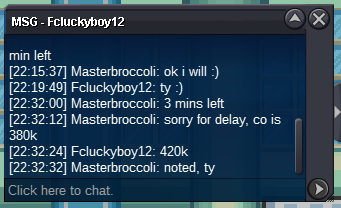
 You won the auction, just text me ingame whenever you are there, I'm online alot. 🙂Starting bid: 1m Min bid: 100k Accept CC = 380k Auction ends 48h after first bid. Flame Orb is included. Winning bid: 1m by Didilel Auction ended 2024/11/11 1:52 a.m. CET +1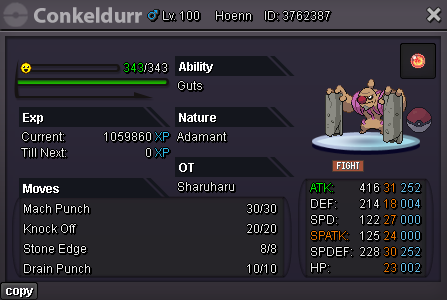
 Hello! Please bring back the breast cancer awareness month event that doubled the pink encounter rate in October. It was held only once of twice quite a few years back, but I think it was a great event. I realize this suggestion was made three years ago, but it is not clear to me what the moderator's reaction meant there, so sorry for making the same suggestion again.Starting bid: 300k Min bid: 50k Accept CC = 380k Auction ends 24h after first bid. Winning bid: 800k by Darkdevil111 Auction ended 2024/6/2 11:24 a.m. CET +2

Account
Navigation
Search
Configure browser push notifications
Chrome (Android)
- Tap the lock icon next to the address bar.
- Tap Permissions → Notifications.
- Adjust your preference.
Chrome (Desktop)
- Click the padlock icon in the address bar.
- Select Site settings.
- Find Notifications and adjust your preference.
Safari (iOS 16.4+)
- Ensure the site is installed via Add to Home Screen.
- Open Settings App → Notifications.
- Find your app name and adjust your preference.
Safari (macOS)
- Go to Safari → Preferences.
- Click the Websites tab.
- Select Notifications in the sidebar.
- Find this website and adjust your preference.
Edge (Android)
- Tap the lock icon next to the address bar.
- Tap Permissions.
- Find Notifications and adjust your preference.
Edge (Desktop)
- Click the padlock icon in the address bar.
- Click Permissions for this site.
- Find Notifications and adjust your preference.
Firefox (Android)
- Go to Settings → Site permissions.
- Tap Notifications.
- Find this site in the list and adjust your preference.
Firefox (Desktop)
- Open Firefox Settings.
- Search for Notifications.
- Find this site in the list and adjust your preference.